Repository navigation
First Launch
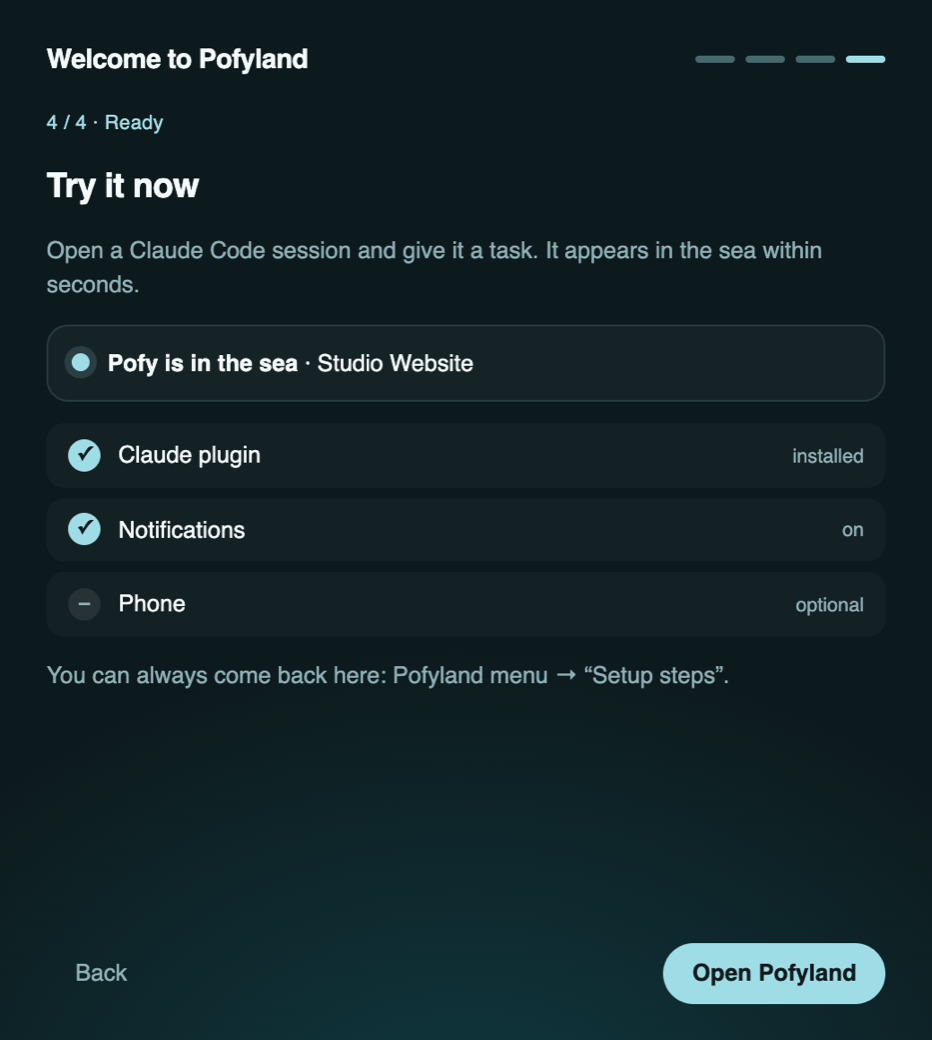
The first time Pofyland opens, a four-step guide walks you through setup. "Later" skips a step without closing the guide. You can open it again any time: Pofyland menu → Setup steps.
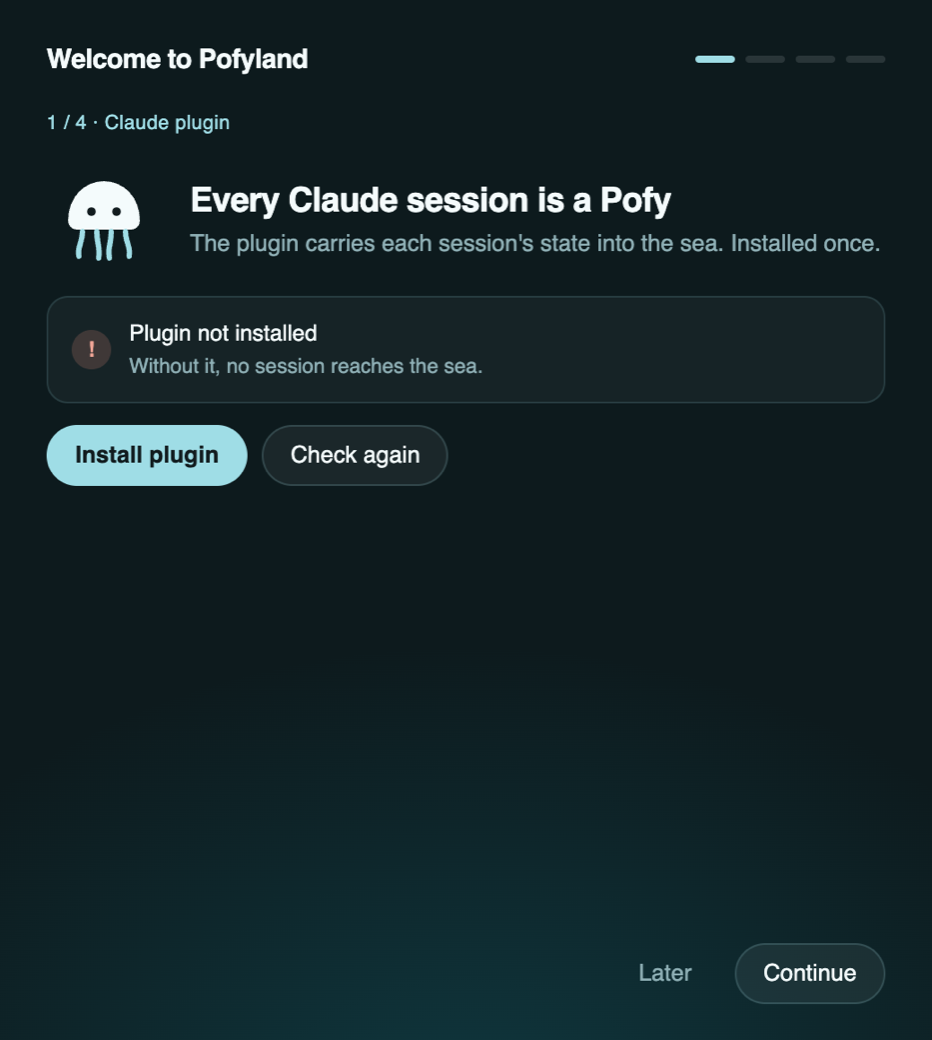
Press Install plugin. This is the step that matters most: the plugin's hooks write each session's state, and without it no session reaches the sea.
- Sessions you open after the install appear right away.
- Sessions that were already open appear after you restart them (and the Claude app, if you use it).
- If the button fails,
claudeis probably missing from your Terminal. Install Claude Code, then press it again, or run the diagnose script with --fix.
Allow notifications so you hear when a Pofy starts waiting and when a long job ends. Click a notification to jump to that session.
Open the sea on your phone and get push notifications. Needs Tailscale; the details are on Phone Setup. You can skip it now and come back from Setup steps.
Open a Claude Code session and give it a task. Within seconds the live line changes to "Pofy is in the sea". Missing steps are listed in red; click one to go back to it.
- Click the Pofy icon in the menu bar to open or close the sea.
- Right-click it for the list view: waiting, working, finished.
- The sea also opens in a browser at http://127.0.0.1:7433 on this Mac.
Next: Using Pofyland