Setup required accounts
Before you can run experiments on Amazon Mechanical Turk with psiturk, you need to create accounts with three required services: Amazon Web Services, Amazon Mechanical Turk Requester, and psiturk Secure Ad Server. Instructions for creating each of these accounts are provided below.
- Create an AWS account
- Create an Amazon Mechanical Turk Requester account
- Create a psiturk Secure Ad Server account
Amazon Mechanical Turk is service of Amazon Web Services (AWS). In order to use any service of AWS, you must create an AWS account. To create an account:
- Visit aws.amazon.com and select the sign-up button.
- Follow the online instructions
- Get your security credentials
- You must use the same email and password for both your AWS account and your Amazon Mechanical Turk requester account
- You can select the "basic (free)" support plan
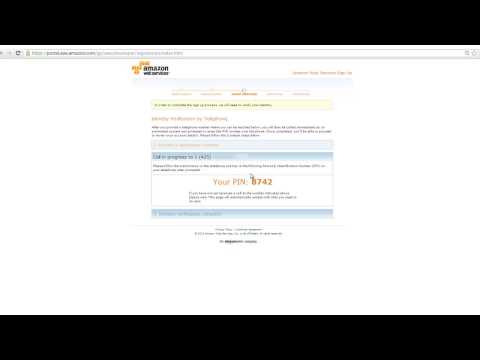
For more detailed instructions, watch the AWS video on how to create an AWS account here:
AWS uses two security keys to protect your data: an access key ID (kind of like a username) and a secret access key (kind of like a password). To access AWS via psiturk, you will need to configure psiturk with these security keys in [step 2](Install and configure psiturk). To access your security keys:
- Sign-in to AWS at http://aws.amazon.com/security-credentials
- Select Continue to Security Credentials
- Select the Create New Access Key button
- In Create Access Key choose Download Key File

- You're security keys will be automatically downloaded into a file called
rootkey.csv. Save this file in a secure place. You will retrieve your access keys from it in [step 2](Install and configure psiturk).