Repository navigation
Releases
BitChord v1.9.1

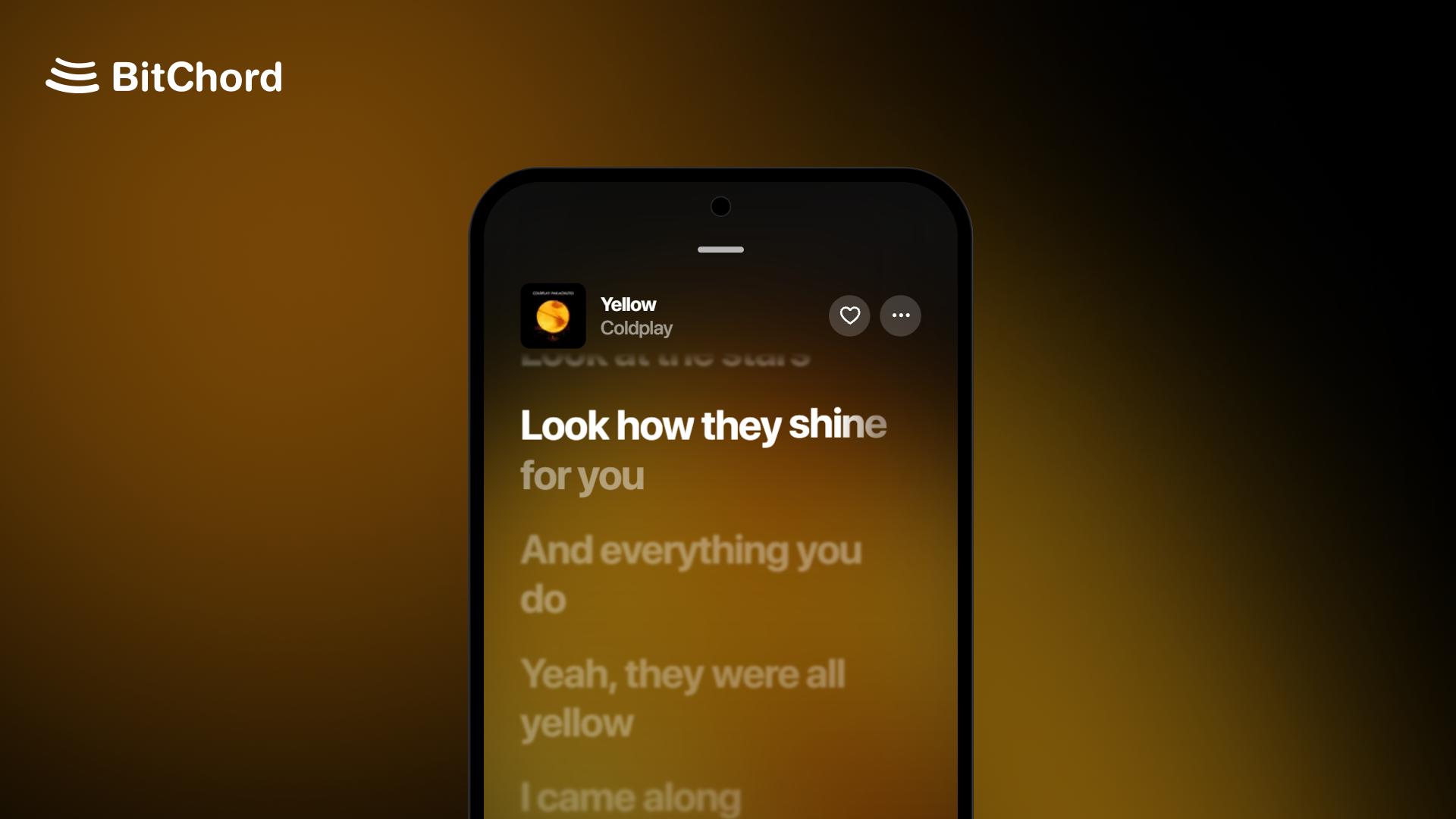
Hotfix
A small hotfix release on top of v1.9.
Changelog
- Player: a new Player theme setting (Default, Simple, Legacy), and Disable blend effects to show player icons, text and menus in plain white.
- Albums and playlists: optional full-screen cover that runs to the edges of the page.
- Content Preferences: hide Recents, videos, Top Picks for You or Find Your Mood from Home, and show music videos as square thumbnails.
- Playback: Prefer music-only version plays music videos as their audio, with the next track converted ahead so Automix and crossfade still work.
- Automix: Automix overview in the song menu shows the upcoming transition.
- Liquid Glass: Better Performance for Glass, a lighter frost for phones that struggle with the full effect.
- Addons: a quality picker for addons that offer more than one quality.
- Song matching: Direct Source Stream now checks length and artist before playing, so it no longer plays a different song or a 30-second preview.
- Bit-perfect: no more dropouts with the screen off on direct USB and AAudio exclusive, and the DAC is released during long pauses and resumes from the exact spot.
- Performance: less lag while the player slides over a page.
- UI: the search field stays readable on glass, a new earphones output icon, and refreshed loading placeholders.
- General stability fixes across the app.
Install
Android (8.0 / API 26+): installs straight over v1.9 with the same signing key. Not sure which APK to take? Use the universal BitChord-v1.9.1.apk. The smaller ones are arm64-v8a (most phones), armeabi-v7a (old 32-bit phones) and x86_64 (emulators, Chromebooks).
Android TV / Google TV / Fire TV (8.0 / API 26+): installs over v1.9 TV, or updates from inside the app. Use the universal BitChordTV-v1.9.1.apk, or the smaller BitChordTV-v1.9.1_armeabi-v7a.apk, which suits most TVs and streaming sticks (arm64-v8a for newer boxes like the Shield or Chromecast with Google TV).
Wear OS (Wear OS 3+): the watch app ships inside the phone app. Install or update it from Settings > BitChord for Wear OS.
Support Channel (Discord)
https://discord.gg/pSafNTyKZx
BitChord v1.9
Top Features
- Bit-perfect output: lossless tracks reach your DAC unchanged, at each track's own sample rate and bit depth. Choose Android 14's USB DAC mode, AAudio exclusive for music players with a built-in DAC, or BitChord's direct USB driver on any Android version. The player shows the exact format being sent, and the volume keys control the DAC with a new volume HUD.
- Video playback: full music video support in the main player. Switch a song to its video from the song menu, pick the video quality, and play live streams.
- Podcast playback: YouTube Music podcast shows now open with their full episode list and play in BitChord.
- Direct Source Stream: a track plays from your addon from the first note, with one stream and no quality switch mid-song. Nothing is fetched until a track is about to play.
- Top Picks for You: a new row on Home built from your listening, with artist stations, new releases, your mixes and Mood for You cards.
- Automix: a new DJ-style loop mix that loops both songs on the beat and eases the tempo between them, plus a mix view popup to watch it happen.
- Offline player: Local Music now has device playlists, a Liked playlist and a Folders tab, and audio files can be opened from a file manager with Open with BitChord.
Changelog
- Player: 3:4 motion covers on phones, square covers that fade into their own edge colour, a blurred backdrop in video mode, an Apple-style explicit badge, faded long lines, and a setting to hide the output / Listen Together pill. The output name shines only while playback is bit-perfect.
- Menus and settings: song, album and playlist menus rebuilt as iOS-style pop-ups, with new switches and a reworked Settings screen. The tab bar, mini player and top bar now follow Apple's proportions and type.
- Audio: 24-bit FLAC stays intact on hi-res Bluetooth codecs, and ALAC now decodes through FFmpeg.
- Downloads: rebuilt download handling, plus Keep playlists updated, which finds new songs in your downloaded playlists.
- Playback: AutoPlay tops up when a queue edit shortens what's left, and swapping between a song's video and audio mid-track counts as one history entry.
- History: Remove from history in the song menu on the history screen.
- Sleep timer: custom duration from 5 minutes to 12 hours.
- Lyrics: Vazirmatn font option for Persian lyrics, a new instrumental section glyph, and reordering sources or switching syllable sync now reloads the playing track's lyrics.
- Song matching: better matching for bracketed CJK translations, pt-BR guest credits and type labels, and Simplified Chinese now maps to a supported region.
- Cast: downloaded tracks can be cast through their remote stream. External local files are no longer offered for casting.
- App icons: Neon icons in Apple, Samsung and Pixel shapes.
- Translations: Korean added, missing strings filled across languages.
- Performance: smoother main player and Home scrolling, and Home refreshes only Recents after a play.
- Fixed Replay album stats, right-to-left layouts, back navigation on artist sub-pages, the playlist picker for downloaded songs, and quality upgrade and cache bugs.
- General stability fixes across the app.
Full list of changes: #1109
Install
Android (8.0 / API 26+): installs straight over v1.8.1 with the same signing key. Not sure which APK to take? Use the universal BitChord-v1.9.apk. The smaller ones are arm64-v8a (most phones), armeabi-v7a (old 32-bit phones) and x86_64 (emulators, Chromebooks).
Android TV / Google TV / Fire TV (8.0 / API 26+): installs over v1.8.1 TV, or updates from inside the app. Use the universal BitChordTV-v1.9.apk, or the smaller BitChordTV-v1.9_armeabi-v7a.apk, which suits most TVs and streaming sticks (arm64-v8a for newer boxes like the Shield or Chromecast with Google TV).
Wear OS (Wear OS 3+): the watch app ships inside the phone app. Install or update it from Settings > BitChord for Wear OS.
Support Channel (Discord)
https://discord.gg/pSafNTyKZx
BitChord v1.8.1
Top Features
- Redesigned main player: new controls and icons, a source quality badge, artwork-driven colours, favorite with a star, and an output pill that shows the device actually playing.
- Song Info panel: release date and song statistics for the current track.
- Artist signatures: artist pages can show the artist's signature, with a settings row to point it at your own signature API.
- Album and playlist pages redesigned after Apple Music, and the Local and Downloads folders rebuilt around albums and artists.
- Liquid glass app icon (light and dark), selectable in Settings.
- Replay: a new This week mode with accurate daily stats.
- BitChord TV: rebuilt as an Apple Music tvOS-style client, now with profiles and PIN lock.
Changelog
- Search: addon search, swipe to queue on the top result and on recent tracks, Go to album/artist from search rows, and a long-press menu on recent searches. Searches are anonymous and only explicit submissions go to your YouTube Music history.
- Queue: album and playlist playback loads in bounded windows, with optional queue history. Fixed repeat-all duplicates, radio queues repeating their own tracks, and shuffle now reseeds every time.
- Lyrics: right-to-left lyrics align and sweep correctly, the sung line is centred on TV and in the landscape player, the header menu becomes a share button while lyrics are up, and KuGou's instrumental notice no longer shows as lyrics.
- Spotify: login fix, a language filter for playlist import, and Download All for playlists saved to the device.
- Cache: cached songs survive updates and stay playable offline, with download and remove actions.
- Lossless-only addons now also unlock on Samsung's SSC UHQ headphones (Galaxy Buds3/Buds4). Uploaded songs from your own library play again.
- Equalizer: fixed clipping with a new peak limiter.
- Profiles: PINs are stored hashed with throttled attempts, and signing out now also disconnects Discord and Spotify.
- Navigation: one back stack for every page, a lighter glass nav bar, and Replay keeps its scroll position. Reordering at the end of a playlist no longer crashes.
- Listen Together: fewer background health checks and smoother reconnects.
- Translations: Traditional Chinese added, French completed, missing strings filled across languages.
- Fixed a Chromecast crash, Discord Rich Presence, premium albums, and long playlists stopping early.
- General stability fixes across the app.
Full list of changes: #607 and #874
Install
Android (8.0 / API 26+): installs straight over v1.8 with the same signing key. Not sure which APK to take? Use the universal BitChord-v1.8.1.apk. The smaller ones are arm64-v8a (most phones), armeabi-v7a (old 32-bit phones) and x86_64 (emulators, Chromebooks).
Android TV / Google TV / Fire TV (8.0 / API 26+): installs over v1.8 TV, or updates from inside the app. Use the universal BitChordTV-v1.8.1.apk, or the smaller BitChordTV-v1.8.1_armeabi-v7a.apk, which suits most TVs and streaming sticks (arm64-v8a for newer boxes like the Shield or Chromecast with Google TV).
Support Channel (Discord)
https://discord.gg/pSafNTyKZx
BitChord v1.8
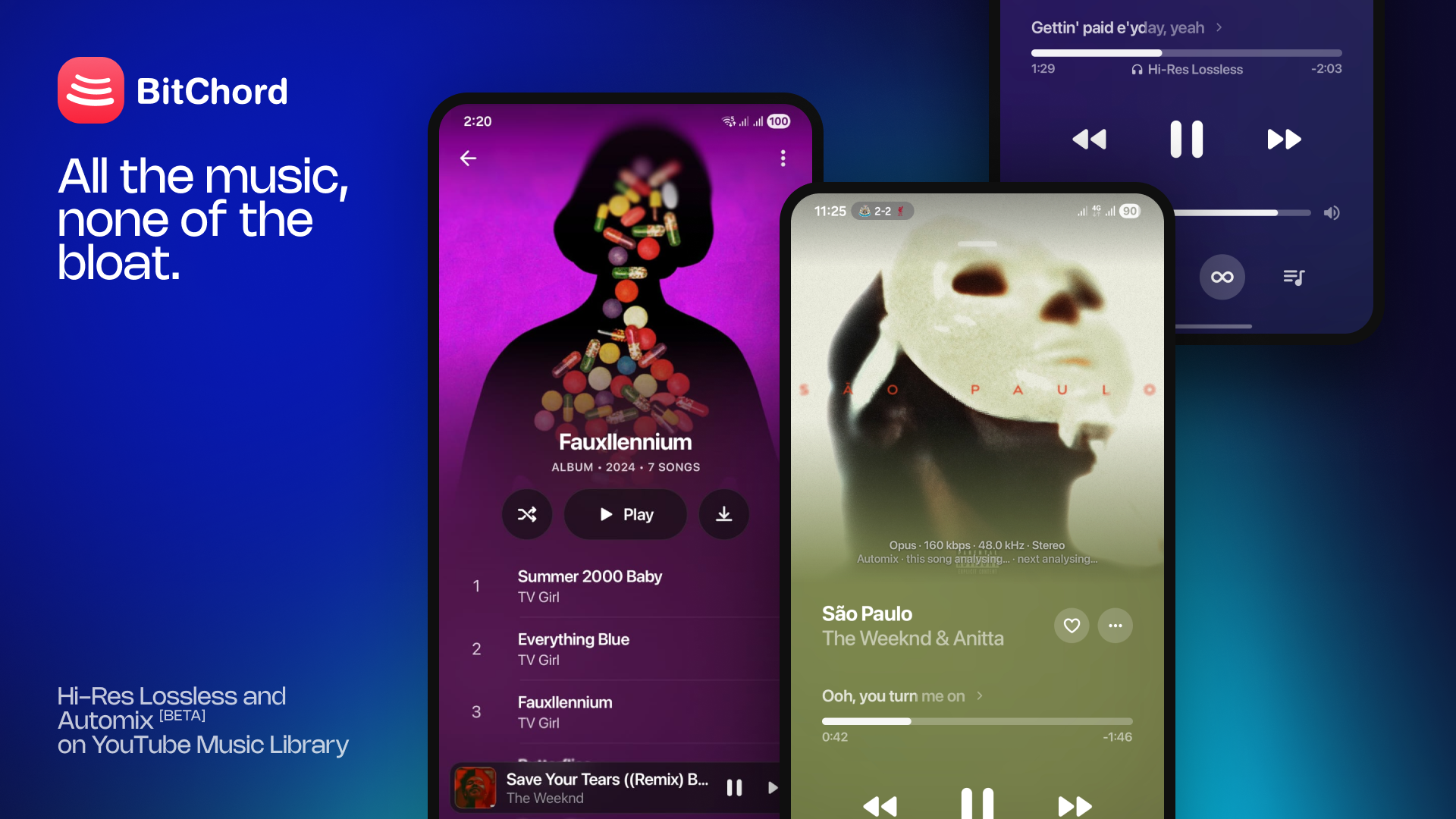
Top Features
- Spotify integration — connect your Spotify account and your playlists and Liked Songs open as normal BitChord playlist pages, matched track by track, with full-size covers and no 100-track limit. Spotify Canvas now loads through the web player's own query.
- BitChord for PC (beta) — a new desktop app for Windows and Linux with the phone's player, lyrics, queue, Home, Explore, Library and Search. On Windows: Mica/Acrylic sidebar, native window drag, media keys and the volume flyout, output device selection, Automix, YouTube playback and Listen Together.
- BitChord for TV — a new app for Android TV, Google TV and Fire TV, laid out like Apple Music on Apple TV: Home, Explore, Library and Search on a floating tab bar, a full-screen player with synced lyrics and Up Next, and in-app updates.
- Chromecast — cast from the Android app.
- Apple Music-style held-item menu for songs, albums and playlists, with a frosted popup.
- Redesigned artist page — action row, latest release card, top release, and artist credits you can open from the player.
Changelog
- Accounts & Integrations page redesigned (Spotify and Discord), with disconnect for Spotify.
- Listen Together: invite deep links, a shared queue model across phone and desktop, and several sync fixes.
- Playlists: reorder songs in your own playlists, add a song to several playlists at once, and see a playlist's total length.
- Lyrics: new lrc.red source, share picked lyric lines as a card, better CJK title matching, and syllable-lyric and performance fixes.
- Library: a Cached songs folder, an unlimited cache option, and only songs you actually played are kept in the cache.
- Addons: download and lossless restrictions, download fixes, and new file formats in the local library.
- Automix: fixed gaps, loudness and the transition animation.
- Playing indicator in song lists, 15 typeahead results in Search, and video playback in the main player.
- Replay: wording, formatting and back-navigation fixes.
- Settings keeps its scroll position when you leave a sub-screen; translations caught up across all 15 languages.
- Fixed the mini player swipe-up gesture, several lag spikes, and assorted playback bugs.
- General stability fixes across the app.
Full list of changes: #455
Install
Android (8.0 / API 26+) — installs straight over v1.7, same signing key. Not sure which APK? Take the universal BitChord-v1.8.apk. The smaller ones are arm64-v8a (most phones), armeabi-v7a (old 32-bit) and x86_64 (emulators, Chromebooks).
Android TV / Google TV / Fire TV (8.0 / API 26+) — a separate app from the phone one, so both can be installed side by side. Take the universal BitChordTV-v1.8.apk, or the smaller BitChordTV-v1.8_armeabi-v7a.apk, which suits most TVs and streaming sticks (arm64-v8a for newer boxes like the Shield or Chromecast with Google TV). Sideload it with a file manager or Downloader; later versions update from inside the app.
Windows (beta, 1.8-beta1) — -windows-x64-setup.exe (per-user, no admin), .msi, or -portable.zip.
Linux (beta) — .AppImage (chmod +x and run), .deb (sudo apt install ./BitChord-*.deb) or .rpm (sudo dnf install ./BitChord-*.rpm). Built on Ubuntu 22.04, needs GTK 3 and X11/XWayland.
macOS (beta, Apple Silicon) — BitChord-1.8-macos-arm64.dmg: open it and drag BitChord to Applications. .pkg and .zip are there too. Intel Macs aren't available yet.
- The app is unsigned. If macOS says it's damaged or from an unidentified developer, run
xattr -cr /Applications/BitChord.app. - If it won't start, it may just need a missing library installed through Homebrew first.
Desktop downloads bundle their own Java runtime and codecs. More in DESKTOP.md.
Support Channel (Discord)
https://discord.gg/pSafNTyKZx
BitChord v1.7
Top Features
- Hi-res audio engine — a new Float32 pipeline with bit-perfect output, direct USB DAC routing, advanced Bluetooth output and loudness normalization.
- Live audio pipeline view — an animated signal-flow diagram on the Now Playing screen showing exactly what reaches your DAC.
- Listen Together, rebuilt — a new Go backend, a shared queue (up to 25 upcoming) with your personal queue kept aside, host controls, an activity feed, and support for custom servers.
- SMB network shares — browse a share as a library, stream straight off it, with embedded cover art (WebDAV too).
- Redesigned player queue, liquid glass UI, and full-screen Spotify Canvas, including portrait canvases.
Changelog
- YouTube streams now resolve through InnerTubeX, with automatic YouTube fallback when another source fails.
- Version switching with smart audio alignment between renditions.
- Search: entity-based recents with artwork, the field clears and refocuses on every Search tab tap, and live suggestions are more reliable.
- Lyrics: romanization with a secondary line, new blur for lyrics and queue screens, and Apple TTML text direction and vocal alignment preserved in downloaded songs.
- Disliking the current track now skips it.
- Discord Rich Presence update.
- Replay: fixed title spacing, slide timing and last-slide progress.
- Tablet-optimized main player.
- Encrypted preferences recover after a device restore and are kept out of backups.
- Fixed incomplete album track lists, skip-while-shuffled crash on albums, previous-track navigation mid-playlist, autoplay overwriting your queue, download issues, quality upgrade failures with shuffle, and SMB guest login.
- Performance: removed main-thread Binder IPC loops and sped up queue drawer rendering.
- General stability fixes across the app.
Full list of changes: #317
Install
Requires Android 8.0 (API 26) or newer.
Installs straight over v1.6 — same signing key, your session and settings are kept.
Which APK? BitChord-v1.7.apk is the universal build and works on every device — pick this one if you are unsure. The rest are smaller, single-architecture builds: arm64-v8a for most phones from the last few years, armeabi-v7a for older 32-bit devices, and x86_64 for emulators and x86 Chromebooks.
Support Channel (Discord)
https://discord.gg/pSafNTyKZx
BitChord v1.6
Top Features
- Listen Together — host or join a real-time synced listening party with friends.
- Redesigned Now Playing screen, plus a dedicated Android tablet layout.
- Built-in equalizer.
- Major lyrics overhaul — Apple TTML support, animated line transitions, translations, and more providers.
- Full localization pass — Vietnamese, Thai and Japanese added, 15 languages synced to 100% parity.
- Dynamic Equalizer — Built-in equalizer.
Changelog
- Hybrid search with live typeahead results in a Spotify-style layout.
- Date added (oldest first) sort and persisted per-page sort for albums/playlists, in a new frosted sort menu.
- Lyrics: Apple TTML parsing, animated line transitions and translation swapping, PaxSenix fallback, more providers, and a manual offset setting.
- Audio pipeline and source reporting on the Now Playing screen.
- Android Auto: improved media browsing.
- Share playlists, search within Settings, and a website link in Settings.
- User-configurable length slack for quality upgrades.
- Vietnamese, Thai and Japanese translations added; all 15 languages synced to 100% string parity.
- Fixed dead playback URLs, a MediaRouter2 crash on API 28/29, mismatched cached rendition playback, queue shuffle lag, and status bar icon contrast over artwork.
- General bug fixes and performance improvements.
Install
Requires Android 8.0 (API 26) or newer.
Installs straight over v1.5.2 — same signing key, your session and settings are kept.
Which APK? BitChord-v1.6.apk is the universal build and works on every device — pick this one if you are unsure. The rest are smaller, single-architecture builds: arm64-v8a for most phones from the last few years, armeabi-v7a for older 32-bit devices, and x86_64 for emulators and x86 Chromebooks.
Support Channel (Discord)
https://discord.gg/pSafNTyKZx
BitChord v1.5.2 Hotfix
BitChord v1.5.2
- Added support for custom addons (user-added HTTP source modules), replacing the built-in Ricky addon
- Fixed cover art swipe gestures going in the wrong direction and blocking the previous-track action
- Added a legacy mesh gradient option for the Now Playing background (Settings)
BitChord v1.5.1
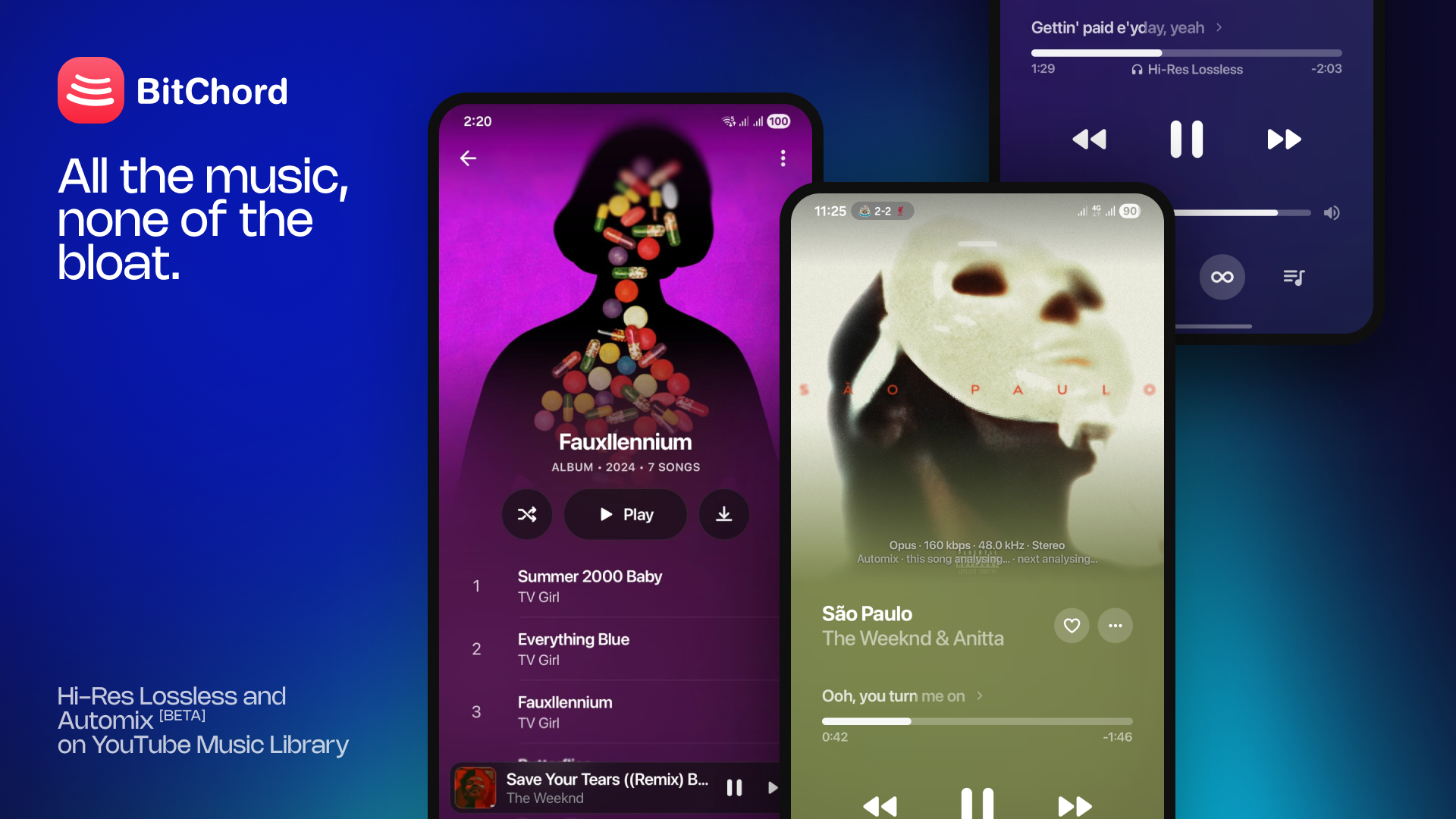
Merge: Pull Request #111 - the v1.5.1 release (versionCode 13) on top of v1.5.
Changelog
- Android Auto support — browsing, grid layouts, synced lyrics and artwork caching.
- Radio mode: start an endless station from any song.
- New Explore page, and a reworked Library with a grid/list toggle for music and downloads.
- Multi-account profiles — switch between signed-in accounts, and pick which brand channel you listen as.
- Lossless and Hi-Res Lossless quality settings, with bit depth, sample rate and channel count shown while playing.
- 32-bit playback and direct DAC output over USB.
- Dolby Atmos — plays the surround version of a song when there is one, with a device capability check.
- Genius added as a lyrics fallback when no other source has them; plus a lyrics blur toggle.
- Liquid Glass: real refracting glass on the floating nav bar (Android 12+).
- iOS-style bounce and overscroll throughout the app.
- High performance mode — full animations, blur, and a higher display refresh rate request.
- Automix performance setting (Efficient / Balanced / Performance) to cap how much CPU background analysis uses.
- Filter non-music audio out of the local library — short clips, voice notes, recordings and system sounds.
- Shuffle/Mix and Repeat/Loop states now persist across app restarts.
- Offline HLS and DASH downloads, with a reworked download and quality-upgrade path.
- Convert to audio, revert to original, and manual quality upgrade from the now-playing screen.
- Queue rework — queue history, back gesture out of the expanded queue, and playlist context kept when playing a search result.
- Faster search, with paged YouTube Music result feeds.
- Discord Rich Presence customization — activity verb, name and both buttons.
- New translations: Italian, Polish, Hebrew and Turkish.
- Player fixes: animated cover art no longer blanks on returning from the background, and swiping the cover left goes to the previous track.
- Fixed autoplay dropping out in long sessions, JioSaavn song mismatches and explicit flagging, and scrobbles crediting the wrong artist.
- General bug fixes and performance improvements.
Install
Requires Android 8.0 (API 26) or newer.
Installs straight over v1.5 — same signing key, your session and settings are kept.
Which APK? BitChord-v1.5.1.apk is the universal build and works on every device — pick this one if you are unsure. The rest are smaller, single-architecture builds: arm64-v8a for most phones from the last few years, armeabi-v7a for older 32-bit devices, and x86_64 for emulators and x86 Chromebooks.
Support Channel (Discord)
https://discord.gg/pSafNTyKZx
BitChord v1.5
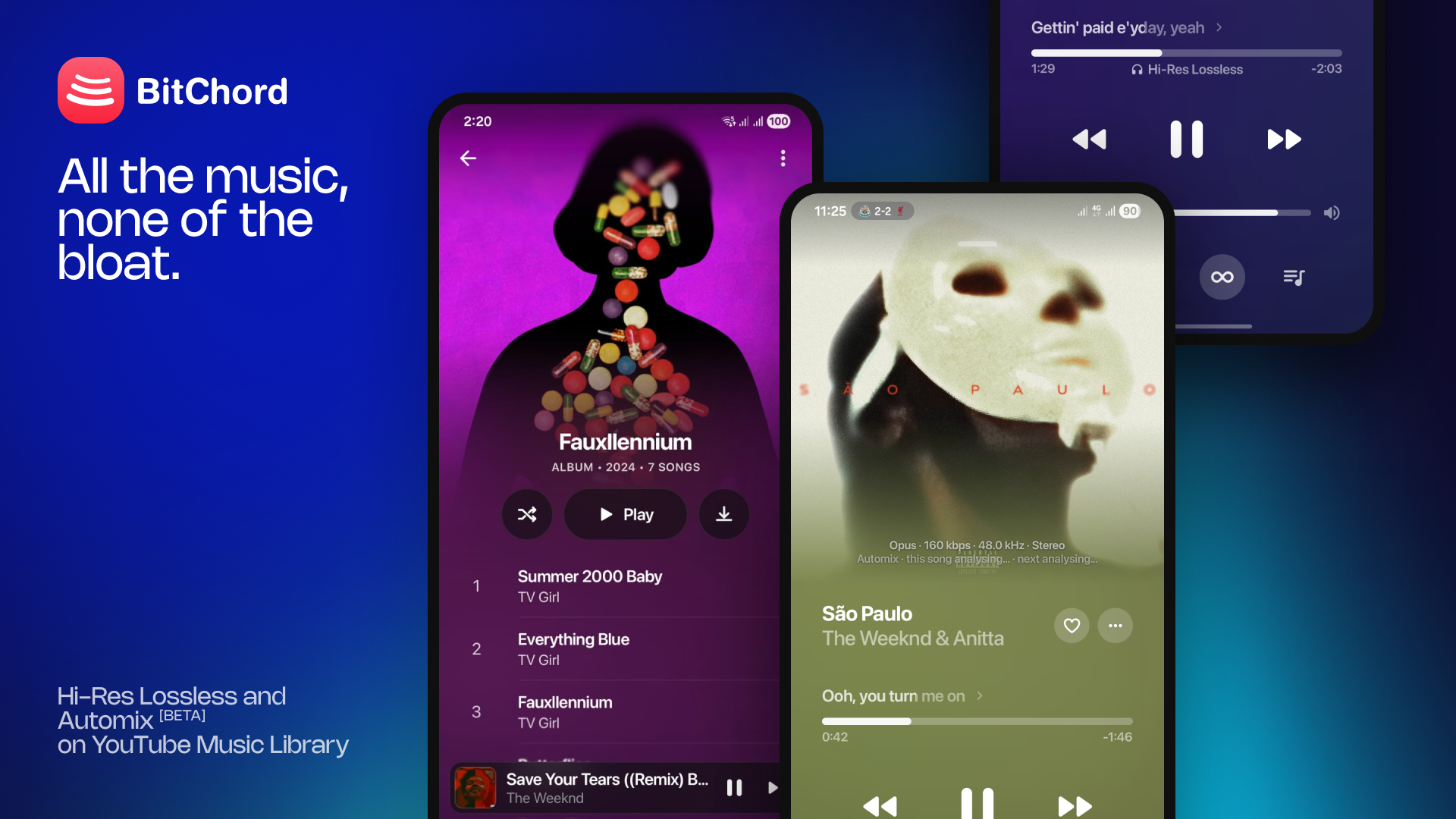
Merge: Pull Request #24 - the v1.5 release (versionCode 10) on top of v1.4.1.
Changelog
- Home screen widgets, with haptic feedback throughout the UI.
- Spotify Canvas motion artwork on the now-playing screen.
- JioSaavn added as a source, with a priority fix.
- Last.fm and ListenBrainz scrobbling restored.
- New Replay: listening stats, history page, and shareable recap.
- Playlist pinning and parallel downloads.
- In-app language selector — Spanish, French, German, Hindi, Portuguese etc.
- In-app update checker now downloads and installs updates directly, with markdown release notes.
- Add to queue for albums and playlists; local file search and delete-from-playlist.
- Artist section in Explore; "show more" in Library.
- Setting to stop video → audio conversion; better music-app identification for playback.
- Reworked mini player — separated transport controls, liquid tab indicator, fixed sleeve/banner animation.
- Notification controls now stay in sync with player state.
- Fixed vertical flickering and top padding issues in the main player.
- Fixed a cache bug causing high audio data usage.
- Numbers, hex and text casing now formatted against a fixed locale.
- General bug fixes and performance improvements.
Install
Requires Android 8.0 (API 26) or newer.
Installs straight over v1.4 or v1.4.1 — same signing key, your session and settings are kept.
Support Channel (Discord)
https://discord.gg/pSafNTyKZx
BitChord v1.4.1 Hotfix
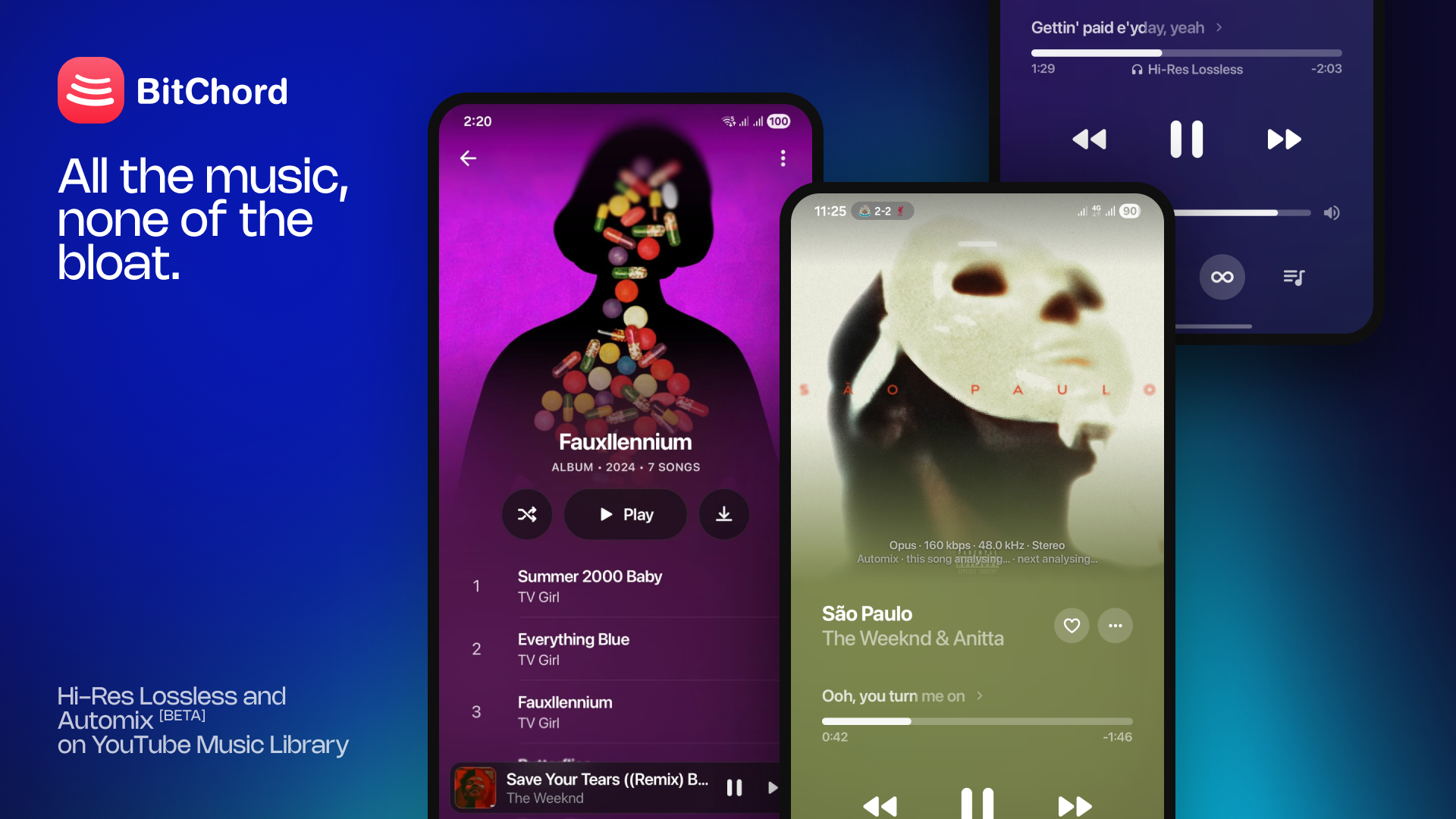
Merge: Pull Request #18 - Hotfix release on top of v1.4 — 1.4.1 (versionCode 6).
This release brings playback support for older android versions and other playback issue fixes.
Changelog
- Enhanced Playback Stability: Added smarter error recovery for broken streams, dead links, and YouTube bot-checks.
- Fixed crashes on older android versions (12 and below).
- Memory & Performance: Significantly reduced RAM usage during track analysis for a lighter, smoother experience.
- Crash Fixes: Resolved sudden app crashes and fixed bugs that caused incorrect audio quality tags.
- UI Polish: Added a sleek frosted glass effect to the navigation bar and improved full-bleed artwork displays on older Android versions.
- Reliable Discord RPC: Completely rebuilt the Discord integration so your listening status syncs accurately and reconnects instantly.
- Better Lyrics: Fixed timestamp bugs that caused overlapping text and inaccurate instrumental notes.
Install
Requires Android 8.0 (API 26) or newer.
Installs straight over v1.3 or v1.4 — same signing key, your session and settings are kept.
Support Channel (Discord)
https://discord.gg/pSafNTyKZx