Repository navigation

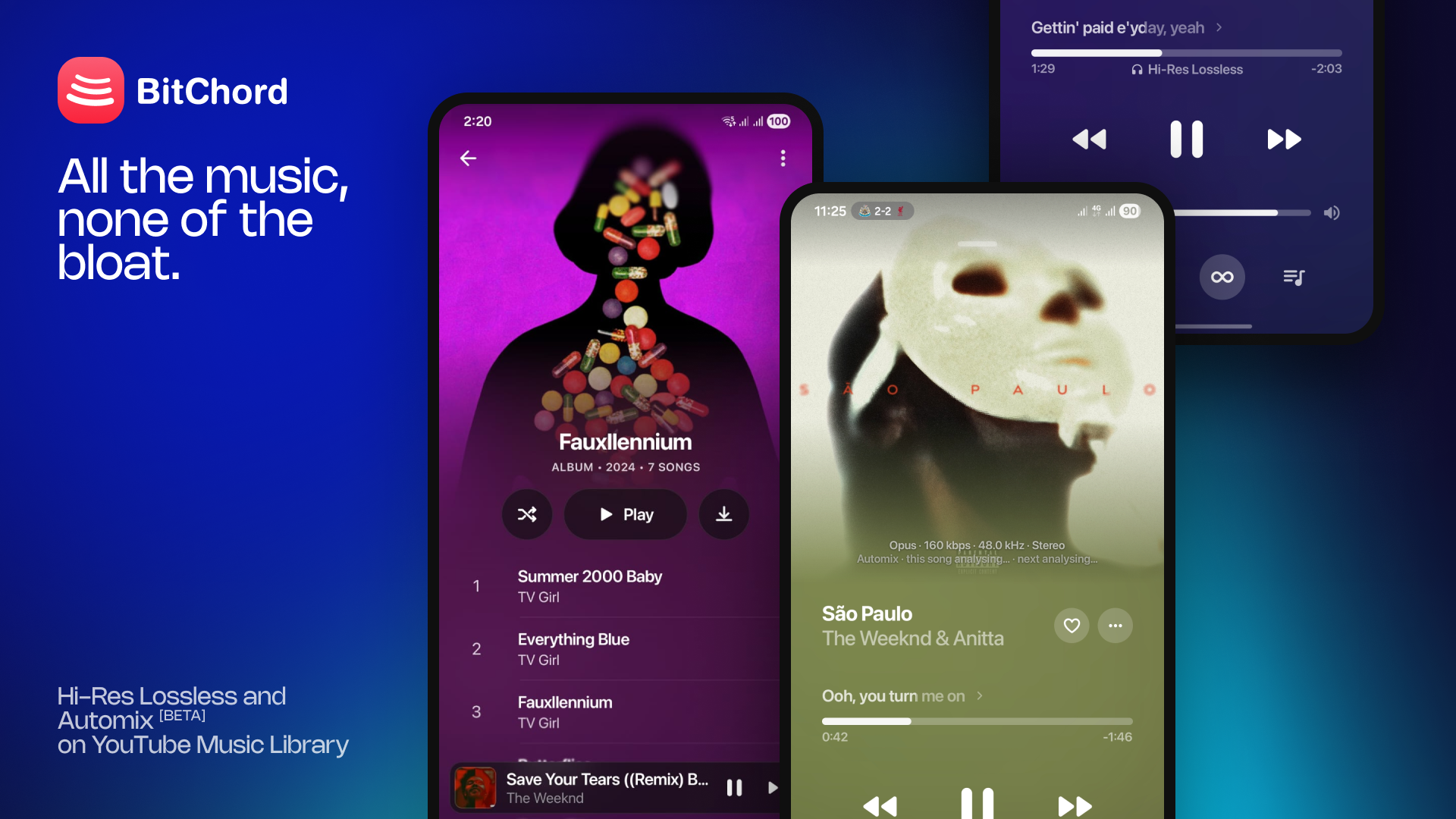
Top Features
- Spotify integration — connect your Spotify account and your playlists and Liked Songs open as normal BitChord playlist pages, matched track by track, with full-size covers and no 100-track limit. Spotify Canvas now loads through the web player's own query.
- BitChord for PC (beta) — a new desktop app for Windows and Linux with the phone's player, lyrics, queue, Home, Explore, Library and Search. On Windows: Mica/Acrylic sidebar, native window drag, media keys and the volume flyout, output device selection, Automix, YouTube playback and Listen Together.
- BitChord for TV — a new app for Android TV, Google TV and Fire TV, laid out like Apple Music on Apple TV: Home, Explore, Library and Search on a floating tab bar, a full-screen player with synced lyrics and Up Next, and in-app updates.
- Chromecast — cast from the Android app.
- Apple Music-style held-item menu for songs, albums and playlists, with a frosted popup.
- Redesigned artist page — action row, latest release card, top release, and artist credits you can open from the player.
Changelog
- Accounts & Integrations page redesigned (Spotify and Discord), with disconnect for Spotify.
- Listen Together: invite deep links, a shared queue model across phone and desktop, and several sync fixes.
- Playlists: reorder songs in your own playlists, add a song to several playlists at once, and see a playlist's total length.
- Lyrics: new lrc.red source, share picked lyric lines as a card, better CJK title matching, and syllable-lyric and performance fixes.
- Library: a Cached songs folder, an unlimited cache option, and only songs you actually played are kept in the cache.
- Addons: download and lossless restrictions, download fixes, and new file formats in the local library.
- Automix: fixed gaps, loudness and the transition animation.
- Playing indicator in song lists, 15 typeahead results in Search, and video playback in the main player.
- Replay: wording, formatting and back-navigation fixes.
- Settings keeps its scroll position when you leave a sub-screen; translations caught up across all 15 languages.
- Fixed the mini player swipe-up gesture, several lag spikes, and assorted playback bugs.
- General stability fixes across the app.
Full list of changes: #455
Install
Android (8.0 / API 26+) — installs straight over v1.7, same signing key. Not sure which APK? Take the universal BitChord-v1.8.apk. The smaller ones are arm64-v8a (most phones), armeabi-v7a (old 32-bit) and x86_64 (emulators, Chromebooks).
Android TV / Google TV / Fire TV (8.0 / API 26+) — a separate app from the phone one, so both can be installed side by side. Take the universal BitChordTV-v1.8.apk, or the smaller BitChordTV-v1.8_armeabi-v7a.apk, which suits most TVs and streaming sticks (arm64-v8a for newer boxes like the Shield or Chromecast with Google TV). Sideload it with a file manager or Downloader; later versions update from inside the app.
Windows (beta, 1.8-beta1) — -windows-x64-setup.exe (per-user, no admin), .msi, or -portable.zip.
Linux (beta) — .AppImage (chmod +x and run), .deb (sudo apt install ./BitChord-*.deb) or .rpm (sudo dnf install ./BitChord-*.rpm). Built on Ubuntu 22.04, needs GTK 3 and X11/XWayland.
macOS (beta, Apple Silicon) — BitChord-1.8-macos-arm64.dmg: open it and drag BitChord to Applications. .pkg and .zip are there too. Intel Macs aren't available yet.
- The app is unsigned. If macOS says it's damaged or from an unidentified developer, run
xattr -cr /Applications/BitChord.app. - If it won't start, it may just need a missing library installed through Homebrew first.
Desktop downloads bundle their own Java runtime and codecs. More in DESKTOP.md.
Support Channel (Discord)
https://discord.gg/pSafNTyKZx