Repository navigation
DropWave 1.6.0: calls, screen sharing and remote control

📞 Calls, screen sharing and remote control
Everything goes device to device on your Wi-Fi (WebRTC). Nothing passes through a server.
Calls
- Voice and video calls between PCs and phones: PC ↔ PC, PC ↔ phone, phone ↔ phone.
- Incoming calls ring with Accept / Decline. Mute and camera on/off during the call.
Screen sharing
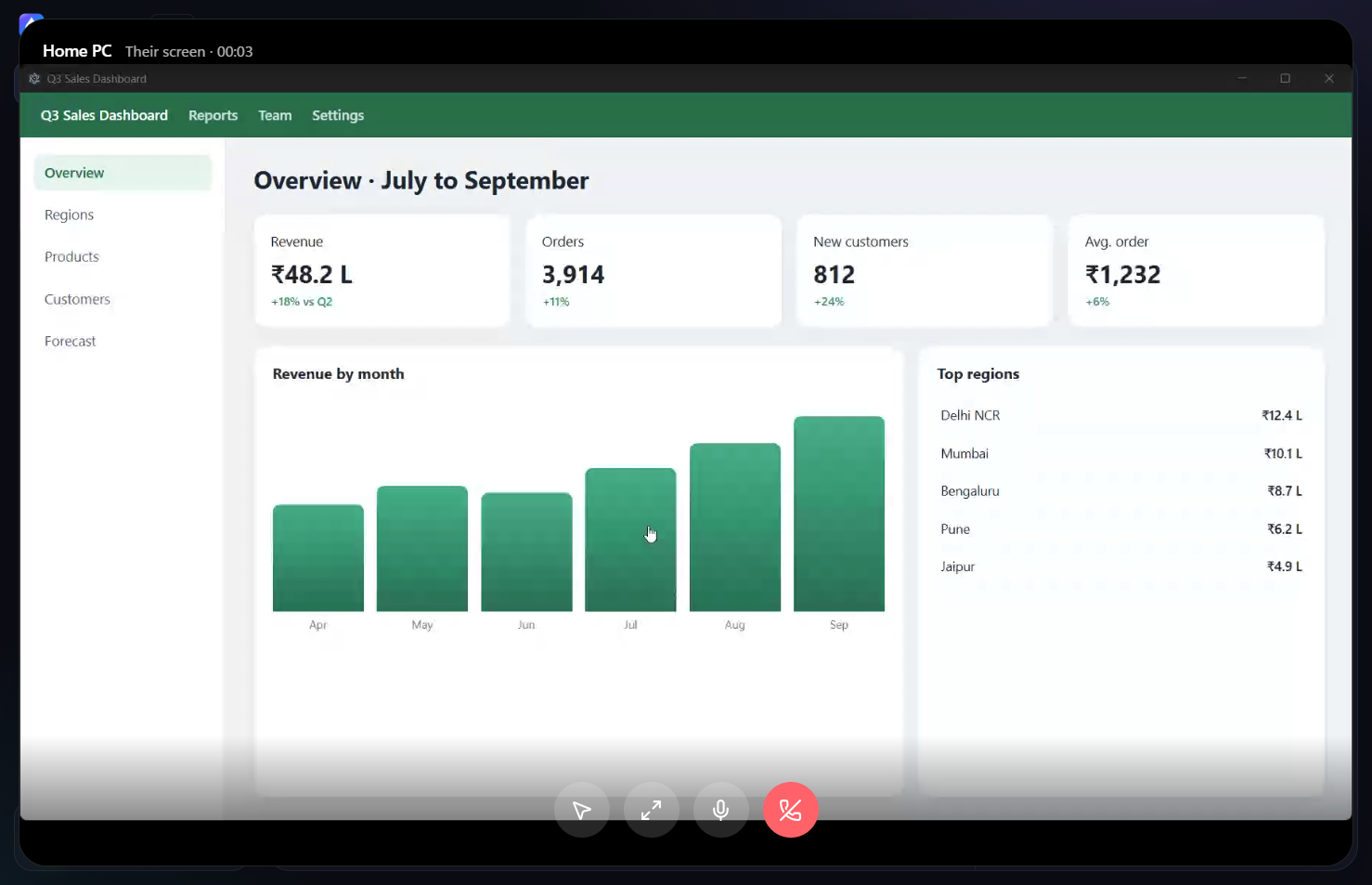
- Share your screen with another PC or a phone, or View another PC's screen (they must accept).
- Talk while you work: both sides' microphones are on during a screen share. The sharing PC sends its sound and its microphone together; Mute silences only the microphone.
Remote control (Windows)
- While viewing a PC's screen, press Control. The other PC asks "… wants to control your mouse & keyboard" (Allow / Deny).
- From a PC: mouse, clicks, scroll, typing and shortcuts (Enter, arrows, F-keys, Ctrl+C…).
- From a phone: goes full screen in landscape. Tap = click, hold = right-click, drag = drag, two fingers = scroll, plus a keyboard with Esc / Tab / arrows / Ctrl+C / V / Z.
- The person sharing always sees an orange "… is in control · Stop" button. Ending the share ends control too.
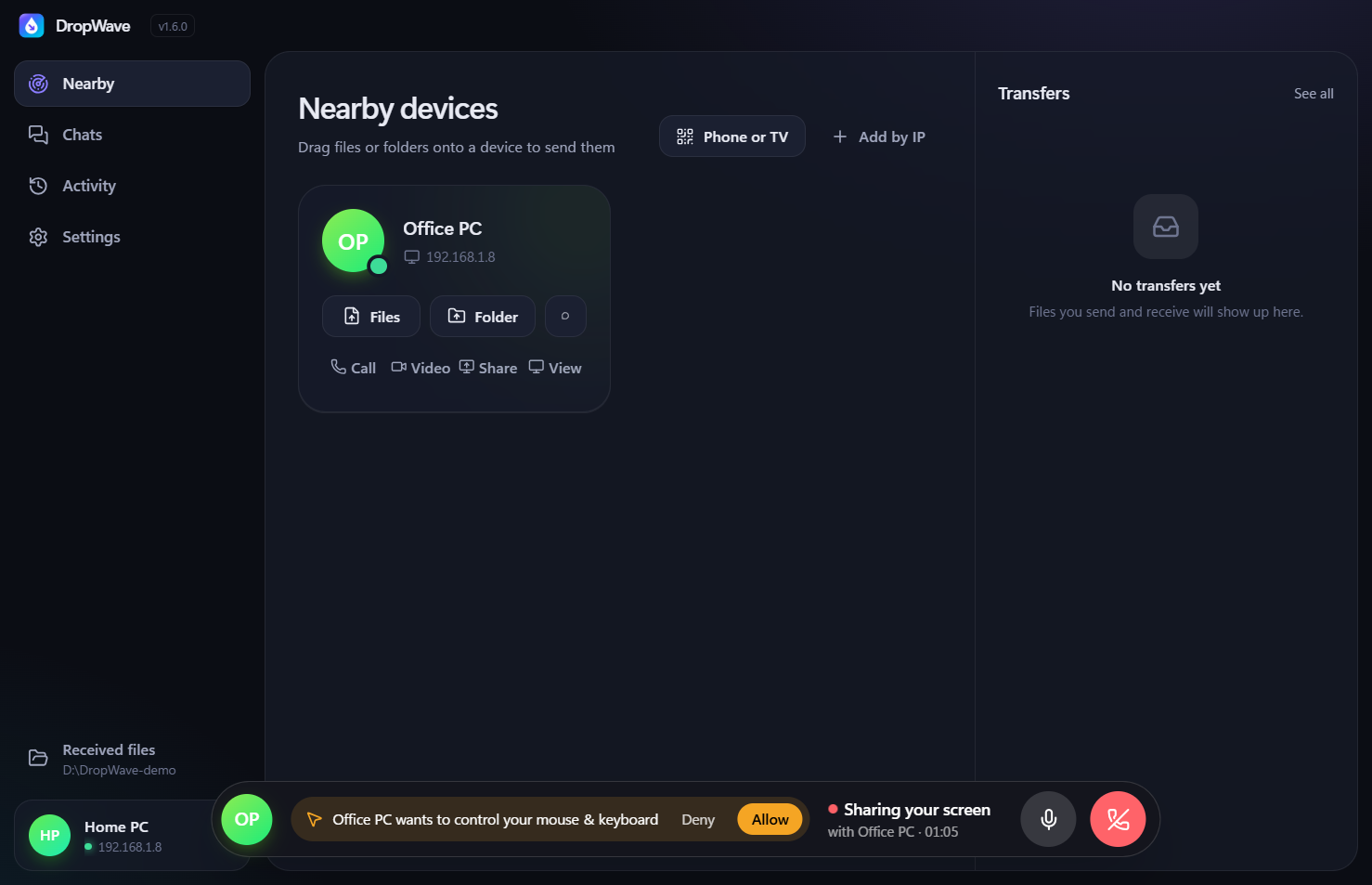
(Screenshots use two demo PCs sharing a demo dashboard window.)
Fixes
- Android app: if the PC it was connected to is off, it goes back to the list of PCs instead of a blank page.
Install
- PC:
DropWave-Setup-1.6.0.exe(Windows 10/11). Already installed? It updates itself; look for Restart to update. - Phone:
DropWave-Android-1.6.0.apk(Android 10+). Install over the old version; paired PCs are kept. Android asks for the microphone / camera only when a call needs them.
Calls between two PCs need both on 1.6.0. On a TV or in a plain browser you can watch a shared screen; calls need the app.
Tested on a real Android 14 phone and with two PCs: screen sharing (1920×1080), voice and video both ways, remote control from a phone and from a PC.
SHA-256
- APK:
E525508B38C60F3D031807AAFCA1C69F3D49A0C80C8E433587AE944144CC365F