Repository navigation
DropWave 1.7.0: your phone, on your PC

📱 Your phone, on your PC
Connect the DropWave Android app and your phone is right there on the PC. Everything goes over your own Wi-Fi: no cloud, no account.
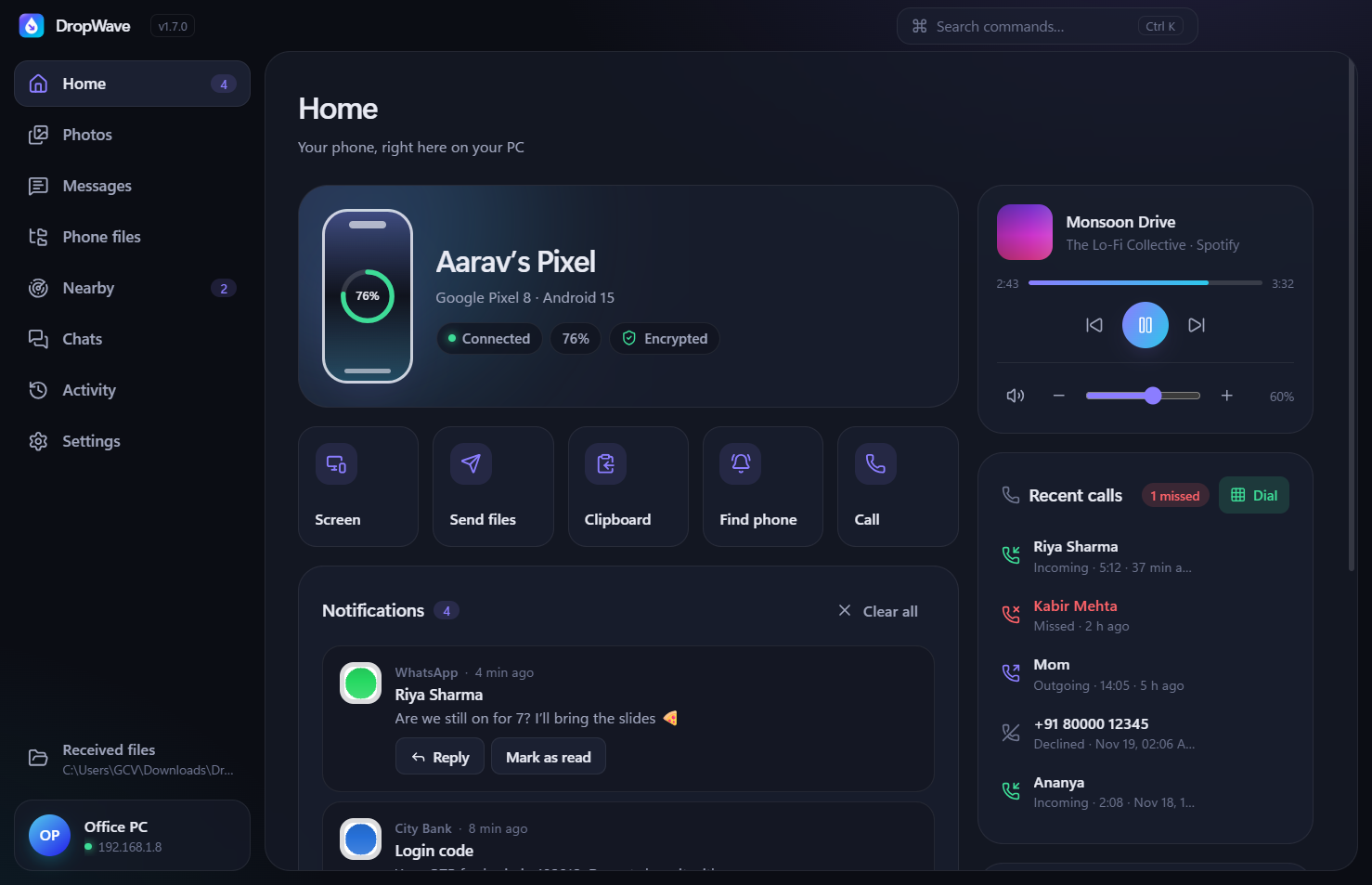
New on the PC
- Home: the phone's battery, what's playing (play / pause / next / seek and the phone's volume), and Find my phone (rings even on silent).
- Notifications: reply, use the app's own buttons, dismiss or clear all. One-time codes get Copy code. New ones pop up on Windows too.
- Calls: see who's calling and Answer / Decline / Hang up from the PC, also for WhatsApp, Telegram and Signal calls. Dial pad, call back and recent calls. (The call itself is on the phone.)
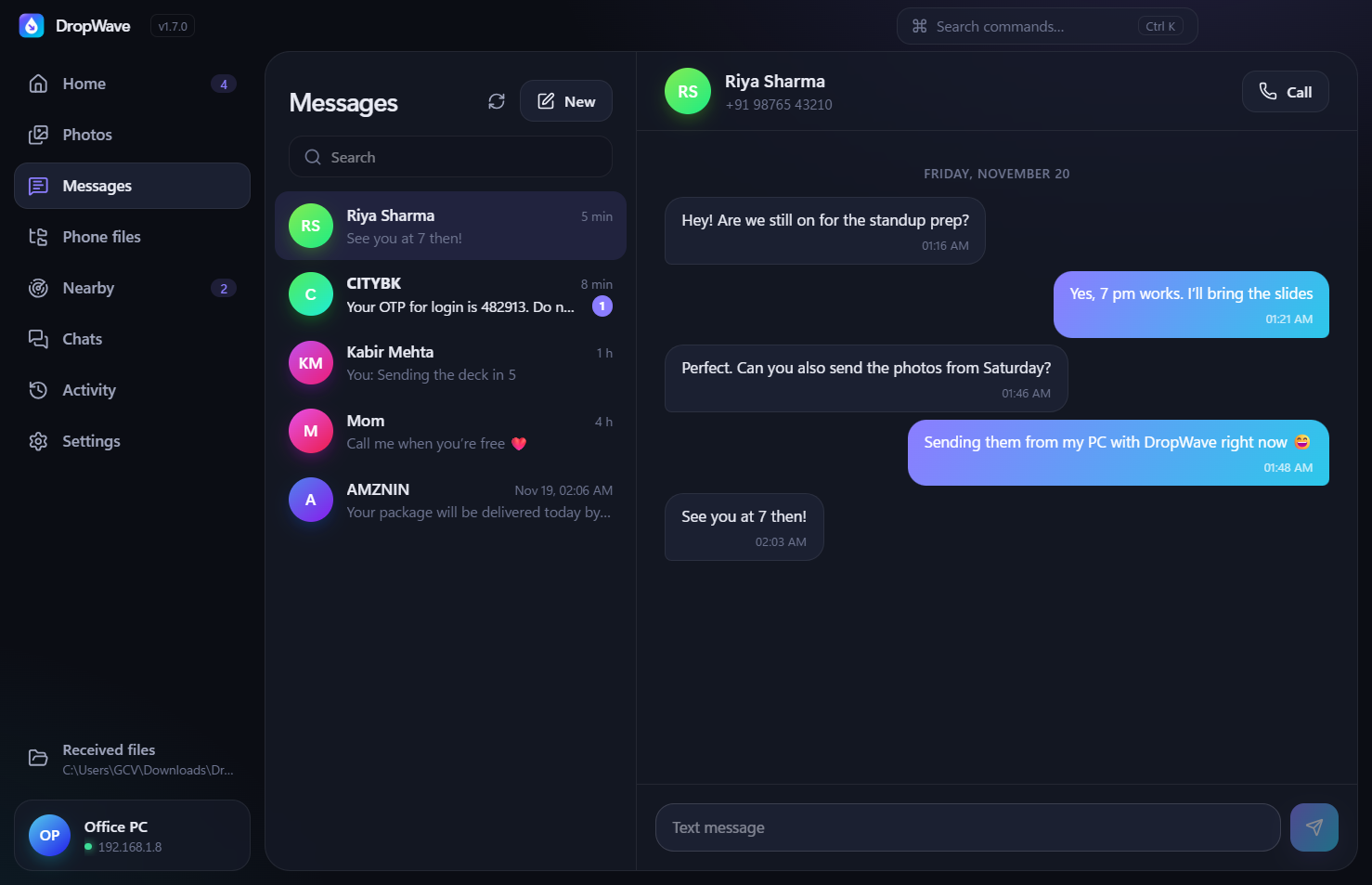
- Messages: your SMS on the PC: read, reply and start new messages, sent by the phone with its SIM.
- Photos: the camera roll by day (photos, videos, screenshots). Pick some and Download to PC, originals with their own dates.
- Phone files: browse the phone's storage and copy files to the PC.
- Phone screen: see the phone in a window and use it with your mouse and keyboard (click, drag, scroll, type, Back / Home / Recents, screenshots).
- Clipboard sync: copy on one, paste on the other. Passwords from password managers are never sent.
- Command palette (Ctrl+K), a timeline of what moved between devices, and five colour themes in light and dark.
New on the phone
- New look: connection card with ping, grouped controls and bottom tabs (Home · Chat · Activity).
- Control PC: the phone becomes a touchpad and keyboard, plus a Deck of shortcuts (media, volume, switch app, screenshot, slides, Lock, Sleep). The PC asks first and shows "… is using your mouse · Stop".
- Rebuilt in Kotlin.
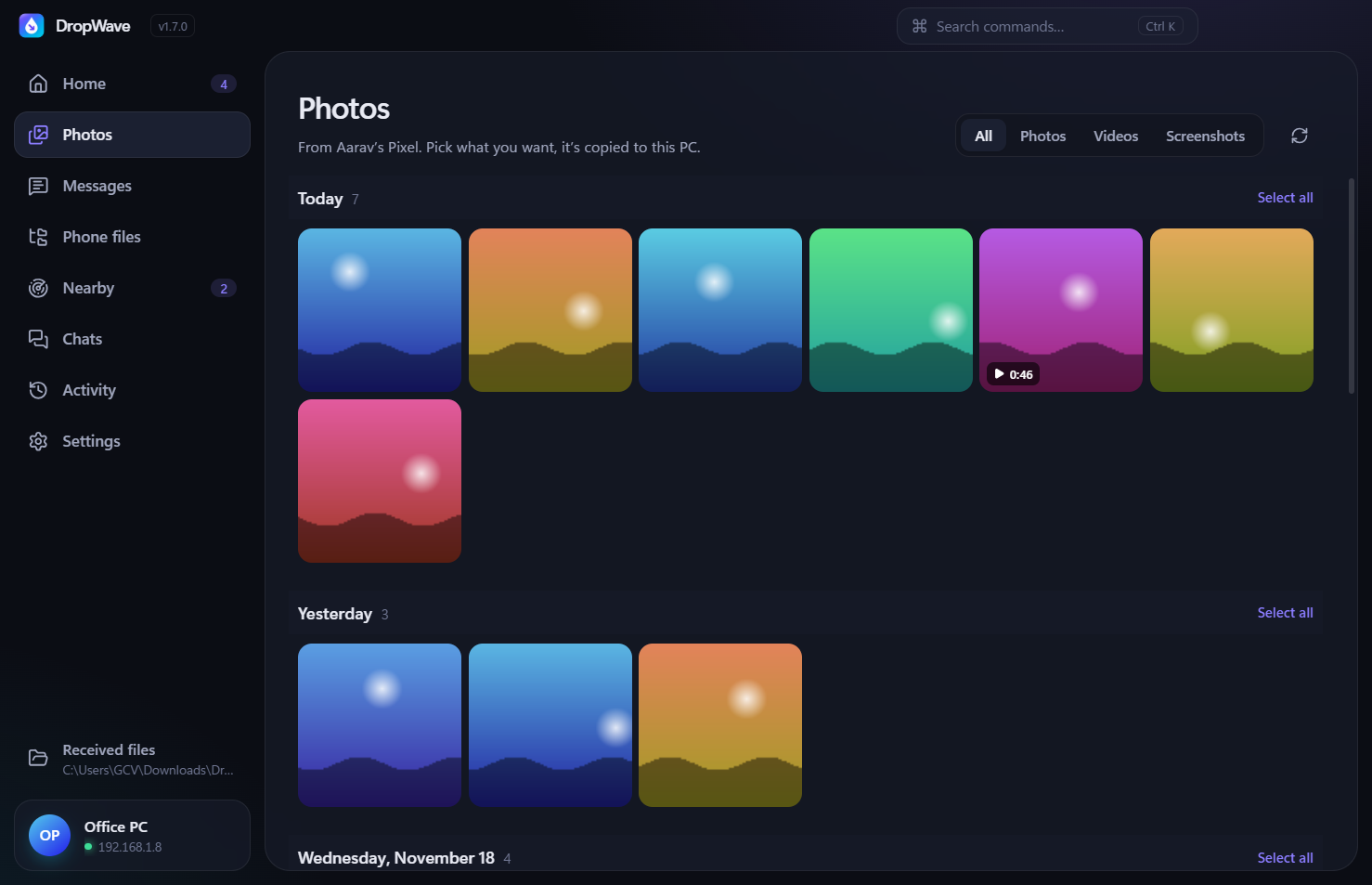
(Screenshots use a demo phone with made-up names and messages.)
Permissions, only for what you use
Each feature has its own card on the phone's Home and Android asks once: notification access, photos, calls, SMS, all-files access, Accessibility (for controlling the phone from the PC). If Android says "Restricted setting", open DropWave's App info › ⋮ › Allow restricted settings first.
Nothing is stored on the PC unless you download it. Requests from the phone are only accepted from a device that is connected right now; photos, files and the screen stream need a one-time token the PC created for that request.
Install
- PC:
DropWave-Setup-1.7.0.exe(Windows 10/11). Already installed? It updates itself; look for Restart to update. - Phone:
DropWave-Android-1.7.0.apk(Android 10+). Install over the old version; paired PCs are kept.
Tested on a real Android 14 phone: notifications and OTP, clipboard, music and volume, calls (SIM and WhatsApp), dial, SMS, photos, files, screen mirroring and control.
SHA-256
- Windows:
8679501A7E8EF71031D5F7924C26A832699D5B3757409B39D4FDE1D2A3805F6A - APK:
61A9EDA2ED4C09076250DEB964B3CB9E48BBE73678D97B325D7665BB481A9F90