Repository navigation
DropWave 1.8.0: your phone is now your webcam

📷 Your phone is now your webcam
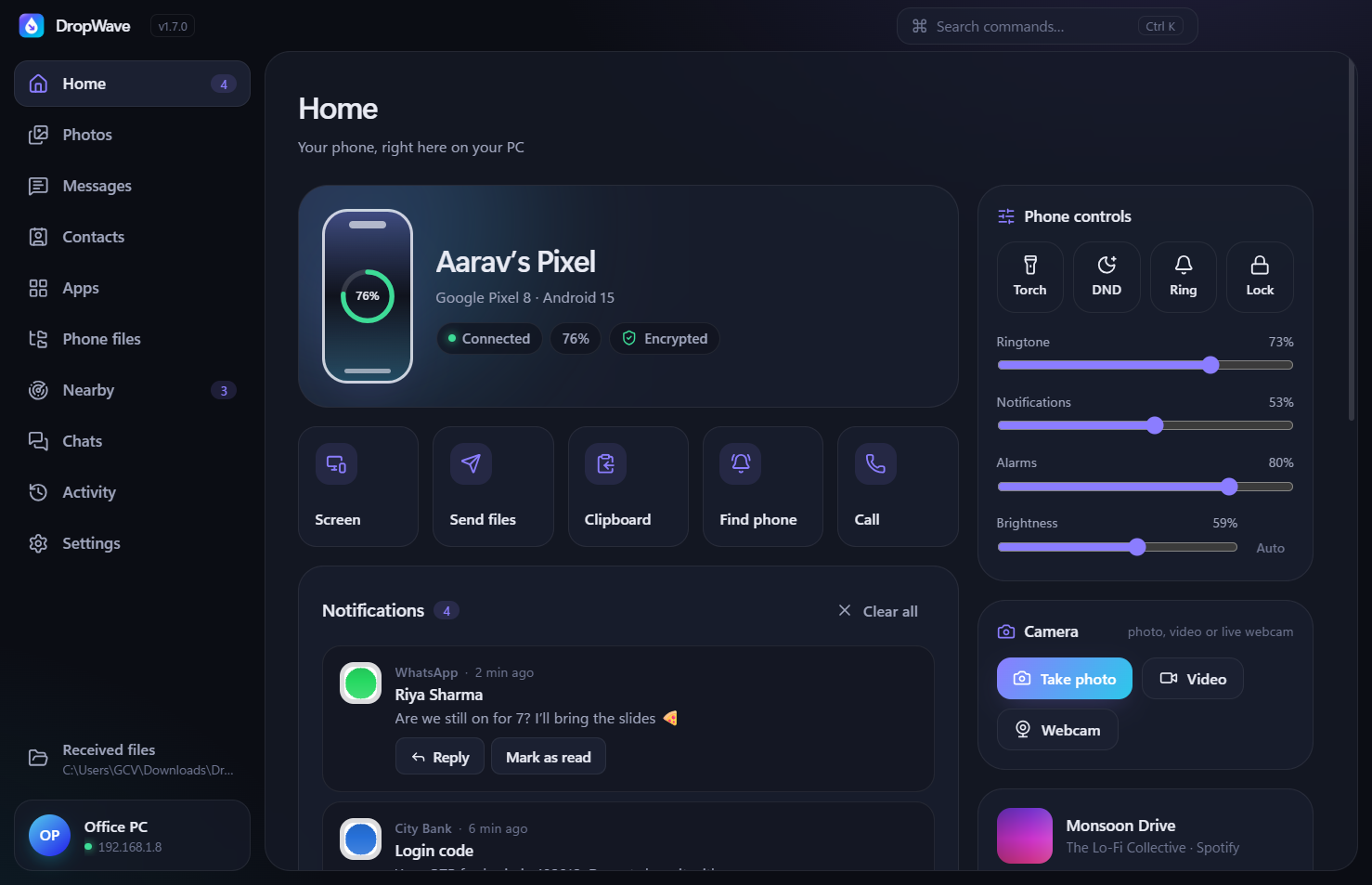
New on the PC
- Phone as webcam: the phone's camera live in a window: front / back, mirror, rotate, torch, snapshot, keep on top and a clean view with no buttons (H).
- DropWave Camera (Windows 11): turn it on in the webcam window and pick DropWave Camera in Zoom, Meet, Teams or the Camera app. The installer adds it for you.
- Camera for the PC: Take photo opens the phone's camera; the photo lands on the PC and in the clipboard, ready for Ctrl+V. Video too.
- Contacts: search, call (rings out from the phone), message or copy a number.
- Apps: all the phone's apps with icons: open on the phone or in a window on the PC, app info, uninstall (the phone asks first), copy the APK.
- Phone controls: torch, Do Not Disturb, ring / vibrate, ringtone, notification and alarm volumes, brightness, lock.
- Styles: Aurora, Frost (see-through over the Windows 11 backdrop), Petal, Ink and Dots, each in light and dark. Settings › Appearance › Style, or Ctrl+K.
- Photo auto-backup to Downloads › DropWave › Phone Backup by year and month, and the phone's sound while showing its screen.
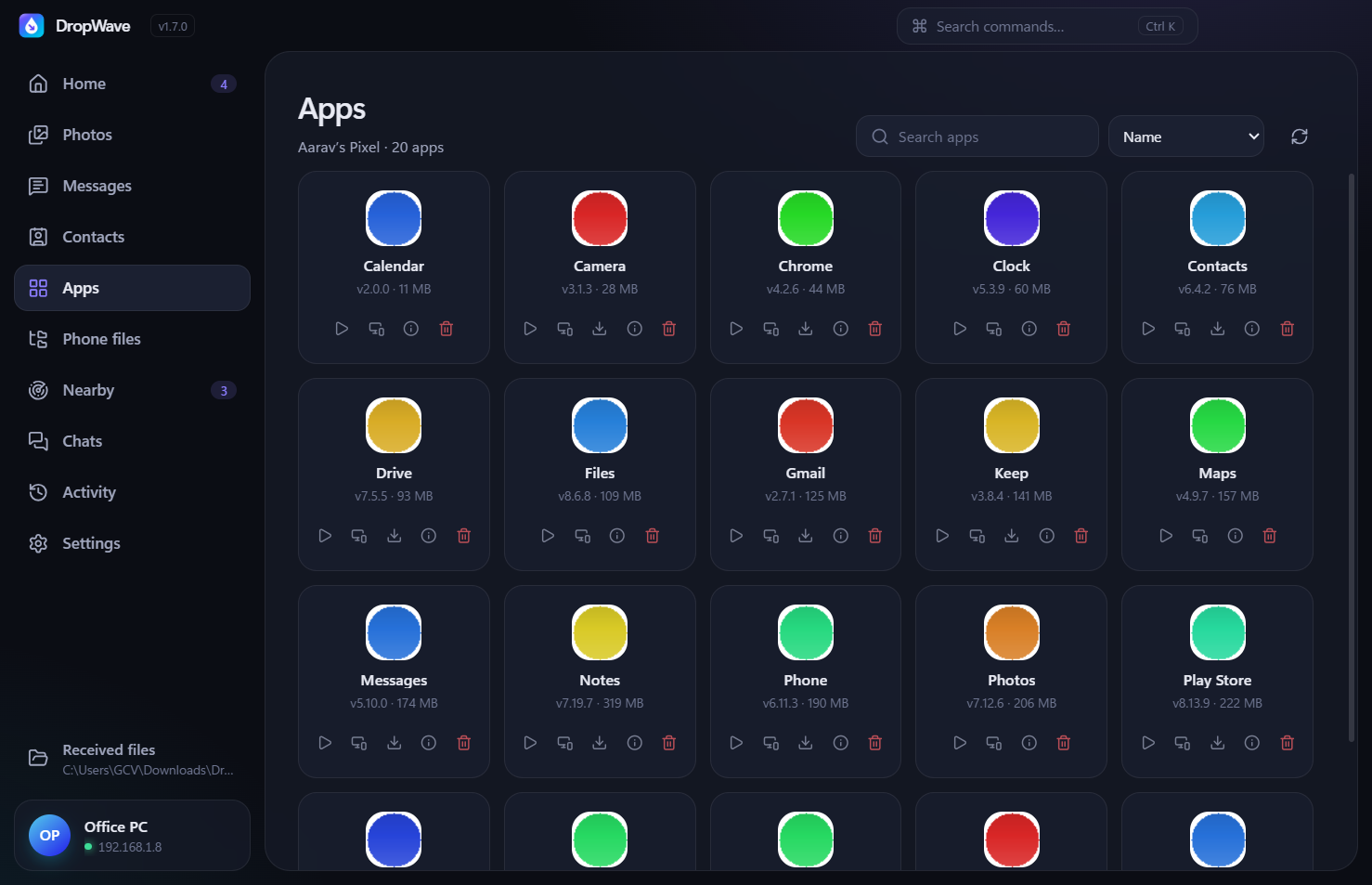
New on the phone
- Works while locked: DropWave keeps answering the PC when the screen is off or another app is open. Tap Allow on Keep working when the phone is locked once (on Realme / Oppo / Vivo / Xiaomi also allow background activity in App info › Battery).
- Privacy tab: a Share with PC switch for every feature, one Pause sharing switch, and Android's own access for each with Allow / Turn off.
- Control from PC switches itself off when a banking or UPI app opens (on by default), or when screen sharing ends (optional).
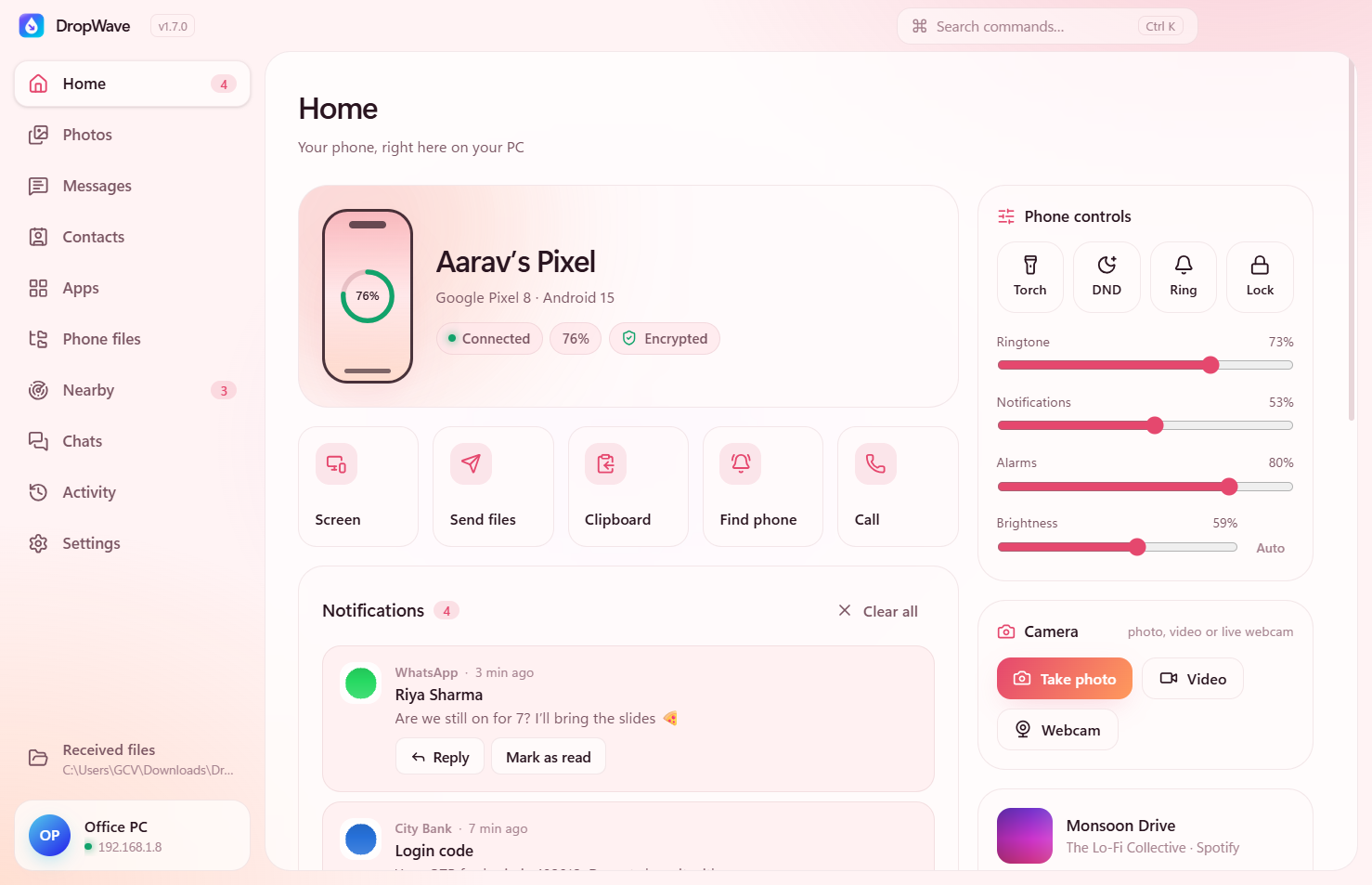
(Screenshots use a demo phone with made-up names and numbers.)
Install
- PC:
DropWave-Setup-1.8.0.exe(Windows 10/11; DropWave Camera needs Windows 11). Already installed? It updates itself; look for Restart to update. - Android:
DropWave-Android-1.8.0.apk(Android 10+), install over the old one. Then open Privacy to see what you share.