You signed in with another tab or window. Reload to refresh your session.You signed out in another tab or window. Reload to refresh your session.You switched accounts on another tab or window. Reload to refresh your session.Dismiss alert
This commit was created on GitHub.com and signed with GitHub’s verified signature.
Added
The Conversation tab of a pull request on the Pulls screen shows each author's GitHub picture beside their reviews and comments, in a column down the left, the way GitHub does. Comments inside a review thread, on the Conversation tab and on the Files tab, are separated by a line. Until a picture loads, or for an account that has none, the author's initial stands in its place.
Task lists in pull request descriptions and comments show a checkbox, ticked or not, in place of a literal [x] or [ ].
Top-level headings in pull request descriptions and comments are underlined across the text's width, as on GitHub.
The lich plugin's theme skill, which writes, ports or fixes a lich color theme, now reaches opencode, oh-my-pi, Crush and Kiro CLI as lich-theme; it was only in Claude Code, Codex, Antigravity and Cursor CLI. In opencode it is the /lich-theme command. It arrives with the next install or update of the plugin from Settings › Providers.
opencode 2 runs in lich. lich tells it from opencode 1 by its version and opens it the way 2 expects: each session on a server of its own, so its profile, its model and lich's tools reach it, with forks, Unfold long pastes, profile logins and the OpenCode Go gauge working as they do on opencode 1. Conversations started in opencode 2, and opencode 1 ones it has continued, show their cost, closing words and search results again, and are listed in History. The card's spinner, ring, bell and title need the lich plugin's next release, installed from Settings › Providers, which now goes where opencode 2 reads plugins and takes the place of the copy an older lich installed. A session lich opens is not on opencode 2's shared background server, so opencode pair and the desktop app don't see it.
The Description heading on the Pulls screen's Overview has a ⋯ menu, as GitHub's comments do: Copy link copies the pull request's address, Copy Markdown its description as written, and Edit opens the description for editing, which the Edit button beside the heading did before.
An agent can manage a project's services as the Services footer does: list, create, edit, delete, start, stop, force-stop and restart one, start or stop them all, and read what one has printed, running or stopped, with the *_service MCP tools or lich service from a terminal. A service is named by its name in the project, the agent's own unless it names another.
Changed
On your own pull request, the Pulls screen no longer offers Approve or Request changes, which GitHub refuses from the author, and the diff's menu no longer offers a comment on the pull request. The diff's menu also leaves Comment on the pull request out when no lines are selected, where it used to show it disabled.
Pull request descriptions, comments and Markdown previews are easier to read, with brighter text, clearer headings and links, inline code highlighted, more room between lines and blocks, and wrapped list items aligned with their text.
The Pulls screen opens on an index of the project's pull requests across the whole screen, and a pull request opens in its place instead of beside the list. A back button over its title returns to the index as you left it; beside it, the number opens a menu of the other pull requests, and previous and next walk the index's filter. On the Files tab only the file tree sits beside the diff, which gains the width the list took. The Overview puts the description beside a column with the reviewers, checks, mergeability and the checkout the branch sits in; the tab strip ends with the pull request's size. Open in Session and Merge stay in the header, with Resolve conflicts or Fix checks beside them when the pull request needs one, and Approve, Refresh and Open on GitHub move to the ⋯ menu. The screen lines up on the sidebar's spacing, its buttons are the size of the rest of the window's, and the code a review thread is about sits in a block of its own, apart from the comments. On the index, j and k or the arrows move, Enter opens and / goes to the filter; on a pull request, Escape goes back and Alt with an arrow steps to the previous or next one.
The bundled Dark theme gives the interface and terminal the same neutral charcoal background, removing the terminal's blue-black cast, and uses a brighter terminal and syntax palette of green, coral, amber, blue, violet and cyan. The Light theme uses darker counterparts of those colors, tuned for contrast on its light terminal background.
A session's browser is no longer closed without asking. When no pane shows it and nobody has used it for five minutes, a toast asks whether to close it: Close closes it, and Keep open, or swiping the toast away, keeps it for another five minutes. Unanswered, the toast stays up and the browser stays open, so a page left open over lunch is still there when you come back. Using the browser, or the agent using it, takes the toast down. Before, the browser was closed after five minutes away from its session, and its page, tabs and login were lost.
On the Pulls screen, the button that sends a pull request's open review threads to its session sits in the header beside Open in Session, on every tab, at the size of the buttons around it. It was a small button at the top of the Conversation tab, out of sight once the conversation was scrolled.
The sidebar's resize strip sits on the sidebar's own right edge, as the Code and Review panel's does, instead of in the gap between the sidebar and the sessions.
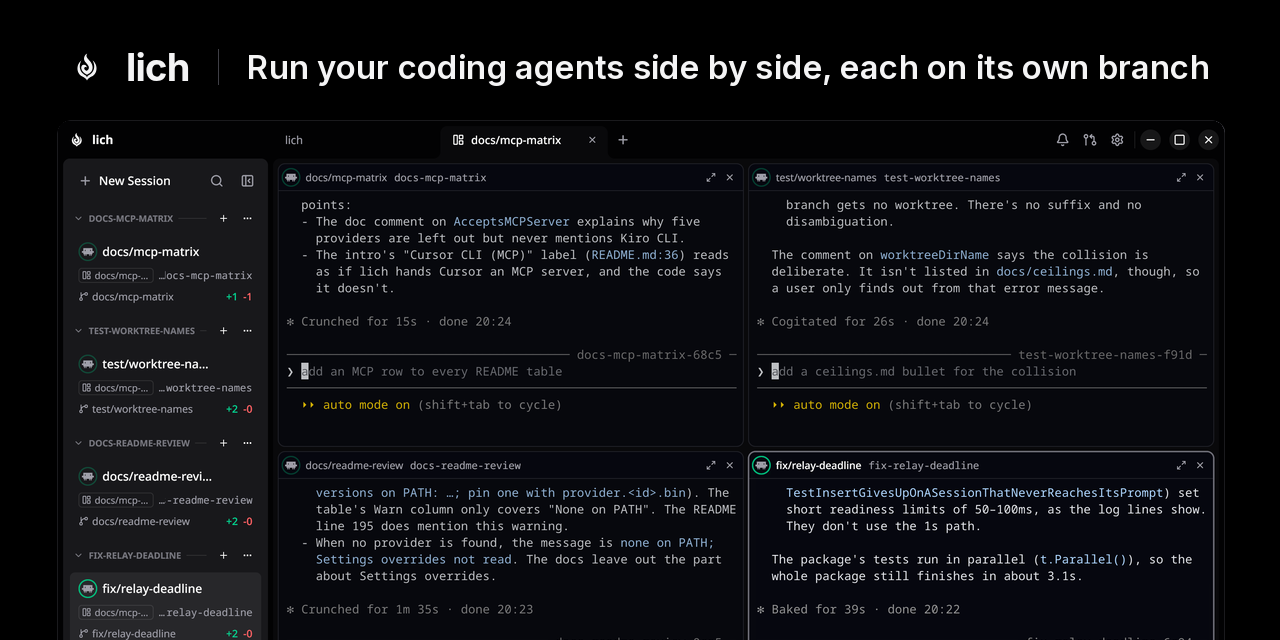
The sidebar is a tree of sessions. A session is one line: its ring, its name, its pull request and changes, and a corner where a … under the pointer opens the session's menu, close included. What the card's other lines said moved to its tooltip: the tool the turn runs or what it waits on, for how long, the path and the model. Each checkout is a row of its own, with its branch, pull request and changes, and its sessions hang from it. A session another one opened (a fork, a session opened with open_session or lich open, a subagent card) hangs from the session that opened it, even when it runs in another worktree, and a mother folds her children away, keeping a count and the waiting or unread mark. Rows move by their line: as a mother opens, a session opens or a worktree or a folder appears, a row opens with its name already on it and the line runs down to it and draws its ring; folding or closing takes the name off, undraws the ring and runs the line back up, and a worktree's or a folder's last session leaving takes the worktree's row, or the folder, out after it. A folder sits on a tray, so where it ends shows. Pinning moved to the card's menu, which also copies the lich reply command of a request the session owes. A project with no worktree keeps a flat list. The collapsed sidebar shows the same tree in one column: each checkout's node, the line through its sessions, a child's smaller ring on its mother's line, and each folder on its tray, its rows coming and going by the same line. Dragging a session lets go of its line, shows a dashed slot where it will join the tree, and draws the line back to it once it lands; the folder or worktree it would be filed into lights up whole. A dragged mother takes her children with her, and a session only lands where the tree keeps it, never between a mother and her child. A session filed into a folder that wears a color takes that color, so the folder keeps it, whether you drag it there, pick the folder in its menu, or an agent files it with file_session or lich file; a session opened into a folder, a subagent's worker or the session that asked for it, wears it too. Dropping a session on a folder further down the sidebar files it again, where it went back to its place when a worktree above also took it. The collapsed sidebar drags sessions too, and its search button opens the same filter as the open sidebar, which keeps filtering the rail after its panel closes.
On the Pulls screen's Overview, the Description heading and its ⋯ stay in place at the top of the column while the description scrolls under them, over a separator, and the ⋯ sits at the column's right edge.
The Pulls screen's loading placeholders match what loads in their place: the index shows rows the height of real ones with the checks column where it lands, filling the screen, and a pull request shows its title row with its buttons, the real tab strip, and the open tab's layout (the description beside its facts, commits, checks, the conversation's avatars and comments, or the files' toolbar, tree and cards) instead of a few generic bars. The conversation and the diff show the same placeholders while they load, in place of a line of text.
Fixed
A review, reply or other pull request action GitHub refuses says why, such as a pending review left open on github.com or a comment on a line outside the diff. Before, every refusal read "gh could not complete the request", because the reason GitHub sent was discarded.
A pending review comment under its line on the Pulls screen's Files tab has Edit and Discard, as it does on the Conversation tab. Before, it could only be changed or dropped from the Conversation tab.
On the Pulls screen's Files tab, expanding the lines hidden between changes, previewing a Markdown file and showing an image work on a pull request whose branch is not checked out anywhere. They failed with "Couldn't read" the file, because lich looked for it in a folder named after the pull request's address.
A pull request's tab on the Pulls screen opens at its top. Before, it opened where the previous tab or pull request had been scrolled to, so the Conversation tab could open at its end.
Code quoted in a review thread on the Pulls screen shows its indentation instead of a box for every tab.
A file input in the session browser, such as a profile picture upload, opens the system's file chooser when you click it, and takes several files when the input allows it. Before, the click did nothing.
Leave on a page in the session browser that asks before you go no longer reloads the page instead on a busy machine; the browser goes where it was going.
An agent clicking a point in the session browser no longer misses it after you move lich to another monitor, resize the browser pane or change its zoom. Its screenshots are now in the same pixels as its clicks, which a HiDPI monitor or a page zoom had made up to 1.5 times larger, and a click at a point read off a screenshot taken before the pane changed size is refused, telling the agent to take a new one.
lich no longer keeps the GPU busy while a session works. A project tab's spinner redrew the whole window at the monitor's refresh rate, and with sessions busy in more than one project lich held over half of a laptop GPU, taking it from games and everything else. Every spinner, the sidebar's busy ring and a running service's beat now redraw at most 24 times a second, and 8 times a second while the lich window is not focused, so a session's ring is still seen turning from another monitor. A running service's dot beats every six seconds instead of every two and a half: each beat is a burst of frames, and the old pace was eight frames a second all day for a dot.
While a session works, the window draws 24 frames a second, film's rate, instead of 30, and output from the session's terminal is drawn on the busy ring's next frame instead of asking for frames of its own: a streaming agent and a spinning ring cost one frame rate, not the sum of the two. What you type still shows the moment the terminal echoes it.
The terminal no longer redraws the cursor's row on every frame while the cursor stays put; the row is recomposed when the cursor moves or its text changes.
On Linux, the window draws only what changed since the last frame and tells the compositor that area, instead of repainting everything 24 times a second while a session works: a frame where only the busy ring turned draws the ring and the terminal's cursor row, and the graphics card's work in the window's renderer falls to a fifteenth. Windows and macOS keep drawing whole frames. GIO_DAMAGE=off in the environment draws whole frames on Linux too, for a graphics driver that misreports what its buffers hold.
The lich window uses half the processor it did while a session works. Every icon, ring and arc on screen was rebuilt from its outline on every frame; each is now built once and kept on the graphics card.