Article versioning in OJS
If the article has been published and the versioning is enabled for the journal (see also https://github.com/lilients/ojs/wiki/File-versioning-in-OJS) an article version can be created by saving the metadata of the article as a new version. New article metadata versions can be created at the metadata tab of the submission with the checkbox save as new version is.

Old versions are displayed in a dropdown. They can not be edited again.

The following metadata can be changed at a new version: prefix, title, subtitle, abstract, contributors.
TODO: date_published, cover image
Extended submission metadata will not be considered (e.g. keywords, subject, language, etc.).
Only the current version of the article is linked at the table of contents of the issue. Old versions of the article are displayed at the article page.
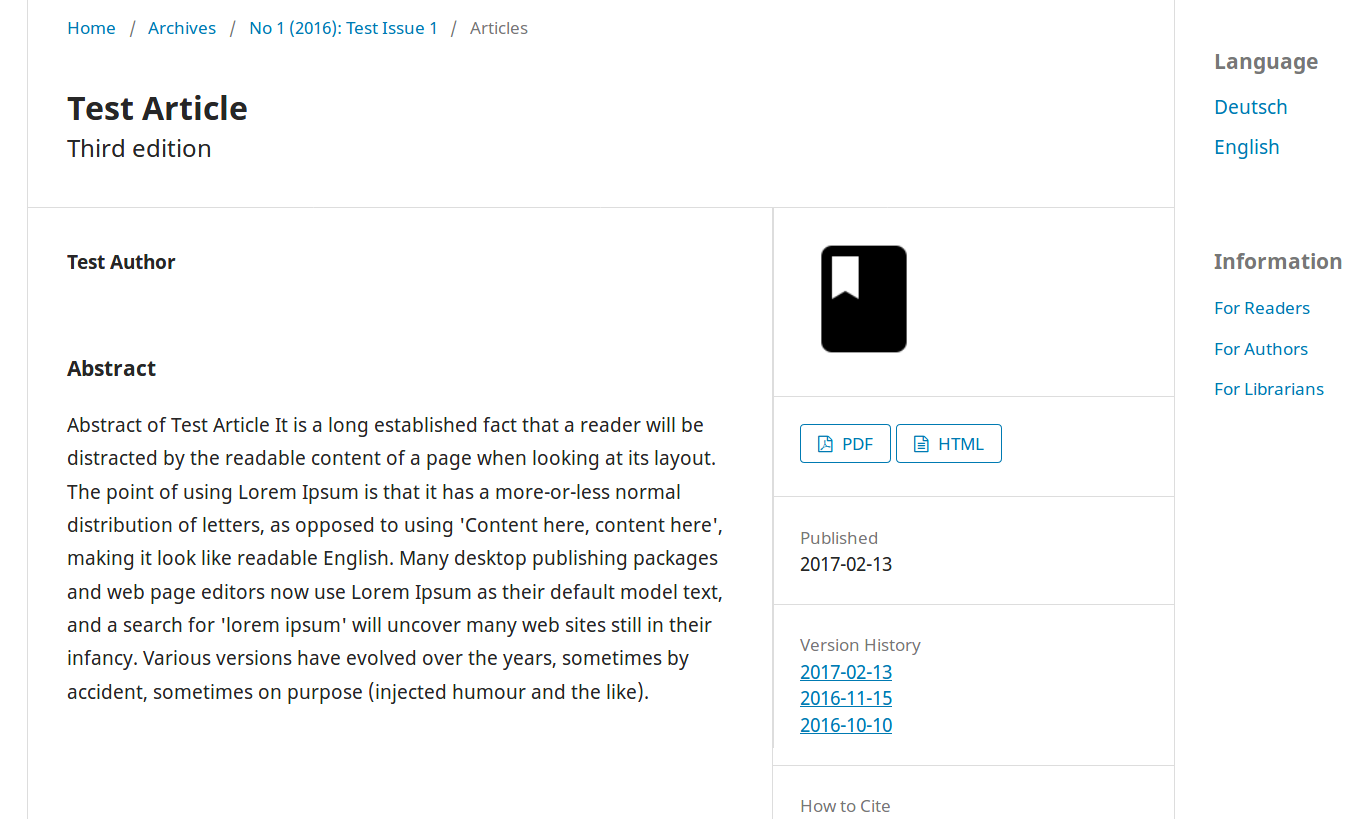
Each article version is being displayed at an article page with the corresponding metadata of the version. Old versions have an indication and link to the current version of the article.
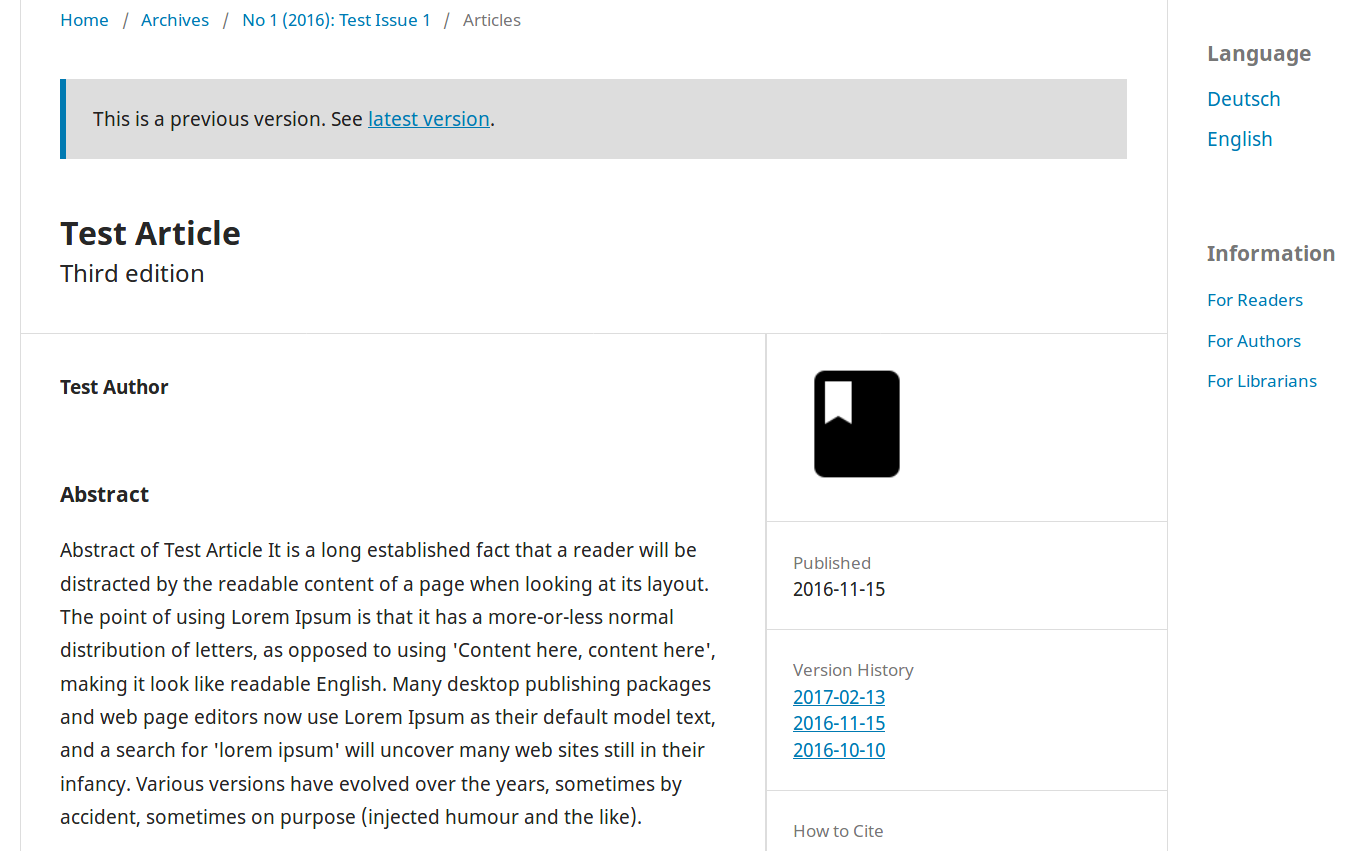
The (not yet final) url structure looks like this:
- current version: .../article/view/[articleId]
- old versions: .../article/version/[articleId]/[version]