Article versioning in OJS
To enable and disable the versioning for the journal go to journal settings and open the tab versioning. Disabling the versioning at the journal settings will only hide the old versions at the frontend. The files will remain at the server.

The new tab versioning will be used for further versioning settings later, like an info text about versioning at this journal and default settings.
If the versioning is enabled for the journal and the article has been published (scheduled for publication) and new article version can be created at the production stage of the submission with the button new version.
The new version is displayed at a new tab and contains all metadata of the previous version except the publication date. The new version can be edited and published when ready.
To prevent errors the button new version is only displayed if the recent version has been published.
Old versions are displayed in tab view. They can not be edited again.
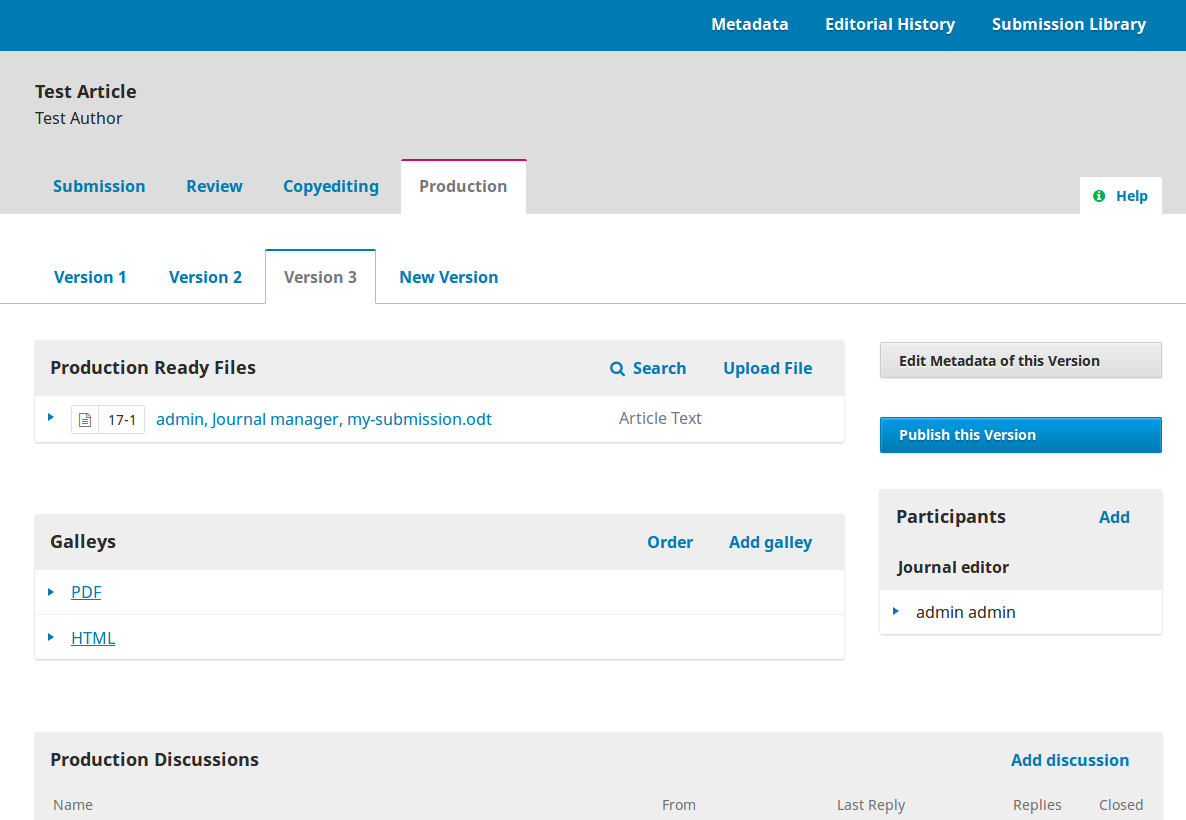
The metadata view at the top of the page will always display the metadata of the most recent article version. The metadata of each version can be viewed at the version tab. "Schedule for publication" is also displayed for each version.
The conversation is not bound to a specific version.
TODO: display production ready files for each version
The following metadata can be changed at a new version: prefix, title, subtitle, abstract, contributors, date_published.
TODO: cover image, DOI
Extended submission metadata will not be considered (e.g. keywords, subject, language, etc.).
Only the current version of the article is linked at the table of contents of the issue. Old versions of the article are displayed at the article page. Example
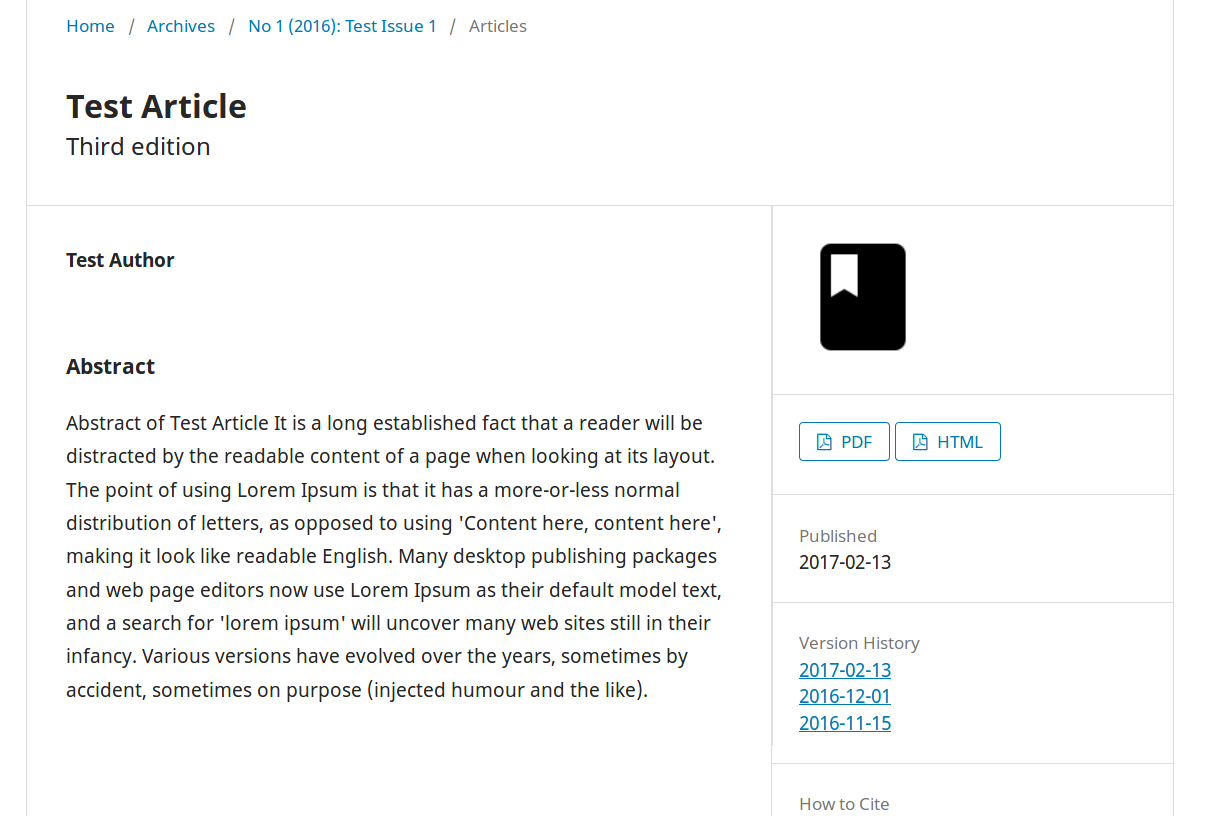
Each article version is being displayed at an article page with the corresponding metadata of the version. Old versions have an indication and link to the current version of the article.
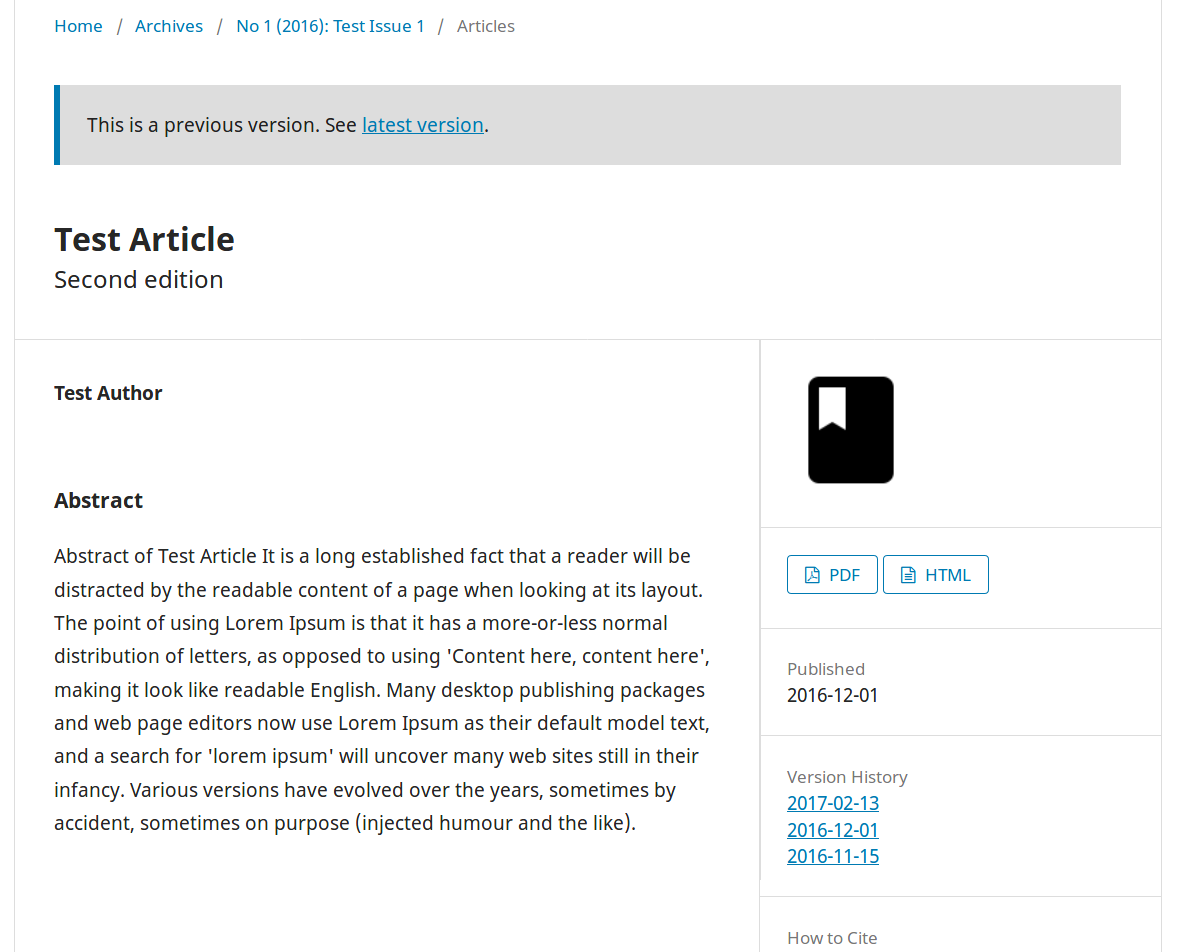
The URL structure of the current article is unchanged (backward compatability) but there is a link with the version number as well. Old versions can only be accessed via the version URL.
- current article version: .../article/view/[articleId]
- old article version: .../article/version/[articleId]/[version]
- current galley version: .../article/view/[articleId]/[galleyId]
- old galley version: .../article/version/[articleId]/[version]/[galleyId]