Repository navigation
Bloom v3.10.0

Bloom 3.10.0
The notch grows up — rebuilt around a Dynamic Island model, with Wi-Fi and Bluetooth management, the shelf, and a round of dock fixes.
The notch, rebuilt
- Click to open, not hover. Hover now only peeks at the status strip; a click opens the panel you were last on. Prefer a fixed panel? Turn panel memory off in Settings → Notch.
- Live activities. Music, a running timer, and the shelf sit as bubbles beside the pill. A set timer holds the pill while music moves to its own bubble — click it to open the player.
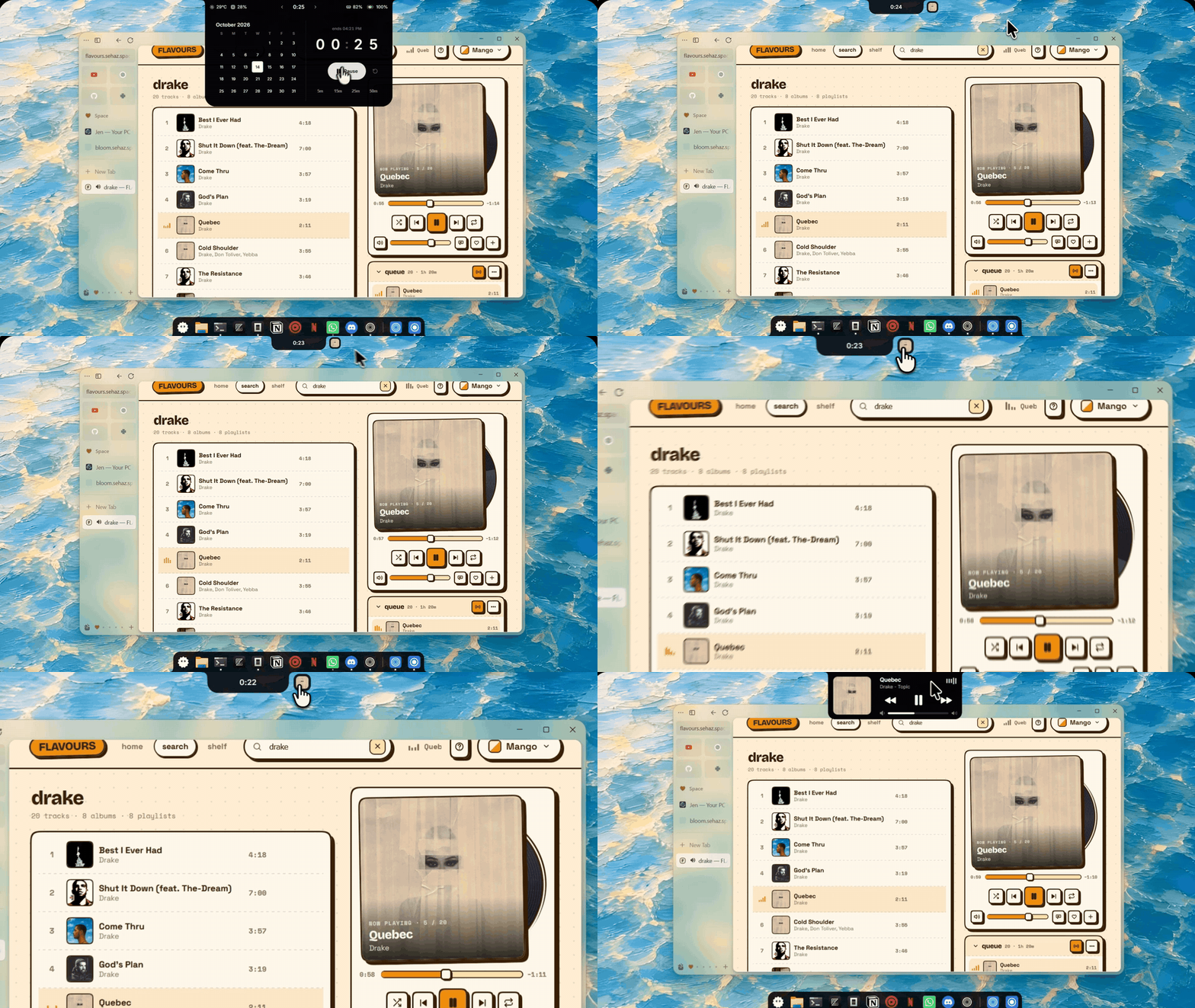
Wi-Fi and Bluetooth, from the notch
- See and connect to networks, forget them, and manage paired devices without opening Windows Settings — signal strength, battery, and live updates in place.
- Right-click (or the › button) on the Wi-Fi and Bluetooth tiles to open the new views.
The shelf
- Drop files or text onto the notch to stash them, drag them back out anywhere. Text notes copy on click.
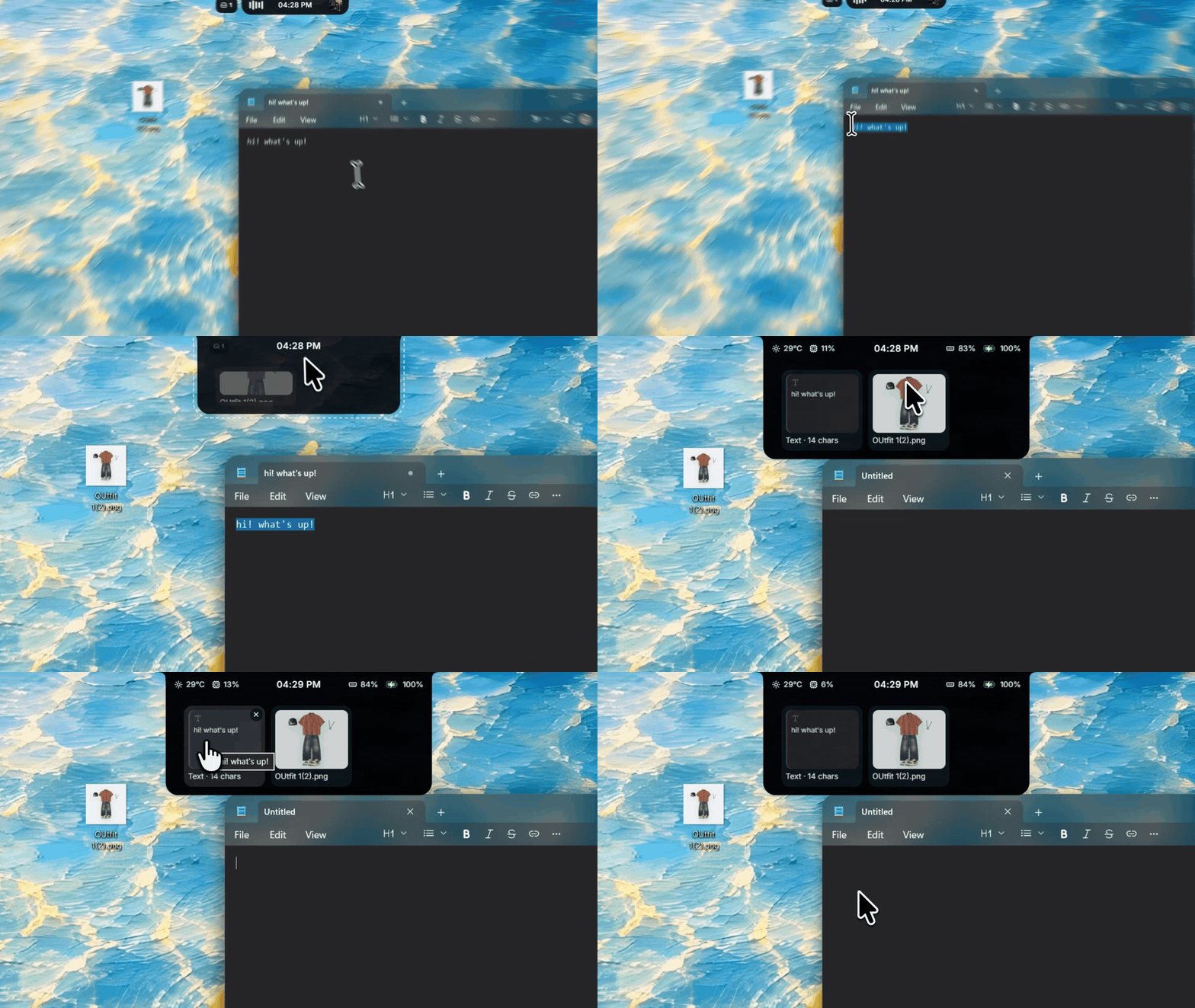
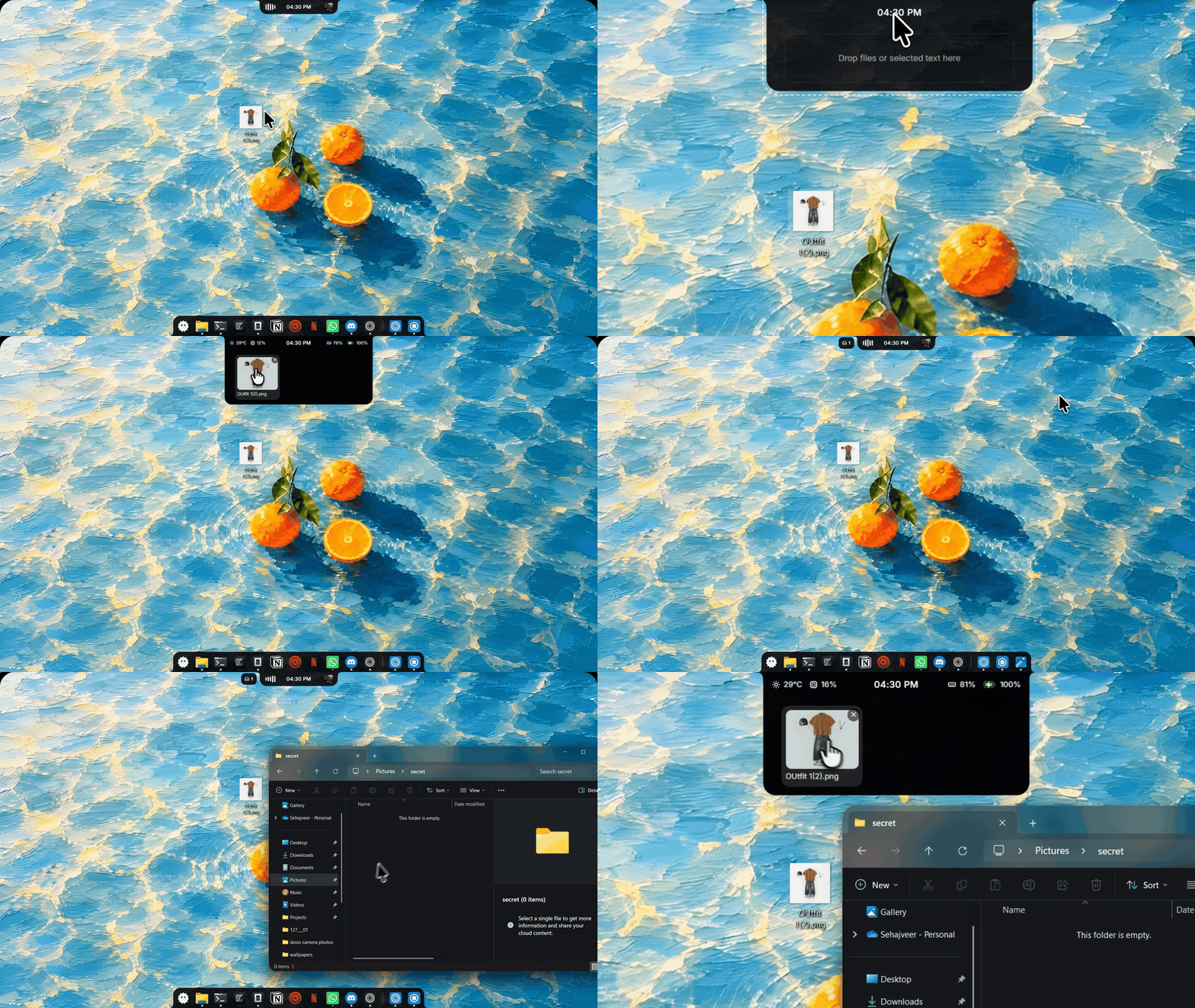
- Every file type now previews: images, PDFs, Office thumbnails, Explorer thumbnails, or the document's opening text — with type icons as the fallback.
Dock
- Extras in the dock: drives, folders, and the Recycle Bin.
- Tray menus open at the dock icon, apps show their Start menu names, and MSIX-packaged apps launch correctly.
- The bottom edge waits for hover intent (adjustable, 200 ms default) so skimming past it no longer pops the dock.
Polish
- Start menu icon picker: the add tile is centered, and the Windows preset is the real Windows 11 logo.
- Seam-free corner flares at fractional display scaling (125%, 150%).
- 24-hour clocks no longer leave empty space in the pill; activity bubbles are rounded squares; cleaner panel arrows.
Download bloom_3.10.0_x64-setup.exe below. Already on 3.9.x? Settings → About → Check for Updates.