Repository navigation

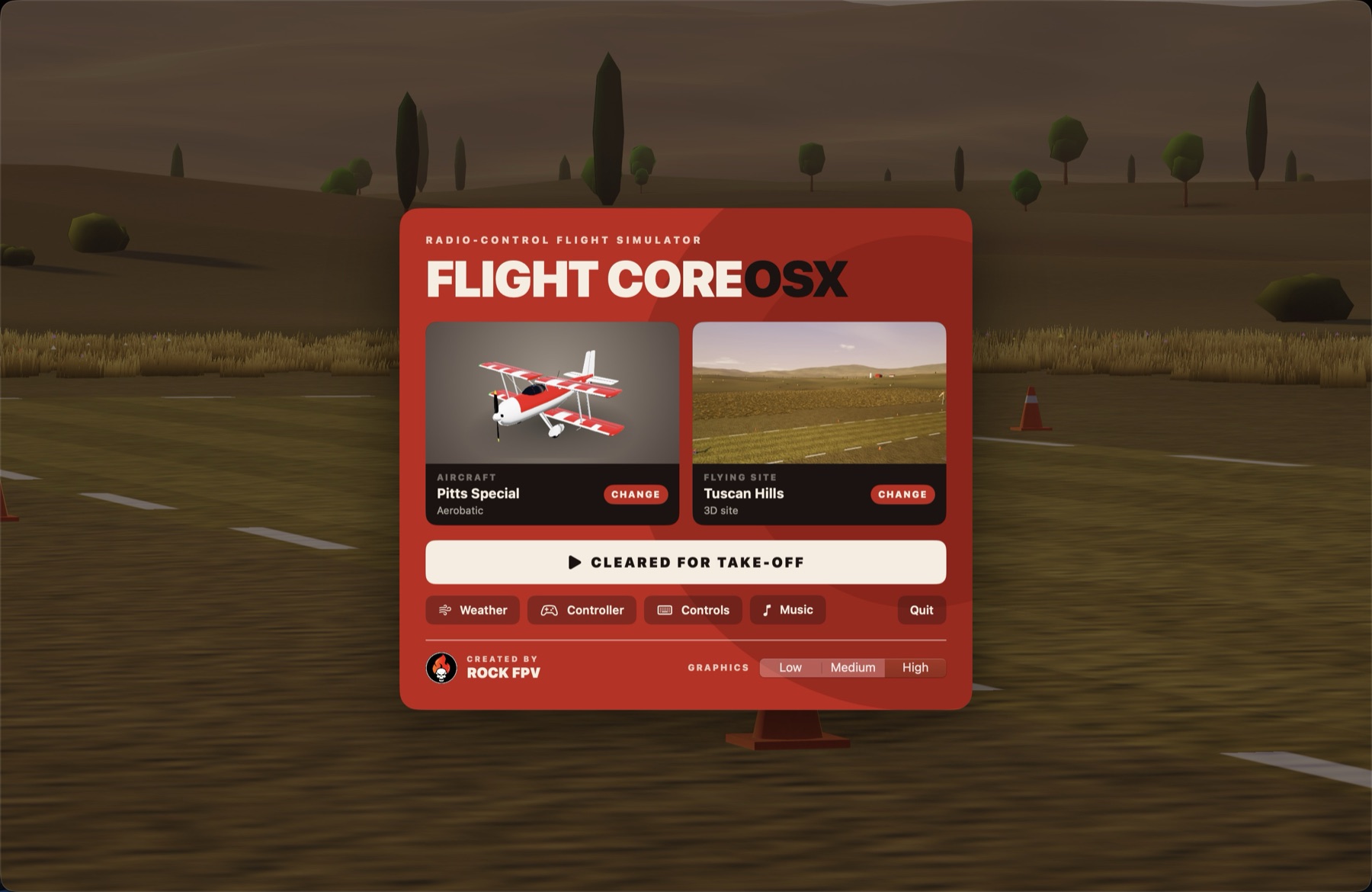
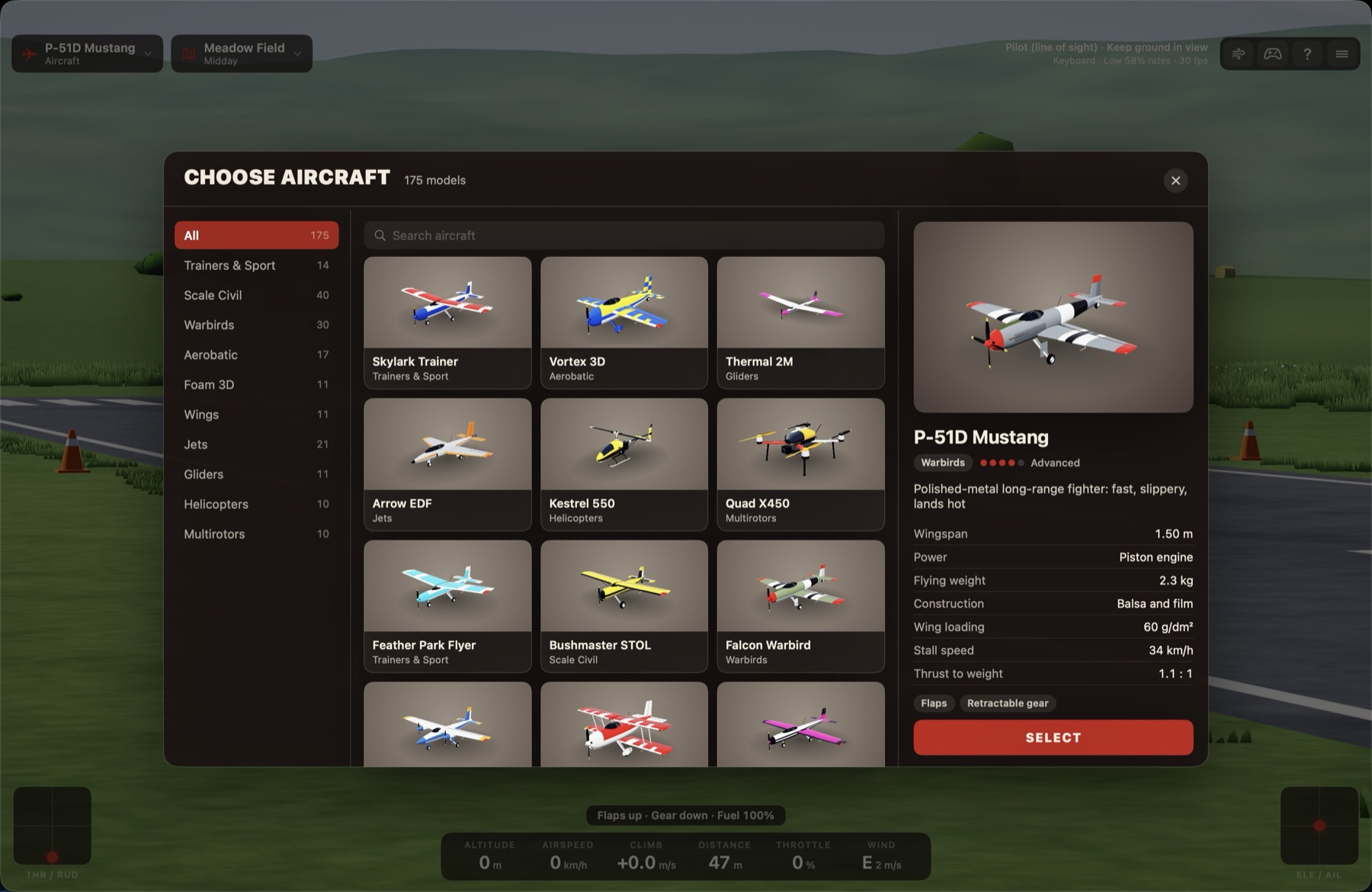
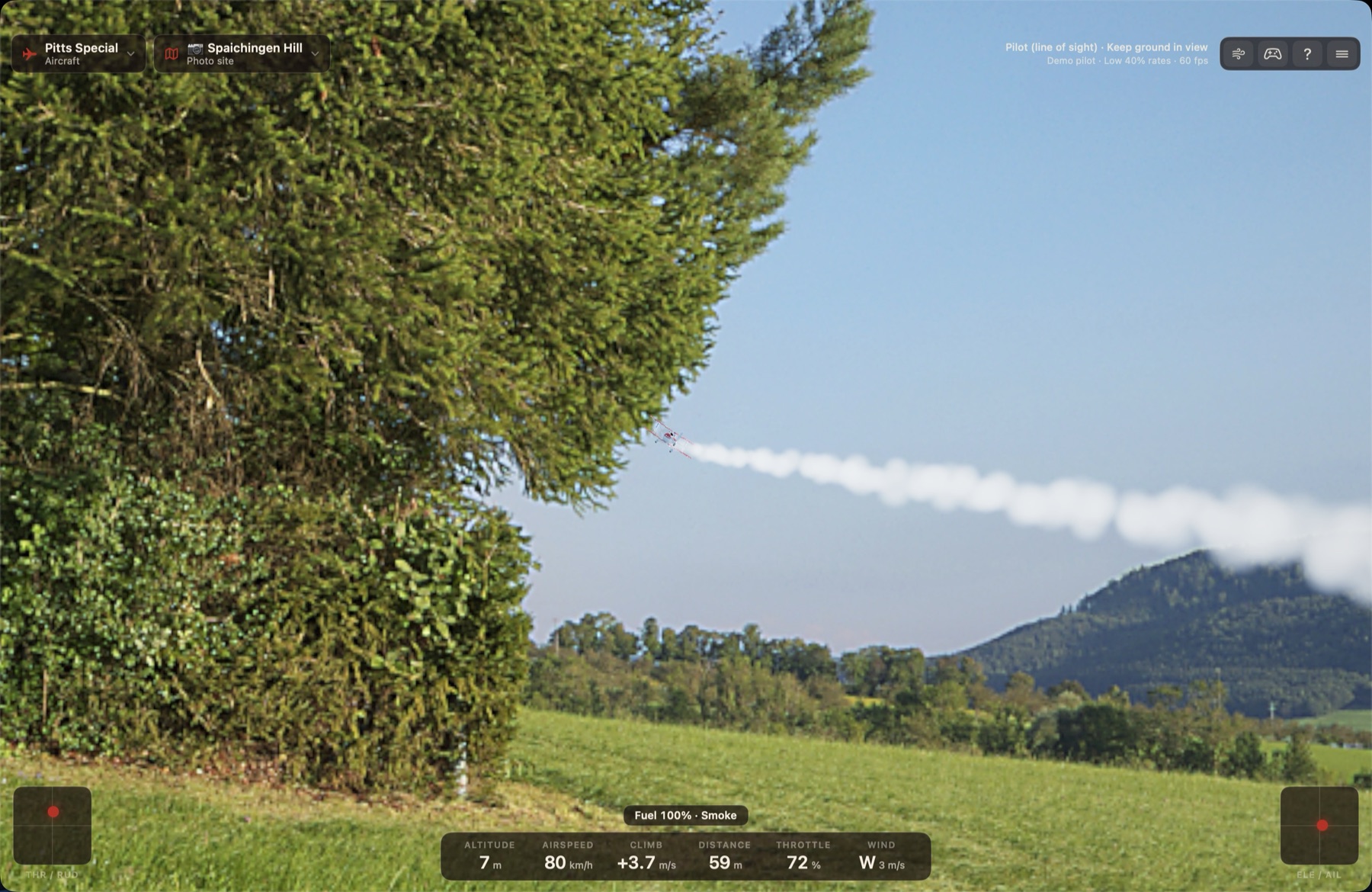
A big release: 175 aircraft, 20 3D sites, 30 photo sites, menu music, and sound that belongs to the place.
 |
 |
New
- 75 more aircraft, 175 in all: 50 more airplanes, flying wings, tailless jets (Horten Ho 229, B-2 Spirit, Avro Vulcan, Mirage III, Me 163 Komet), and more helicopters and multirotors. The aircraft browser shows what powers each one: brushless motor, electric ducted fan, piston engine or turboprop.
- 7 more 3D sites, 20 in all: Autumn Valley, Lava Fields, Fjord, Wetlands, Sea Cliffs, Salt Flats and Sand Sea.
- Photo sites: thirty 360° photo sites as a separate download. Hillside photos have sloping ground. Trees and buildings are solid where they are actually visible in the photo, so gaps between crowns and the sky beside a treetop are open. FlightCore can be pointed at any folder of photos.
- Weather: presets from Calm to Stormy, gusts and lulls, thermal strength, cloud cover, haze, six times of day on 3D sites and a light grade on photo sites.
- Menu music from the splash screen through the menus, fading out on take-off. It can be turned off in the main menu.
- Sound: touchdowns that match the surface, ambience for every site (birds, crickets, surf, wind, cowbells and more), a reworked piston engine, engines that follow the throttle at once and stop after a crash, and leaves and snapping twigs when you fly into a tree.
- Pitch trim on
-,=and0, remembered for each aircraft. - Controller setup: any keyboard action can be assigned to a transmitter switch or button, and every aircraft has its own low rate and expo. Flights start on low rates.
- Helicopters have Stabilized and Acro modes, three rotor speeds, vortex ring state and inverted flight; multirotors have a reworked mixer and propwash.
- Interface: the app opens in about a second with an animated splash; Select buttons return to the main menu; the browsers remember the last filter; Weather and Controls opened from the menu no longer start the flight; the mouse pointer hides when idle.
Flight model
- Balance corrected: models are no longer nose-heavy, and they fly slower hands-off, so approaches need only light up elevator
- Gentle, model-like stalls; control rates calibrated per category
- Trim and full-elevator response corrected
- Hovering fixed: propeller blast per surface, working control surfaces at high angles, and correct tail downwash
- Built-up models have motor right and down thrust; flat foam planes have a straight thrust line
Install
- Download the app below and unzip it:
FlightCore-OSX-1.3.0-arm64.zipfor Apple silicon Macs (M1 and later), orFlightCore-OSX-1.3.0-x86_64.zipfor Intel Macs. - Move
FlightCore.appto your Applications folder. - The app is not signed with an Apple developer certificate or notarised, so macOS blocks it the first time. Right-click the app and choose Open, or allow it under System Settings ▸ Privacy & Security, or run:
xattr -dr com.apple.quarantine /Applications/FlightCore.appRequires macOS 13 or later. The Intel build has been tested under Rosetta, not on Intel hardware.
Photo sites (optional)
The thirty photo sites are a separate download, so the app stays small (4 MB).
- Download
FlightCore-Panoramas.zipbelow (1.3 GB) and unzip it. Keep the folder wherever you like; it does not need to be next to the app. - Start FlightCore and choose Flying Site ▸ Choose Panoramas Folder…, or click Photo Folder… in the site browser, and pick the unzipped folder.
The photo sites appear at once under Photo Sites, and the folder is remembered. The photos are CC0 panoramas from Poly Haven, included unchanged.
Known limits
- The flight physics has been checked by automated tests, not yet tuned by hand-flying
- Obstacle distances on photo sites are estimated from the photos
- The ground of a photo site is one level or tilted plane, so gullies and valleys in a photo are not followed
- Scale models are simplified shapes, and aircraft figures are approximate
- No multiplayer, VR, flight recording, or aircraft and airport editors