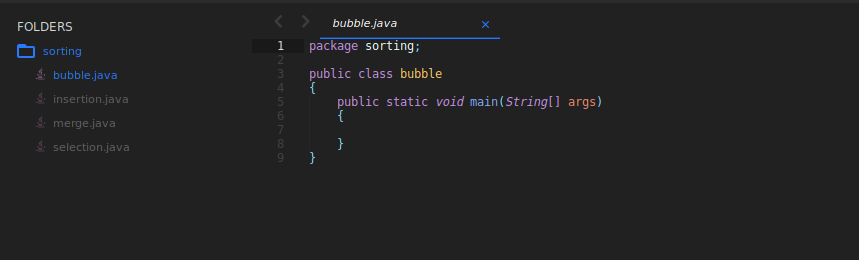
This programme let's you run command anywhere in your local system to create layout of folder and files
of your project with boiler plate of respective languages.
EXAMPLE:
You want to create website and you start coding. first thing you do is make folder and files necessesary for the project.
This is where is programme will help you, and create folder layouts and pre-written basic codes to start with.
It will create folder layout for the project you will be building under pre-designed codes.
Java, C++, C, Html, CSS, Python
Step 1:
Download Python file and set it's path to .bashrc
Make a folder and name it bin in user folder and put the downloaded file inside the bin folder.
if you want to have your own path and save file anywhere you have to change the path in line 24 accordingly where you are saving the code.
open bashrc file
vim ~/.bashrcstep 2:
Add this code and path to the flle your downloaded
export PATH="$PATH:$HOME/user/bin"Put your username in user space.
open the pyhton file in any editor and edit the path of the boiler plate.
Add the path to the boiler plate in line 24 in path varible
step 3:
Change the access mode of make.py python file, so that it can be executed from anywhere in the system
Windows user add the path to the environment path varible so the file can execute globally, and use ubuntu terminal to execute the command
chmod +x make.py
................................................................................................................
Let's create a website project layout as an example

- make.py : python file which runs the code
- website : Project type
- portfolio : name of the project
- about, works, blog, contact : name of the pages you have in templates file for the website.
You can add many files and no files, just add . at the end of folder name and it will create only index file.

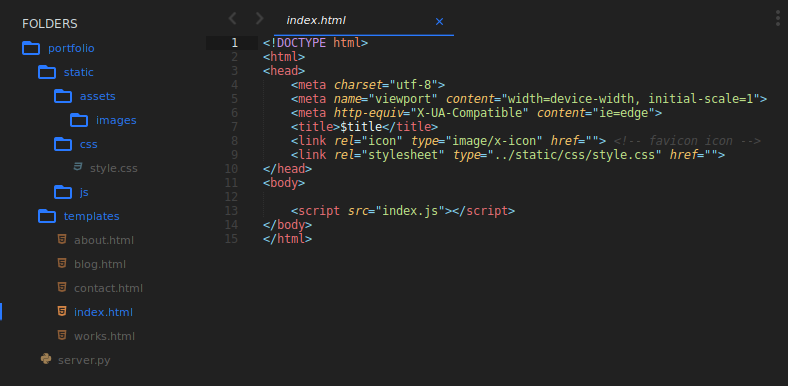
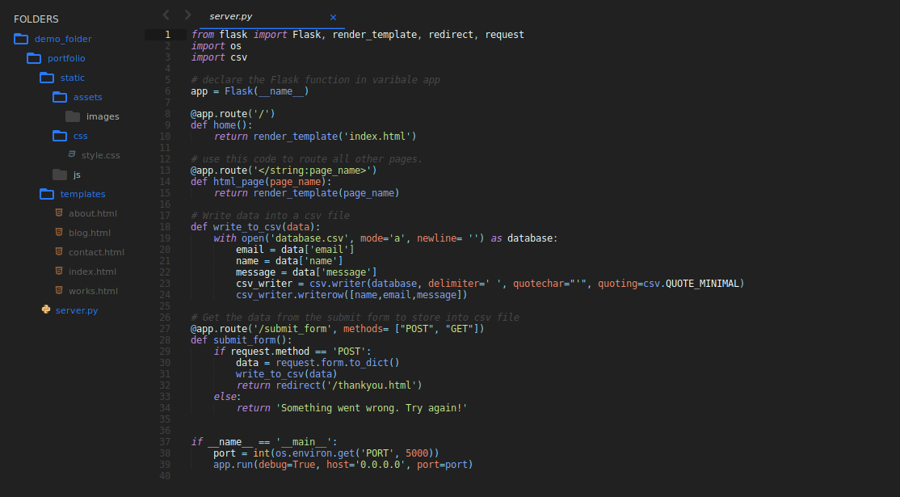
This creates a folder named portfolio with static templates and server.py and each folder containing respective files
It will automatically open sublime code with the project. but if you prefer vscode or other editor replace sublime-text.subl . with code . at line 33
This programme is mostly modified for web project.
you can create python project and replacing website with python and similier with java C C++