StockSense is a multimodal kitchen inventory assistant that combines vision-language models, a web dashboard, Telegram messaging, and robot policy learning. Snap a photo of your fridge or pantry, get an instant inventory, and see which essential items are missing.
Built with Qwen2.5-VL-72B-Instruct on Nebius Cloud + FastAPI + SQLite, with a robotics roadmap for a SoloTech arm that learns policies to open pantry/fridge doors and position the camera for repeatable scans.


pip install -r stocksense/requirements.txt
cp stocksense/.env.example stocksense/.env   # Add your NEBIUS_API_KEY
python3 -m uvicorn stocksense.app:app --reload
Run from the repo root (nebius-hackathon/), not from inside stocksense/.
- Upload a fridge/pantry photo on the dashboard
- Qwen2.5-VL-72B analyzes the image and detects all food items with quantities
- Items split into In Stock and Out of Stock Pantry Items
- Out of stock shows essential items not detected in the scan
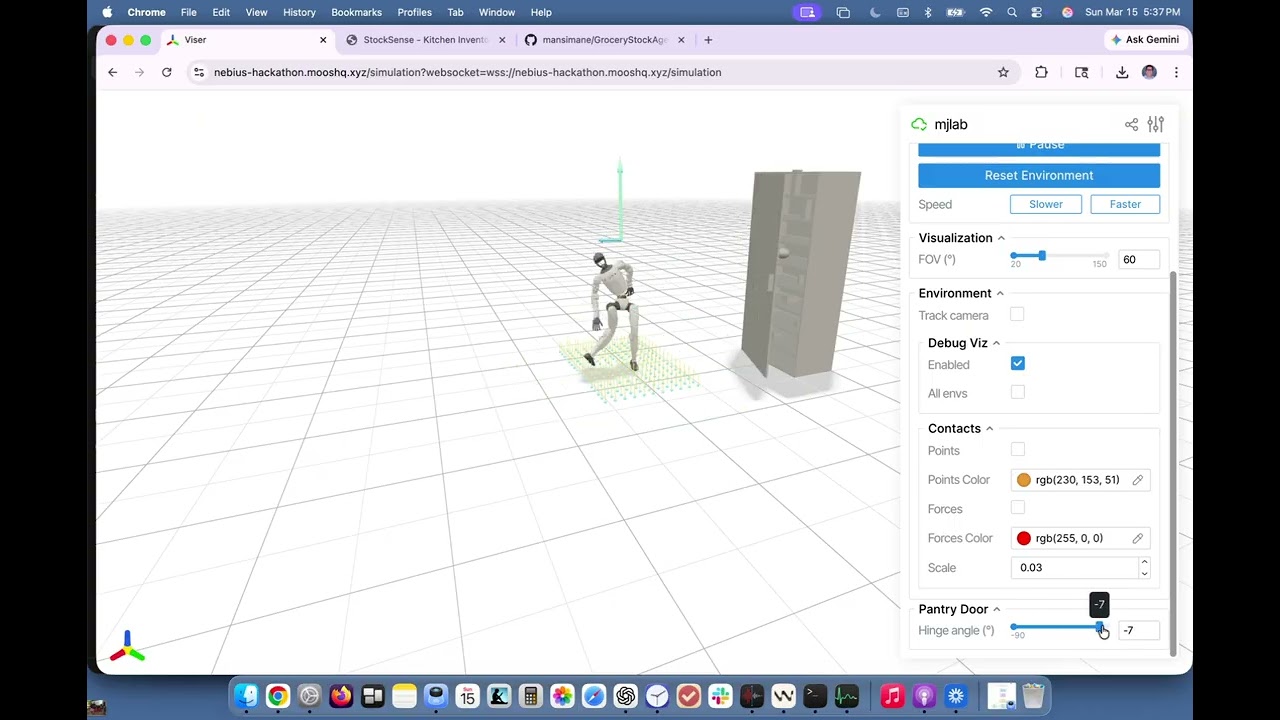
- Robot policy learning enables a SoloTech arm to learn repeatable door-opening and camera-positioning behaviors for automated scans
- Each new scan resets the inventory (fresh snapshot every time)
- Inventory tab: In Stock table (left) + Out of Stock Pantry Items (right)
- Essential Items tab: View all tracked essential pantry staples
| Method | Endpoint | Description |
|---|---|---|
| POST | /api/scan |
Upload image → clear inventory → VLM analysis → save |
| GET | /api/inventory |
Current inventory + missing essentials |
| GET | /api/essentials |
List of all essential item names |
| GET | /api/grocery-list |
Auto-generated grocery list (for Telegram) |
| PATCH | /api/grocery-list/:id |
Mark item purchased |
| POST | /api/telegram/webhook |
OpenClaw/Telegram webhook |
The /api/telegram/webhook endpoint accepts messages from OpenClaw. Supports:
- Send a fridge photo for analysis
- "What's in my fridge?"
- "What do I need to buy?"
- "Mark milk as purchased".