Repository navigation
Formatting the Hard Disk
Before using the Hard Disk / Compact Flash card you will need to format it using the HDInit tool created by J.G.Harston
- With the machine turned off, connect the 1MHz and Tube interfaces between the BBC and WinchesterPro and then switch it back on.
- Check you have an ADFS 1.33 ROM fitted to your machine or loaded in SRAM / Flash
- Make sure you can load the HDInit tool from Disc, Econet, SerialFS etc
- Disable the Second Processor by entering
*FX 151,230,14and then CTRL + BREAK
Chain the program:
CHAIN "HDINIT"
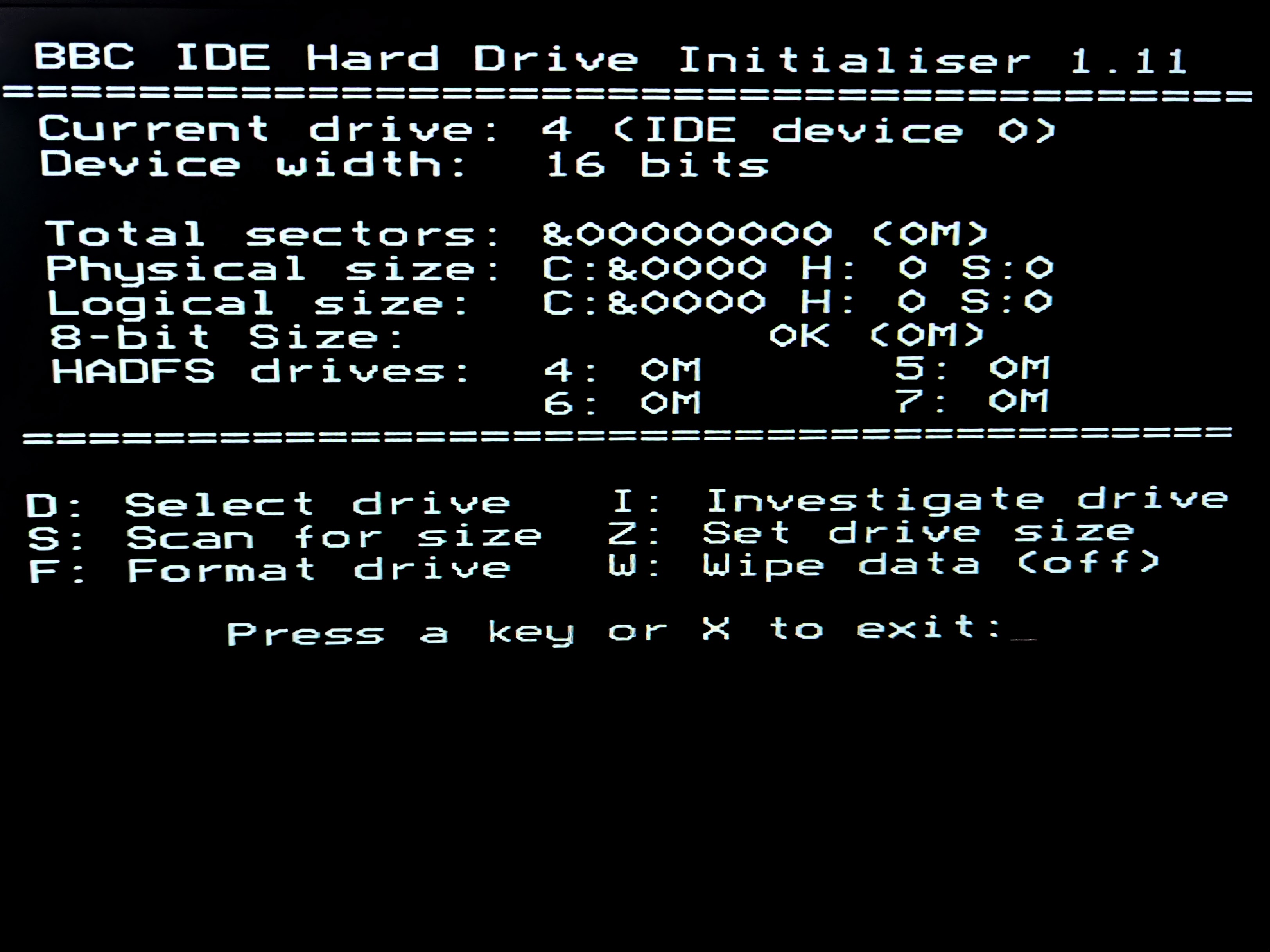
Press TAB to select an 8 bit drive:
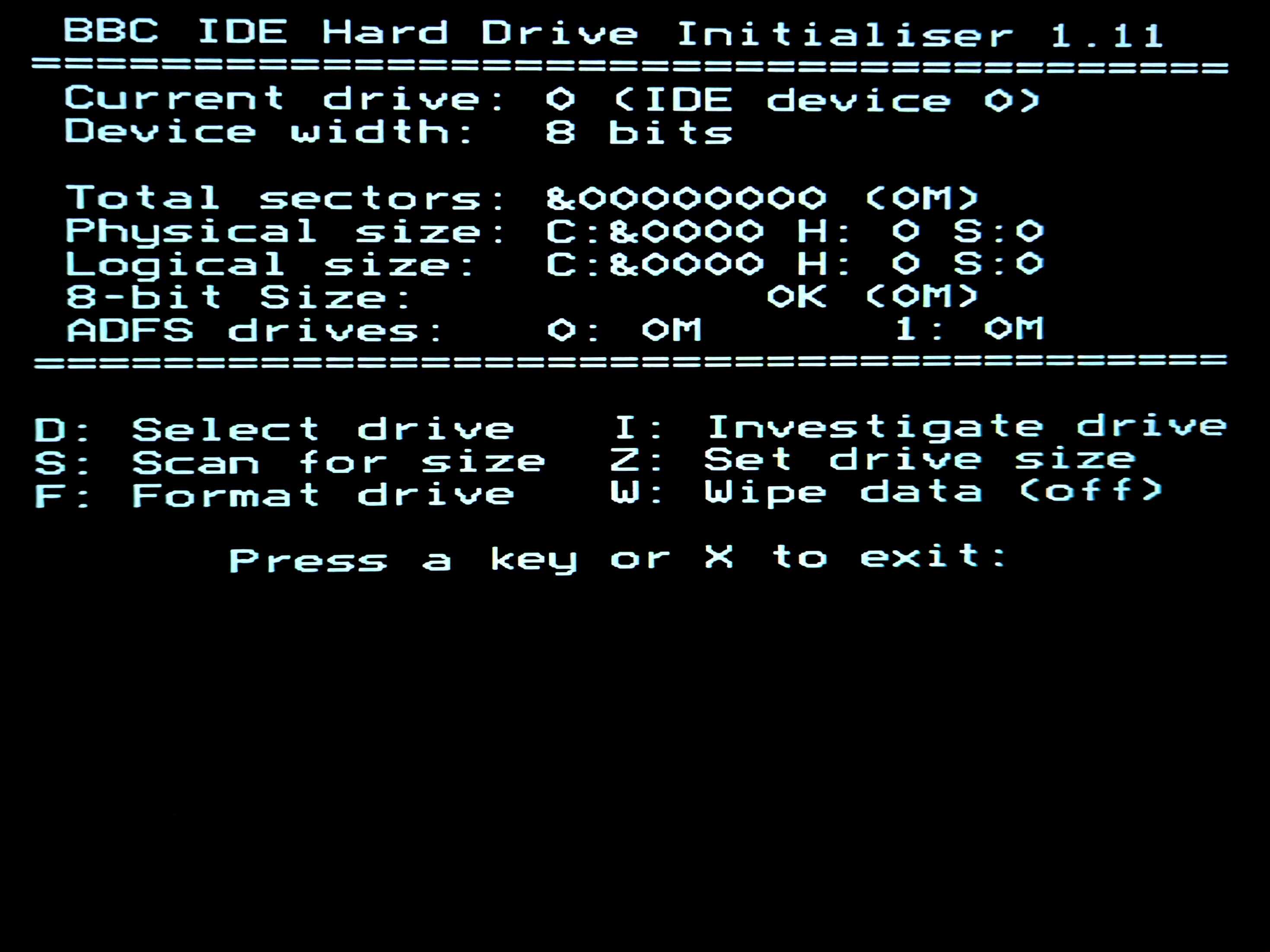
Press D to enter a Drive number, and enter 0:
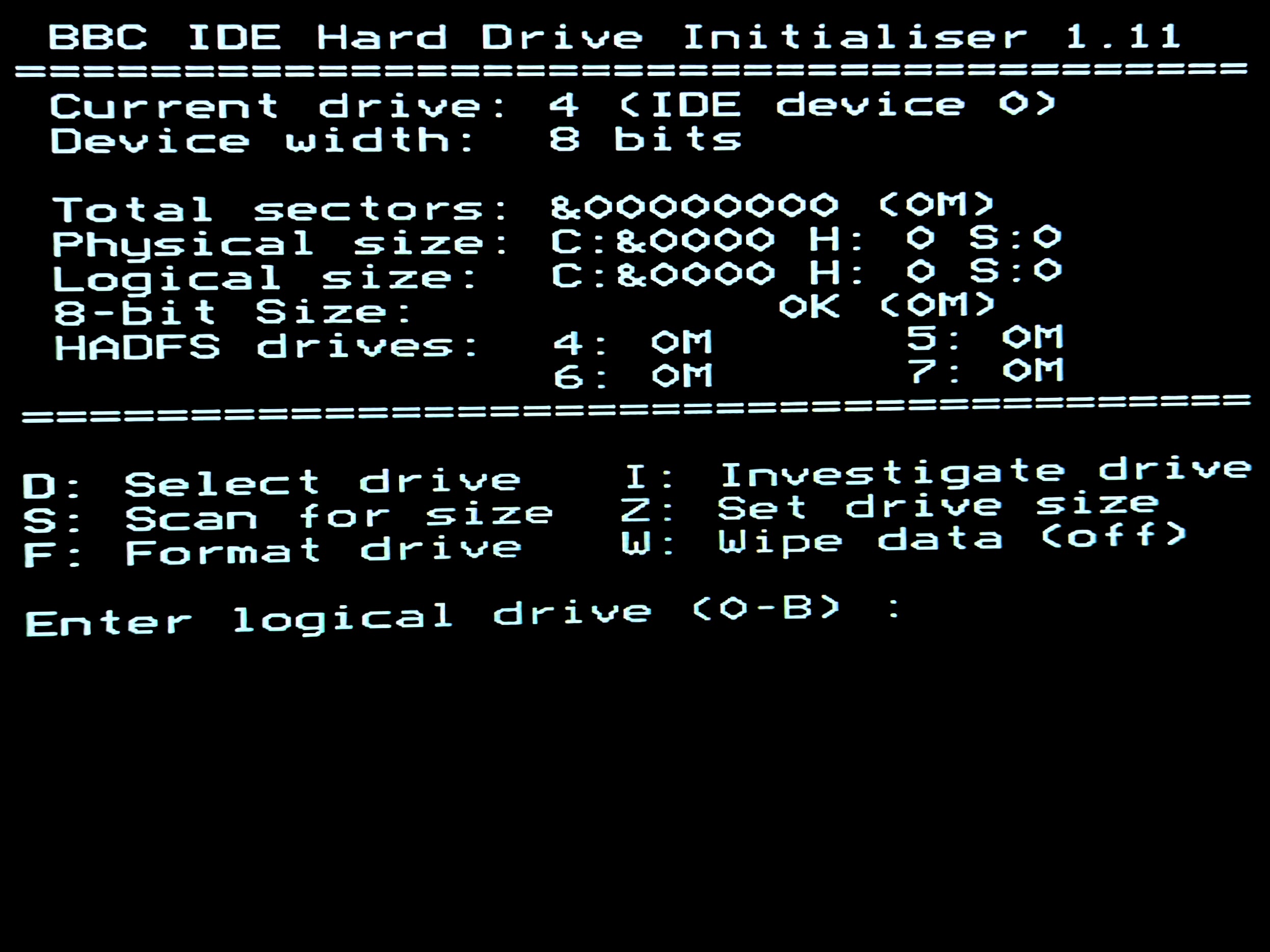
Press I to investigate the drive to discover the capacity:
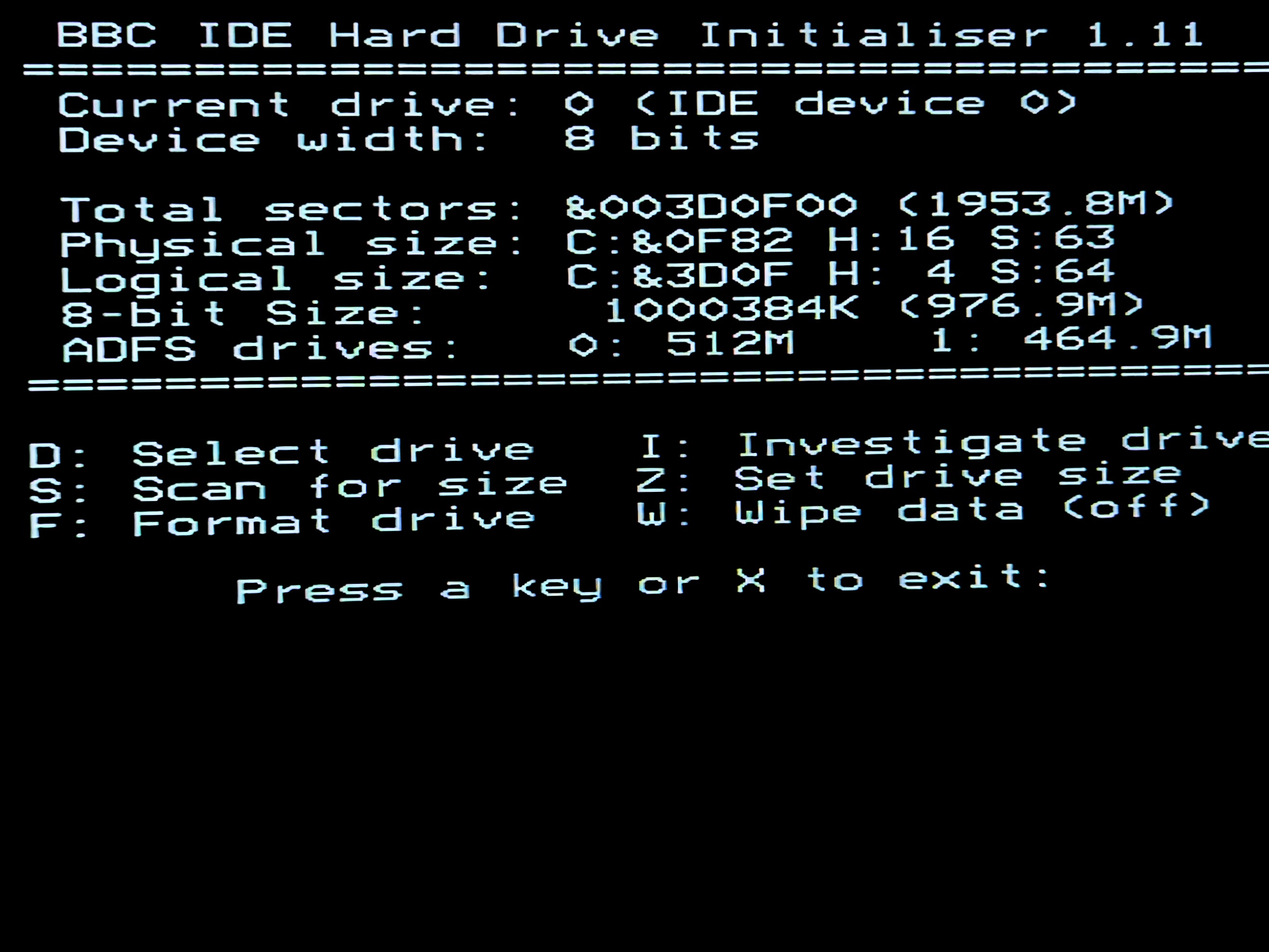
Press F to format the drive. When asked if you want to leave space for HADFS, enter NO, then YES to format:
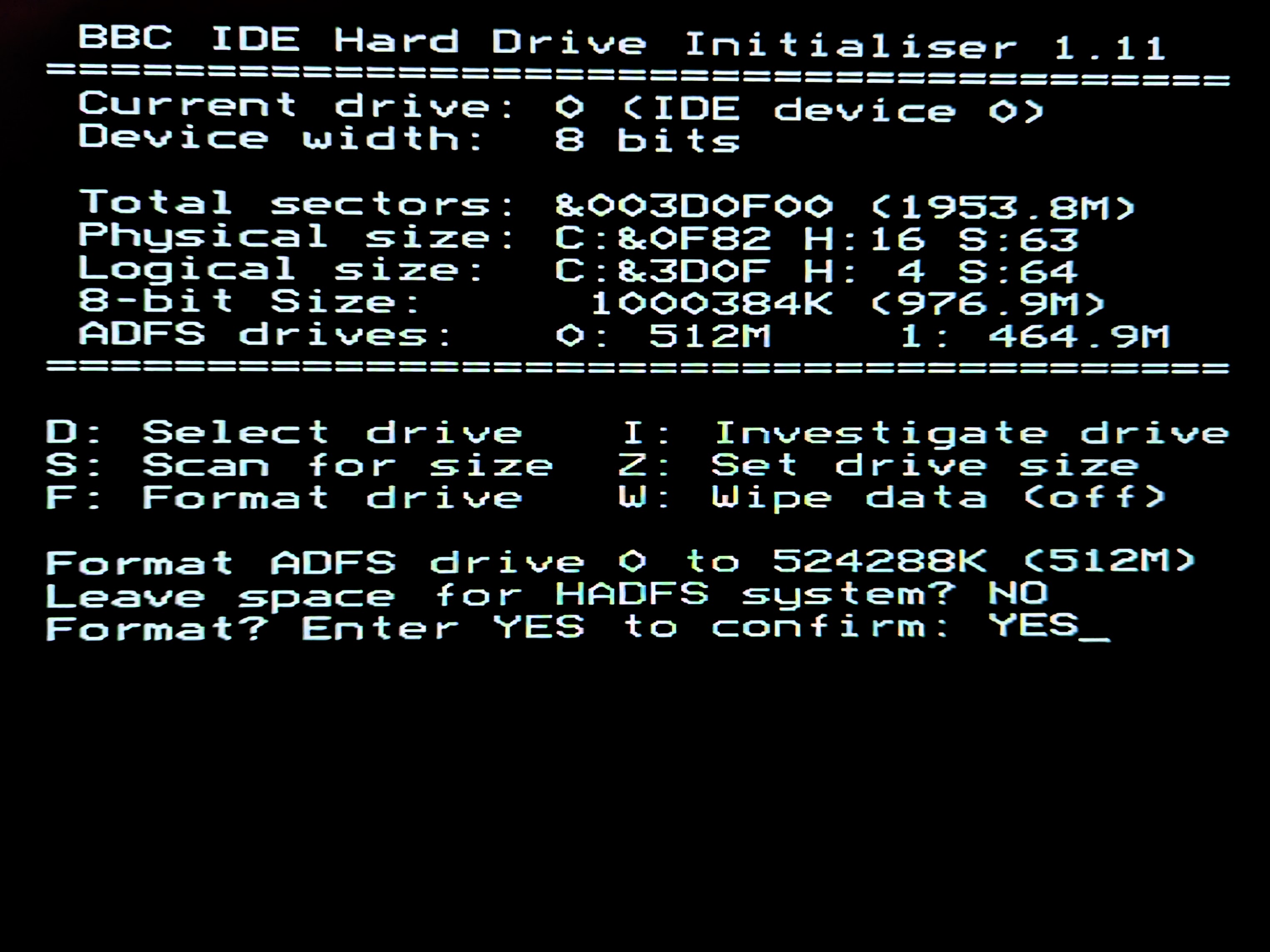
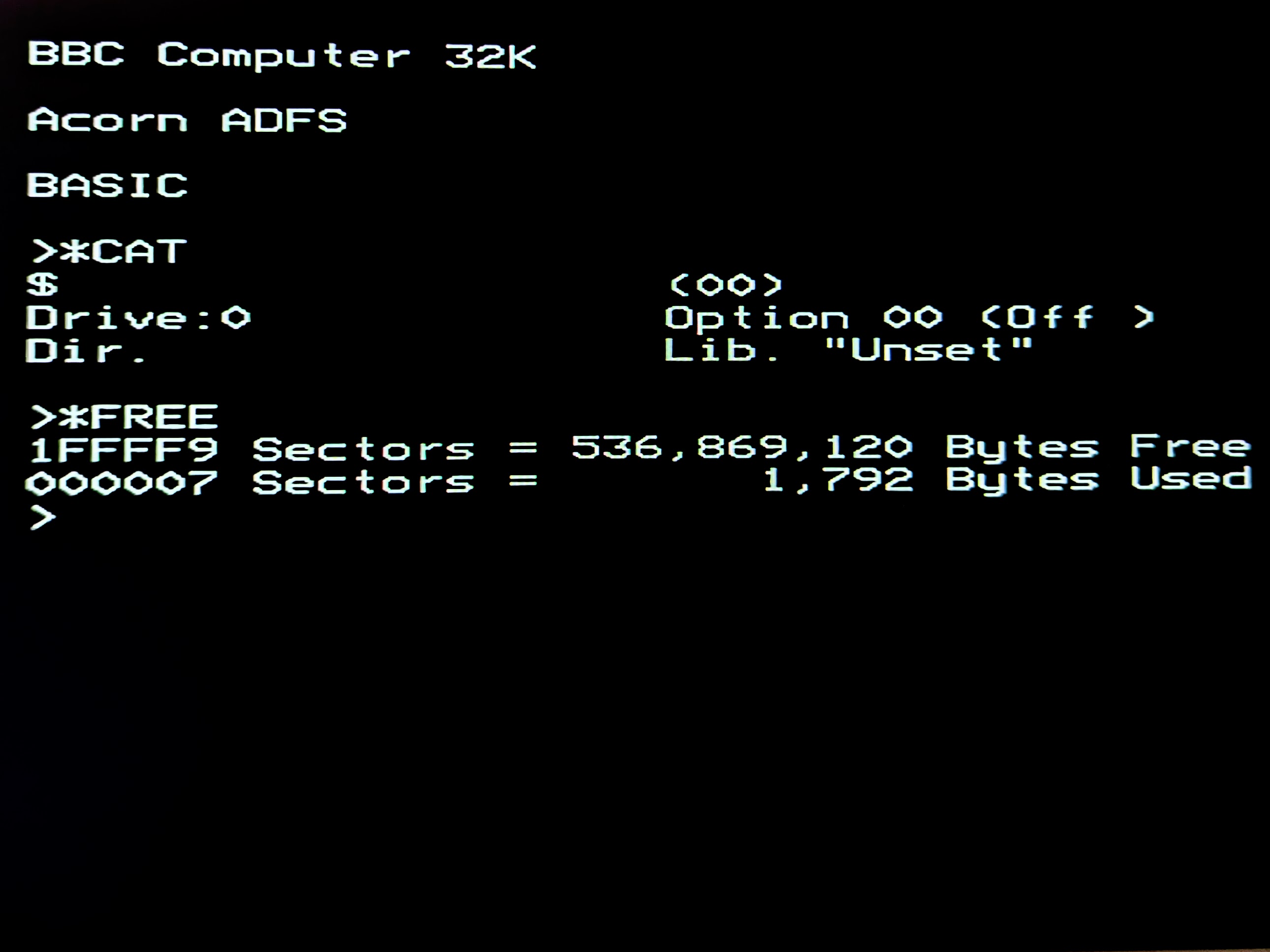
It should only take a few seconds to format the disk. Once done it'll tell you to reset the machine, so press CTRL + BREAK. Issuing the *FREE command should show about 512MB of available disk space:
You may wish to re-enable the Second Processor with *FX 151,230,1 and then another CTRL + BREAK