Repository navigation
Initialising the Disk for a Level 3 Econet Fileserver
If you wish to use the disc with a Level 3 Econet Fileserver you will need to WFSInit the drive to setup the extra partition that the fileserver uses to store Econet files.
- A formatted ADFS disc drive
- Check you have an ADFS 1.33 ROM fitted to your machine or loaded in SRAM / Flash
- Make sure you can load the WFSInit Tool from Disc, Econet, SerialFS etc
- Copy the Level 3 File Server files over to the Disc and reserve extra space if required.
- Enable the Second Processor by entering
*FX 151,230,1and then CTRL + BREAK
Load the program:
LOAD WFSINIT
Assuming you're using a 2GB CF Card blank out line 55 by entering the following:
55
If you're not using a 2GB CF Card RUN the program and read the comments on adjusting the parameters. Adjust them and then blank out line 55. Unfortunately I can't help you with suitable values for other disk sizes.
Run the program:
RUN
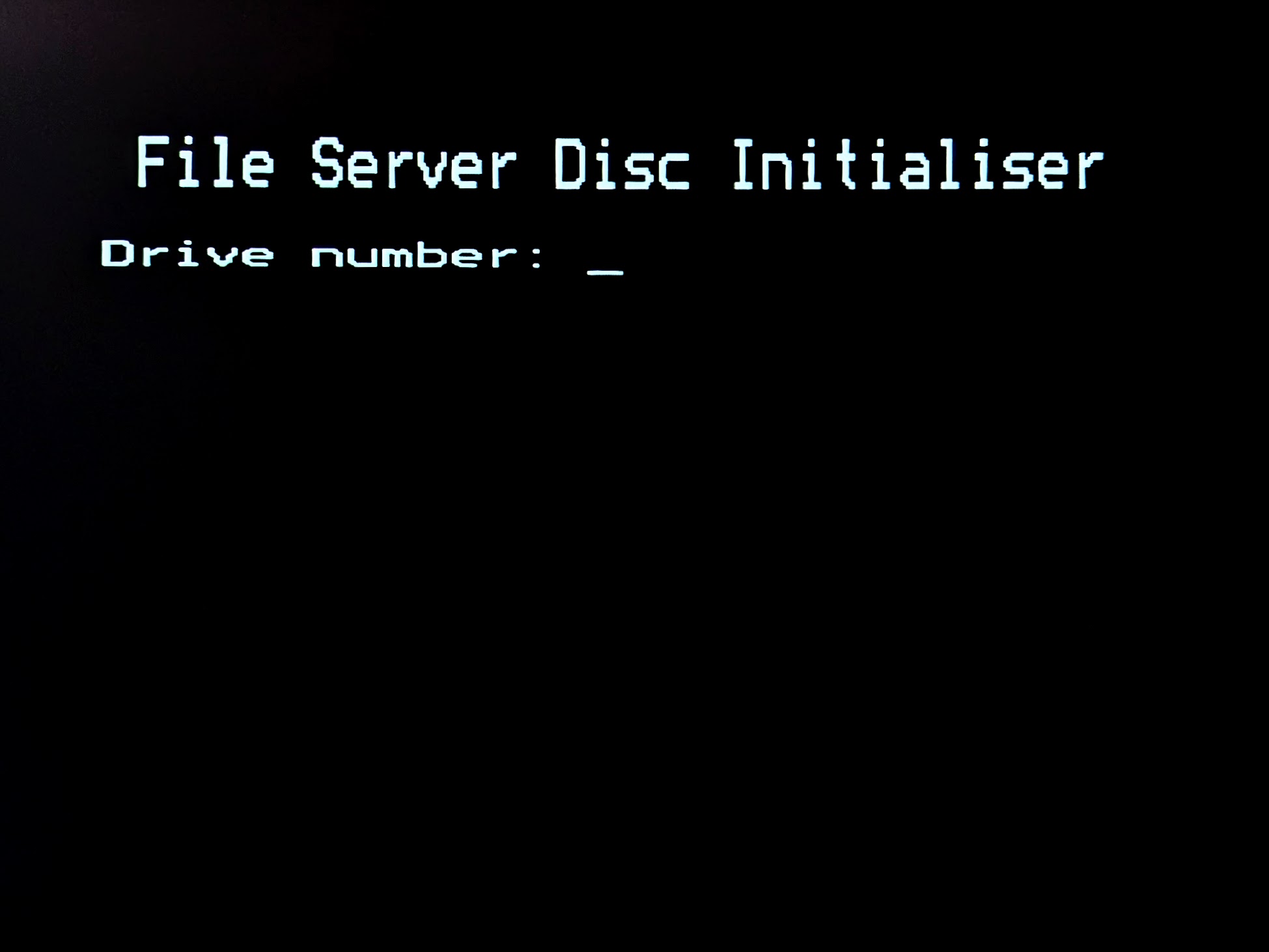
Fill in the requested details.
Drive: 0 Disc Name: Can be anything, just note it will be visible to Econet users Next Drive: Leave blank Date: Todays date
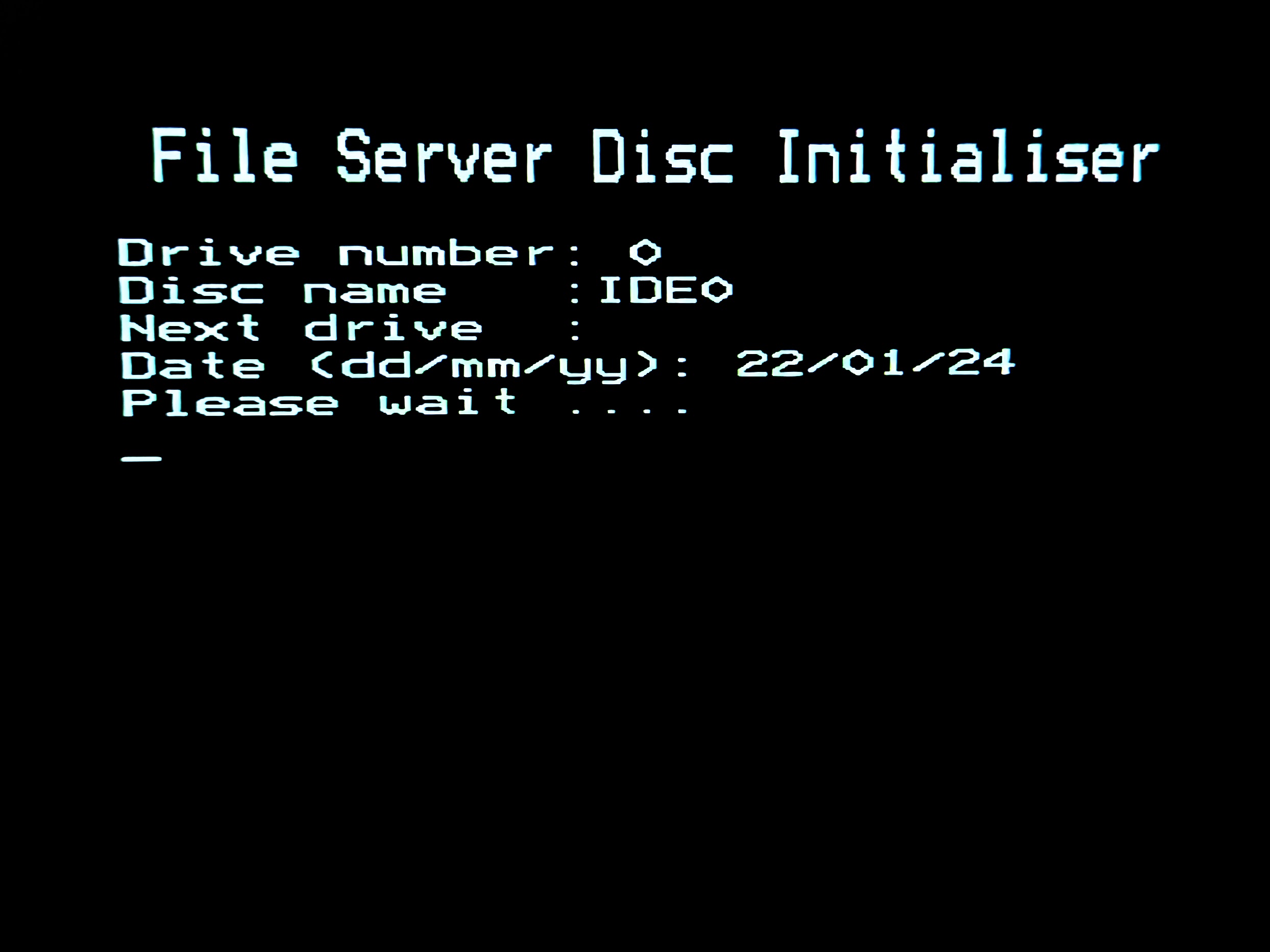
It'll then begin to initialise the disk. This process should take no longer than 5-10 minutes and once completed you will be asked if you want to create a Password File. Select yes, and optionally add some more users (The SYST user is created by default).
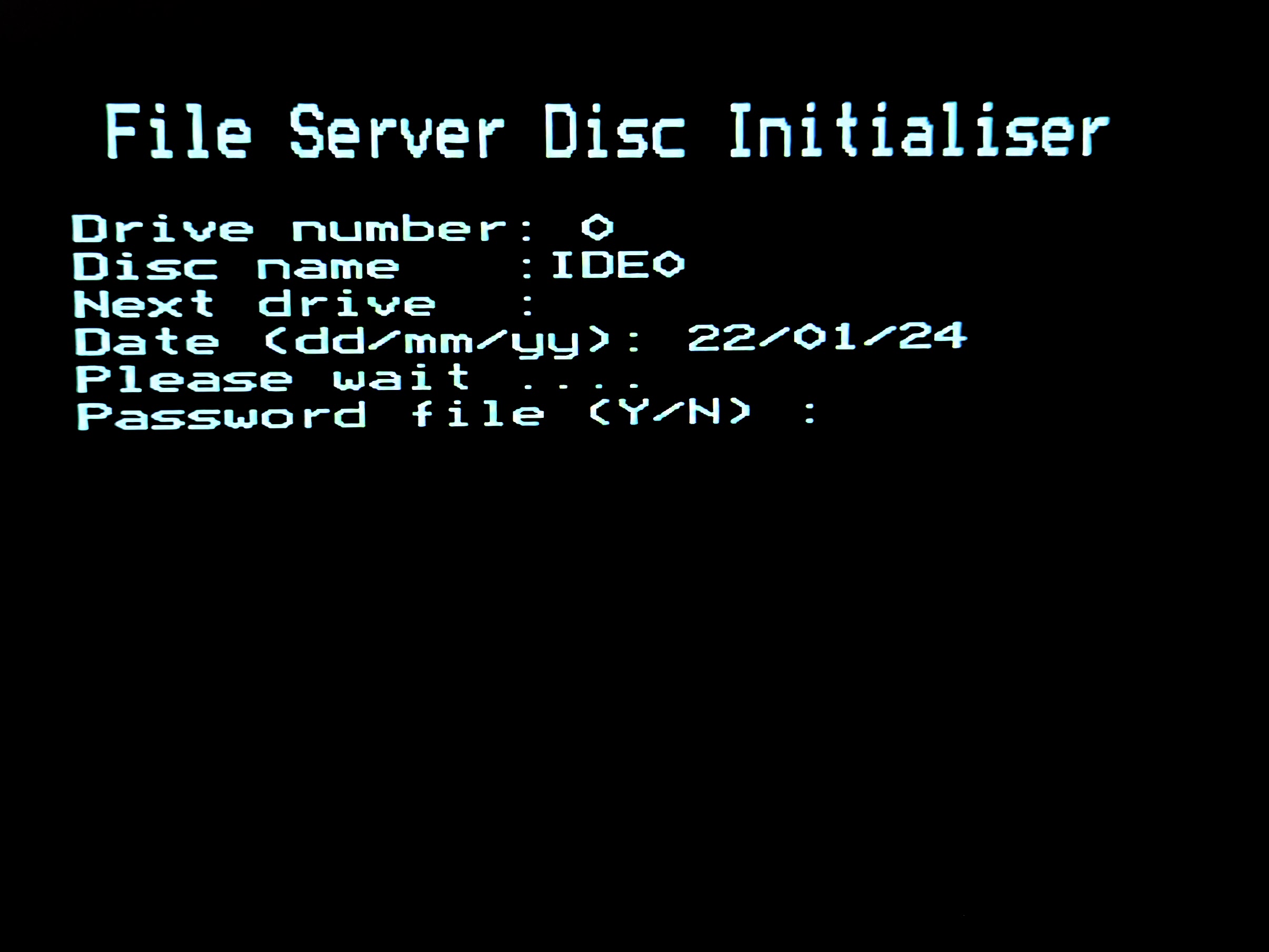
You'll then be asked if you wish to copy the Master Directories over. Select No.
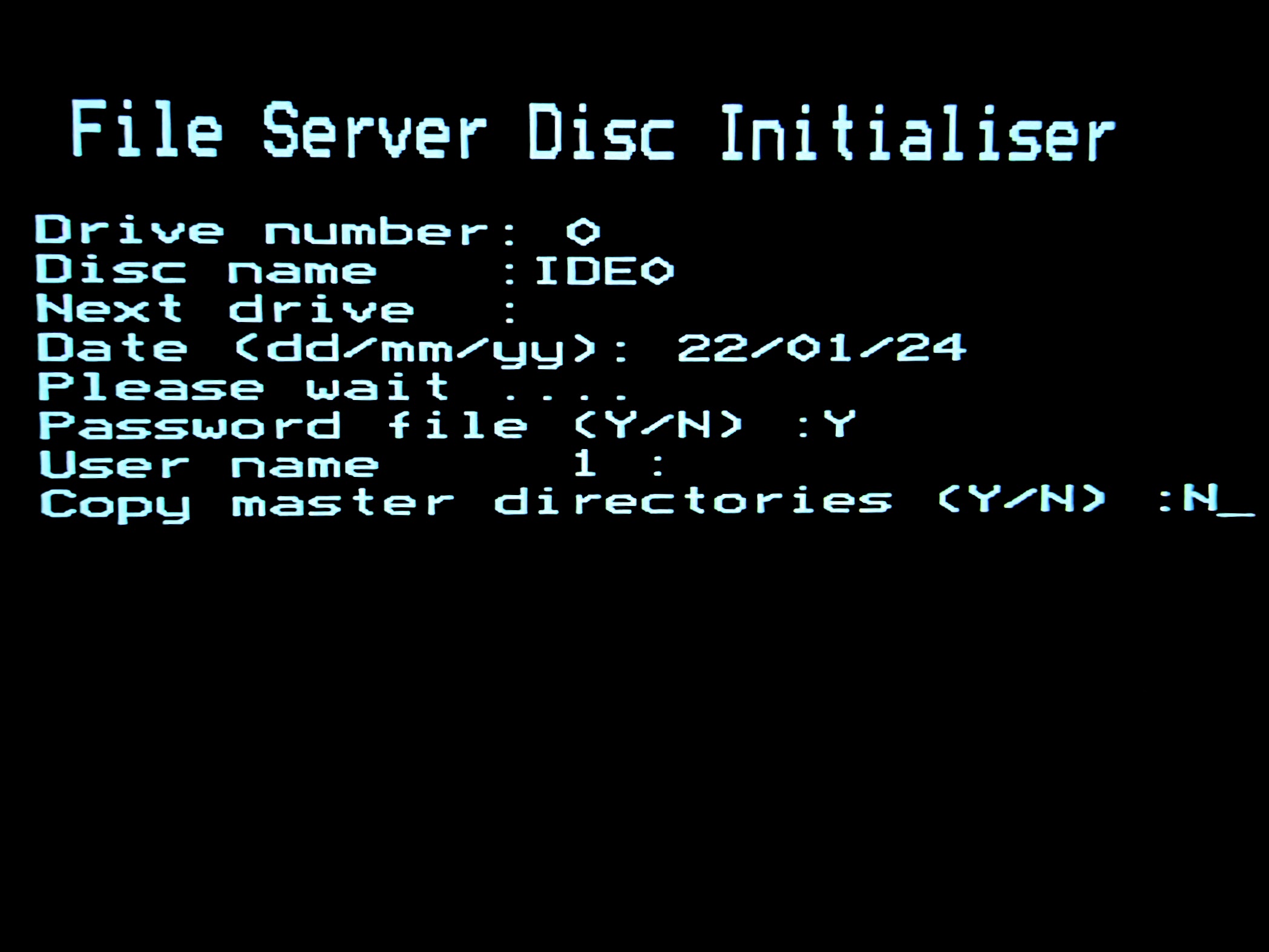
The Econet partition should now be setup.