This tool converts a network traffic packet capture into a KML file that contains global coordinate information for each IP connected to via the source machine. This can then be imported into a Google Map to obtain a visual overlay of the destination locations.
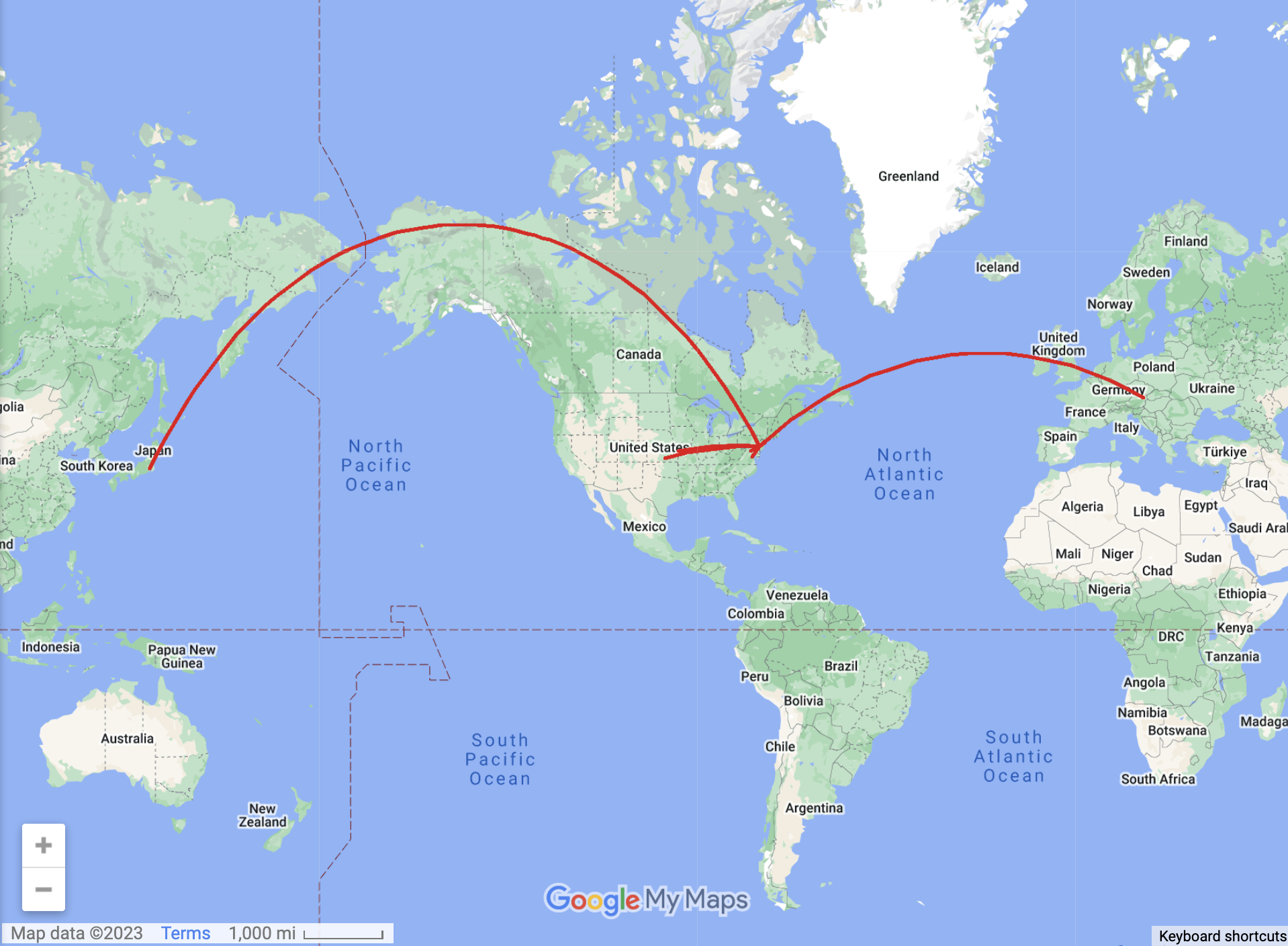
The example packet capture (samplePacketCapture.pcap), when converted into a KML file via the tool, produces the below map:
Note: Before using the tool, download the MaxMind - City IPv6/IPv4 .dat file as this is needed to convert IP addresses into geospatial coordinates.
- Create a network packet traffic capture using Wireshark or a similar tool. Make sure to save the file in .pcap format
- Run kmlGenerator.py and when it asks for a packet capture, enter the name of your .pcap file, including the file extension.
- The output from running kmlGenerator.py is ipdata.kml. Log into Google Maps and when creating a new map, import ipdata.kml.