FancyZones: even space is 0, some apps show space again after restart #8924

Description

ℹ Computer information
- PowerToys version: 0.29.3
- PowerToy Utility: FancyZones
- Running PowerToys as Admin: no
- Windows build number: Win10 1909 18363.1256
📝 Provide detailed reproduction steps (if any)
- I installed PowerToys
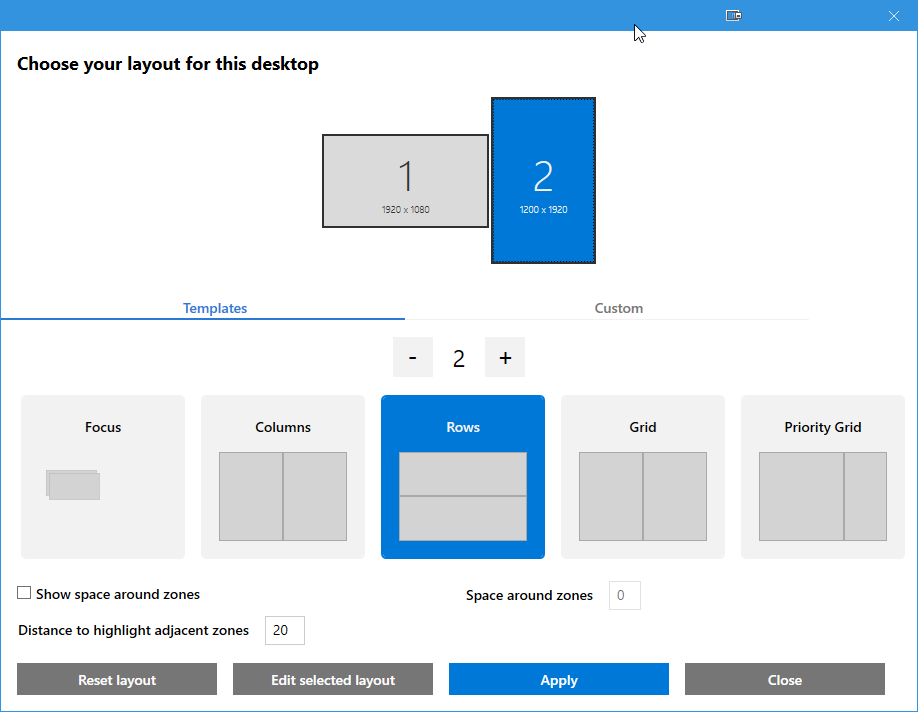
- On second (vertical) monitor I used a simple two-row layout (see screenshot)
- I tested some apps like chrome, thunderbird etc.
- Since the space looked annoying to me, I set it 0 (and later in addition I disabled the checkbox left)
- I re-assigned the windows and was happy...
- Day after, I opened my default apps (chrome, skype, sublime, spotify, thunderbird ...) and I recognized, that all windows used the correct zone, but Chrome and Thunderbird still use the zone with the default-padding...
- I re-assigned the correct zone level to Chrome and Thunderbird -> closed the apps and re-opened it -> app again showed with padding... 7. in a loop...
✔️ Expected result
After removing space (either via "Space around zones to 0" or by disabling "Show space around zones") and re-assigning windows to the correct position, it should keep this position also after a re-start of the program.
❌ Actual result
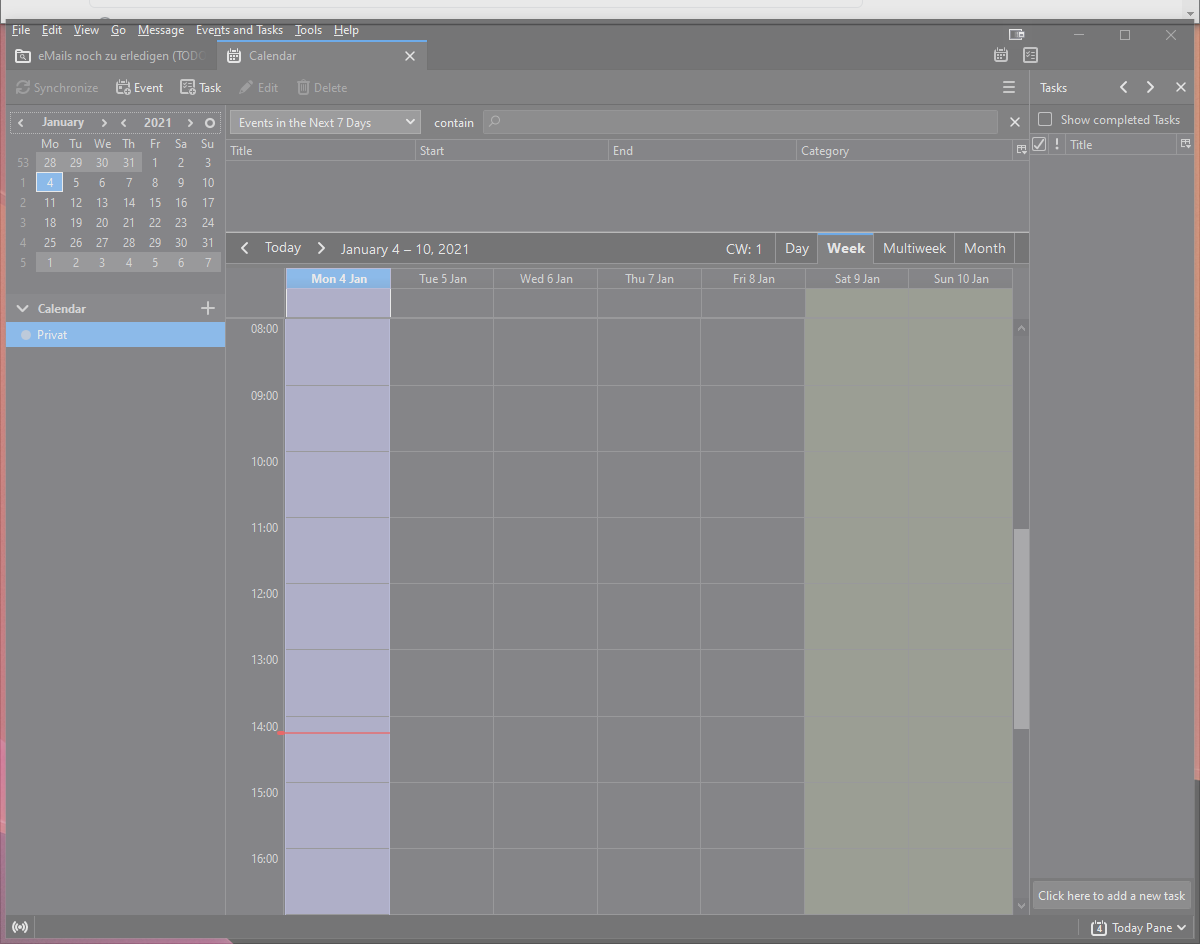
After restarting Thunderbird and Chrome, I still see a padding around these apps (see screenshot).
(For Spotify, Sublime and Skype it works correctly)
📷 Screenshots