Repository navigation
2.2 - Update and Uninstall

Changelog
2.2 - Update and Uninstall
- The installer window now has Update and Uninstall buttons. Update fetches the newest release and rebuilds, keeping your saves, settings and game files. Uninstall removes the port (your original ISO is never touched) and can keep a backup of your saves.
- Command line:
--update,--uninstall,--status.
2.1 - One-file installer
fable2-setup.py: pick your own Fable II GOTY ISO (or extracted folder) in a window with a native file chooser; it checks the version, installs build tools, builds the port on your computer and installs it. Includes the launch-menu artwork.
2.0 - The Launcher Update
Game compatibility and performance are unchanged; this release is about the experience around the game.
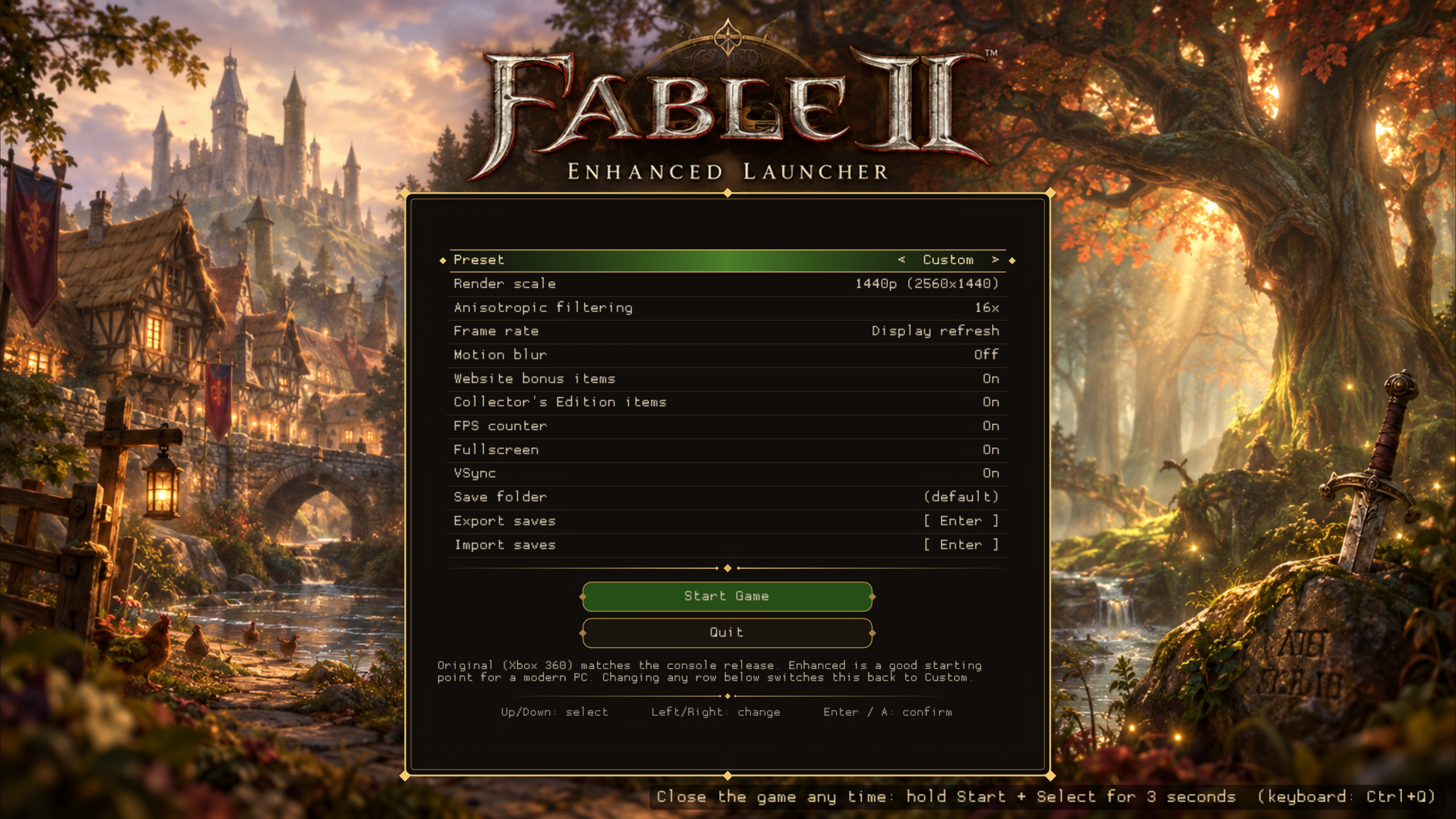
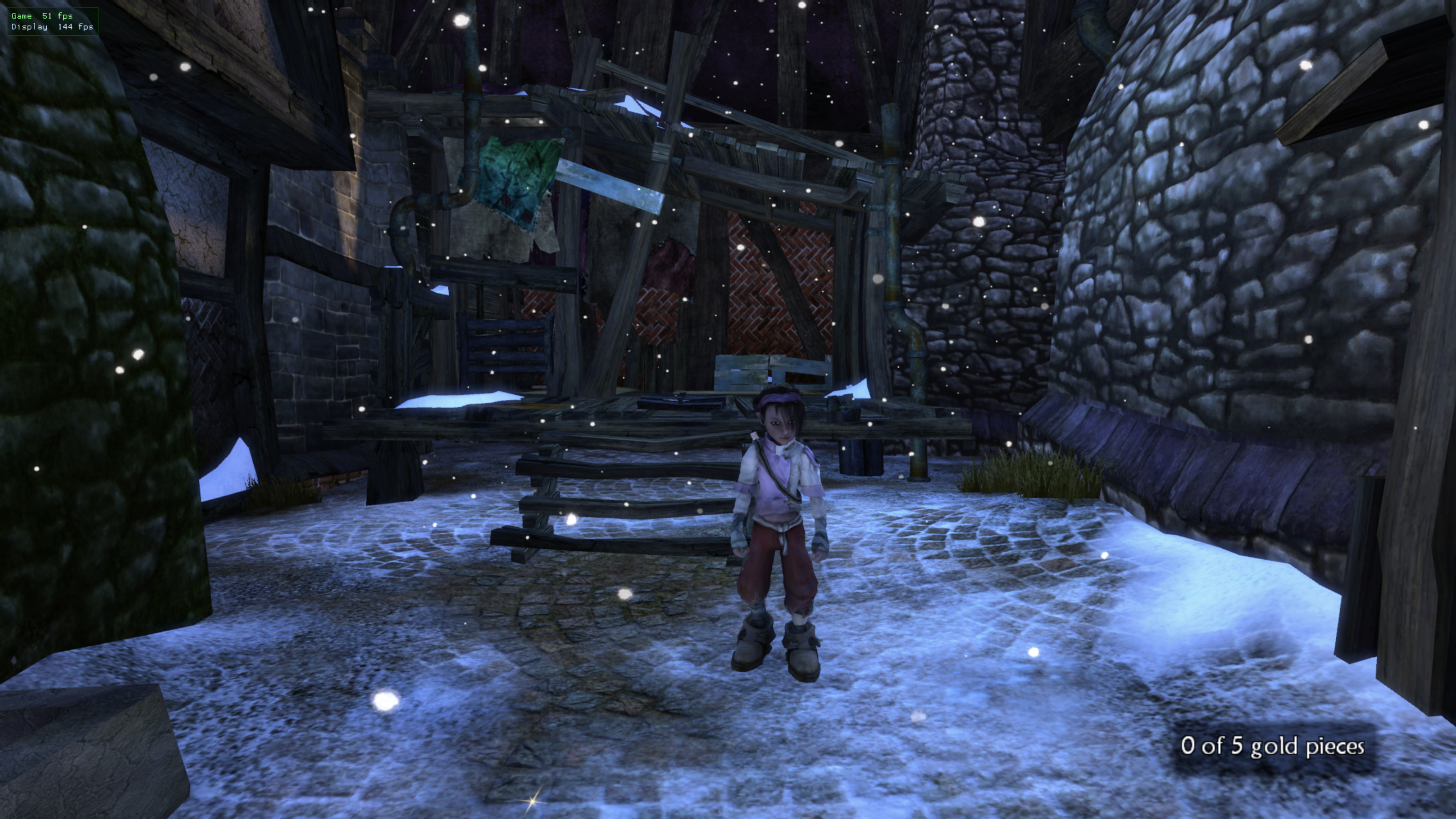
- New launch menu: presets, render scale, anisotropic filtering, frame rate, motion blur, FPS counter, fullscreen, VSync
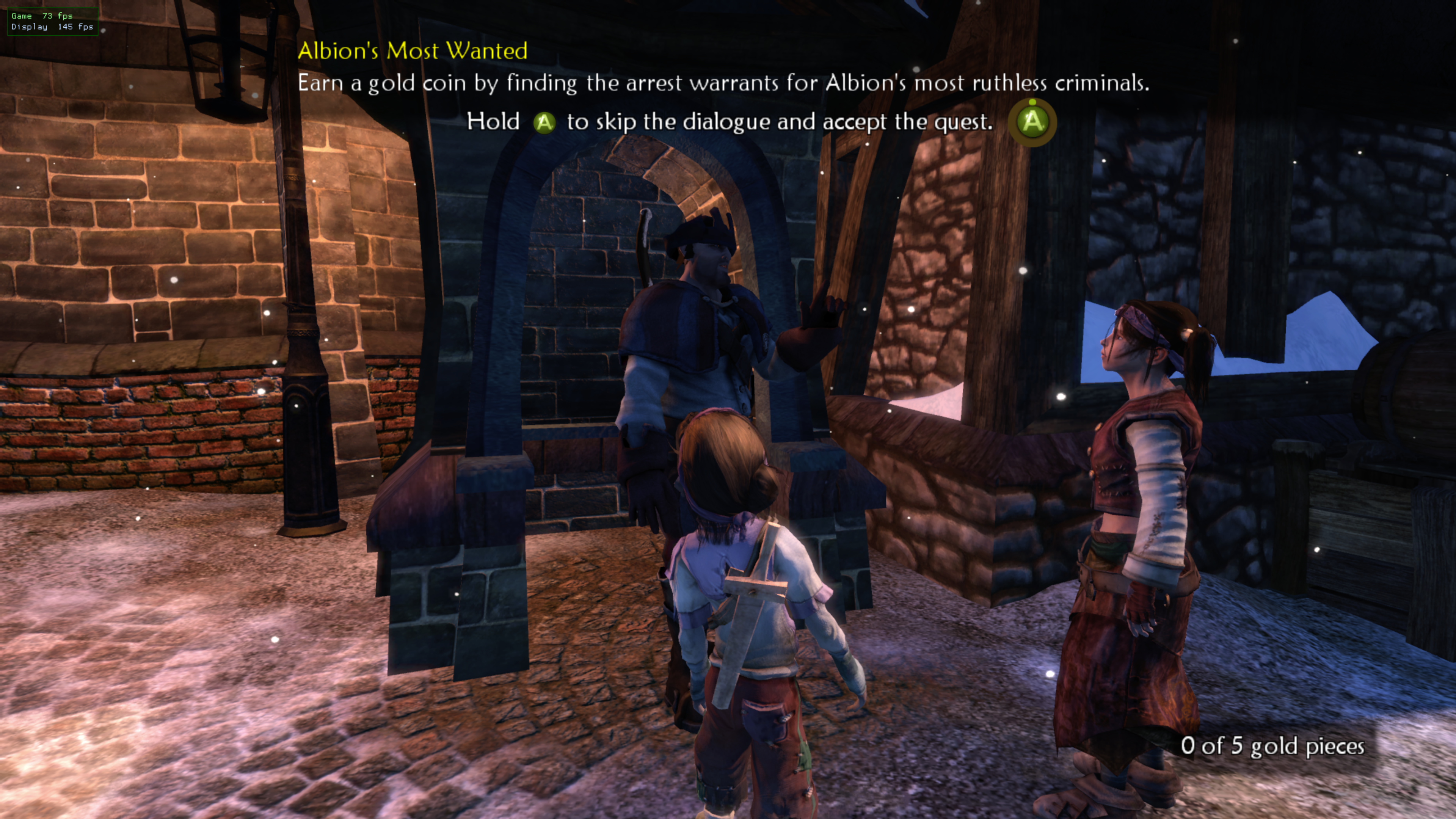
- Fully controller-navigable (d-pad / stick, A to select)
- Save export/import with a built-in folder browser (no typing); import lists every .zip
- Toggles for the website bonus items and Collectors Edition items
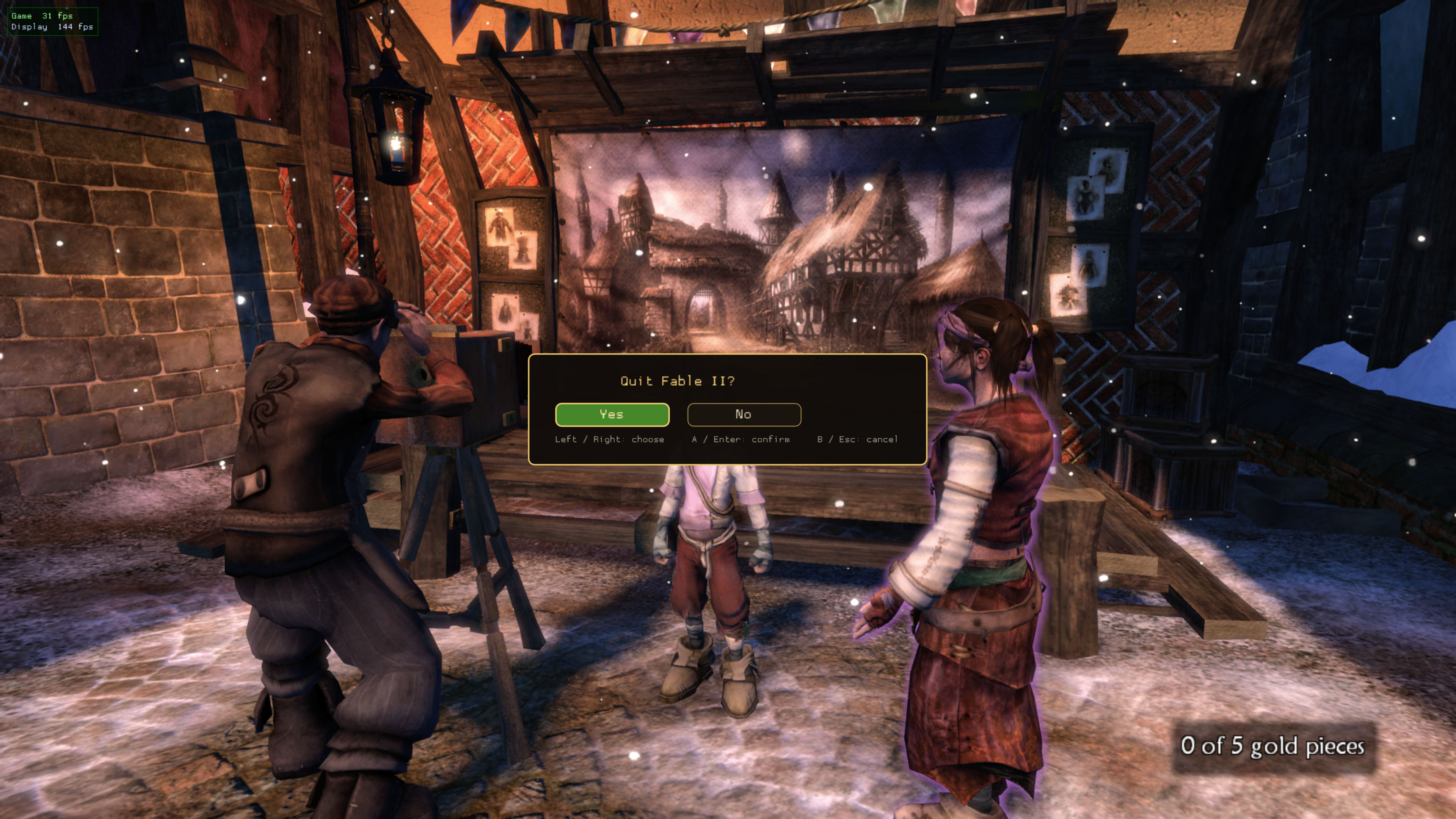
- Close the game without Alt+F4: hold Start + Select for 3 s (or Ctrl+Q)
- Experimental ARM64 handheld build (Retroid Pocket / ArmadaOS)
- Optional custom menu artwork (see assets/launcher)
Screenshots