Repository navigation
Releases
Fable II: Linux Edition 2.4.0 - Two-page menu and Debug mode

The launch menu now has two pages: Game (picture, frame rate, VSync, FPS counter) and Extras and Debug (bonus items, saves, debug tools). Switch with LB / RB, Tab or PageUp / PageDown. New Debug mode shows a live performance panel and turns on extra logging; Export debug report writes one file you can attach to a bug report. The menu now opens in a window, and rows that can't be used are greyed out.
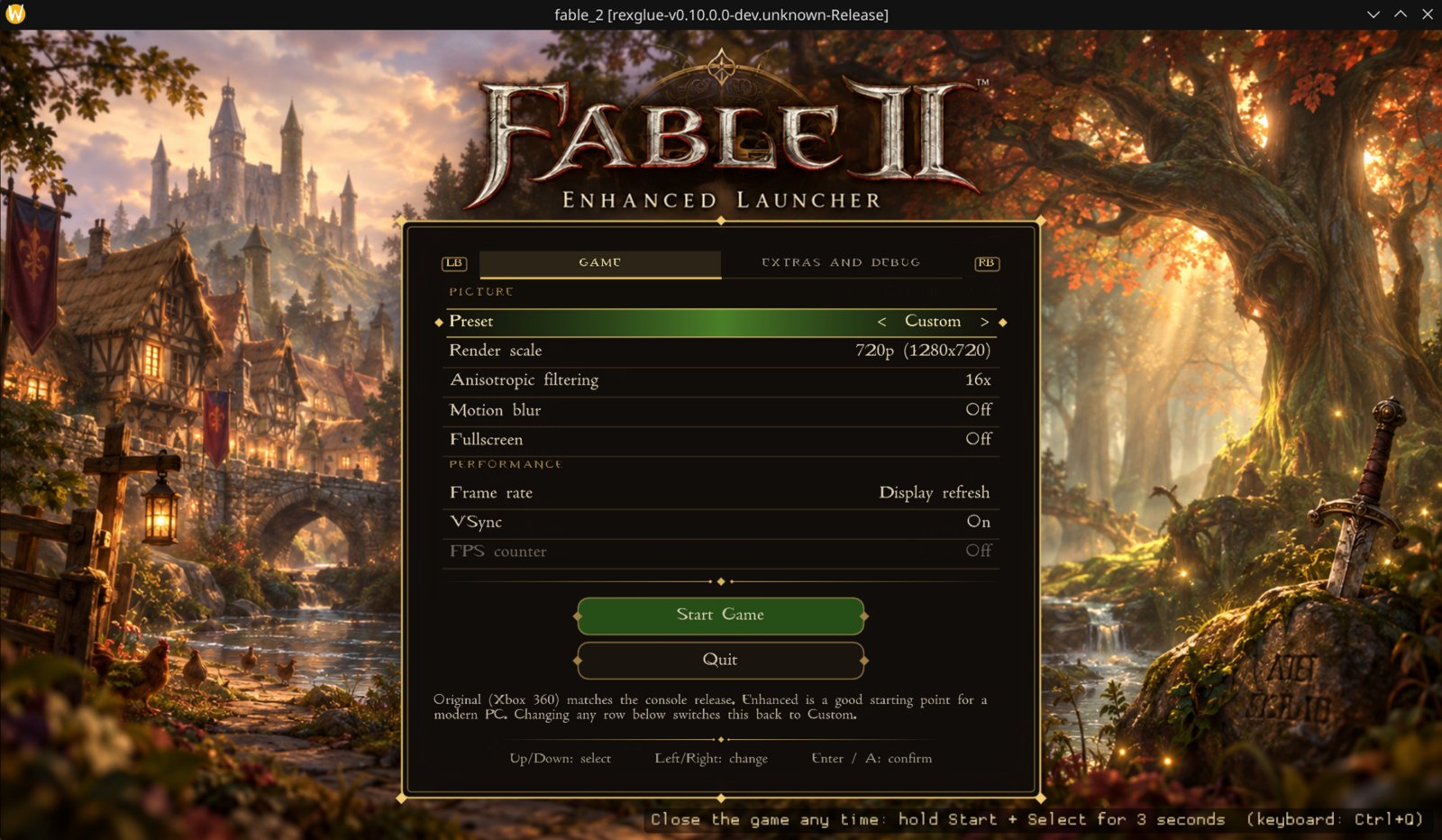
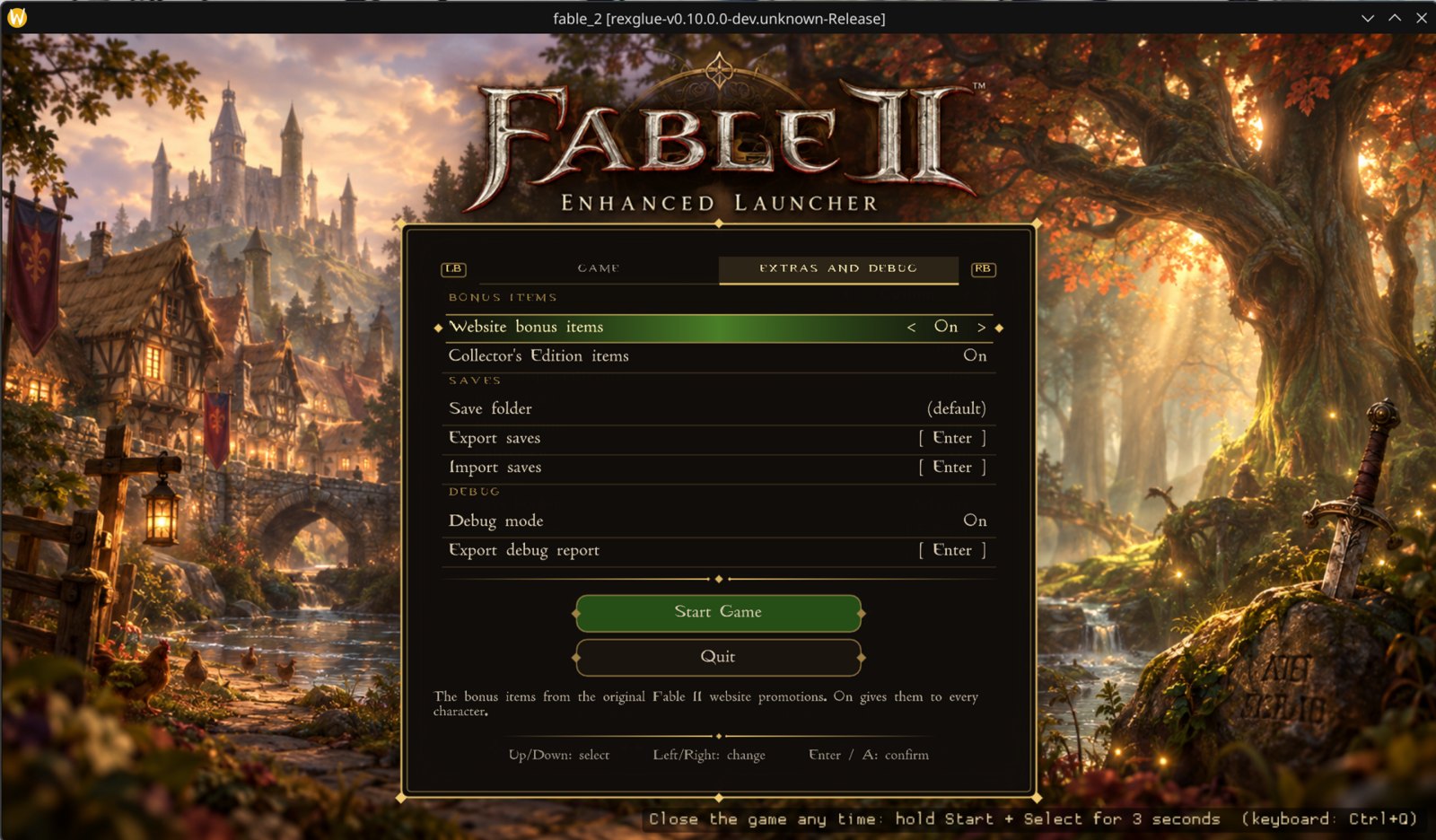
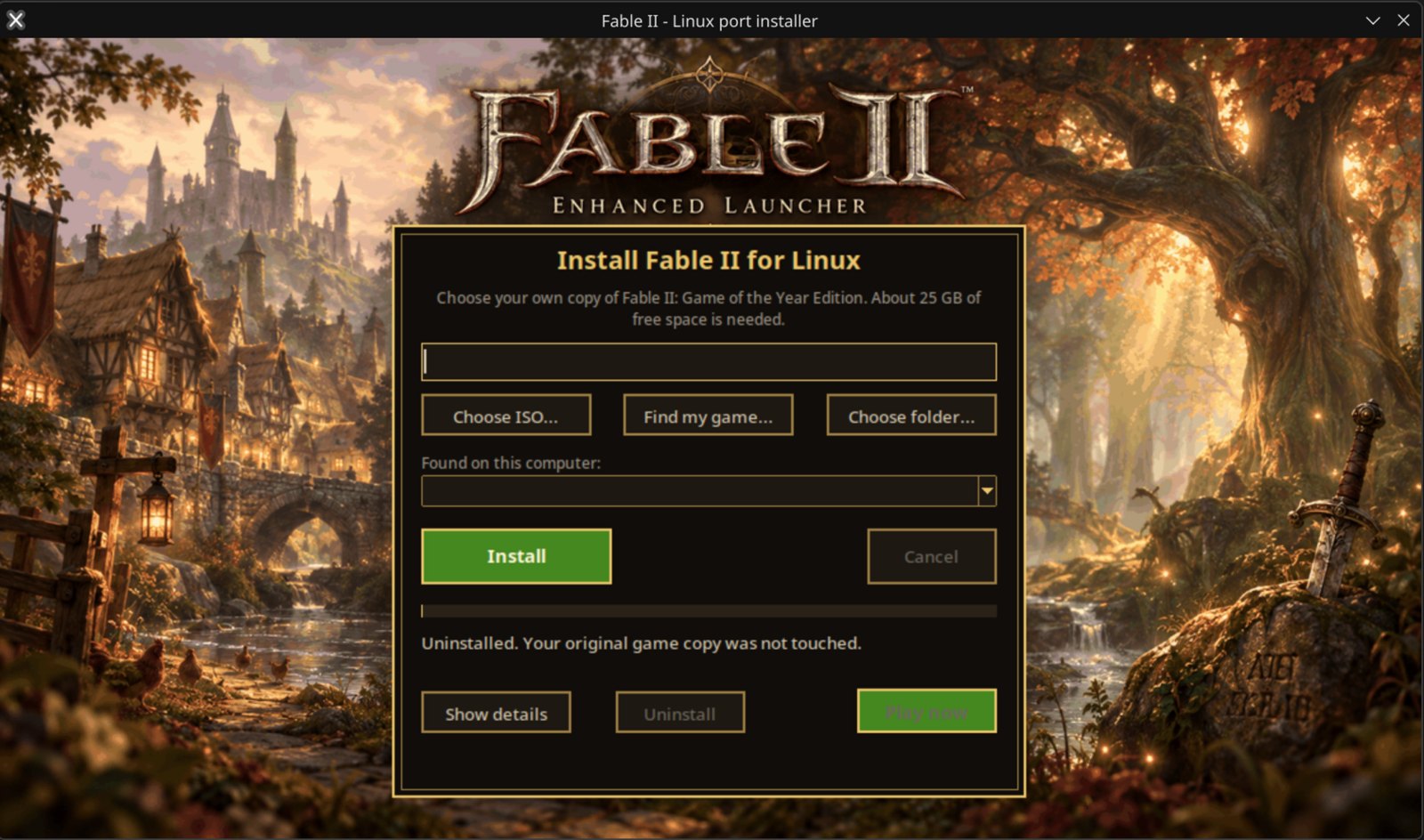
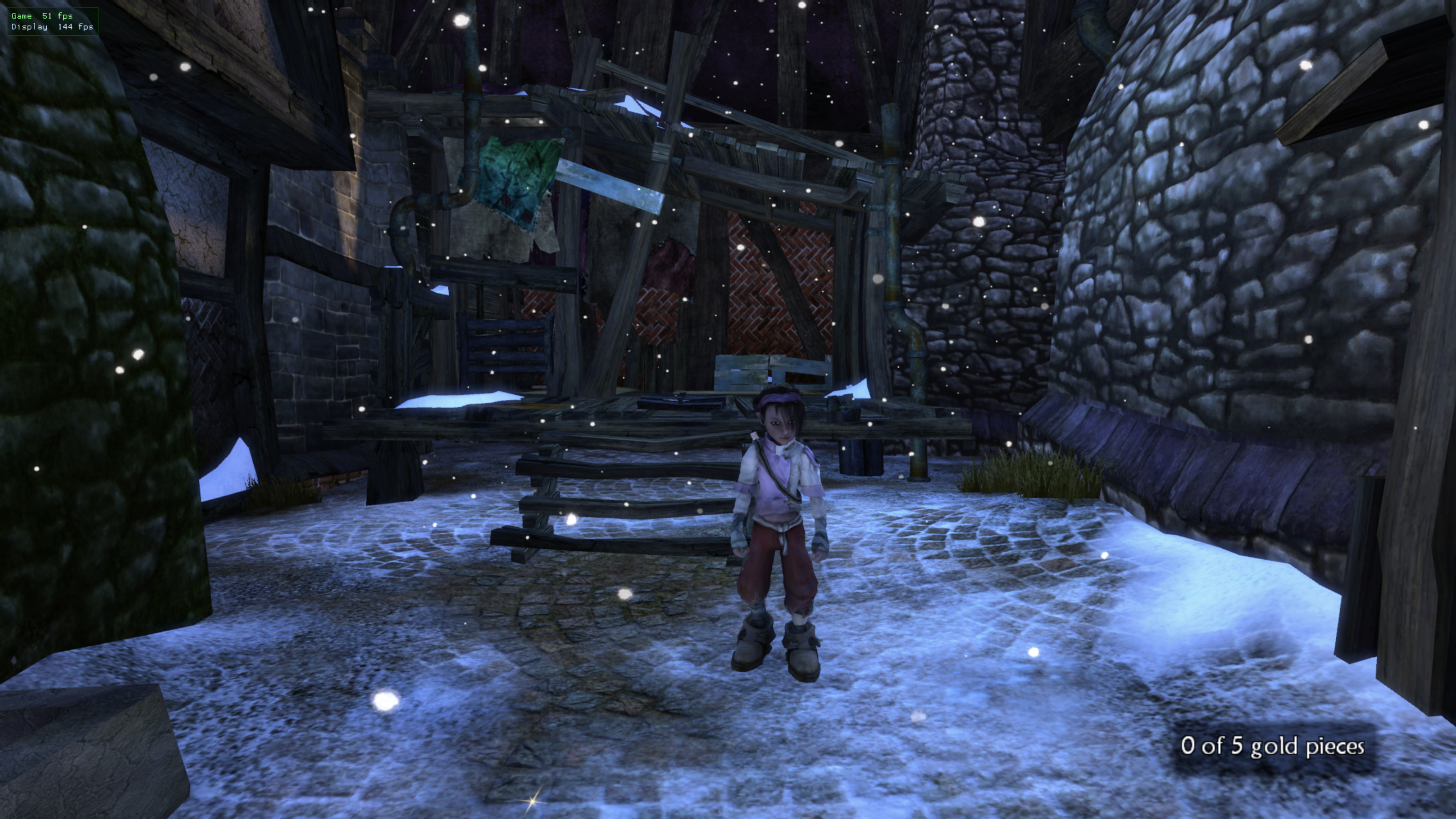
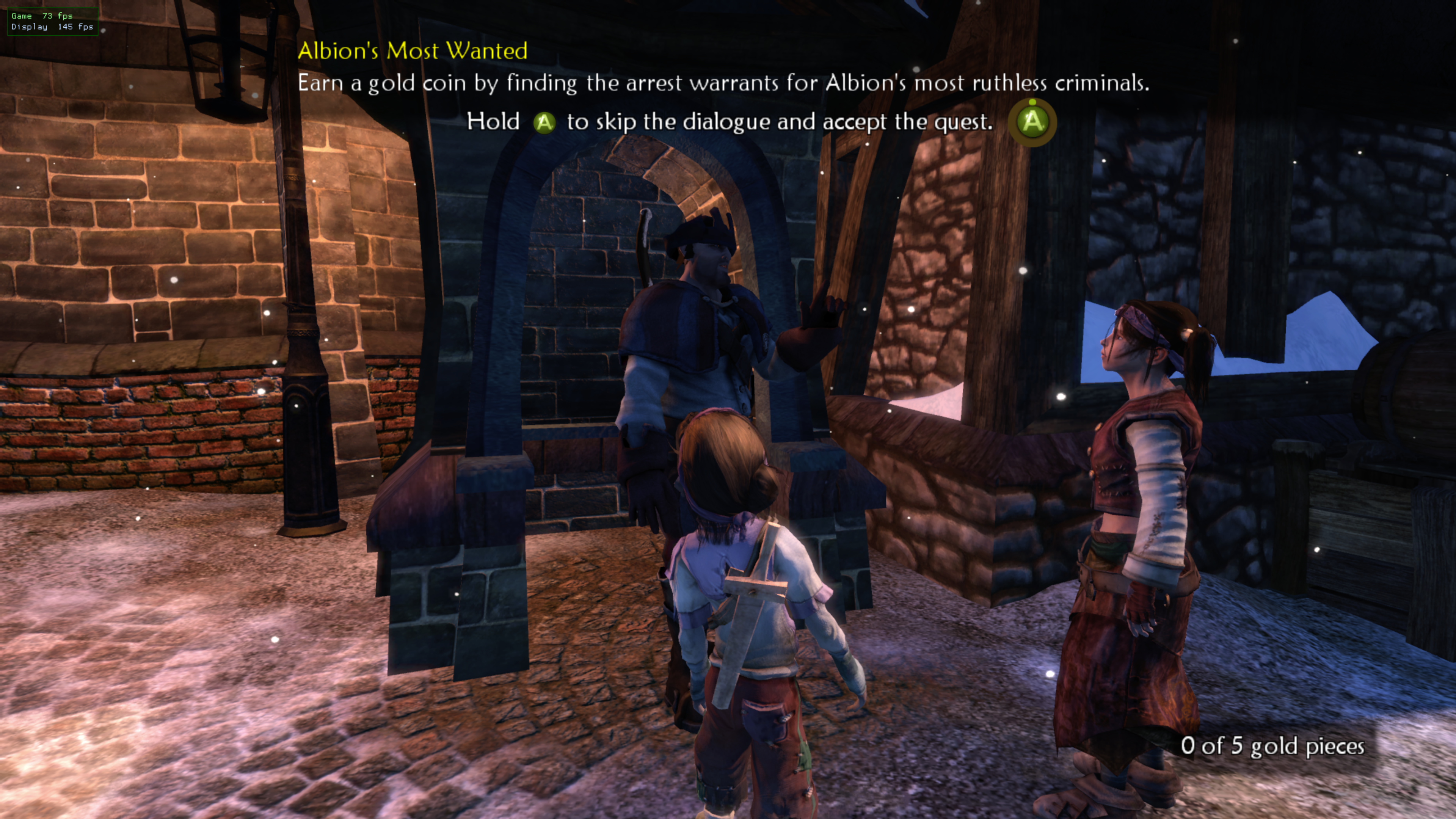
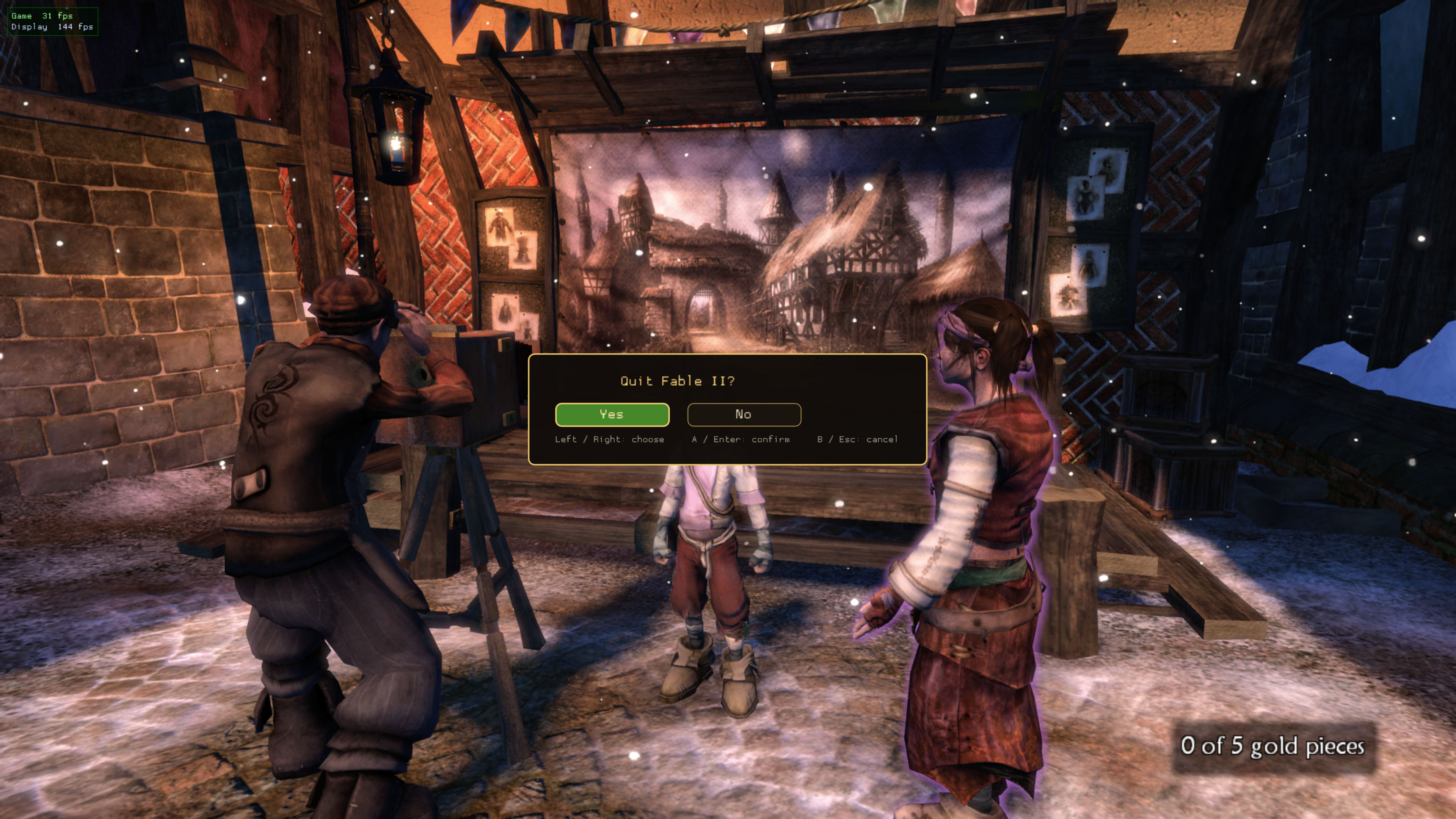
About the font in the screenshots: they use the Fable II font, which is not included in this download. You can add it yourself: save a TrueType font as launcher_font.ttf next to the game program (installed copies: ~/.local/share/fable2-port/app/) and the menu uses it. Without it the menu uses its built-in font, and everything works the same.
Install: download Fable2-Linux-Installer.tar.gz, unpack it and double-click Install Fable II. Already installed? Open the installer and press Update; your saves and settings are kept. You need your own copy of Fable II: Game of the Year Edition; nothing from the game is included.
Fable II: Linux Edition 2.3.2 - Controller fix
Controllers that were connected before the game started now work in play, not just in the launch menu (seen on a handheld and inside a container). Download Fable2-Linux-Installer.tar.gz, unpack it and double-click Install Fable II. Already installed? Open the installer and press Update; your saves and settings are kept. You need your own copy of Fable II: Game of the Year Edition; nothing from the game is included.
Fable II: Linux Edition 2.3.1 - Arch fix
Tested on Ubuntu 24.04 and Arch Linux as well as Fedora/Nobara. Fixes an Arch build failure caused by exported shell functions, and retries now start from a clean build. Download Fable2-Linux-Installer.tar.gz, extract it and double-click Install Fable II.
Fable II: Linux Edition 2.3.0 - Find my game
New Find my game button: pick a drive and the installer searches it for your Fable II disc image or game folder. Download Fable2-Linux-Installer.tar.gz, extract it and double-click Install Fable II.
Fable II: Linux Edition 2.2.1
Ubuntu/Debian installer fixes. Download Fable2-Linux-Installer.tar.gz, extract it and double-click Install Fable II.
2.2 - Update and Uninstall
Changelog
2.2 - Update and Uninstall
- The installer window now has Update and Uninstall buttons. Update fetches the newest release and rebuilds, keeping your saves, settings and game files. Uninstall removes the port (your original ISO is never touched) and can keep a backup of your saves.
- Command line:
--update,--uninstall,--status.
2.1 - One-file installer
fable2-setup.py: pick your own Fable II GOTY ISO (or extracted folder) in a window with a native file chooser; it checks the version, installs build tools, builds the port on your computer and installs it. Includes the launch-menu artwork.
2.0 - The Launcher Update
Game compatibility and performance are unchanged; this release is about the experience around the game.
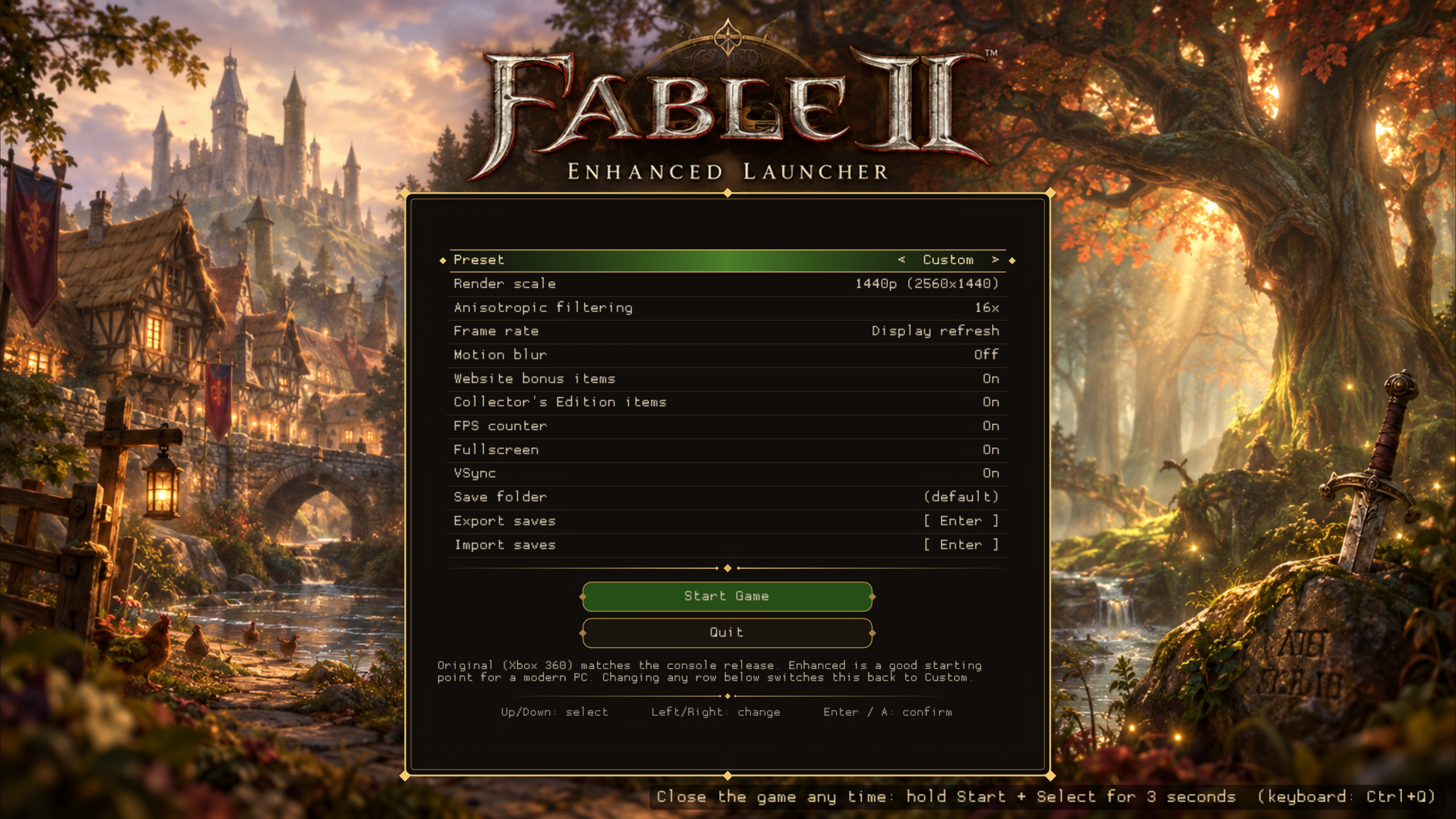
- New launch menu: presets, render scale, anisotropic filtering, frame rate, motion blur, FPS counter, fullscreen, VSync
- Fully controller-navigable (d-pad / stick, A to select)
- Save export/import with a built-in folder browser (no typing); import lists every .zip
- Toggles for the website bonus items and Collectors Edition items
- Close the game without Alt+F4: hold Start + Select for 3 s (or Ctrl+Q)
- Experimental ARM64 handheld build (Retroid Pocket / ArmadaOS)
- Optional custom menu artwork (see assets/launcher)
Screenshots
2.1 - One-file installer
Changelog
2.0 - The Launcher Update
Game compatibility and performance are unchanged; this release is about the experience around the game.
- New launch menu: presets, render scale, anisotropic filtering, frame rate, motion blur, FPS counter, fullscreen, VSync
- Fully controller-navigable (d-pad / stick, A to select)
- Save export/import with a built-in folder browser (no typing); import lists every .zip
- Toggles for the website bonus items and Collectors Edition items
- Close the game without Alt+F4: hold Start + Select for 3 s (or Ctrl+Q)
- Experimental ARM64 handheld build (Retroid Pocket / ArmadaOS)
- Optional custom menu artwork (see assets/launcher)
Screenshots
Fable II Linux Port 2.0 - The Launcher Update
Changelog
2.0 - The Launcher Update
Game compatibility and performance are unchanged; this release is about the experience around the game.
- New launch menu: presets, render scale, anisotropic filtering, frame rate, motion blur, FPS counter, fullscreen, VSync
- Fully controller-navigable (d-pad / stick, A to select)
- Save export/import with a built-in folder browser (no typing); import lists every .zip
- Toggles for the website bonus items and Collectors Edition items
- Close the game without Alt+F4: hold Start + Select for 3 s (or Ctrl+Q)
- Experimental ARM64 handheld build (Retroid Pocket / ArmadaOS)
- Optional custom menu artwork (see assets/launcher)
Screenshots
v0.1.0-linux (experimental)
v0.1.0-linux (experimental)
First public Linux build of the Fable 2 recompilation.
Source only, bring your own game. No game data or prebuilt game binaries are distributed. Build from
source with your own copy of the game: see LINUX.md.
Highlights
- Runs natively on Linux (x86-64, Vulkan). Tested on Nobara/Fedora 44 with an AMD GPU.
- Launch menu (keyboard, mouse, gamepad): presets, render scale up to 4K, anisotropic filtering,
frame rate (30 / 60 / 120 / display refresh), motion blur toggle, fullscreen, VSync. - FPS counter overlay.
- Save export/import to a single zip, for moving progress between machines.
- Fixes for a start-up crash (stale FidelityFX build cache) and POSIX threading issues in the SDK.
Known issues
Start-up race workaround (two-core pin for 25 s), long white screen on the first launch after a build,
60+ fps lightly tested, no 4:3 or HDR yet, aarch64 build has a texture colour glitch.
Credits
himdo (Fable-2-Recomp), Tom Clay and the Xenia project (ReXGlue SDK).