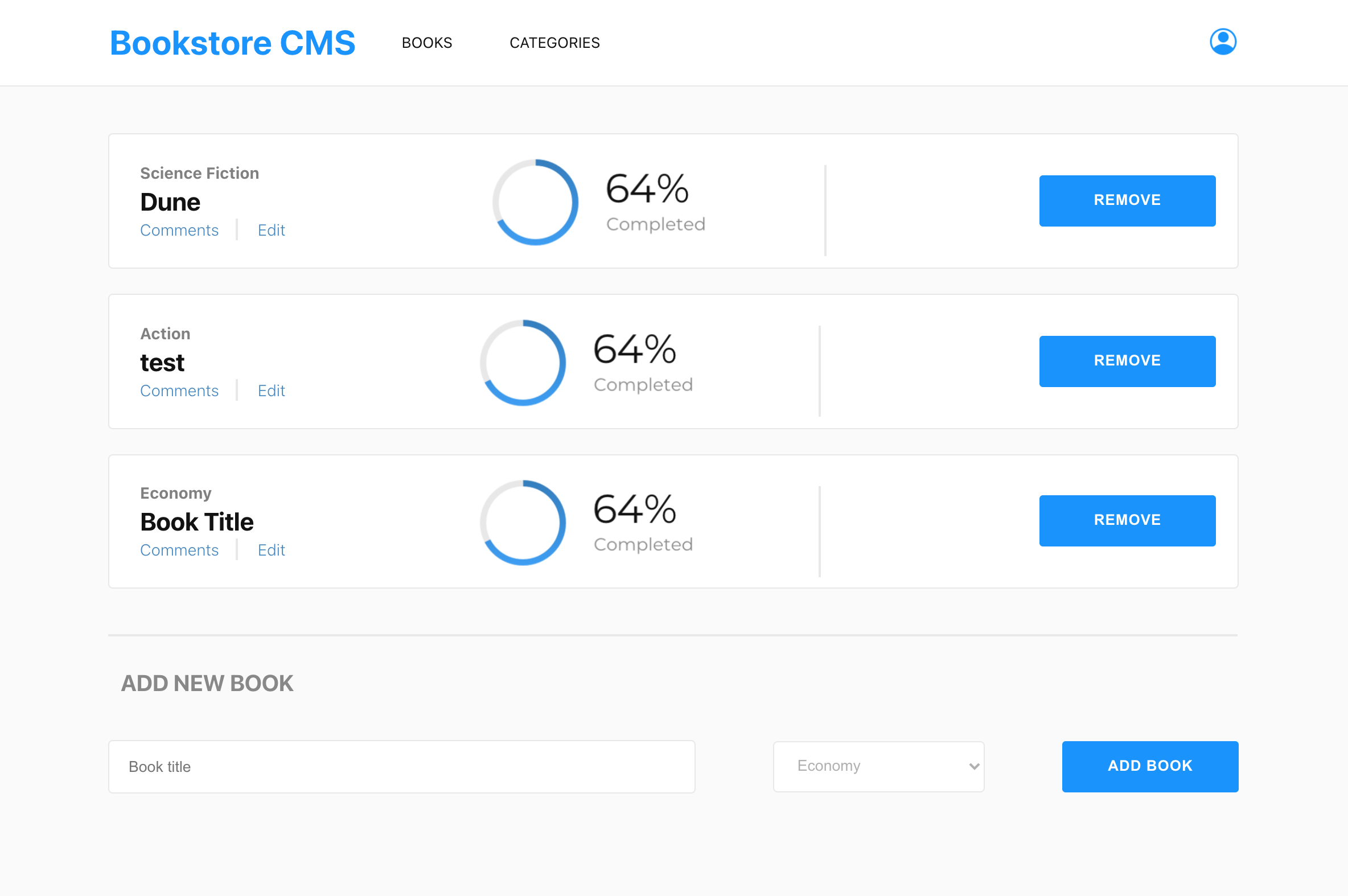
This project is Book store website, that allows users to add and remove books using the UI.
- JavaScript
- HTML
- CSS
- Frameworks (Libraries) - React, Redux
- Tools used - Git(version control), Stylelint(style linting), ESLint(Javascript linting).
To use this project you need to clone the repository to your local machine, and open the folder then run index.html file which is the main file of the project.
To get a local copy up and running follow these simple example steps.
To work on this project locally you need to have Node.js installed in your machine.
To setup this project first you should have to clone the repository and the go to the projects directory and run npm install command to install the needed dependency. After that run npm start command to run the project from local server to http://localhost:8080/.
You have to have Node.js installed before working on this project.
You can start using Book store website by cloning the repository.
👤 Mihreteab Misganaw Aride
- GitHub: @Mre55
- Twitter: @MreMisganaw
- LinkedIn: @Mihreteab-Aride
Contributions, issues, and feature requests are welcome!
Feel free to check the issues page.