Repository navigation
Homescape 0.2.0

Open-plan rooms: walls can now be left out, while every room stays a room of its own.
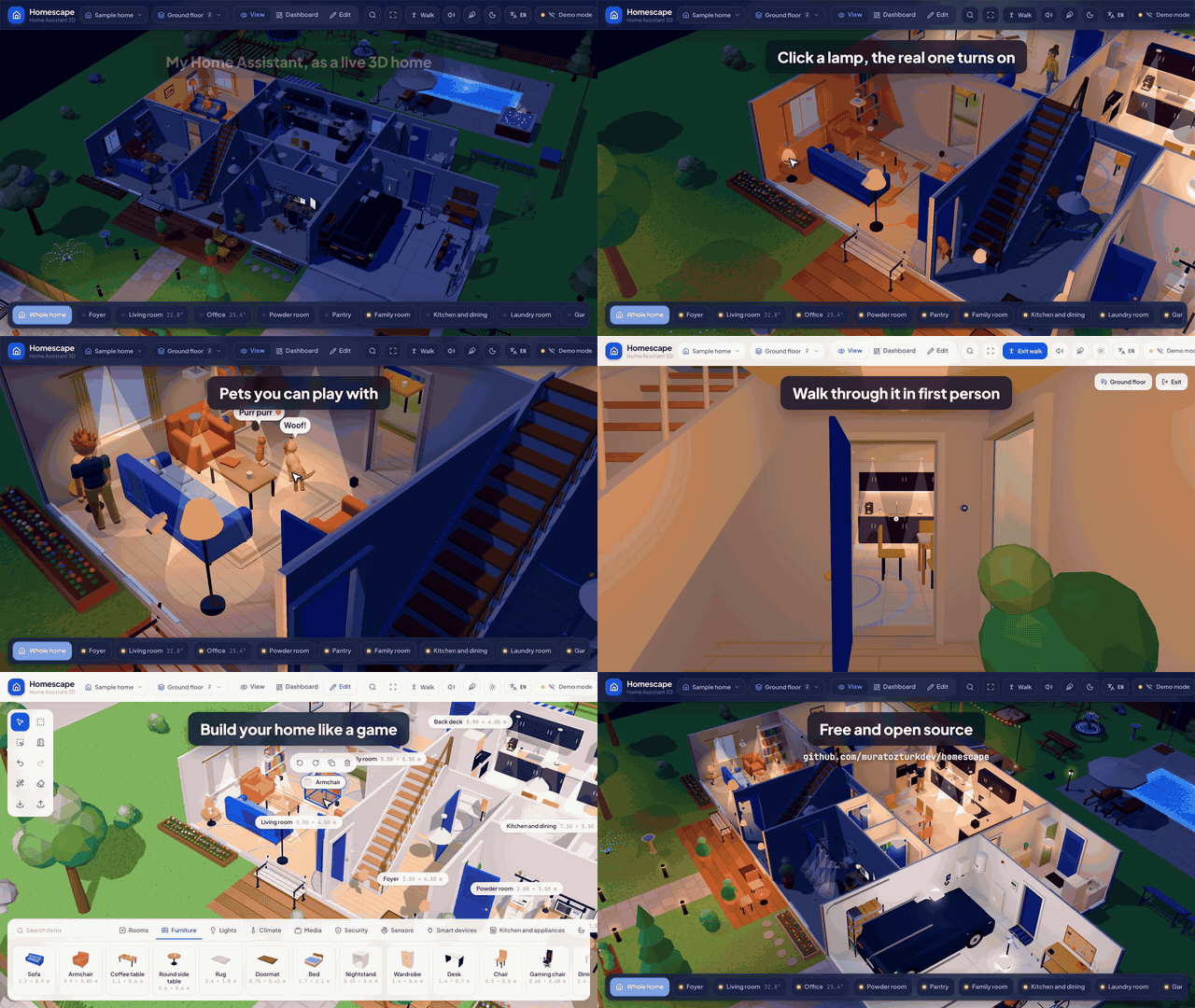
What's new
- Open-plan rooms (#2): in edit mode click a wall to select it, then delete it (Delete works too) together with the doors, windows and wall items on it; ⌘Z brings it all back. The room card lists every wall with a wall / open switch and can remove them all, for a room with no walls. Each room keeps its own name, Home Assistant area and stats; lamps light the whole open space, and walk mode, people and pets pass through. Balcony and terrace railings can be removed the same way. Thanks to @cucamacuca and @mingyue5826 for the proposal and the discussion.
- Hide room names in the 3D view: the tag button in the tool column, on phones in the three-dot menu.
- The sample home's names follow the language.
- The top bar fits small phones: under 640 px fullscreen moves into the three-dot menu.
Upgrade note
Plans are now saved in format 6. Homescape 0.1.0 never writes over them: it stops syncing until it is updated, so update every copy of Homescape that uses the same Home Assistant user.
Install
Home Assistant OS or Supervised (app): go to Settings > Apps > Install app, open the top-right menu, choose Repositories and add https://github.com/muratozturkdev/homescape. Install Homescape, start it and turn on Show in sidebar. If it is already installed, update it from Settings > Apps. The app always installs the newest release.
Container or Core: download homescape-0.2.0-www.zip below, unzip it into /config/www/homescape/ and add a Webpage dashboard for /local/homescape/index.html.
Both ways are described in docs/home-assistant.md.
homescape-0.2.0-www.zip SHA-256: 8be061d793be69308c4acd78a2ded7a0bc28a4b2643ccbc4df214526e18c2e72
License
GPL-3.0-or-later. The libraries, fonts and sounds keep their own licenses (THIRD_PARTY_NOTICES.md).

