Repository navigation
More tools
Everything under More tools on the main screen.
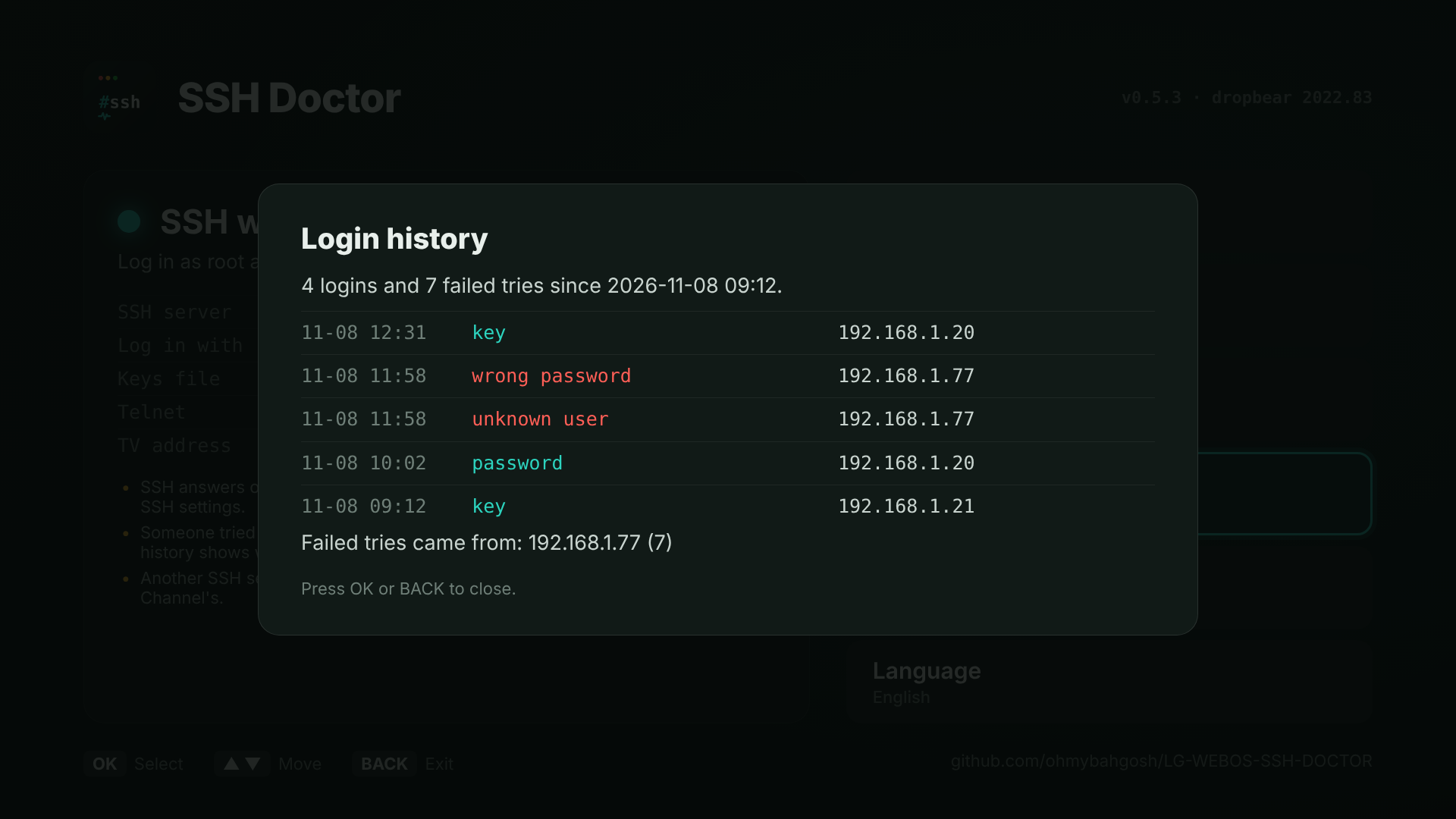
Recent SSH logins and failed tries, read from the TV's own system log (/tmp/var/log/legacy-log and its older rotated copies). Each line shows when, whether it was a key or a password, and the address it came from.
If failed tries come from outside your home network, it warns you. That usually means the TV's SSH port is forwarded on your router. Close that forward, set your own password or go keys only in SSH settings, and consider moving the port.
The TV's log is in memory, so the history starts over at each restart.
The TV's own keys (host keys) and their fingerprints, so you can check a first login against them instead of just saying yes. Make new keys replaces them, after a backup. Every computer that logged in before will then warn REMOTE HOST IDENTIFICATION HAS CHANGED once; see Troubleshooting.
The Homebrew Channel runs a telnet server on port 23 with no password, as a way back in. Anyone on your network can use it to get root.
- Turn telnet off once SSH works. It stays off after restarts. If SSH breaks later, SSH Doctor can still fix it from the TV.
- Turn telnet on brings it back.
SSH Doctor never turns telnet off unless you ask.
The Homebrew Channel includes sftp-server and scp, so WinSCP, FileZilla, Cyberduck and scp work. This screen shows the host, port and user (root) to log in with. Choose SFTP (not FTP) in your app and log in the same way as SSH, with your password or key.
scp movie.mkv root@192.168.1.50:/media/internal/
sftp -P 2222 root@192.168.1.50 # if you moved SSH to 2222Every SSH server running, which one owns which port:
- Homebrew Channel (dropbear): the one SSH Doctor checks and changes
- Entware OpenSSH or Entware dropbear, if you installed one from Entware
- Developer Mode, on port 9922, used by the LG Developer Mode app and Dev Manager
- Something else
Others are listed so you know they're there, never changed. If one of them took port 22, the main screen says so.
A short report of what the check found, with no IP addresses, keys or names in it, shown as a QR code. Scan it with your phone, copy it, and paste it into a bug report, a TV report or a forum post. Over telnet, sh ssh-doctor.sh report prints the same thing.