Repository navigation
SSH settings
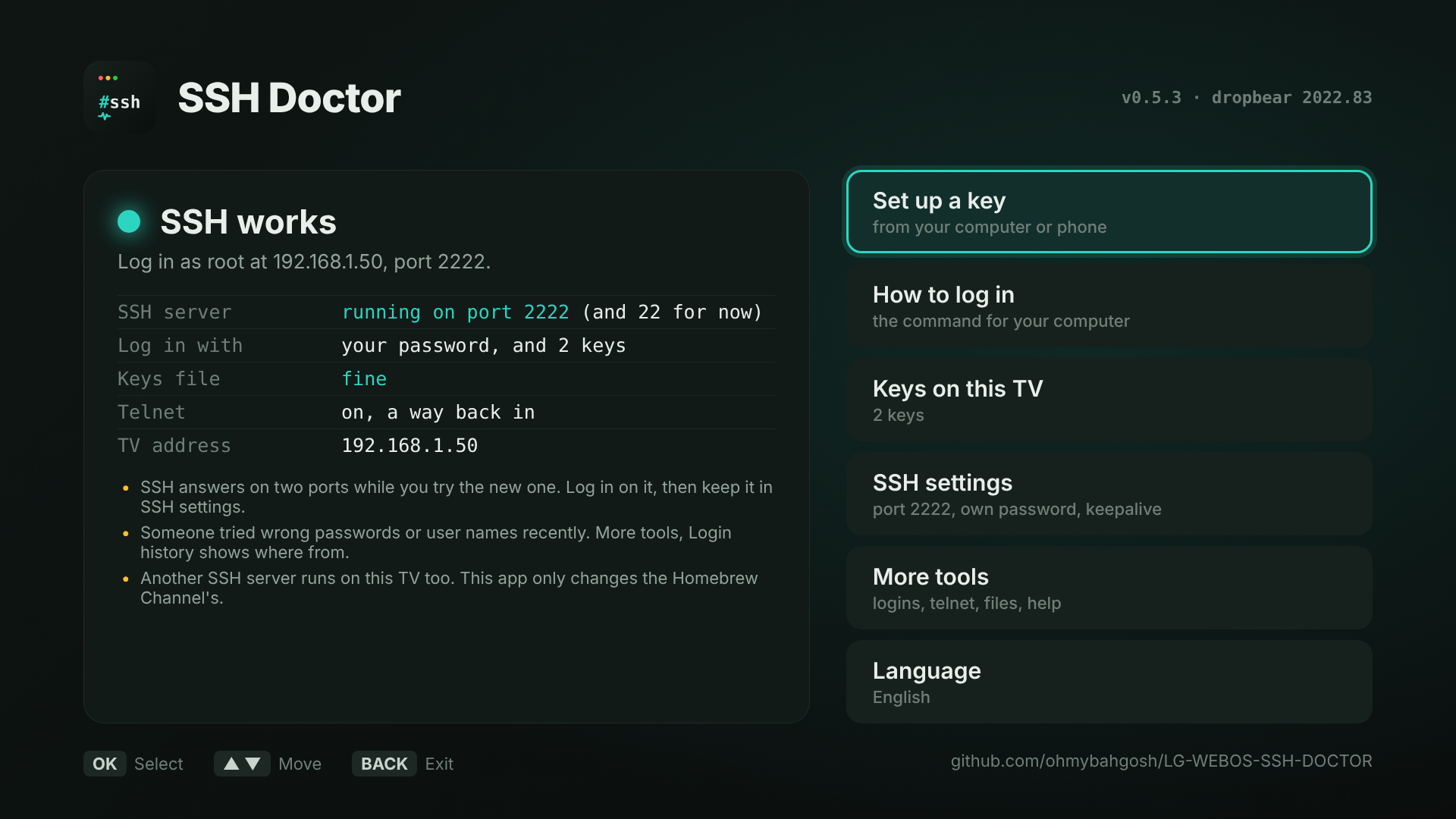
The Homebrew Channel's SSH server, dropbear, has no settings file. Its options are set when it starts, and the Homebrew Channel starts it with none. So SSH Doctor keeps your settings itself and restarts dropbear with them, now and after every restart. Open sessions stay connected while it does.
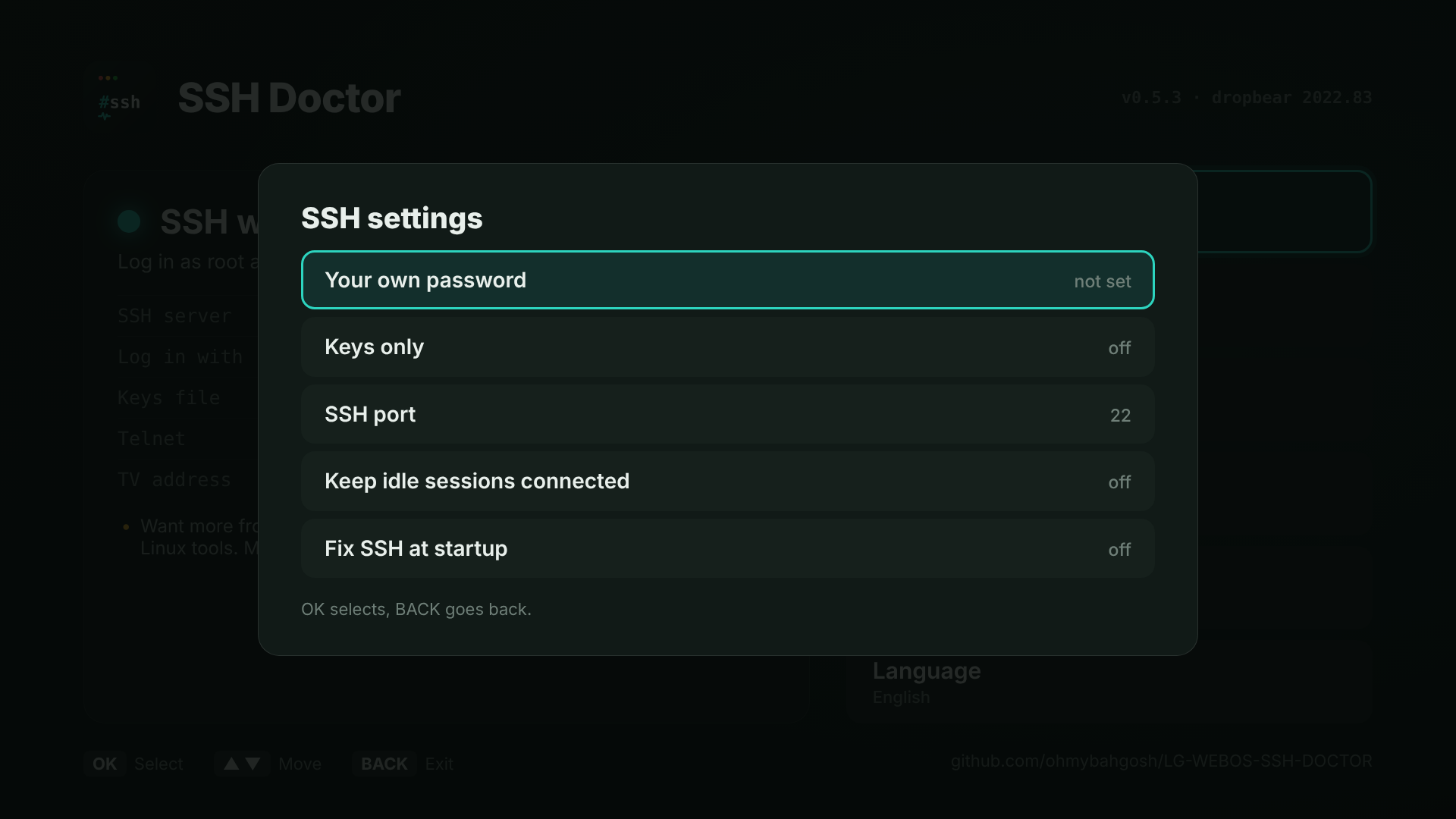
Replaces alpine with a password of your choosing, at least 8 characters. Choose Type it on the TV for the on-screen keyboard, or Type it on my phone or computer to use the pairing page instead.
Either way the password is turned into a SHA-512 crypt hash first, the $6$ kind /etc/shadow uses, so the password itself is never sent over your network or saved on the TV. It's applied the same way the Homebrew Channel applies alpine: a copy of /etc/shadow bind-mounted over the real one, so the system partition is never written.
Your password keeps working after a key is added, unlike alpine. Remove my password goes back to the Homebrew Channel's usual handling.
Passwords stop logging in; only keys do. It won't turn on until at least one usable key is on the TV. If you lose the key, Go back to password login on the main screen turns it off again.
Moves SSH from port 22 to 2222, 22022, or any free port from 1024 up. It's done in two steps so a typo can't lock you out:
- Pick the new port. SSH now listens on both the old port and the new one.
- Log in on the new port to check it works, for example
ssh -p 2222 root@192.168.1.50. - Back on the TV, choose Keep port 2222. The old one closes. Or choose Go back to port 22 to stay where you were.
If dropbear won't start on the new port, SSH Doctor goes straight back to the old one. It won't take a port another program already uses (like Developer Mode's 9922), telnet's 23, or the pairing page's 28622 to 28631.
Remember the new port in your SSH config, SFTP app and Dev Manager. The pairing page's ~/.ssh/config entry already includes it.
Sends a keepalive every 30 seconds, so routers and Wi-Fi don't drop a quiet session.
Removes every setting, your password and the startup script, and restarts dropbear the Homebrew Channel's way. Do this before uninstalling SSH Doctor.
- Settings live in
/var/lib/webosbrew/ssh-doctor(settings, plusroot.hashif you set a password, readable by root only). - A small startup script,
/var/lib/webosbrew/init.d/60-ssh-doctor, runs after the Homebrew Channel starts SSH. It waits for the Homebrew Channel to finish starting up, then restarts dropbear with your settings. - If something else restarts SSH without them, The check shows Settings not applied with a Put my settings back button.
Over telnet, the same settings are set-password, set-keys-only, set-port, set-keepalive and reset-settings. See Over telnet.