 DBeaver
block selection #17471

Replies: 7 comments

-
|
Hello @camargoguedes, If I understand you correctly, you can enable block selection mode using the Please let me know if your issue solved. |
Beta Was this translation helpful? Give feedback.

-
|
yes, that would be it, but today it is only possible to make the selection with the mouse, it would not be possible to implement something similar with Notepad++. Is the selection made directly on the text with no zoom change? |
Beta Was this translation helpful? Give feedback.
-
|
Sorry, I don't quite understand. Can you please clarify? Do you want to hold |
Beta Was this translation helpful? Give feedback.
-
|
that's right, in notepad++ and other tools I don't need to pick up the mouse, we can use the right, left up and down arrows, but thanks anyway |
Beta Was this translation helpful? Give feedback.
-
|
I'm confused. You don't want to use the mouse to perform a block selection? This is totally possible in DBeaver, too.
|
Beta Was this translation helpful? Give feedback.
-
|
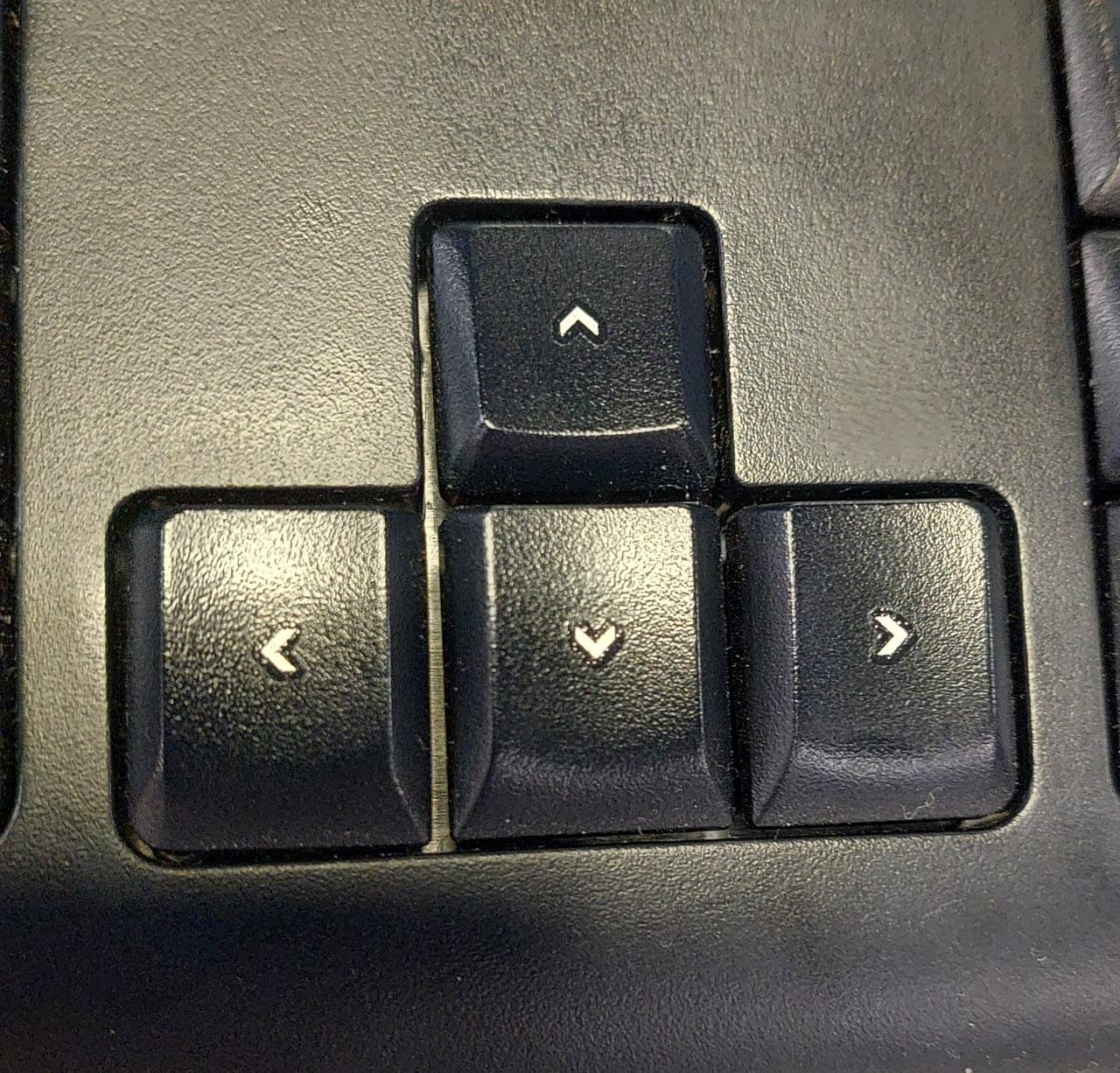
no mouse. I'd like to use the arrow keys Details
|
Beta Was this translation helpful? Give feedback.
-
|
Okay, then use the following solution #17470 (comment) |
Beta Was this translation helpful? Give feedback.


Uh oh!
There was an error while loading. Please reload this page.
-
Bom dia,
primeiramente gostaria de dizer que a ferramenta é excelente, uma das melhores que já vi.
Uma implementação que ajudaria muito e a tornaria muito produtiva é a seleção em bloco, igual o NotePad++ o SQL Server e etc. Pois nestes é possivel efetuar a seleção no Teclado diretamente com o atalho de tecla Alt+Shift.
Beta Was this translation helpful? Give feedback.
All reactions