Embedded Linux system for Luckfox Pico PRO/MAX (RV1106) that emulates hardware interface UAC2 to I2S.
- Target: Rockchip RV1106 (ARM Cortex-A7)
- USB Mode: Device/Gadget (USB->I2S audio bridge)
- Audio Output: I2S DAC
- Max Sample Rate: PCM 768 kHz/32-bit and DSD 512
- Clock Source: Internal PLL clocking providing audiophile-grade timing quality comparable to high-end crystal oscillators
The project utilizes the internal PLL of the processor for audio clock generation. This built-in PLL allows achieving sound quality at the level of quality hardware quartz generators, providing precise timing essential for high-resolution audio playback.

Supported Modes:
| Mode | Driver | API | Formats | Status |
|---|---|---|---|---|
| Without Drivers | Windows USB Audio 2.0 (built-in) | WASAPI | PCM 44.1-768 kHz | ✅ Working |
| With custom Drivers | libusbk (in dev) | WASAPI/ASIO | PCM + DSD64-512 | 🚧 In dev |
| Linux Host | ALSA | ALSA | PCM + DSD64-512 | ✅ Working |
Features:
- ✅ Works without driver installation (Windows 10+)
- ✅ Standard WASAPI support for PCM
- ✅ Linux native DSD via Alt Setting 2 (kernel quirk: QUIRK_FLAG_DSD_RAW)
- ✅ Thesycon ASIO DSD support
- 🚧 Volume controls enabled (PCM compatible)
- ✅ Universal compatibility across all platforms
Limitations:
⚠️ Windows without drivers: PCM only (ignores Alt Setting 2 with DSD)
Luckfox Pico Pro/Max comes preloaded with a factory test image. Users must manually flash the OS to onboard Flash.
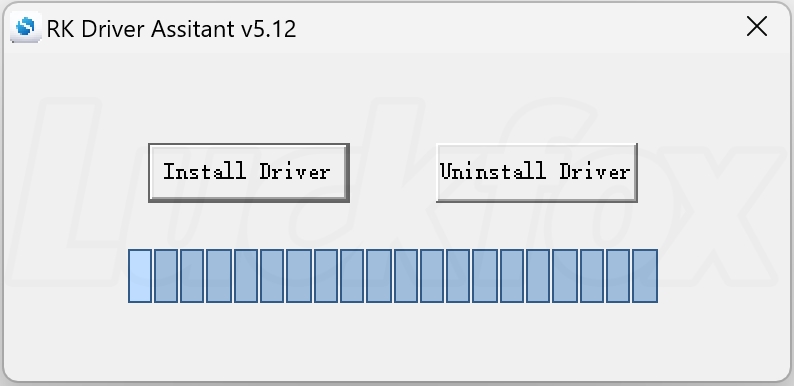
- Install USB Drivers: RK DriverAssistant
- Download Programming Tool:
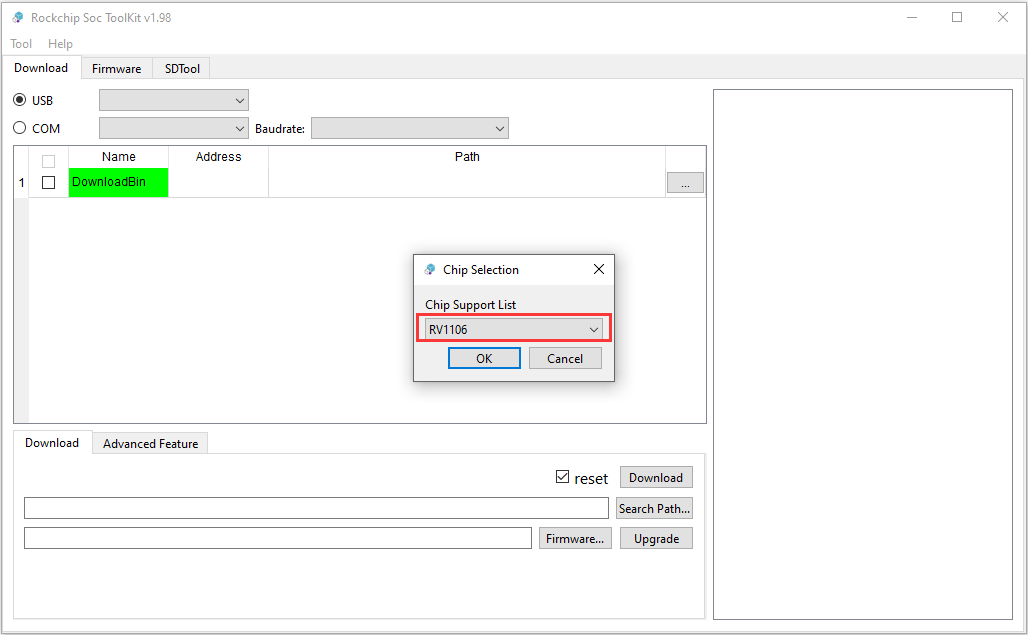
- Windows: SocToolKit
- Linux: upgrade_tool
-
Install USB Drivers
-
Open SocToolKit as Administrator
-
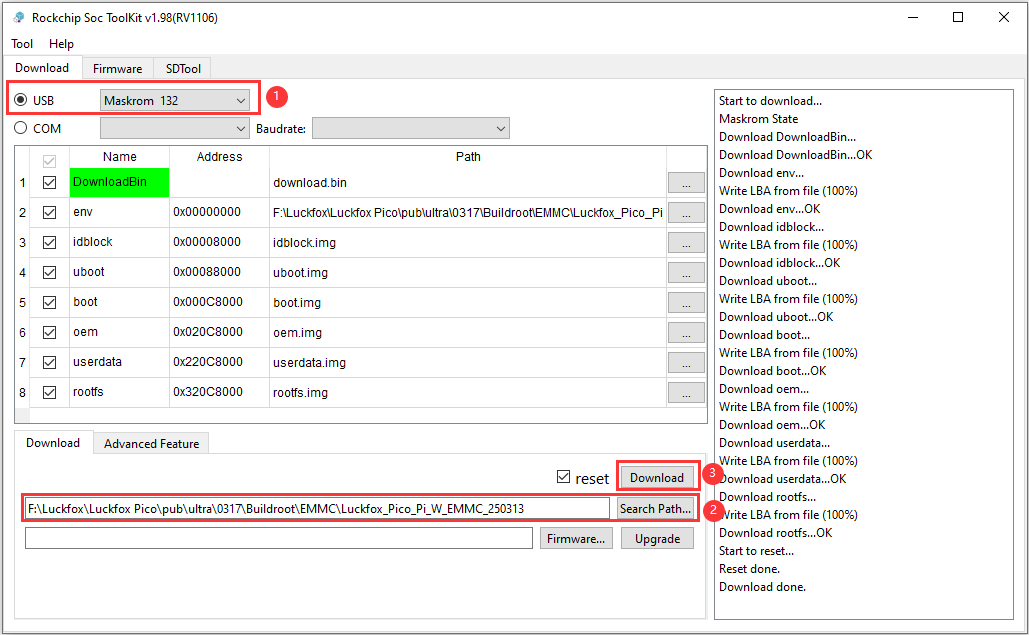
Connect Device in Mask ROM Mode Hold BOOT button while connecting to PC
-
Select Firmware and Flash Browse to
buildroot/output/images/boot.imgand click Download
-
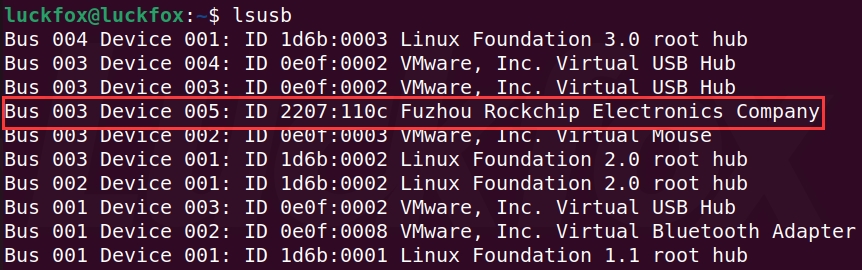
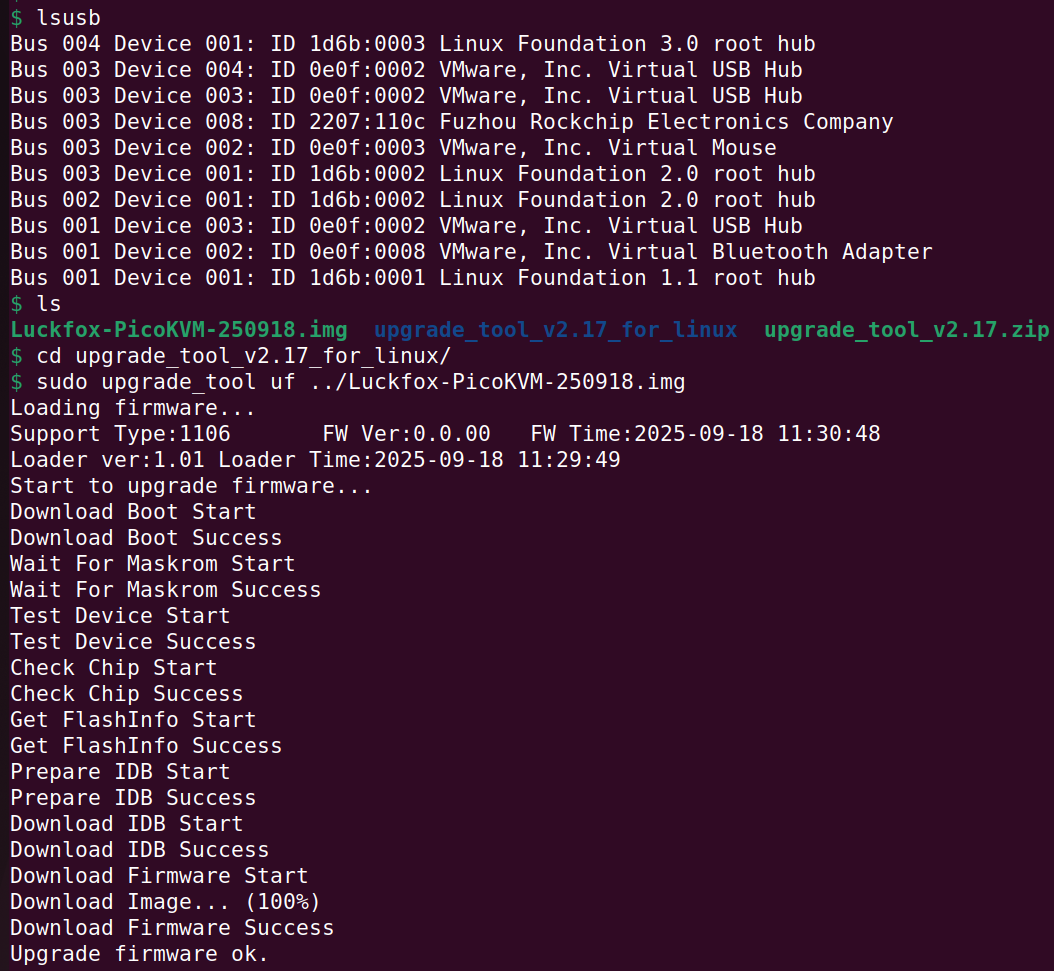
Check Device Connection
lsusb
-
Flash Firmware
sudo upgrade_tool uf buildroot/output/images/boot.img
- The PureCore build generates
boot.imginbuildroot/output/images/ - This contains both kernel and device tree for NAND flash boot
- Ensure device is in mask ROM mode (BOOT button held) for flashing
Special thanks to Vladimir Aleev (https://github.com/aleev/ale-linux-rv1106) for the initial idea and implementation of I2S on rv1106.