Repository navigation
ChildLock 0.1.0

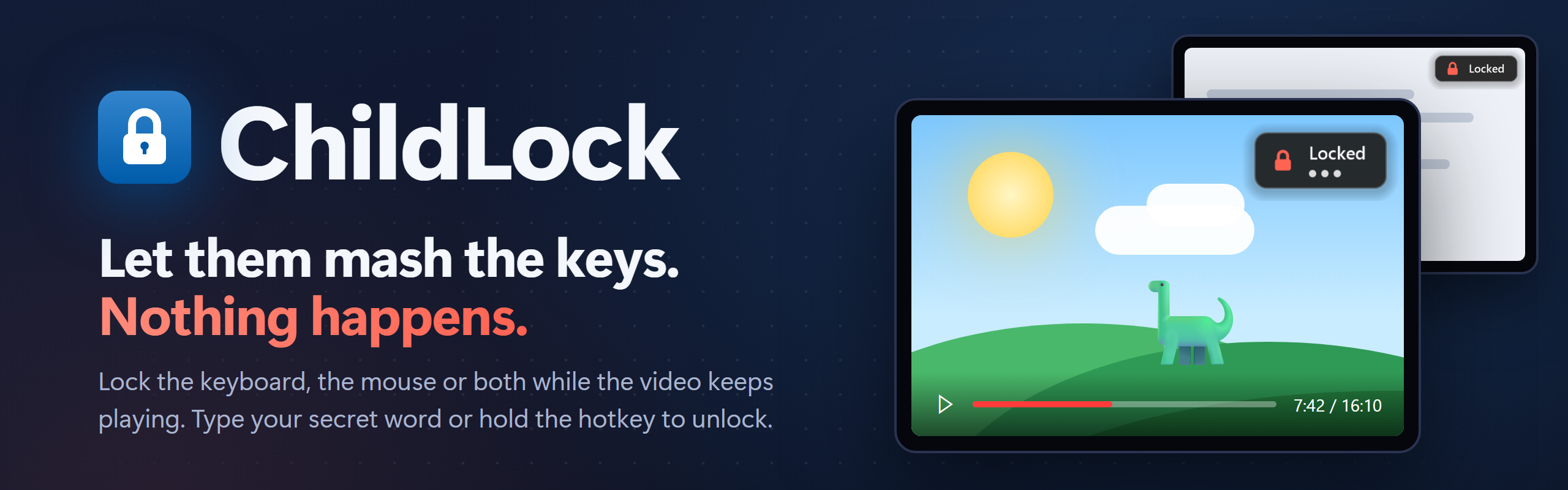
First release. Download ChildLock.exe below, run it, click Yes at the admin prompt, and press Ctrl+Alt+L to lock. Type unlock to unlock.
Needs Windows 10 or 11 (64-bit) and the .NET 10 Desktop Runtime.
What's in it
- Lock the keyboard and mouse with a hotkey (default Ctrl+Alt+L), the tray menu, or automatically after a set idle time.
- Blocks every key (including Win, Alt+Tab, Alt+F4, media and volume keys) and all mouse and touchpad movement, clicks and scrolling. In testing, 0 of 166 synthesized key and mouse events got through while locked.
- Unlock by typing a secret word (default
unlock, not case-sensitive). 1,000,000 random key presses never unlocked it. - Countdown before locking (default 3 seconds, 0 to 10), cancelled with Esc or the hotkey.
- Small click-through "Locked" badge in the top-right corner; the screen otherwise stays as it is and the PC stays awake while locked.
- Ctrl+Alt+Del or Windows locking always unlocks ChildLock, so you can never get stuck.
- Optional start at sign-in through Task Scheduler with no admin prompt.
- Settings window that follows the Windows light or dark theme.
- One 254 KB exe, about 11 MB of private memory, no measurable CPU when idle, and about 6 microseconds per input event while locked.
SHA-256 of ChildLock.exe: B520430AEEF614E4CE5E57C3D29F3FF277B5F6EC580CDDDA7F767B89710BC7E7