This repository was archived by the owner on Dec 15, 2022. It is now read-only.
This repository was archived by the owner on Dec 15, 2022. It is now read-only.
Not working on Windows VSCode #16

Description

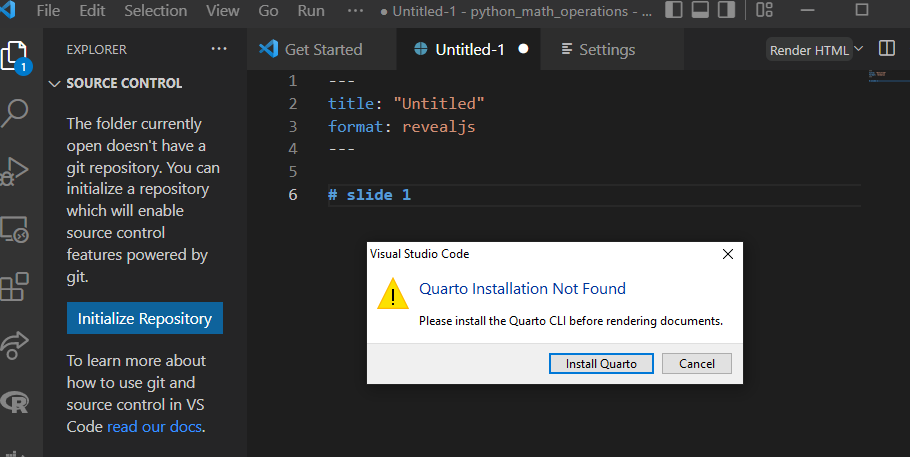
VSCode giving error "Quarto Installation not found" when trying to render.
I am not sure if the following steps to install Quarto is correct because I did not find detail instructions on installation on Quarto Get Started page
I followed the next sequence to install Quarto:
- installed Quarto for Windows
- installed Quarto VSCode extension from VSCode extensions menu (left side of screen)
- Created Quarto file and render giving error "Quarto Installation not found"
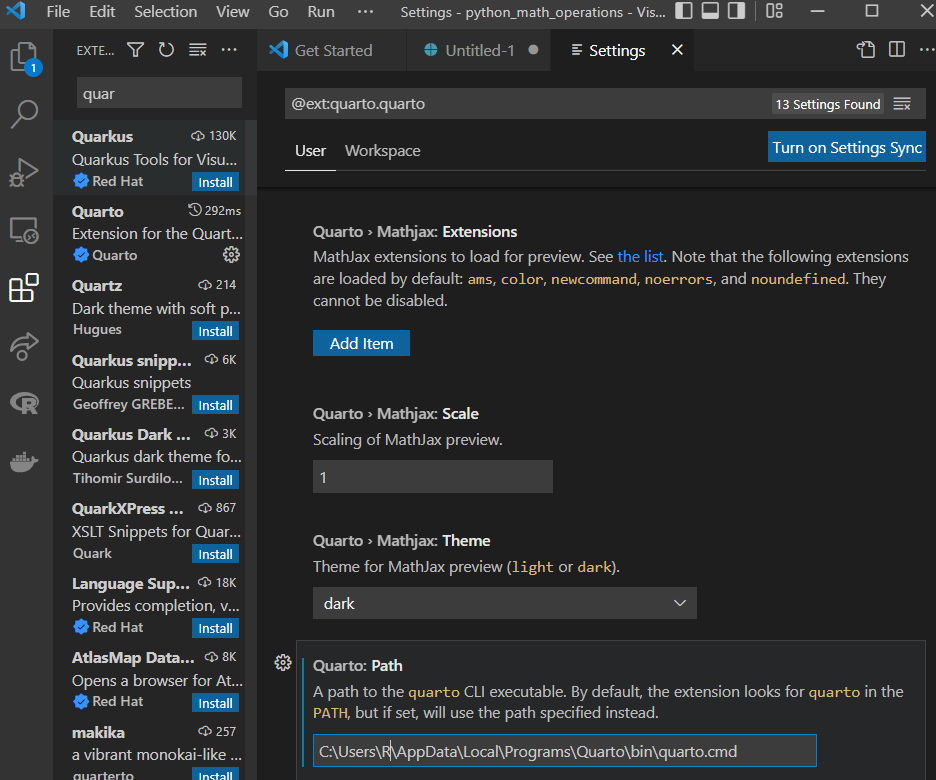
Going to the settings of Quarto in VSCode I changed the PATH to point to where Quarto quarto.cmd is located in my PC but still get the same error when trying to render the file.