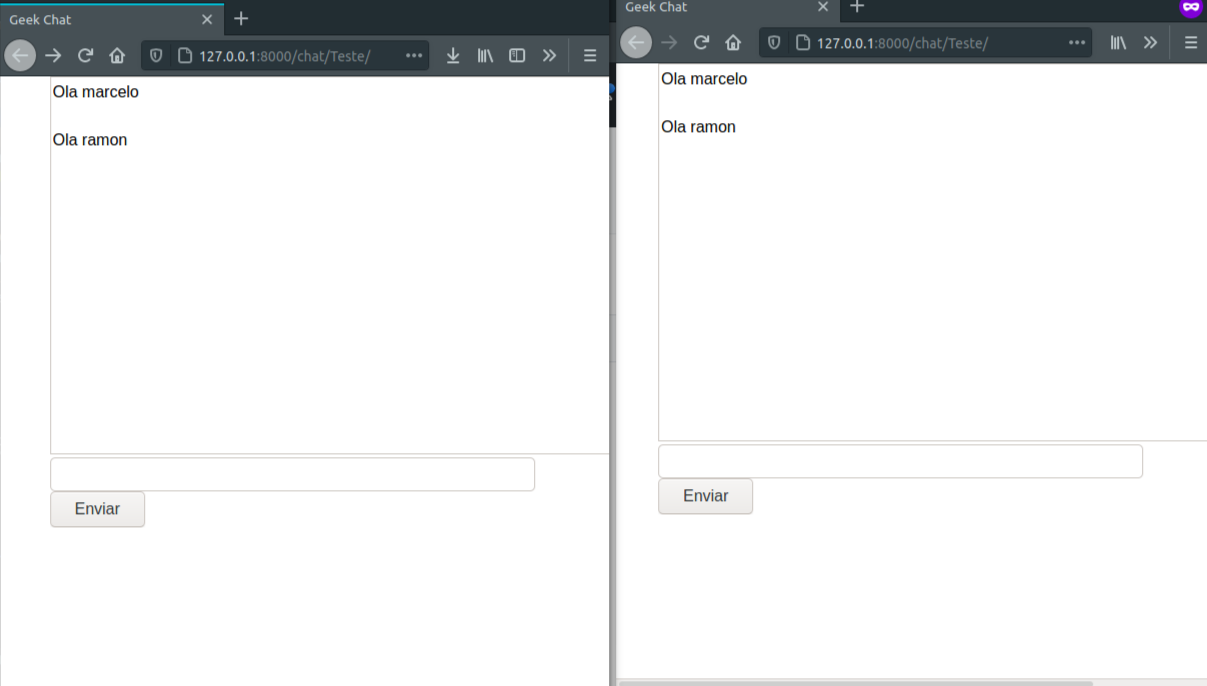
The chat implementation project was developed in the programming course with the Django framework promoted by Geek University. Redis software was used to communicate messages in real time. Web sockets were also used to carry out this communication.




Upgrade your OS
sudo apt update
Then install redis
sudo apt install redis-server
After installation enter the redis configuration file
sudo nano /etc/redis/redis.conf
If line 127.0.0.1 :: 1 is commented on in the file, remove the comment and save the file. If it is not 127.0.0.1 :: 1 make this replacement and save the file to link to localhost.
Check if the port has been changed normally
sudo systemctl restart redis-server
Create your virtual machine
python3 -m venv venv
Activate your virtual machine
source venv/bin/activate
After the virtual machine is activated, install the project dependencies
pip install -r requirements.txt```

git clone https://github.com/RamonBecker/App_CHAT.git
git clone https://github.com/RamonBecker/App_CHAT.git
or install github https://desktop.github.com/
- Python
- WebSockets
- Redis
- The user can create his virtual room
- The user can send a message inside his virtual room to other users
By Ramon Becker 👋🏽 Get in touch!


