Repository navigation
OwnMachine v1.1.0 — Windows, macOS and Omarchy desktops

OwnMachine v1.1.0
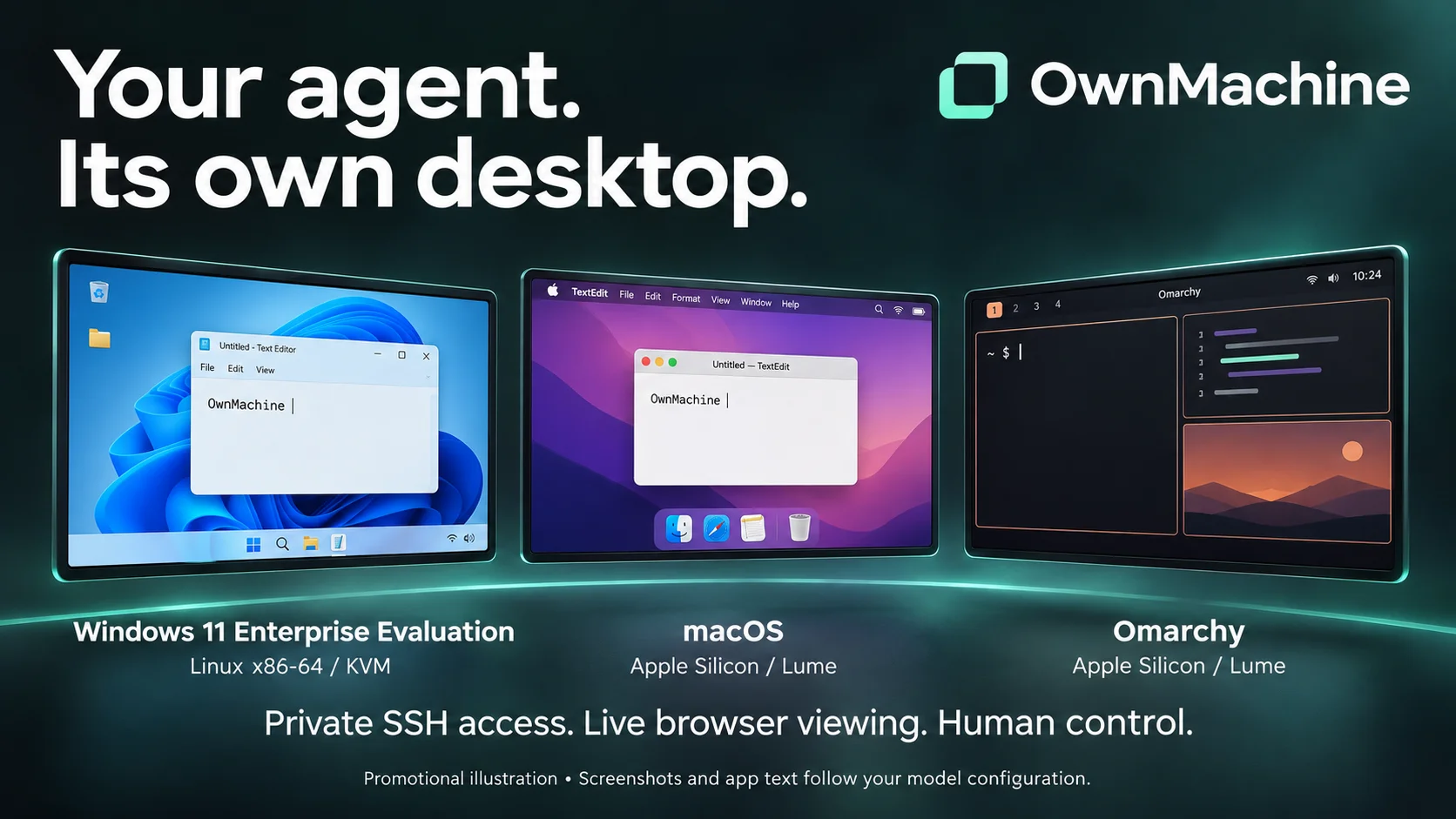
Give Hermes its own Windows desktop alongside macOS and Omarchy. This release
adds Windows 11 Enterprise Evaluation x86-64 on a Linux KVM/libvirt host, with
persistent files, restricted SSH/MCP control and private browser viewing/input.
macOS and ARM64 Omarchy continue to use Apple Silicon and patched Lume.
What changes
- Hermes-driven Windows planning, remote preflight, media preparation, staged
provisioning, authenticated progress, hardening, verification and automatic
temporary setup-key retirement. Operator handoffs remain explicit. - Separate agent/viewer SSH identities, per-VM libvirt restrictions, a private Unix
console, root-owned runtime and persistent firewall with live readiness checks. - Foreground Notepad save/close/reopen acceptance, corrected filename-control
handling, capture recovery after session loss, and clear stopped-driver health. - Correct first-session clock synchronization, visible OpenSSH/bootstrap progress
that closes itself, a hidden standard-user driver launcher and configurable
display/sleep policy. - Explicit installer file modes that work under
umask 077, plus bounded,
configurable read-only driver-readiness polling. - Reviewed maintenance procedures and a clear input/platform support matrix.
Install and operator handoffs
Start in the Windows onboarding guide. Plugin installation
alone does not create a VM. The operator supplies verified Windows evaluation
media and consent, Linux/KVM dependencies, host-key verification, reviewed setup
access and administrator registration. The first DVD boot prompt and later
standard-user sign-in require the private viewer. Windows does not use the macOS
Accessibility/Screen Recording permission flow.
Set the intended Hermes profile's runtime connection, guest_profile: windows,
console_transport: private-unix, and computer_use.backend: ownmachine; use the
same configured control directory for all writers. Keep viewer credentials out of
Hermes. Complete verification and setup-key retirement before routine use.
Existing macOS/Omarchy guests do not need recreation for the Windows addition.
Keep their required patched Lume and firewall protections. Save work and restart
affected Hermes processes after installing the plugin so old provider code is not
retained. See Windows maintenance and rollback for
compatible root-owned relay-code updates. Do not apply Windows registration to an
existing guest or treat code updates as configuration migrations.
Tested scope and limits
Repeated clean guest installation, first-session time, real-model file
save/close/reopen with independent content verification, idle capture and guest
cold-start persistence passed. Lock/unlock, sign-out/in, driver/gateway restart,
mixed-profile refusal, fresh registration under umask 077 and live compatible
relay-code upgrade/rollback were also exercised. The
acceptance report distinguishes operator-reported runs,
direct installed-Hermes backend checks and isolated tests.
- Home/Pro, Windows ARM, other hypervisors and cloud hosts are not qualified.
- Physical Linux-host reboot acceptance was explicitly skipped. Firewall-service
restart is tested but does not prove complete host-reboot recovery. - General background input, broad pixel/drag/scroll coverage, clipboard sync and
privileged-desktop automation are outside the Windows support claim. Follow
the input matrix, including explicit foreground
delivery for the tested Notepad workflow and refusal of unsupported filename
set_valueoperations. Never replay uncertain input or silently escalate modes. - The driver remains pinned. There is no supported in-place guest-driver updater
after setup-key retirement; qualify a separate fresh guest for a new pin. - Host-crash recovery during disk mutations and arbitrary partial-registration
repair are not automatic. Preserve checkpoints and inspect uncertain outcomes.
The new artwork is promotional illustration, not synthetic evidence of a model
run. Desktop screenshots and application text follow the user's configured model
provider. PolyForm Noncommercial 1.0.0 remains the license.
Release validation
Release commit: 18707efa80e0376fed216a982677842b3d521244. The release tree matches the validated tree. Packaged-plugin validation, security scanning, repeatable bundle builds and SHA-256 verification passed. macOS suite: 437 passed with 51 expected Hermes-environment skips. Linux/Hermes suite: 478 passed with 10 expected macOS-only skips. Release PR CI passed on macOS, Ubuntu and Windows bootstrap.
Download the plugin and source bundles below; verify them with sha256sum -c SHA256SUMS (or shasum -a 256 -c SHA256SUMS on macOS). Checksums verify integrity, not publisher identity. Catalog installation remains pinned to the previously reviewed version until the Hermes catalog update is approved.