12 VS Code themes inspired by Colorado's landscapes and natural phenomena. Each theme features distinctive syntax highlighting for developers.
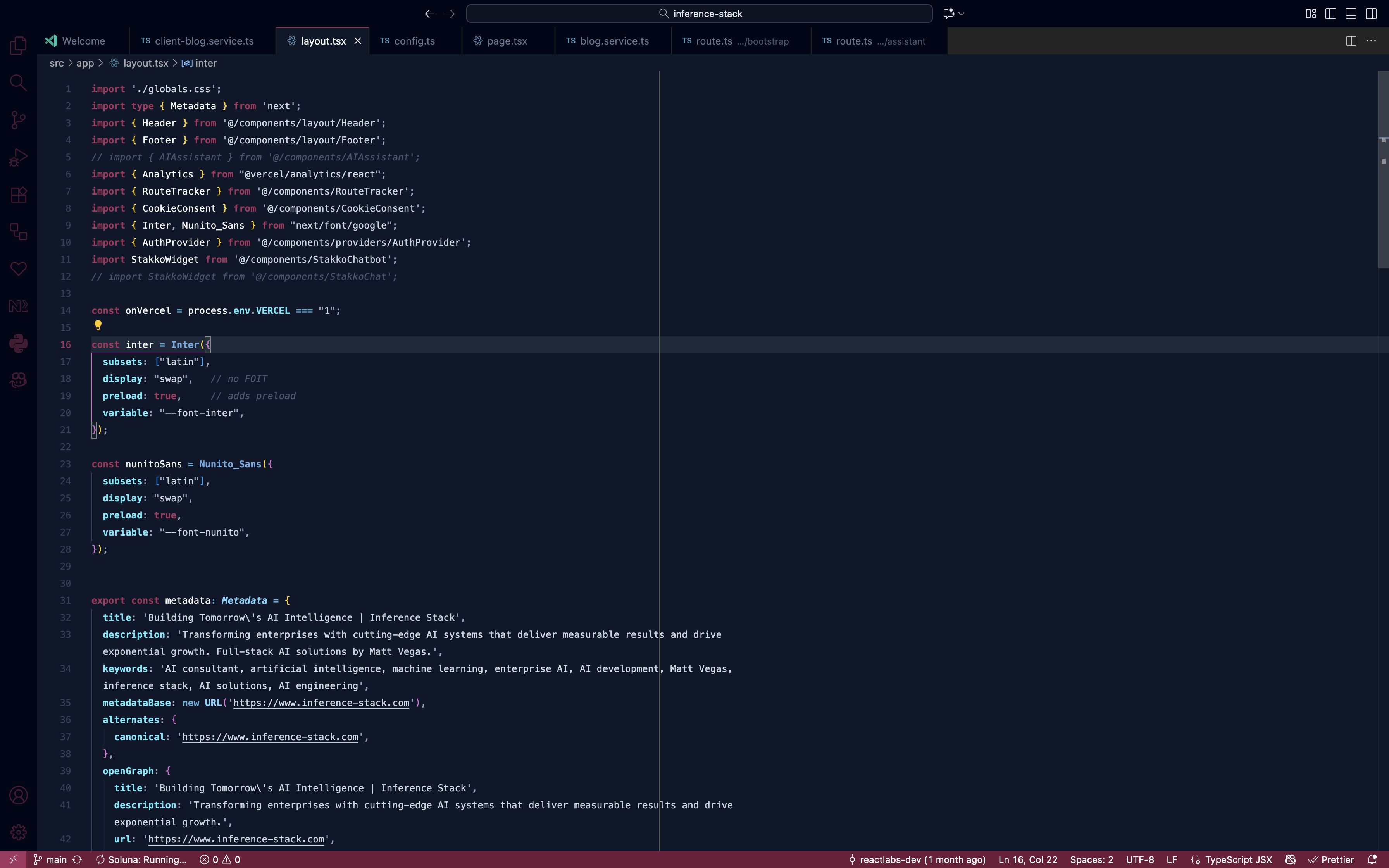
Our most popular theme featuring rich burgundy and glacier blue tones inspired by mountain avalanches.
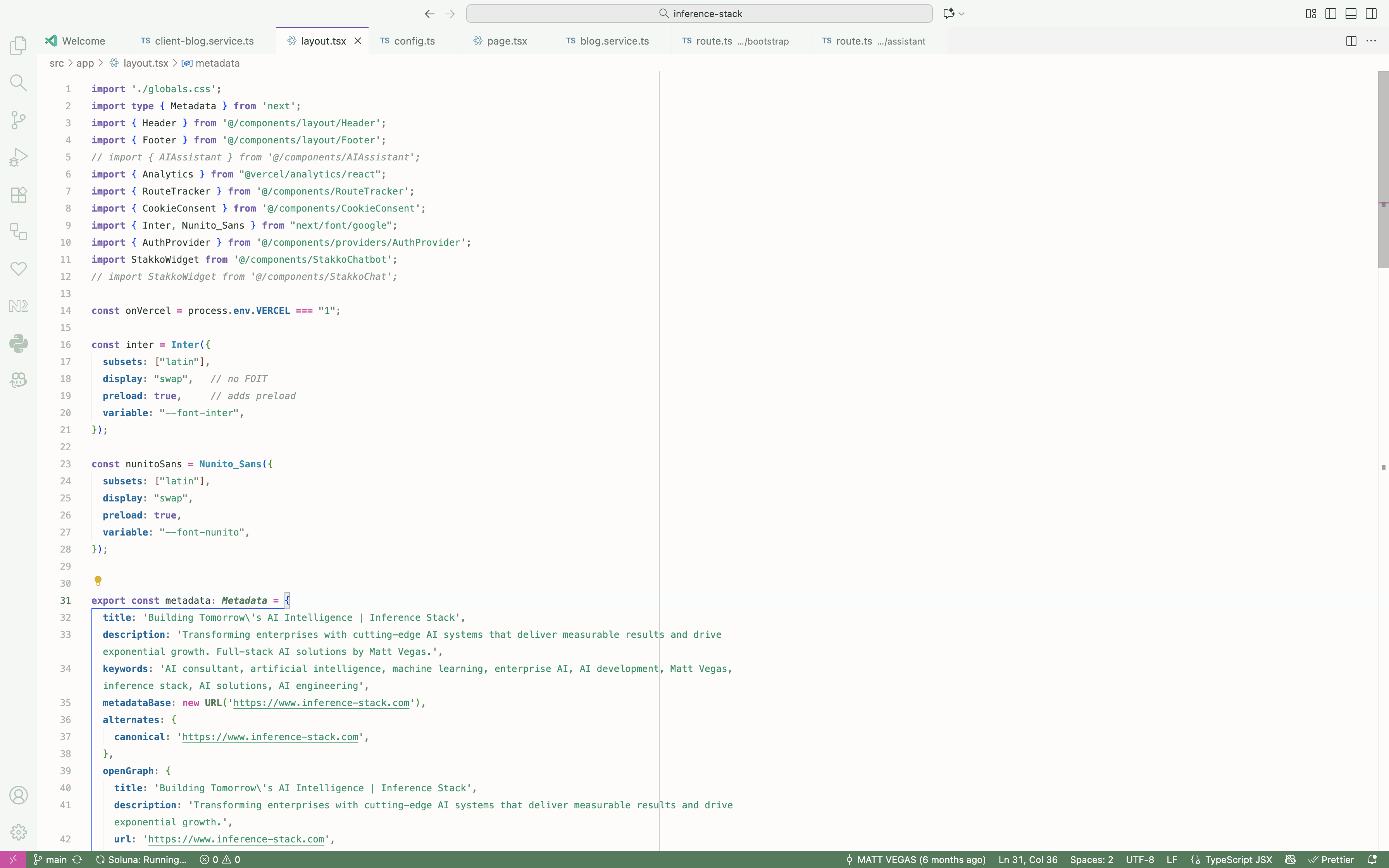
Capture Colorado's vibrant spring wildflowers with columbine purples, lupine blues, and meadow greens.
|
Wildflower Meadow (Light)
|
Wildflower Meadow (Dark)
|
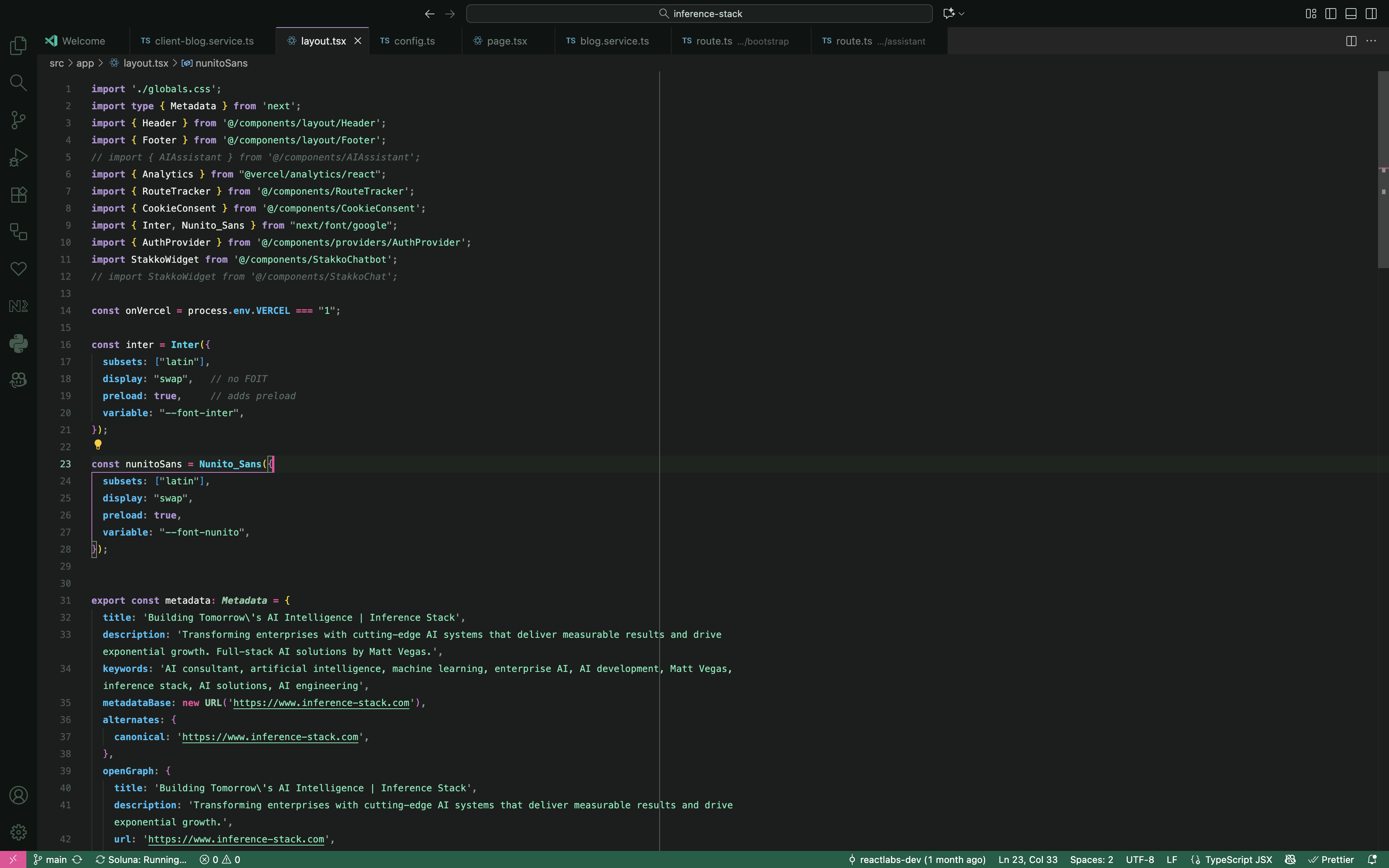
Experience the golden hour alpenglow with warm oranges, sky blues, and summer amber tones.
|
Alpine Glow (Light)
|
Alpine Glow (Dark)
|
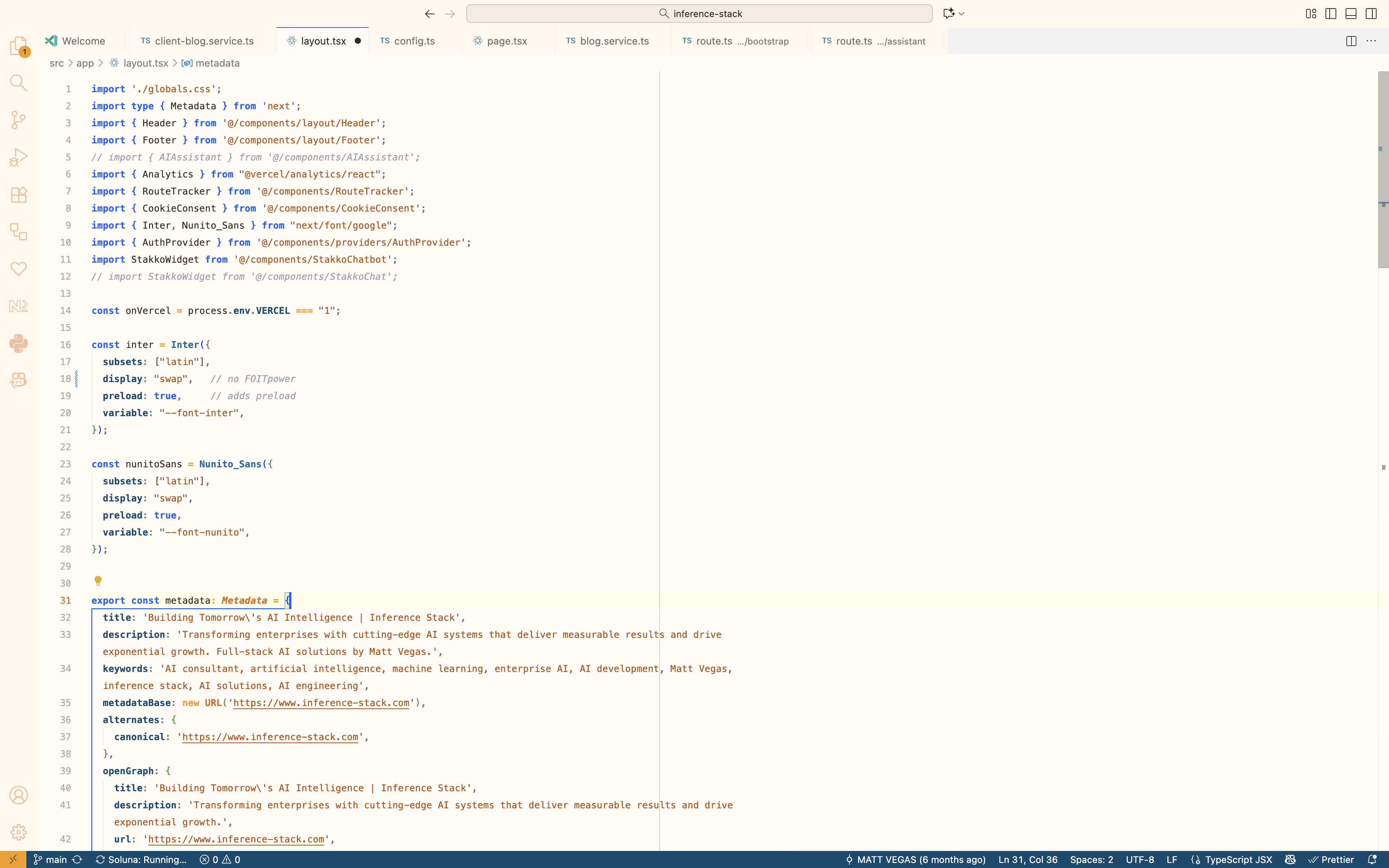
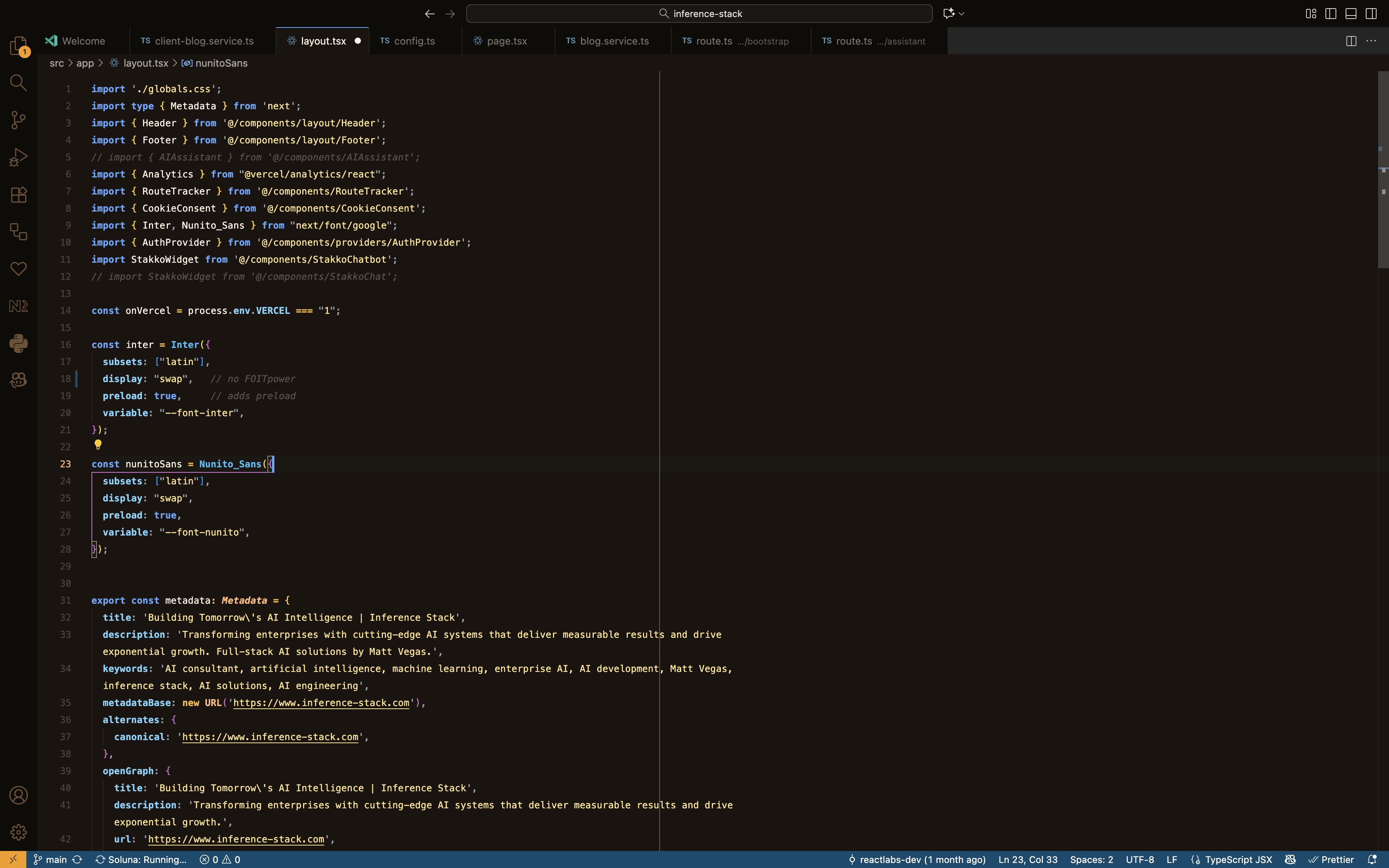
Immerse yourself in golden aspen groves with rich browns, burgundy, and autumn bronze.
|
Aspen Gold (Light)
|
Aspen Gold (Dark)
|
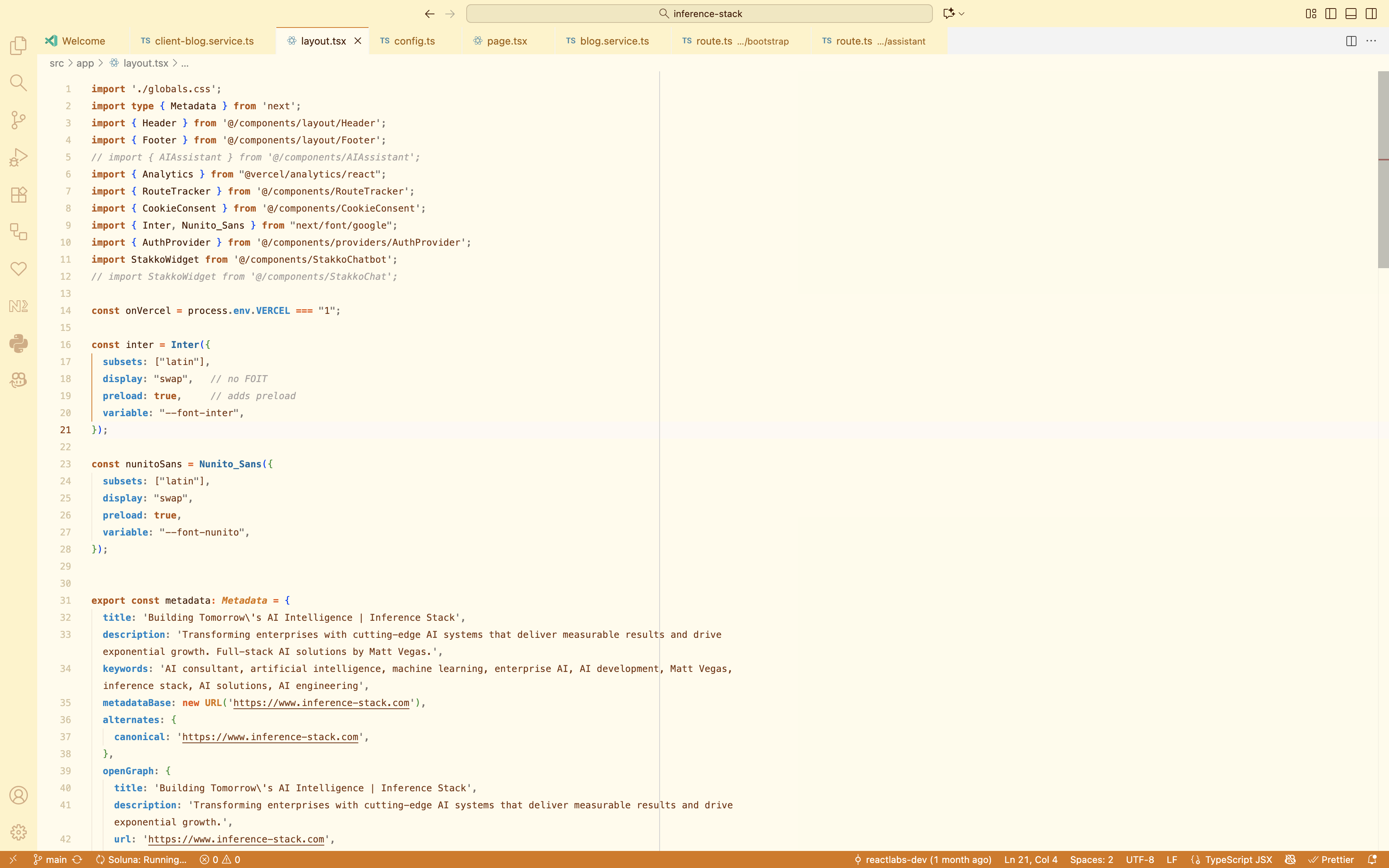
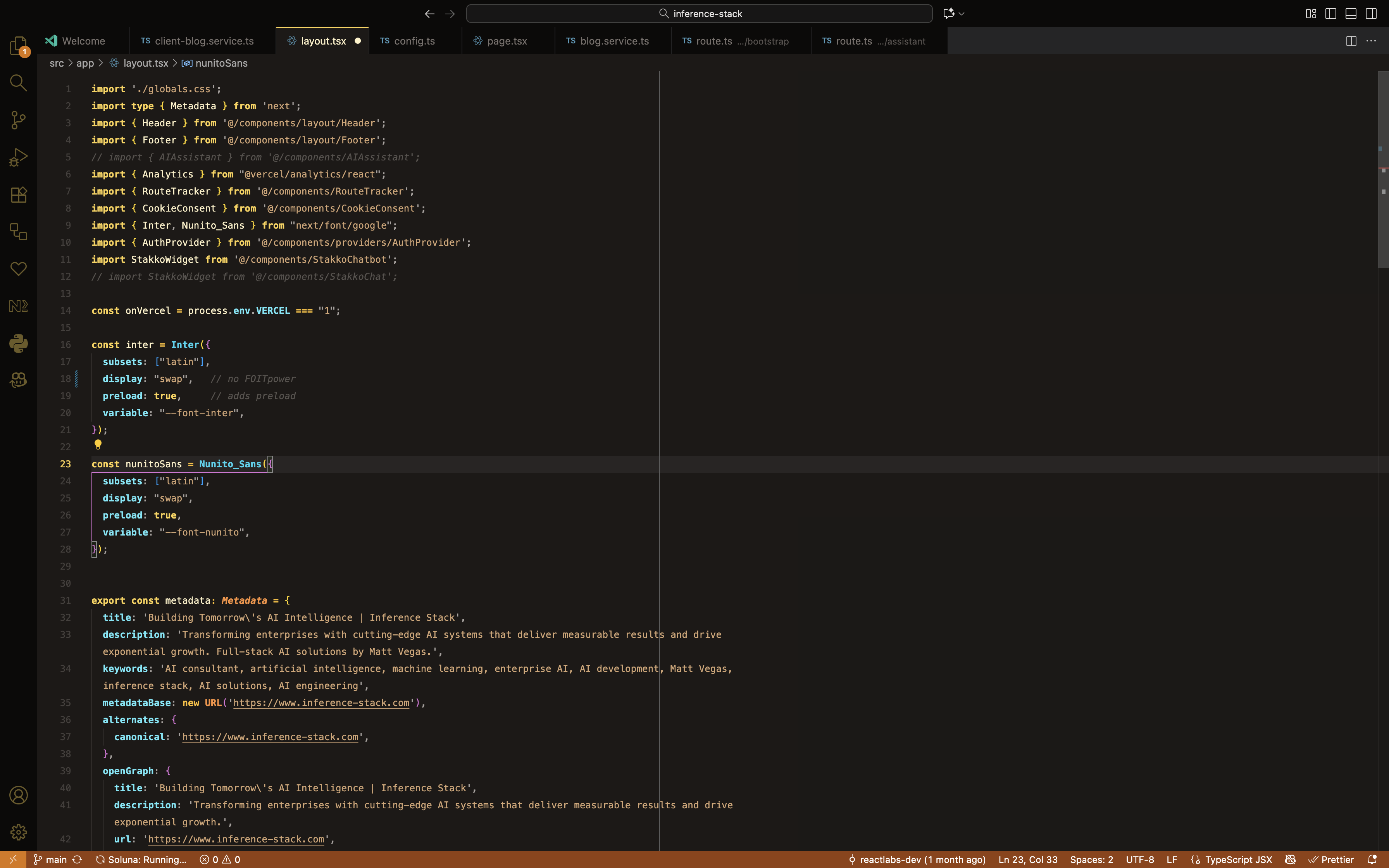
Fresh powder snow meets crisp mountain air with icy blues, moonlit tones, and clear skies.
|
Powder Summit (Light)
|
Powder Summit (Dark)
|
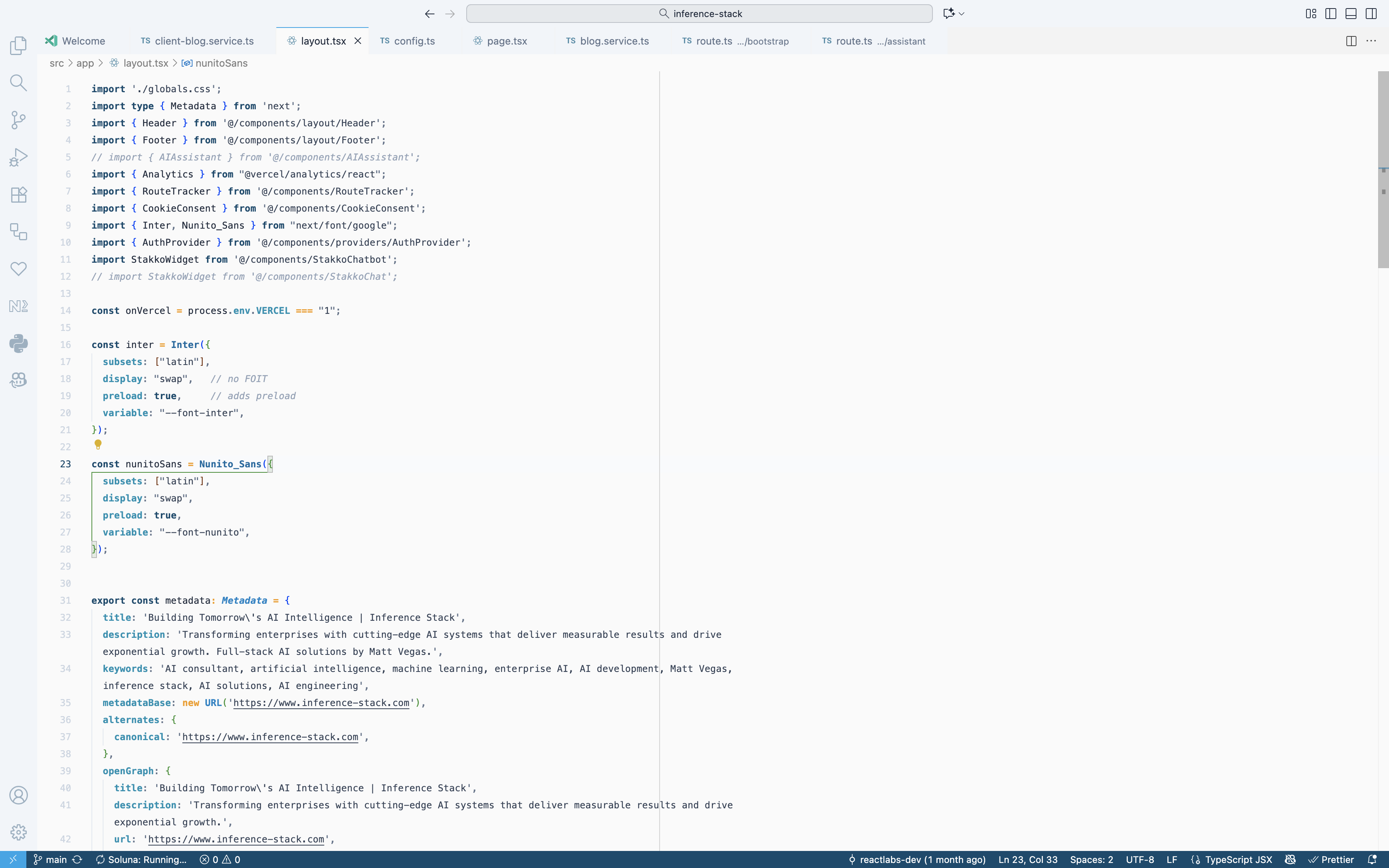
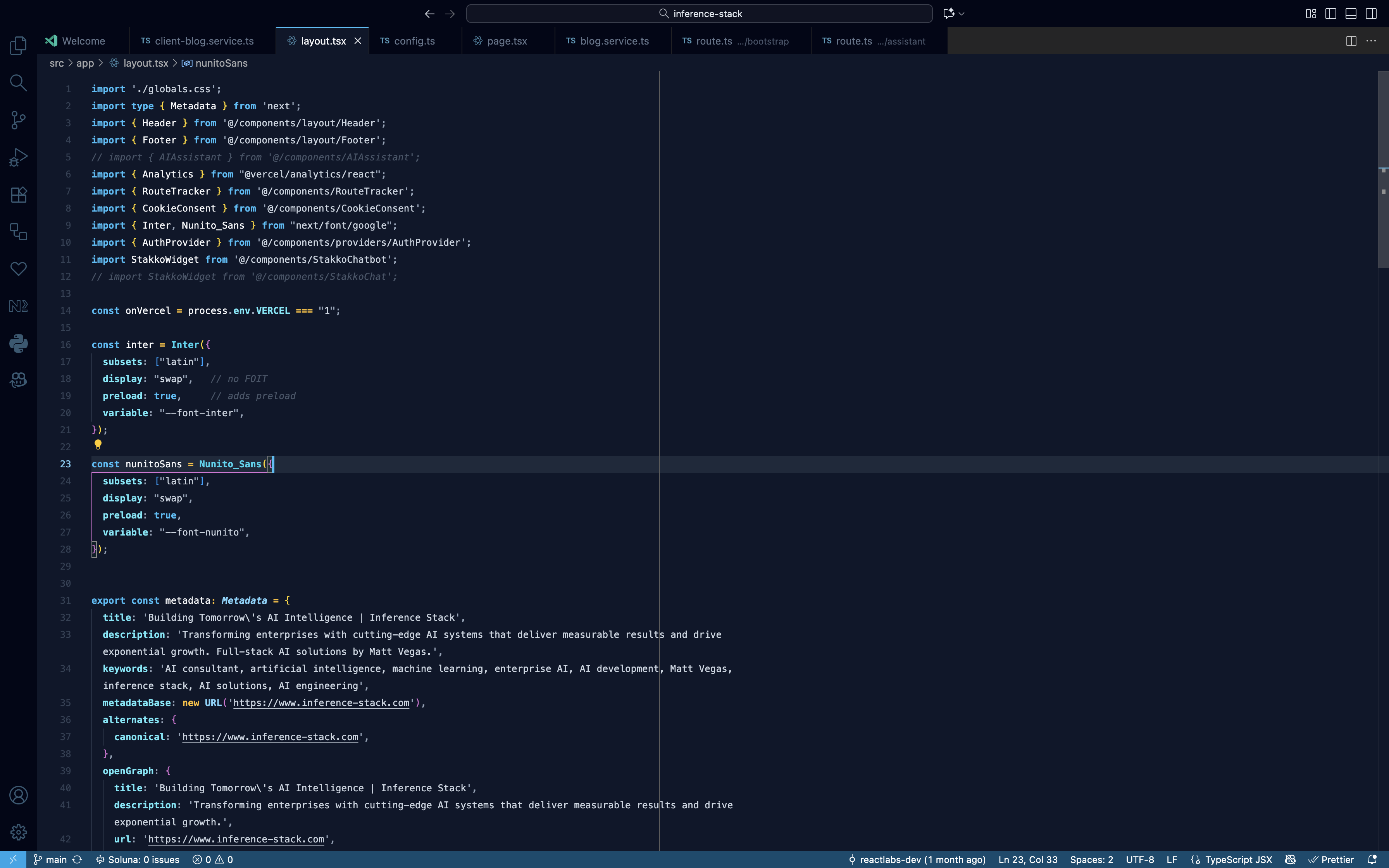
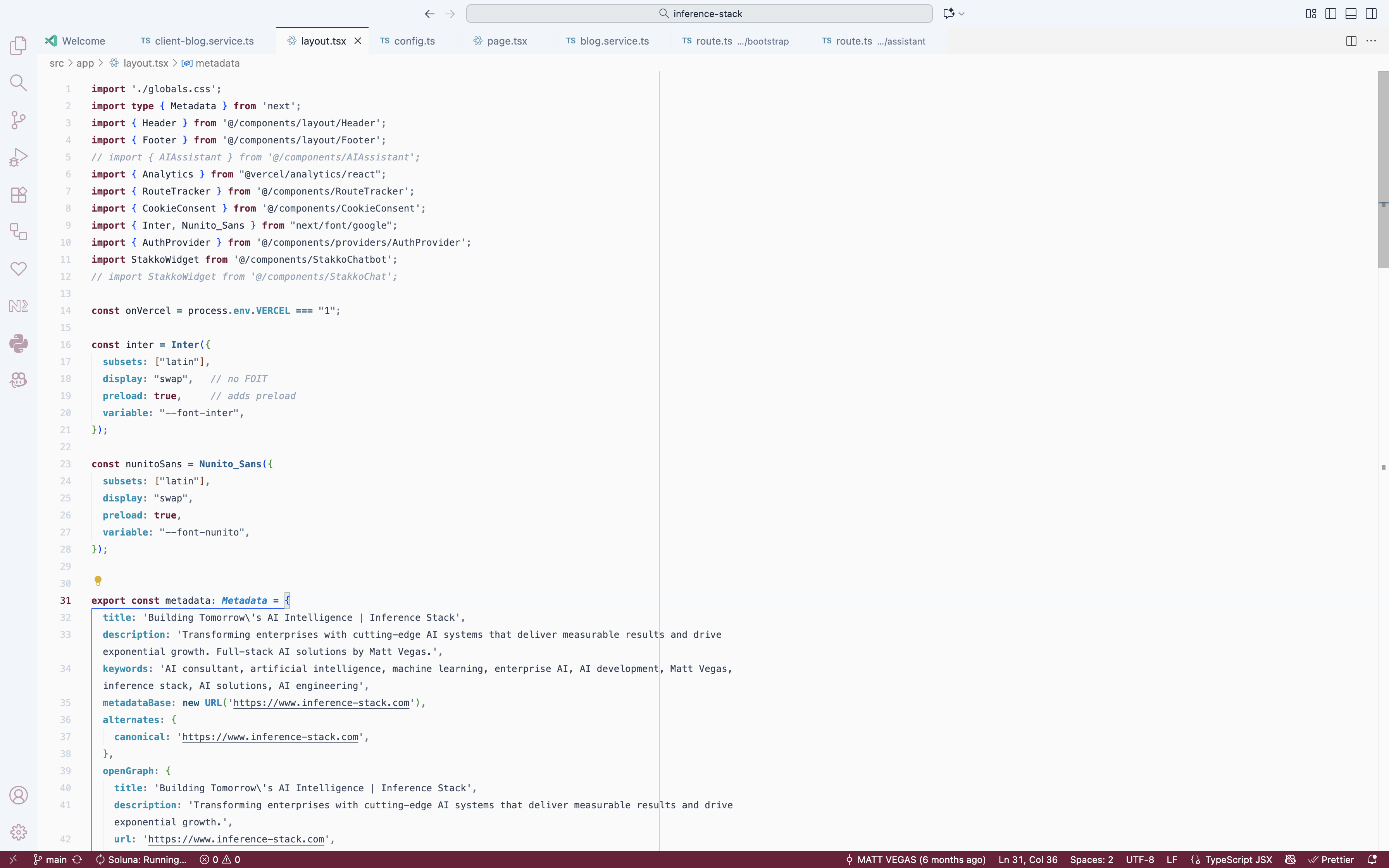
Rich burgundy and steel blue tones inspired by powerful mountain avalanches.
|
Avalanche (Light)
|
Avalanche (Dark) ⭐ Most Popular
|
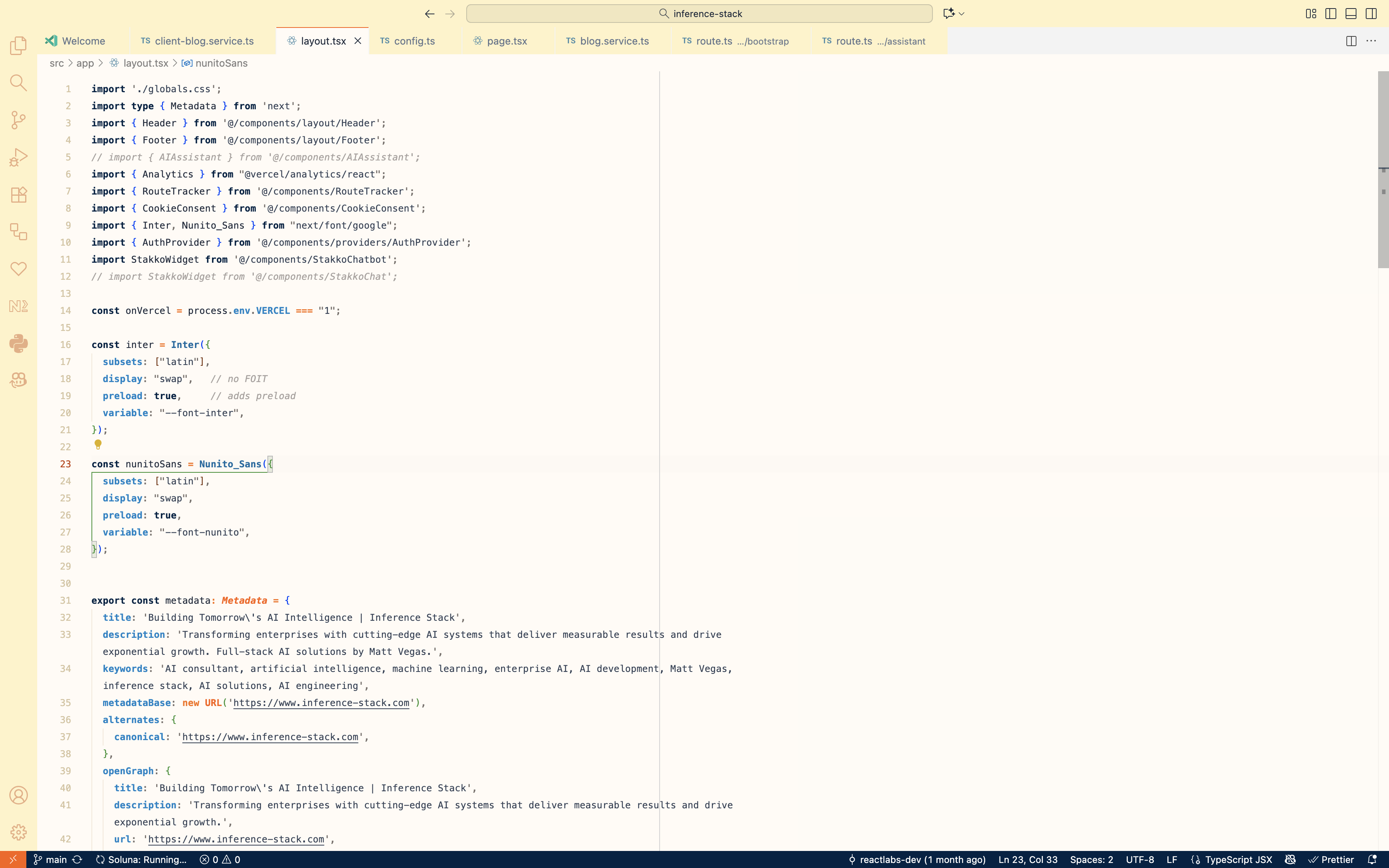
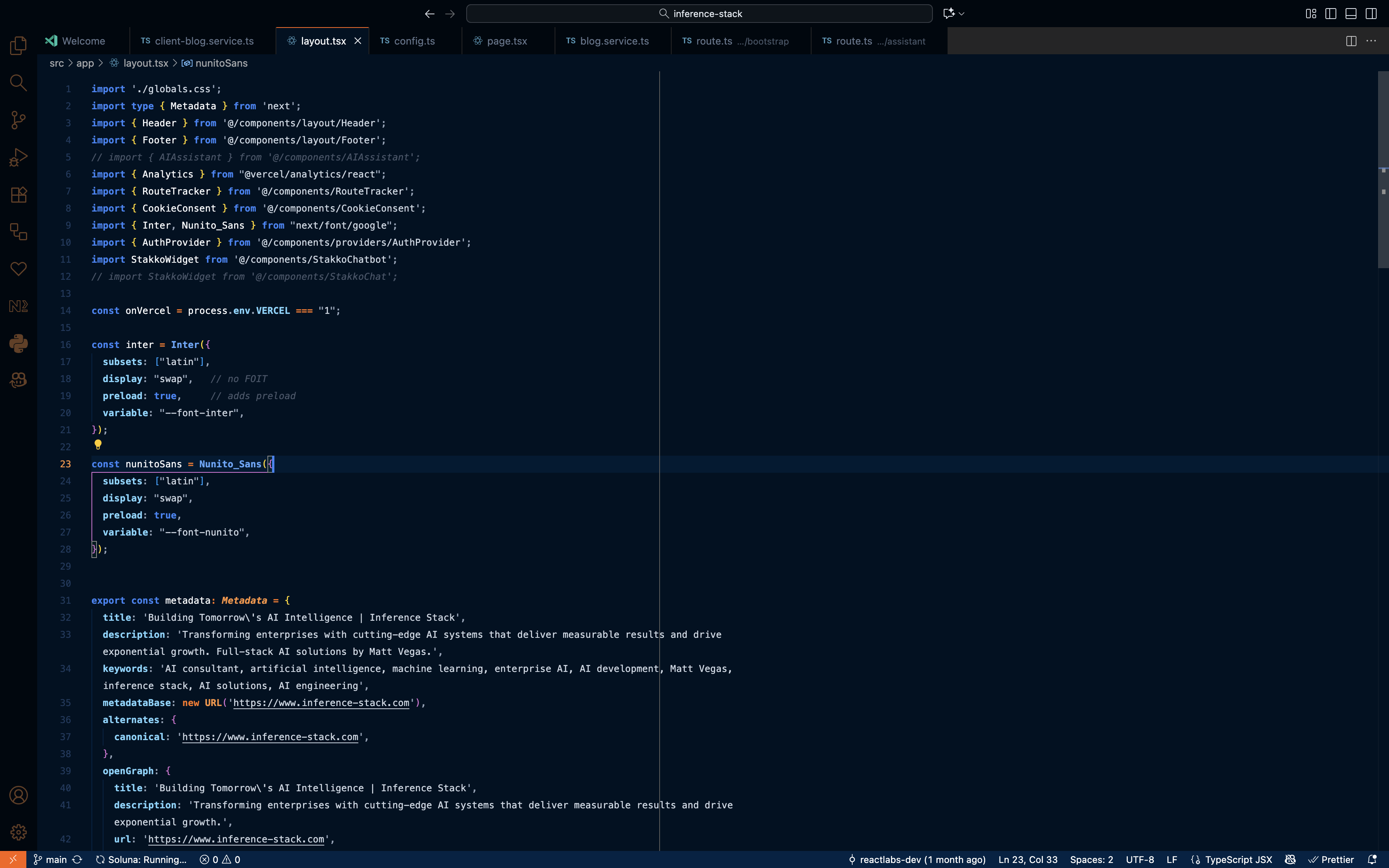
Vibrant orange and deep navy blue inspired by Colorado's bold spirit.
|
Crush (Light)
|
Crush (Dark)
|
- Search for "Inference Stack Colorado" in VS Code Extensions
- Click Install
- Press
⌘+K ⌘+T(Mac) orCtrl+K Ctrl+T(Windows/Linux) - Select your favorite Colorado theme!
code --install-extension inference-stack-colorado-3.1.0.vsixFor the best experience, add these settings to your settings.json:
{
  "editor.semanticHighlighting.enabled": true,
  "editor.bracketPairColorization.enabled": true,
  "editor.guides.bracketPairs": "active",
  "editor.fontFamily": "JetBrains Mono, SF Mono, Menlo, Monaco, Consolas",
  "editor.fontLigatures": true,
  "editor.lineHeight": 1.8
}- 🎨 12 Themes — 4 seasonal + 2 nature-inspired collections
- 🔤 Semantic Highlighting — Distinctive colors for types, classes, functions, and more
- 🎯 High Contrast — Optimized for readability and reduced eye strain
- 🏔️ Colorado-Inspired — Each palette captures the essence of Colorado's landscapes and culture
- ⚡ JetBrains Mono — Pre-configured with optimal font settings and ligatures
Theme not applying correctly?
- Run
Developer: Reload Windowfrom the Command Palette (⌘+Shift+P) - Ensure semantic highlighting is enabled (see settings above)
Need to inspect token colors?
- Use
Developer: Inspect Editor Tokens and Scopesto debug syntax highlighting
MIT — Built with ❤️ in Colorado
Built with ❤️ for Colorado developers