
Extension version: 2.1.0
This repository contains GCC Workbench, a Visual Studio Code / VSCodium extension designed to make life easier for GCC compiler engineers.
It goes beyond simple syntax highlighting for GCC internals by adding navigation, visualization, and noise-filtering tools specifically tailored for GCC's internal dump files (.rtl, .gimple, .md).
GCC produces hundreds of dump files during compilation. Navigating them manually is tedious, and reading them is often cluttered with debug noise. This extension organizes that chaos into a simple workspace.
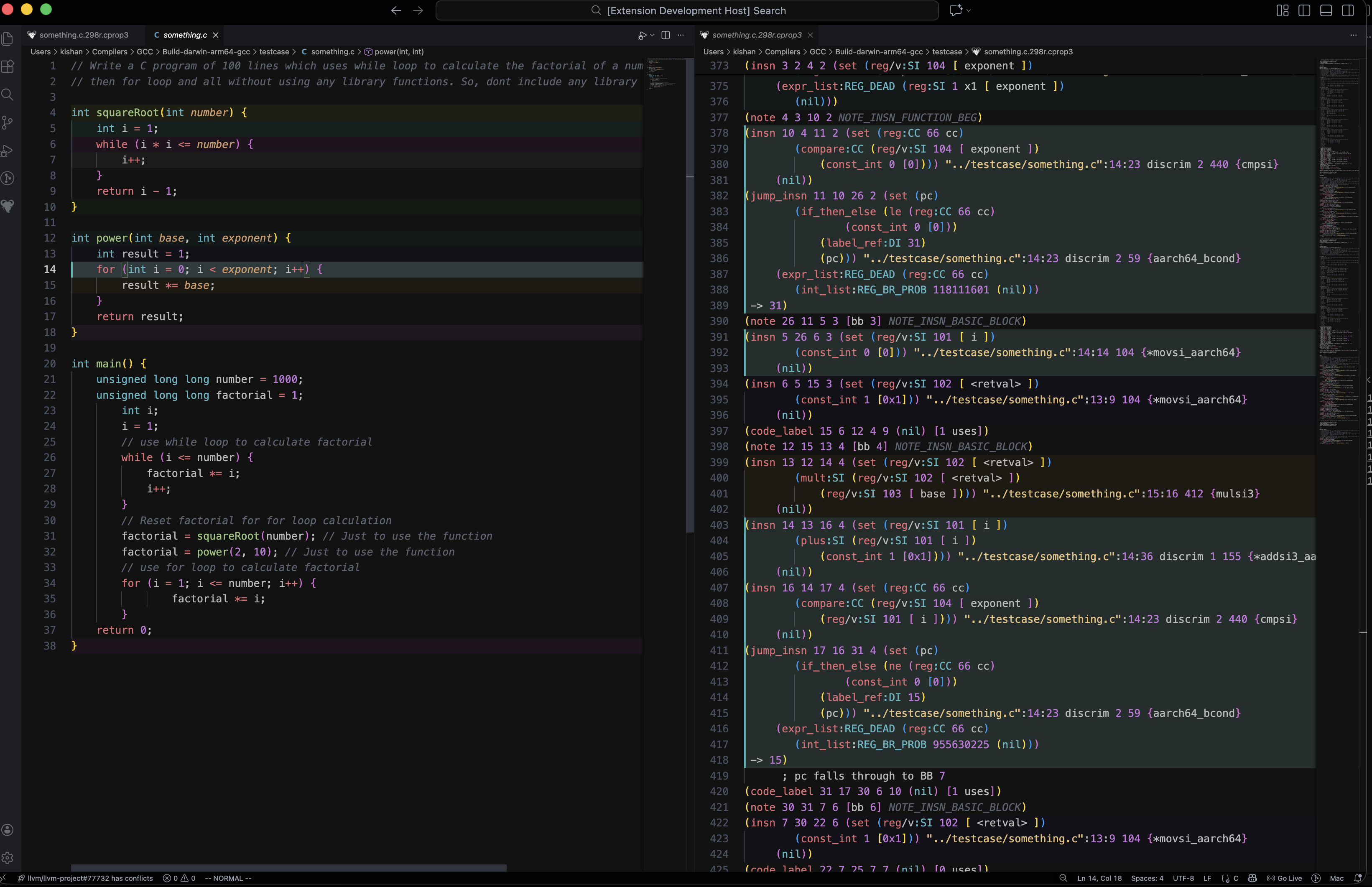
Understand GCC internals without leaving the editor.
- RTL Definitions: Hover over ir insns like
set,parallel, or regnotesREG_DEADto see their official documentation (parsed fromrtl.defandreg-notes.def). - Gimple Definitions: Same as above, but for gimple.
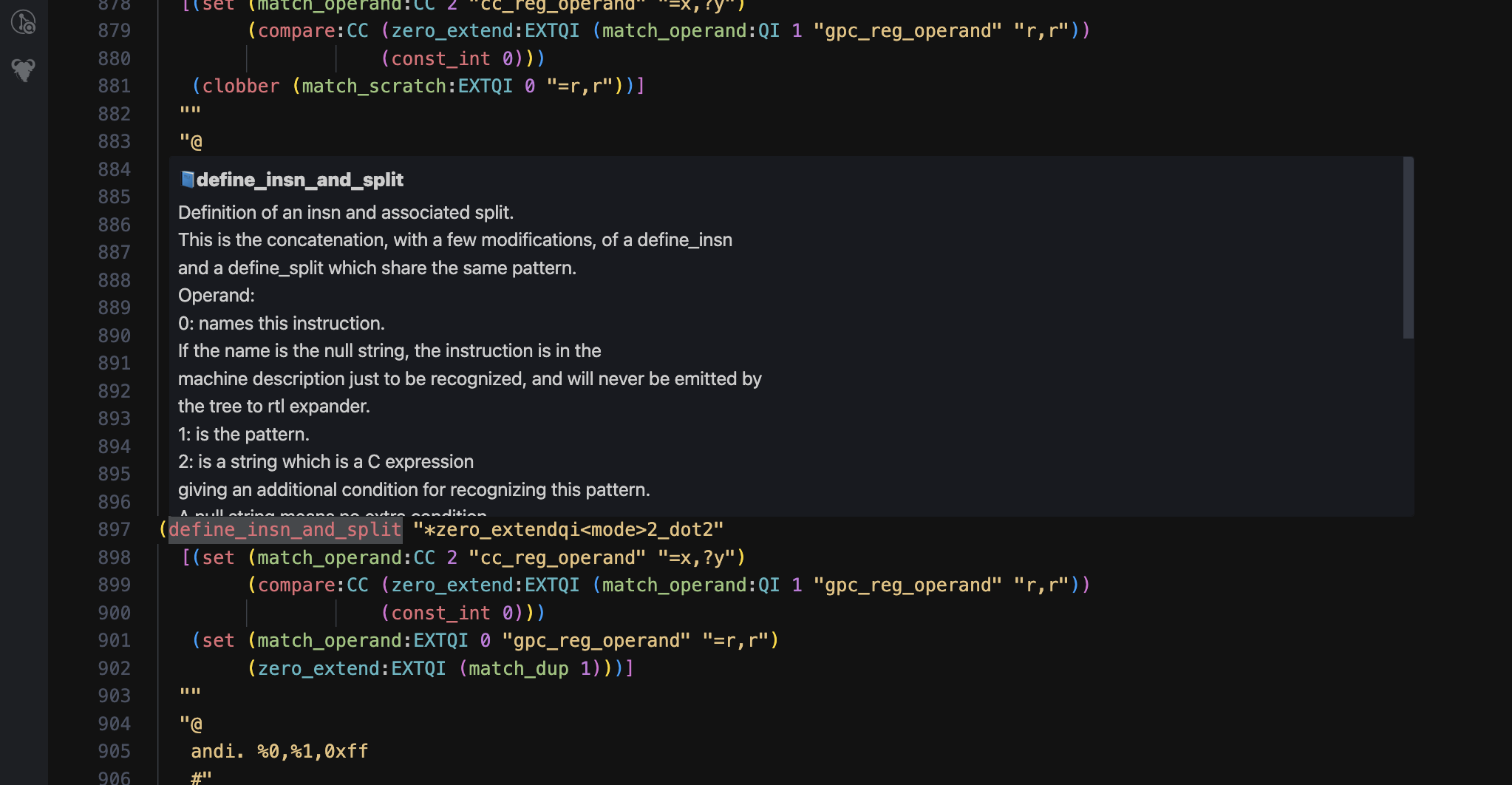
Instead of ls -ltr *expand*, use the GCC Explorer sidebar view.
- Automatically finds all GCC dump files (
.t,.r,.i) in your workspace. - Sorts them chronologically by pass number (e.g.,
005t->300r). - Filters passes by type (GIMPLE vs RTL) or name.
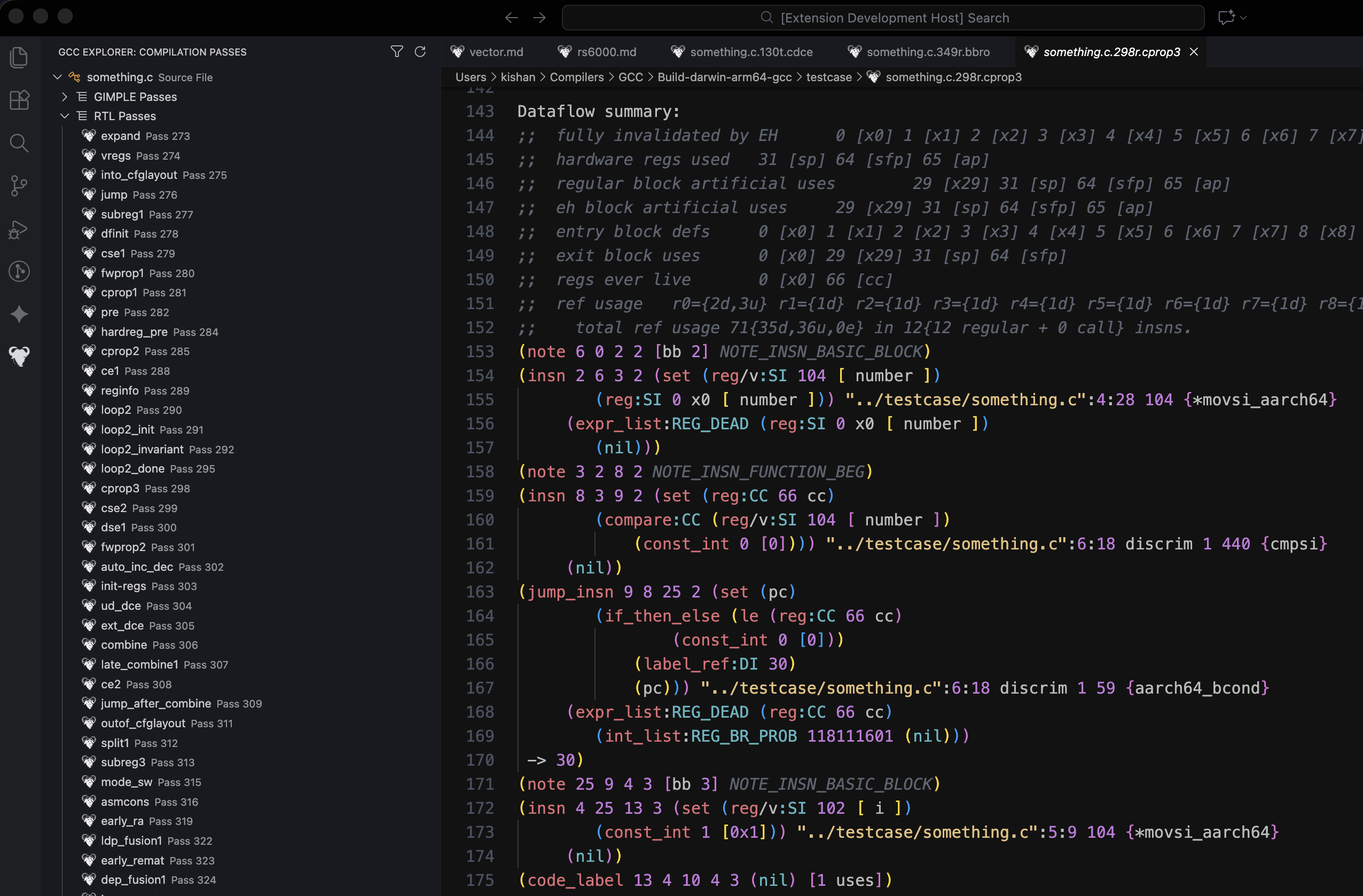
Move through the compilation pipeline without leaving the editor.
- Next/Prev Pass: Click the arrow icons in the editor title bar (or use
Ctrl+Alt+]/Ctrl+Alt+[) to jump to the immediate next or previous pass file. - Context Aware: Automatically detects if you are in a GIMPLE or RTL file and finds the correct successor.
- Compare with Previous: One-click button to open a diff view against the previous pass.
- Instantly visualize exactly what optimizations were performed by a specific pass.
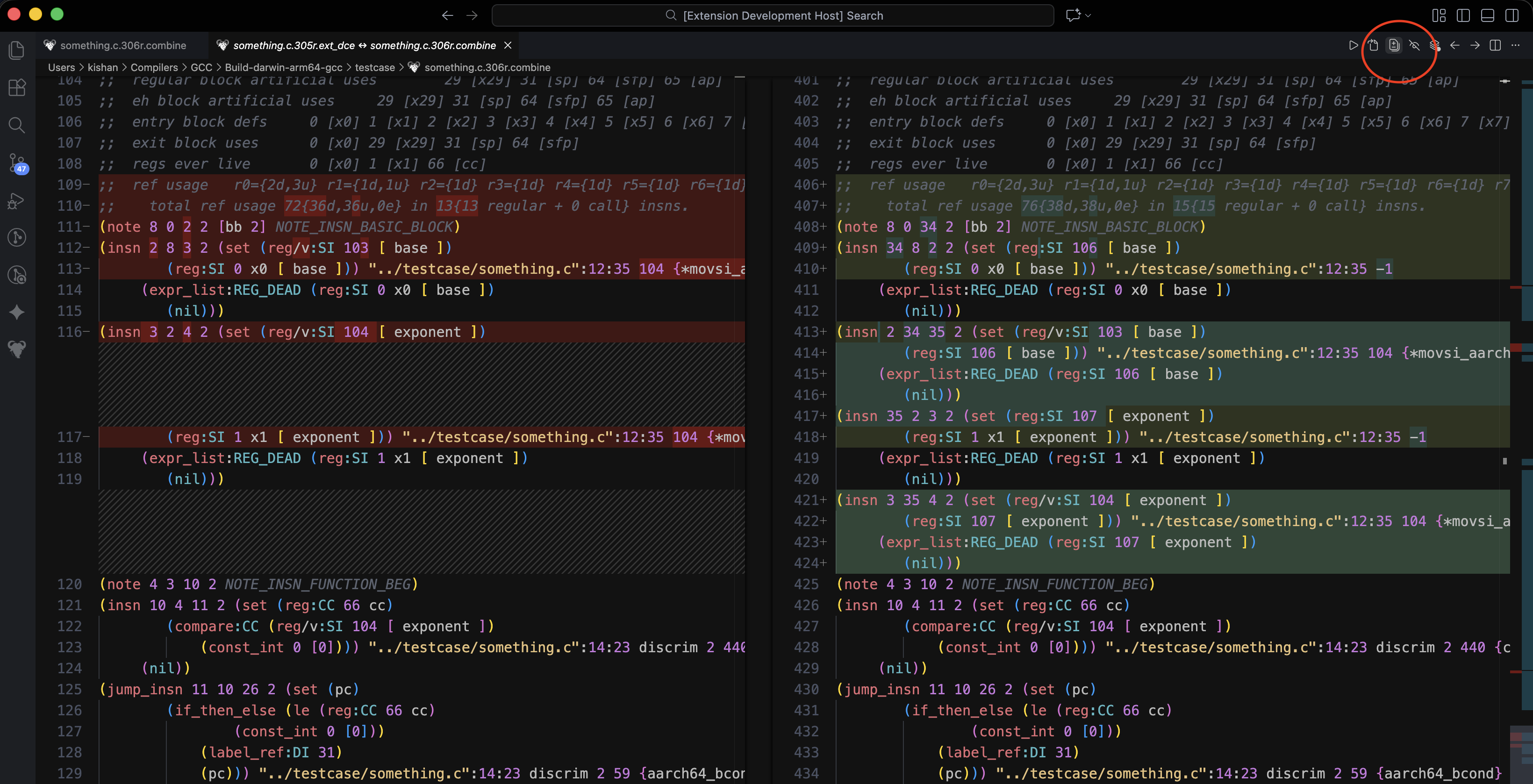
RTL and GIMPLE dumps are often 50% metadata.
- Toggle Noise: Click the Eye Icon to hide
commentlines, basic block headers. - Helps you focus purely on the instruction logic and data flow.
- Open Graph: One-click button to render the current dump as a Control Flow Graph (CFG) using Graphviz.
- Note: Requires a generic Graphviz/DOT extension to be installed for the final rendering.
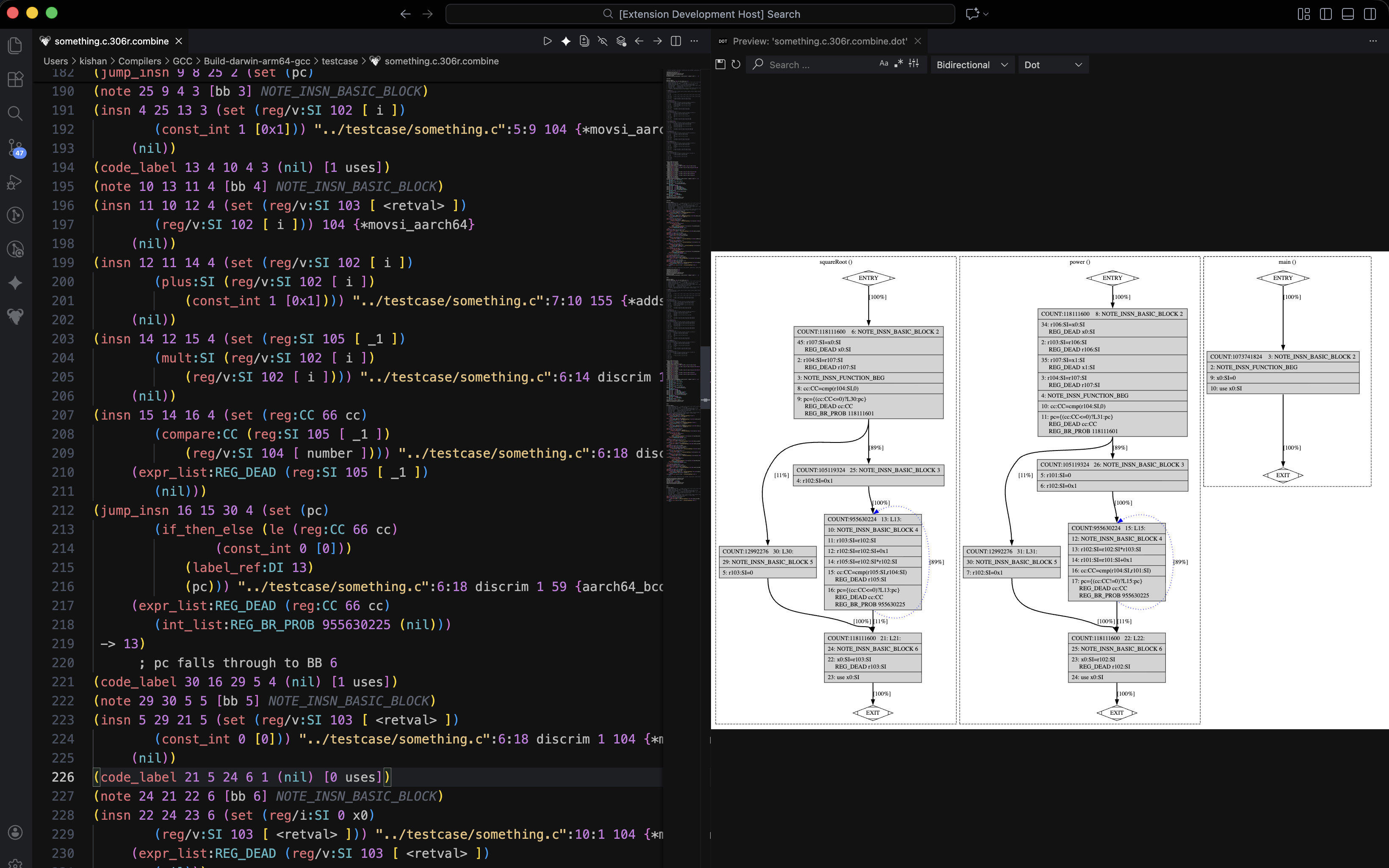
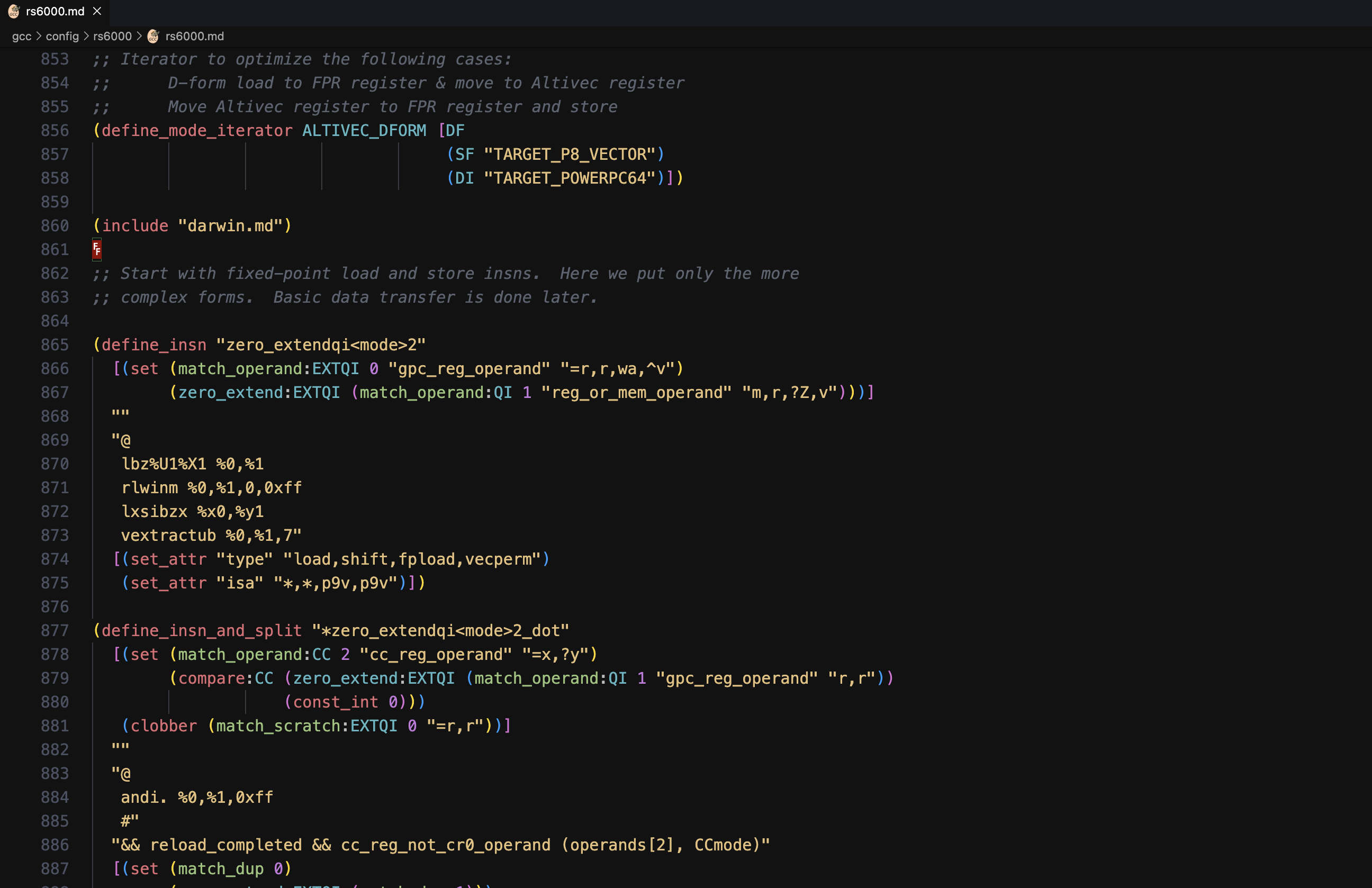
- Go to Definition: Jump from iterator usages or attribute names in
.mdfiles directly to their definitions. - Hovers: Hover over standard RTL codes (like
define_insn,parallel,set) to view their official documentation (parsed directly fromrtl.def).
When hacking on GCC, you often need to read and understand complex internal formats. Reading all of this as plain, uncolored text is painful. This extension provides TextMate grammars to support the following:
- Constructs:
define_insn,define_expand,define_split,define_peephole2, iterators, attributes. - Operands: Distinct coloring for registers, modes, and constraints.
- Embedded Code: Highlights C/C++ blocks embedded inside MD files.
- Records:
insn,jump_insn,call_insn,note,barrier,code_label. - Data: Registers (
reg:DI 3), vector modes,const_int.
- Structure: Basic blocks, PHI nodes, and SSA names.
- Statements:
gimple_call,gimple_assign,gimple_cond,gimple_switch.
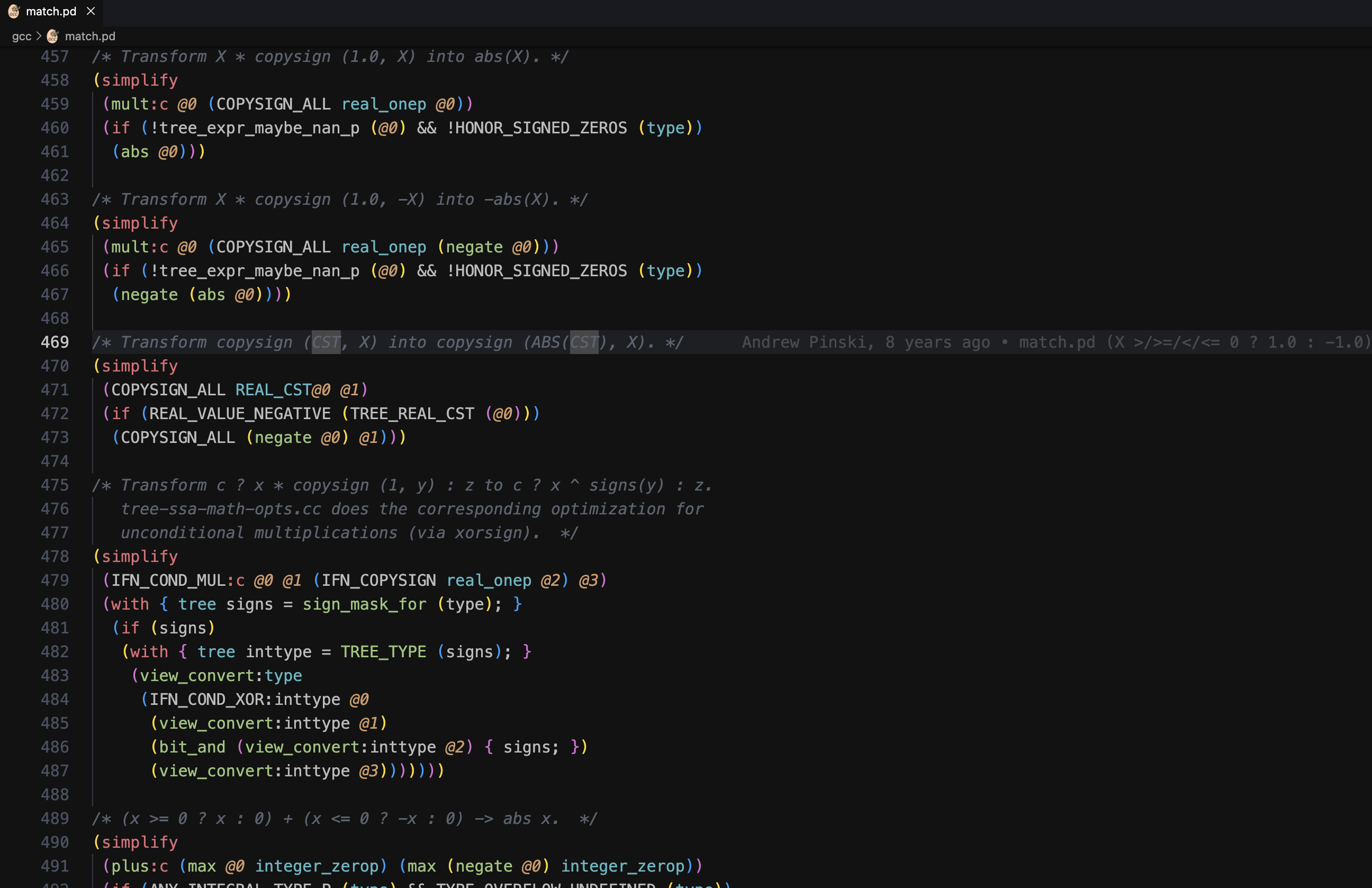
- Rules:
match/simplifyrules. - Trees: Operator trees (e.g.,
plus,mult,bit_and) and capture logic (@x).
- PowerPC/RS6000 Builtins:
rs6000-builtin.defhighlighting. - Option Files:
.optsyntax support. - DejaGnu Scripts:
.expsyntax support.
GCC Workbench is an open-source labor of love dedicated to making compiler internals accessible and productive. Maintaining and innovating on these tools requires time and research.
If this extension has improved your workflow or helped you debug a complex RTL issue, consider supporting its ongoing development.

This project is licensed under the GNU General Public License v3.0 or later (GPL-3.0-or-later).
See the LICENSE file for details.
- DejaGnu expect scripts (.exp) Syntax: The syntax highlighting for
.expfiles in this extension is a derivative work based on the vscode-tcl repository by James Deucker (Copyright (c) 2019), which is licensed under the MIT License.- Modifications: The original YAML logic was converted to JSON and adapted for GCC DejaGnu expect scripts by Kishan Parmar in 2025.
- All other files: Original work licensed under GPL-3.0-or-later.
The project is now open for the community to utilize, maintain, and evolve.
-
Found a bug? Please raise an issue on the issue tracker: https://github.com/RegAlloc/gcc-workbench/issues
-
Want to contribute? Everyone is welcome to continue or expand on this project. Feel free to fork the repository and raise a Pull Request here: https://github.com/RegAlloc/gcc-workbench
This extension is open-source and published by Kishan Parmar.
Source code is publicly available on GitHub and can be audited by anyone.
No telemetry, tracking, or data collection is performed by this extension.