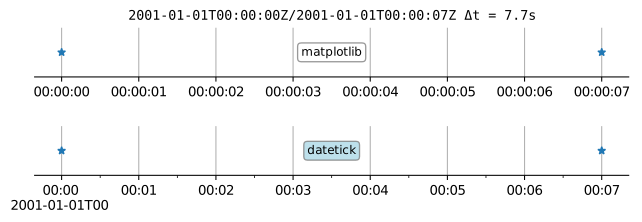
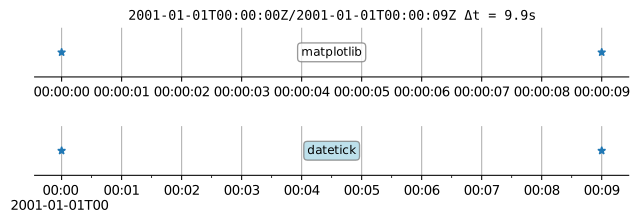
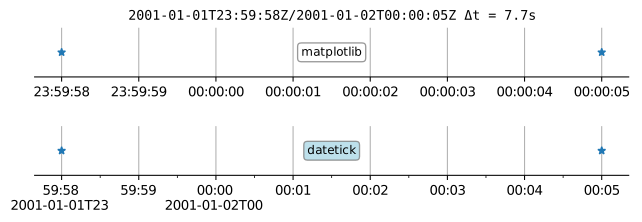
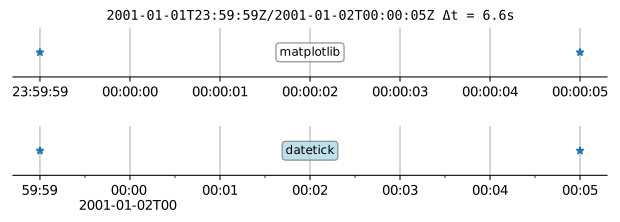
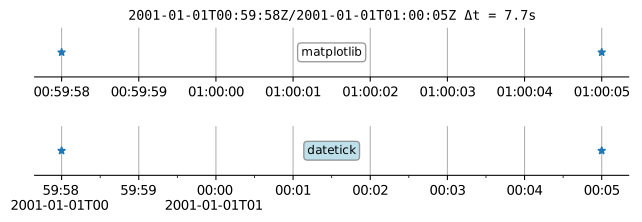
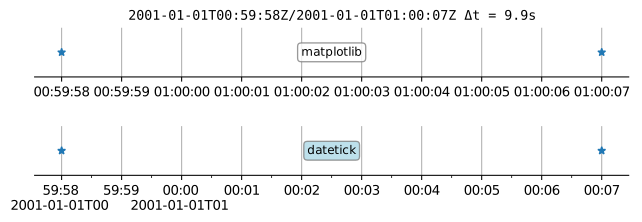
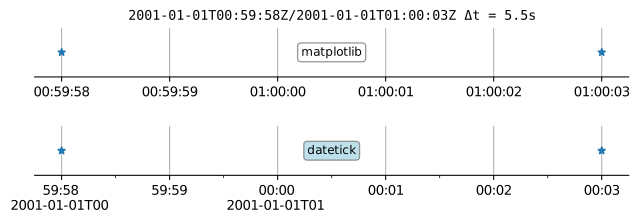
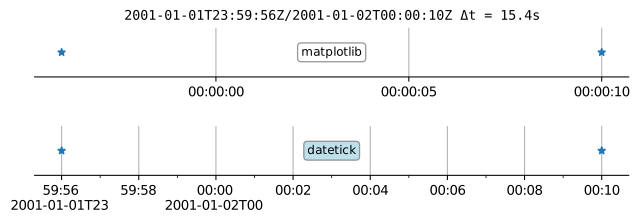
Sensible date/time tick labels for Matplotlib
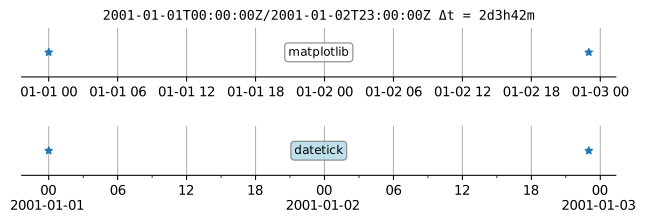
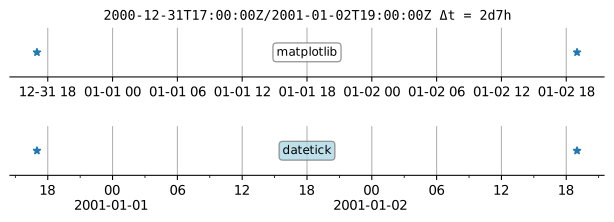
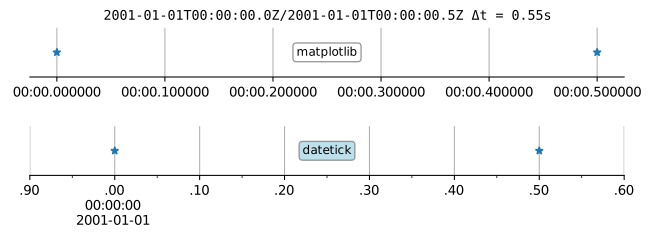
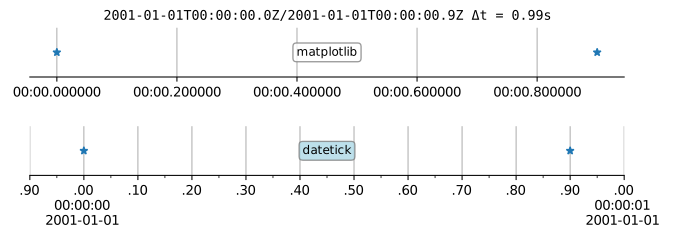
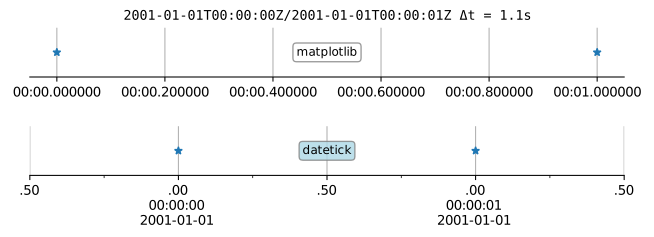
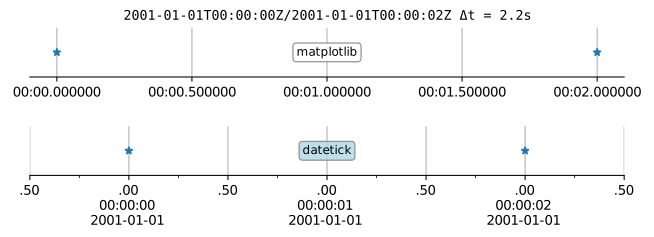
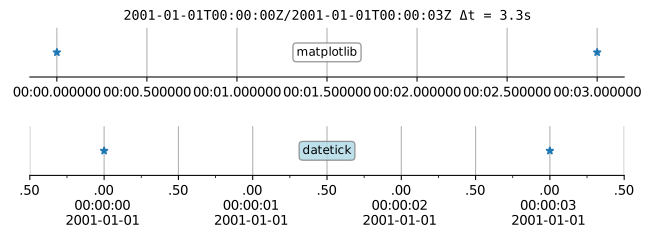
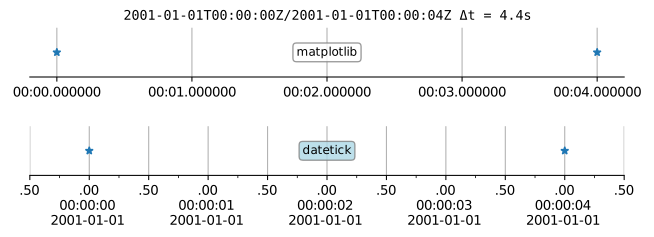
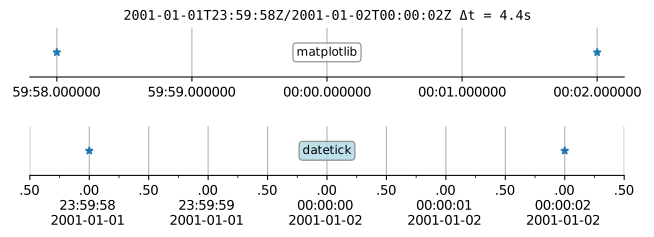
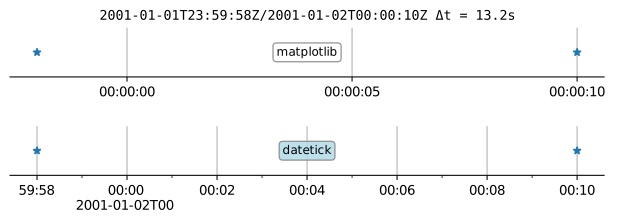
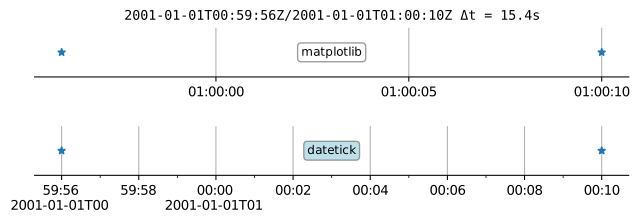
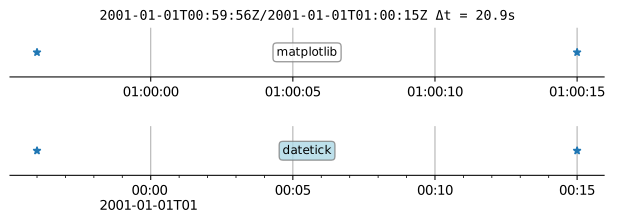
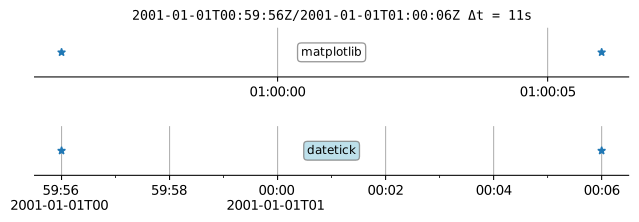
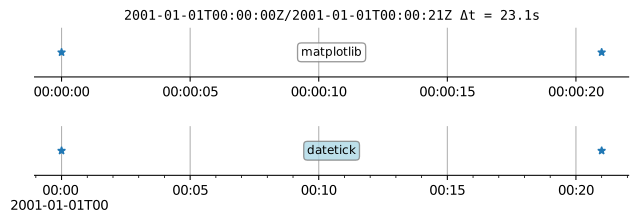
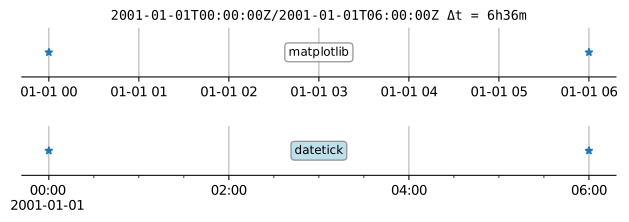
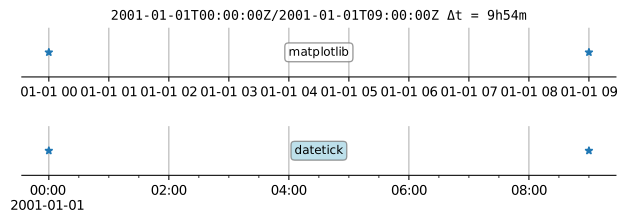
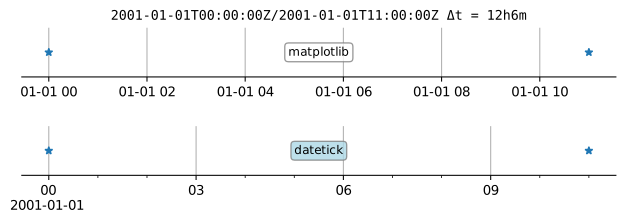
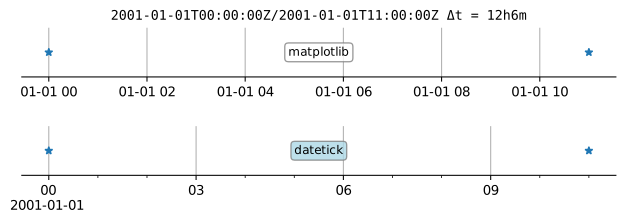
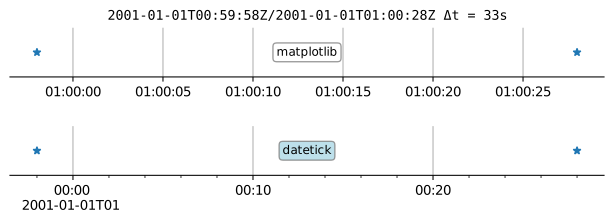
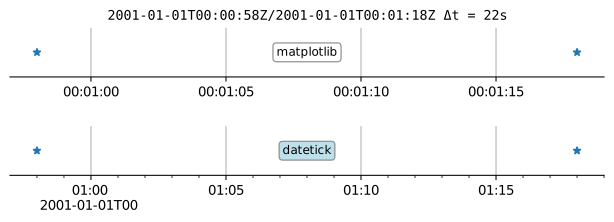
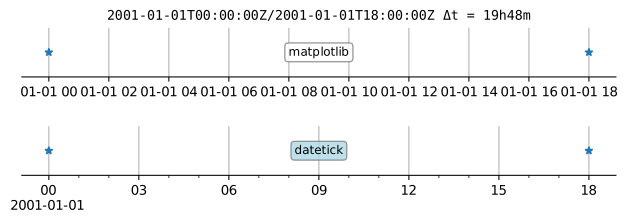
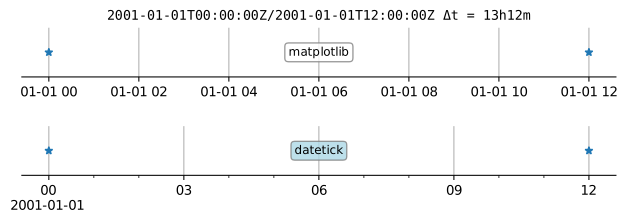
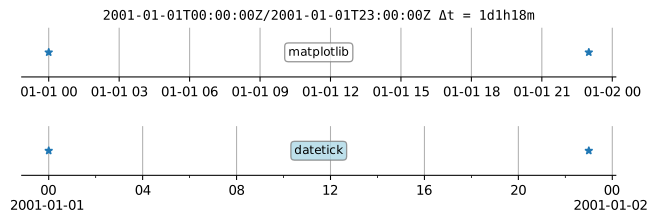
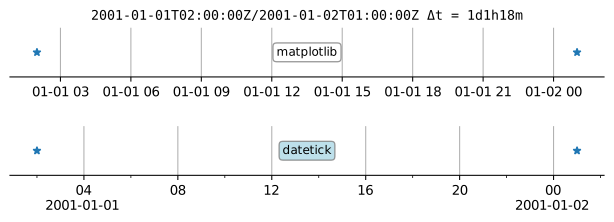
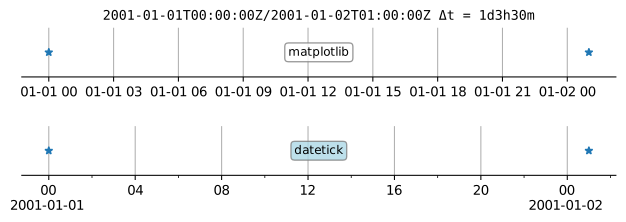
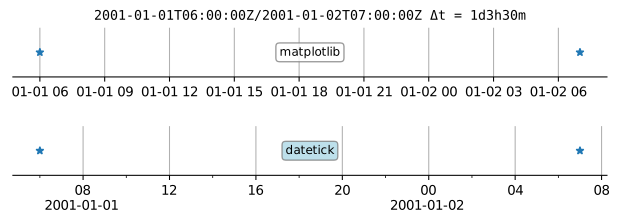
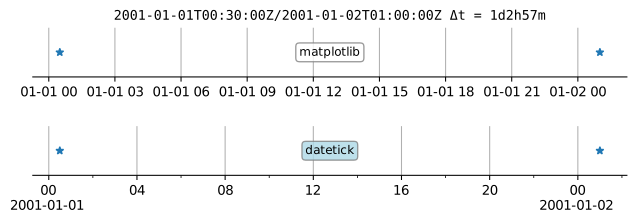
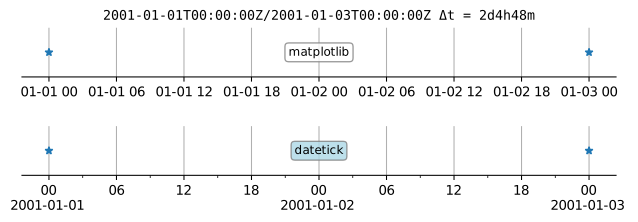
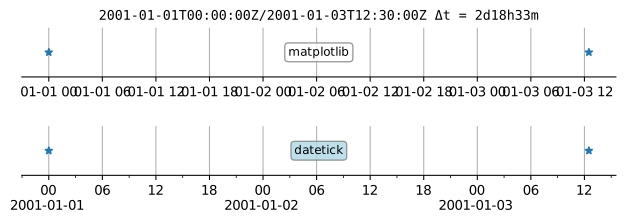
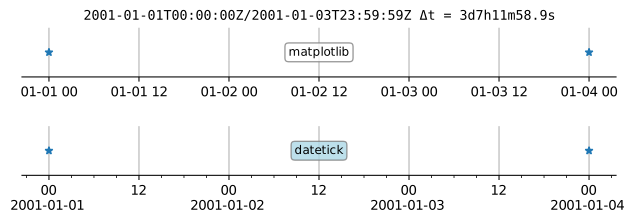
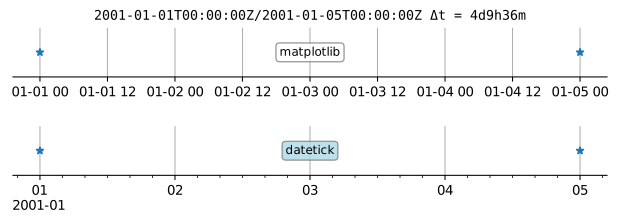
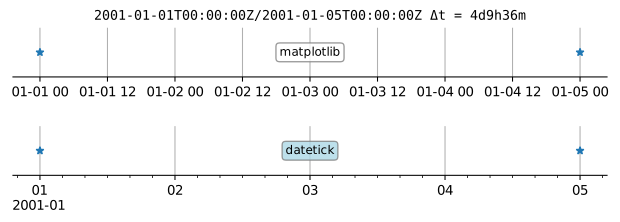
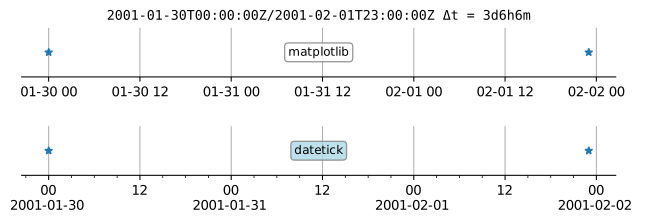
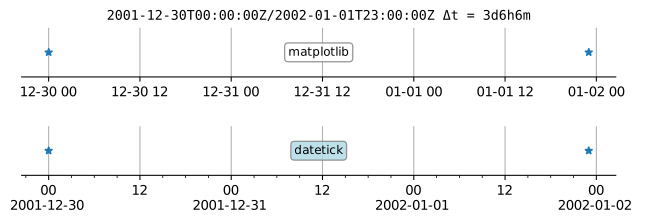
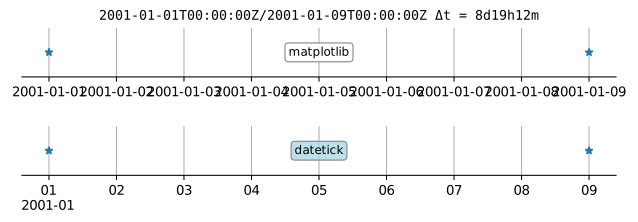
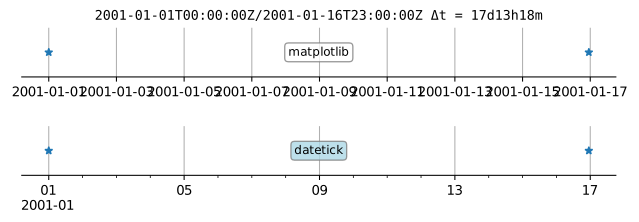
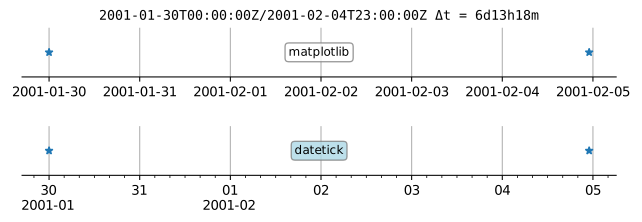
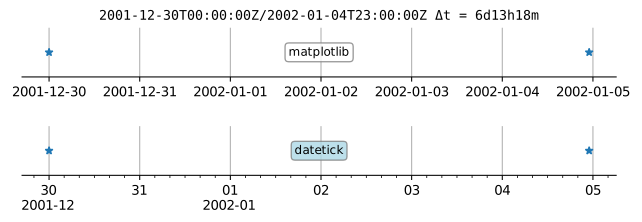
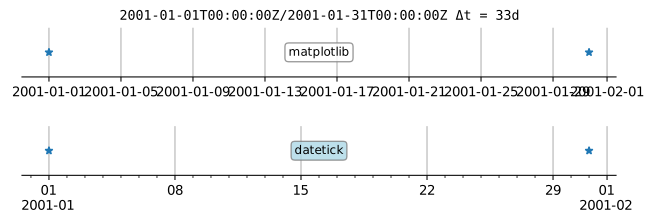
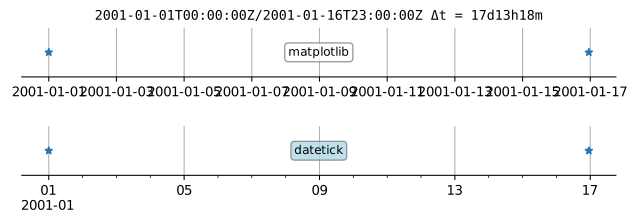
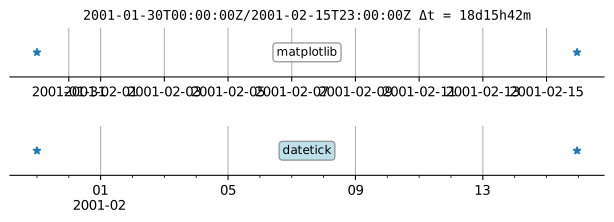
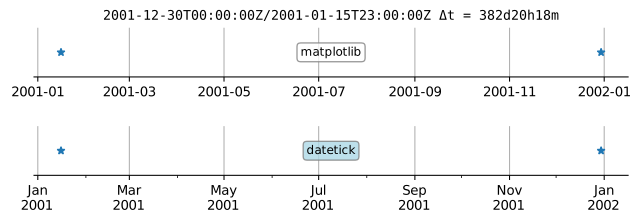
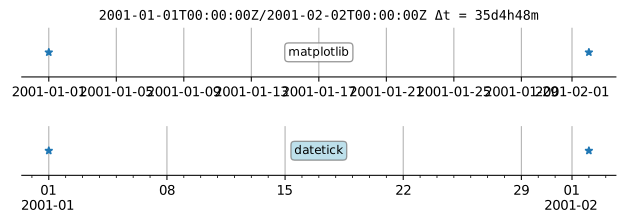
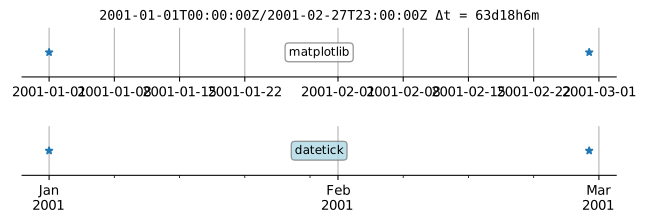
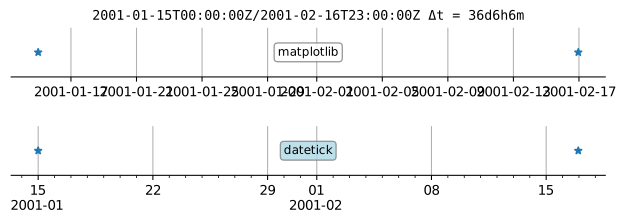
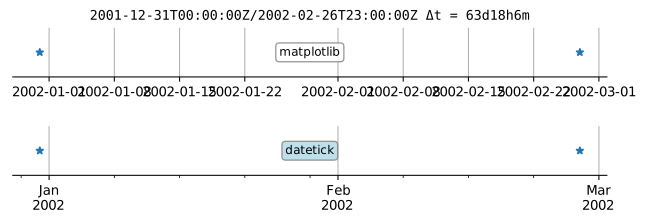
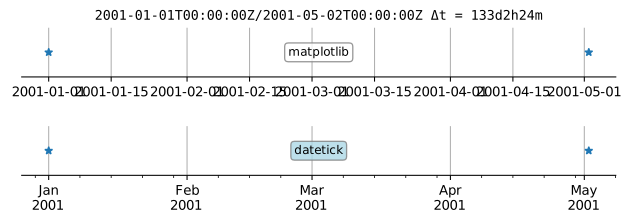
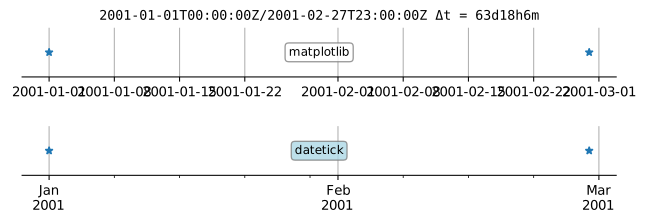
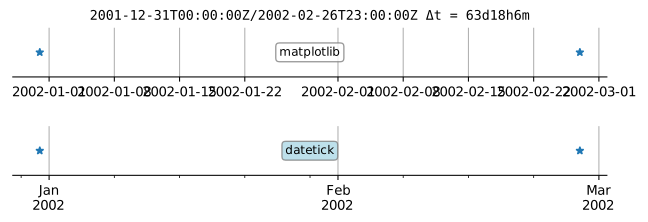
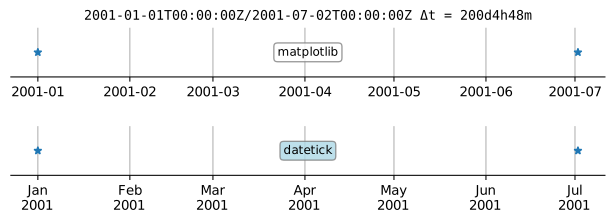
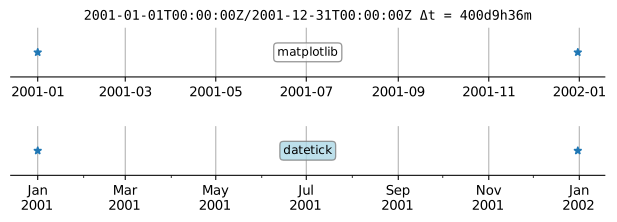
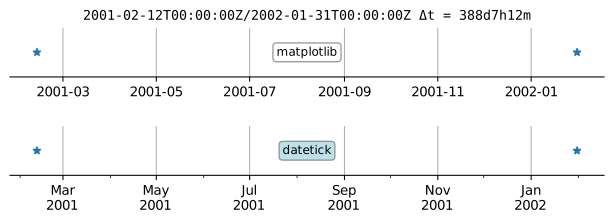
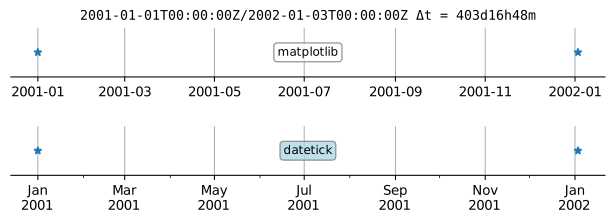
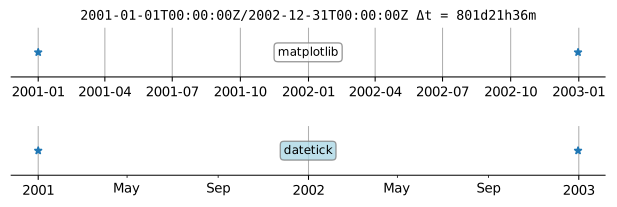
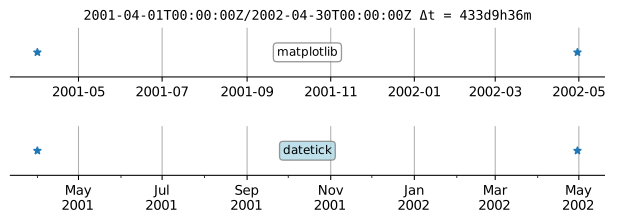
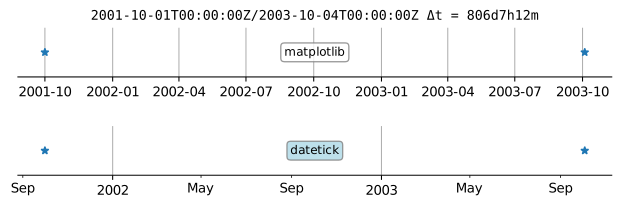
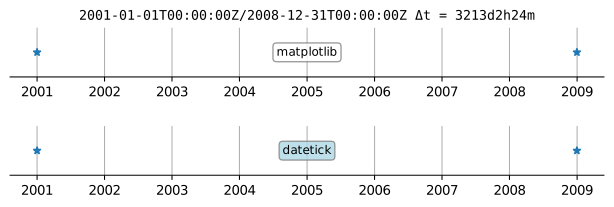
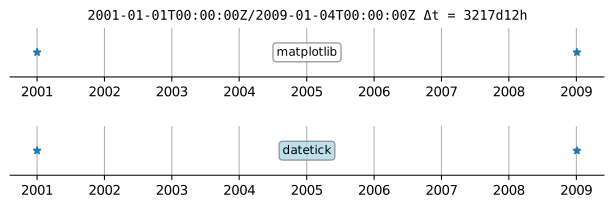
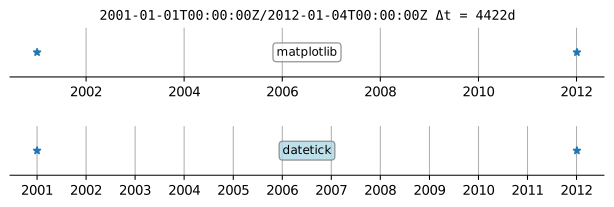
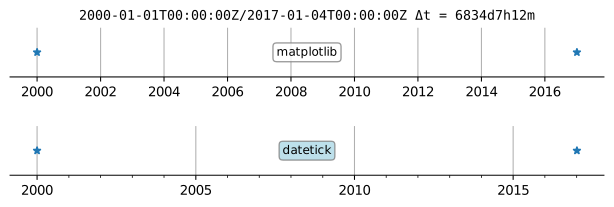
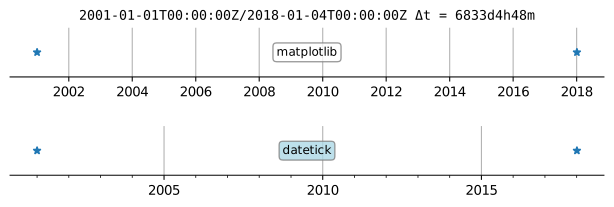
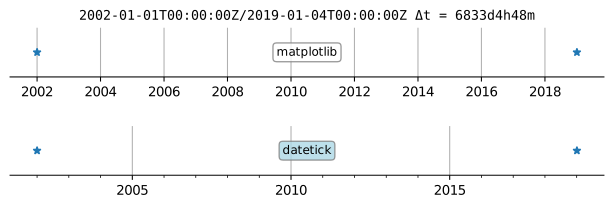
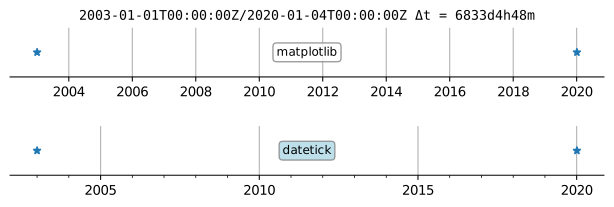
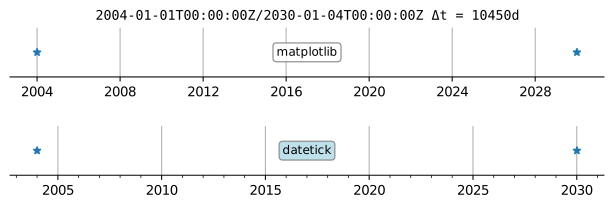
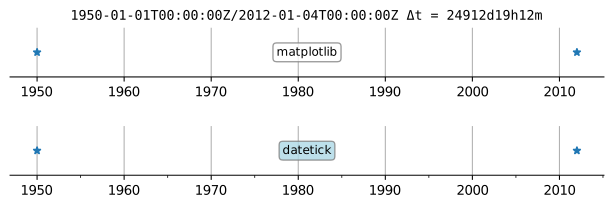
Matplotlib's default date/time tick labels are often poor, and adjusting them requires using locators and formatters on an ad-hoc basis. A method or package for handling arbitrary time ranges does not exist.
In addition, the interfaces for locators and formatters complex and non-intuitive and require study and experimentation (e.g., [1], [2], [3], [4]. Tilting labels is an often-suggested solution, but this should not be needed.
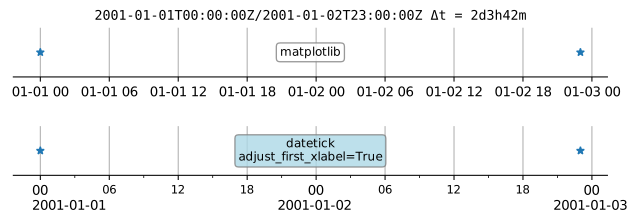
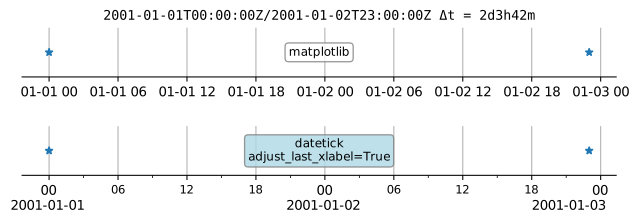
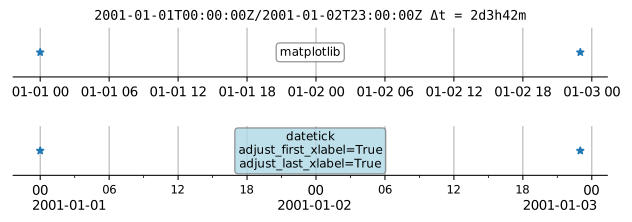
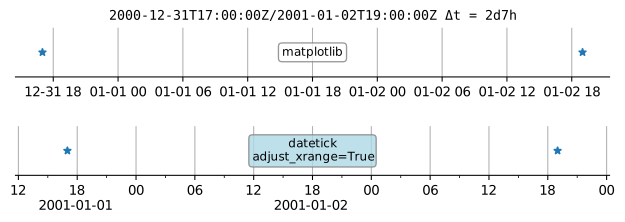
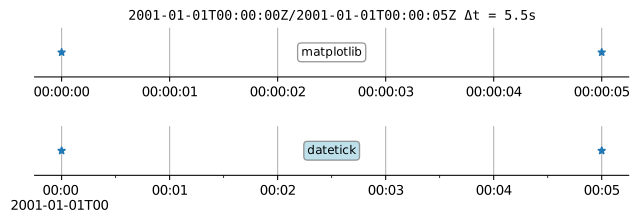
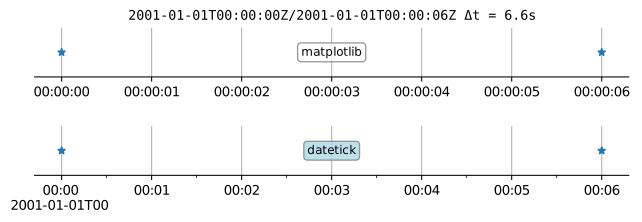
datetick() contains logic for locators and formatters that apply to plots with arbitrary time ranges. One only needs to add the command datetick() after the usual plt.plot(...) command to have sensible and useable time tick labels. The primary configuration is a set of rules that account for the time range and an adjustable minimum gap between tick labels.
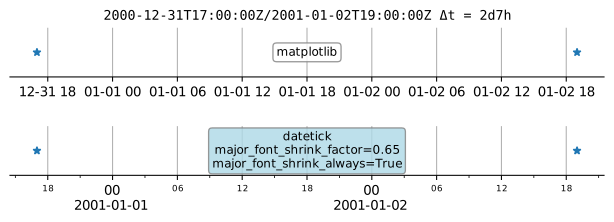
To prevent overlap and enforce a minimum gap, the font size is automatically reduced to a chosen minimum value. Then the number of ticks are reduced based on rules in rules.json.
import datetime as dt
import matplotlib.pyplot as plt
from datetick import datetick

dt1 = dt.datetime(2011, 1, 2)
dt2 = dt1 + dt.timedelta(days=1, hours=1, minutes=1)

plt.plot([dt1, dt2], [0.0,1.0])
datetick()
plt.show()
# or
# datetick('x') (use 'y' if y variable is datetime-like)
# or
# datetick('x', axes=plt.gca())
# or
# fig, axes = plt.subplots(2)
# plt.plot([dt1, dt2], [0.0, 1.0])
# datetick('x', axes=axes[0])
Python-3.13/Matplotlib-3.10.9