Repository navigation

What changed since v1.0.0
- Added Increase Contrast for Control Center. It enables iOS’s native high-contrast appearance in Control Center only. When the switch is off, Control Center follows the system setting.
- Settings previews now update when you toggle Increase Contrast, including previews with solid fills.
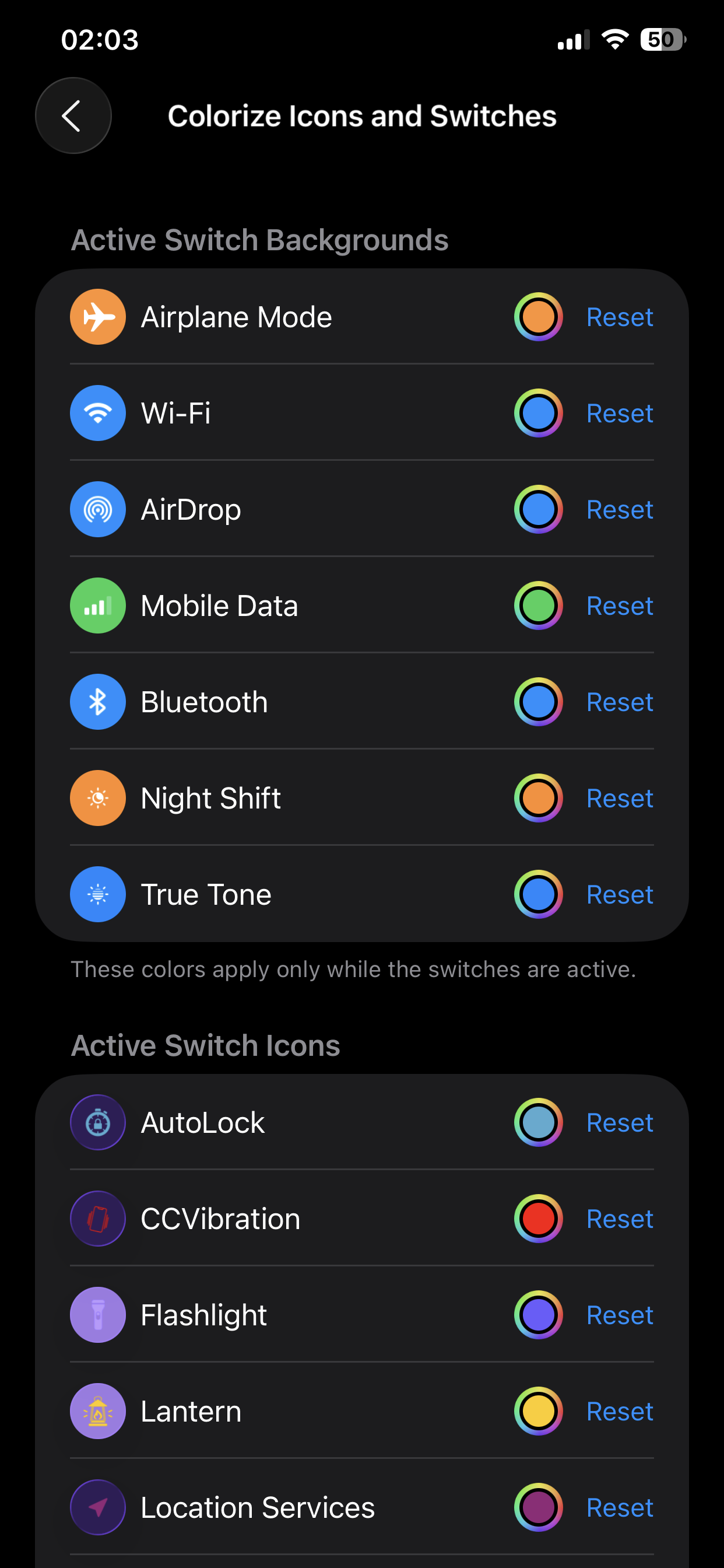
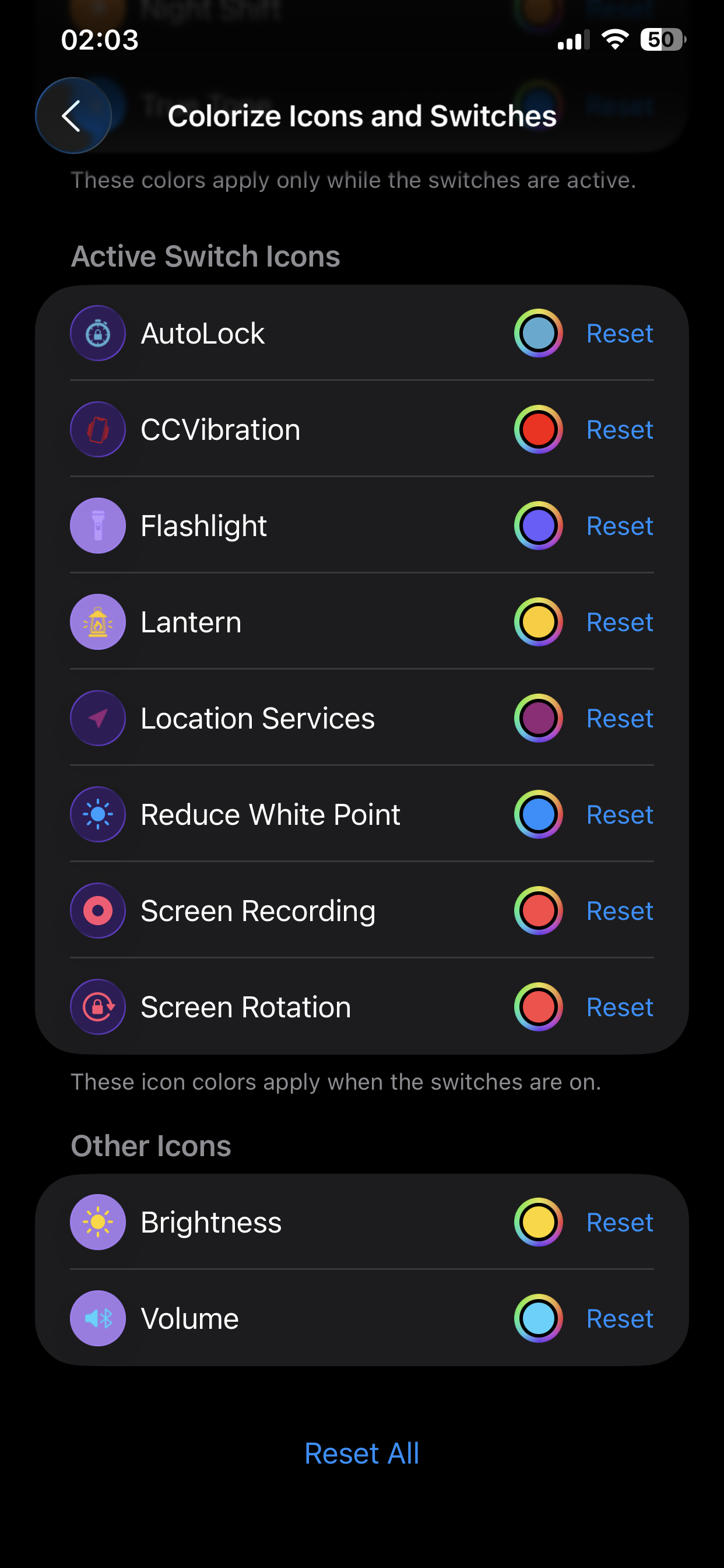
- Fixed custom icon colors for Amber Switch and other supported switches that draw their icons from images. Their Settings previews now follow the same fill and background rules as built-in switches.
Downloads
Install the build for your jailbreak on iOS 26 and respring. Configure it in Settings → CCFlex.
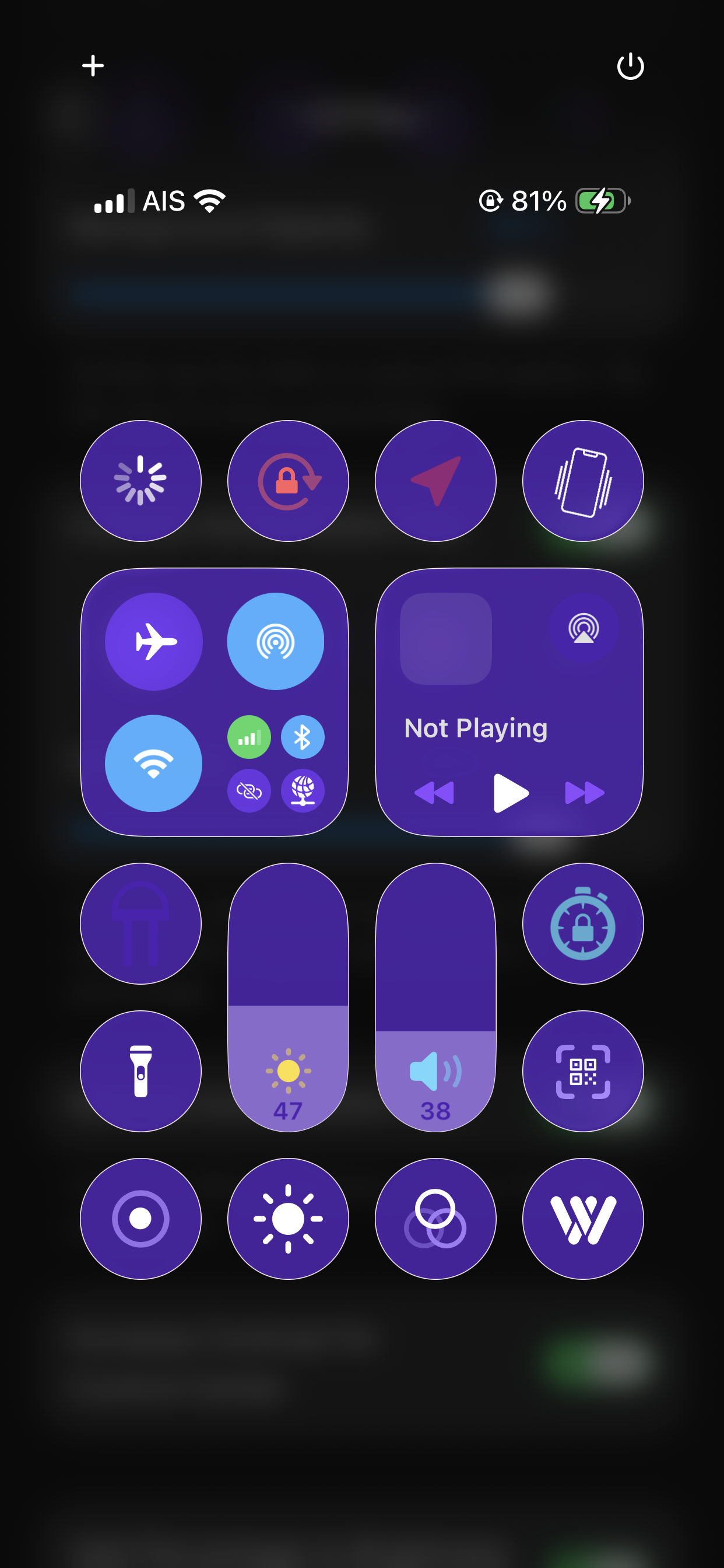
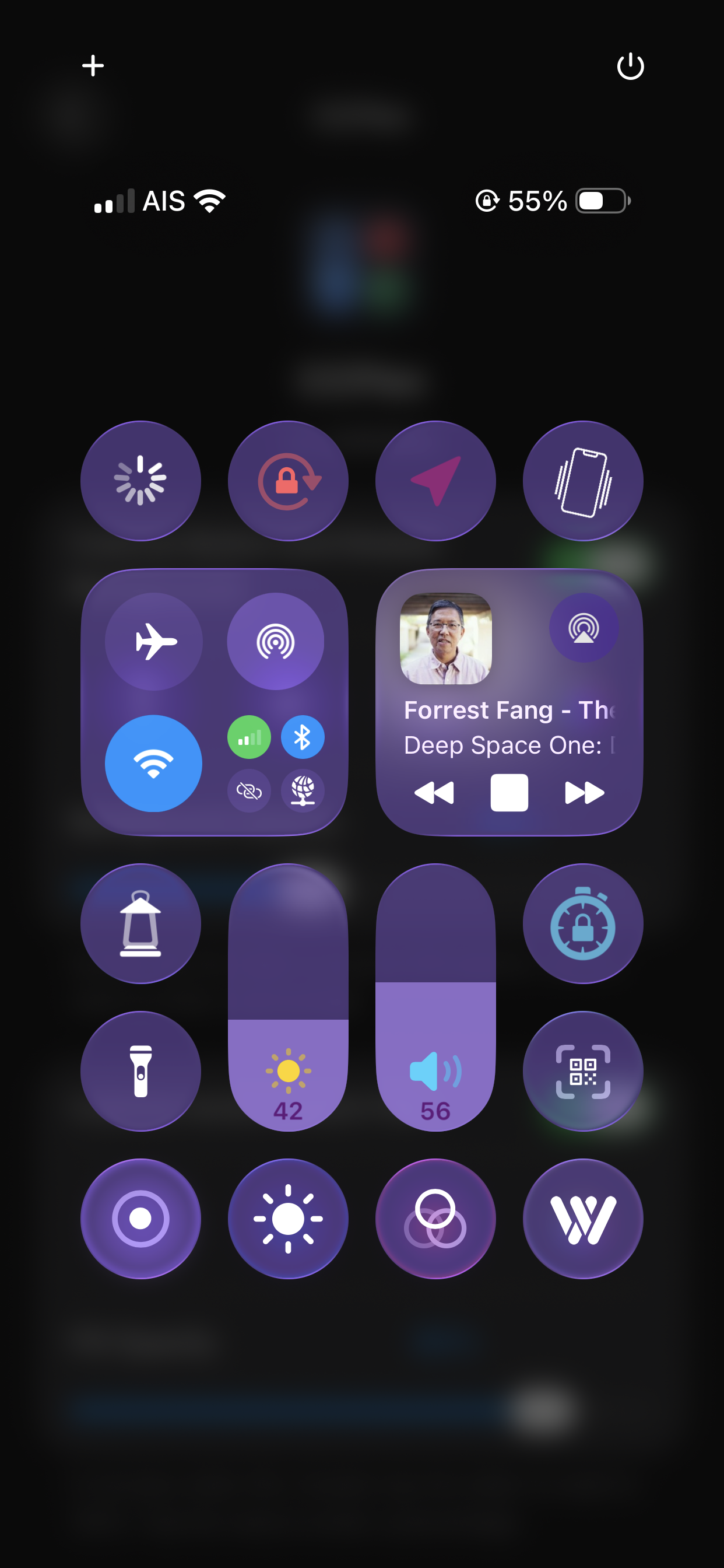
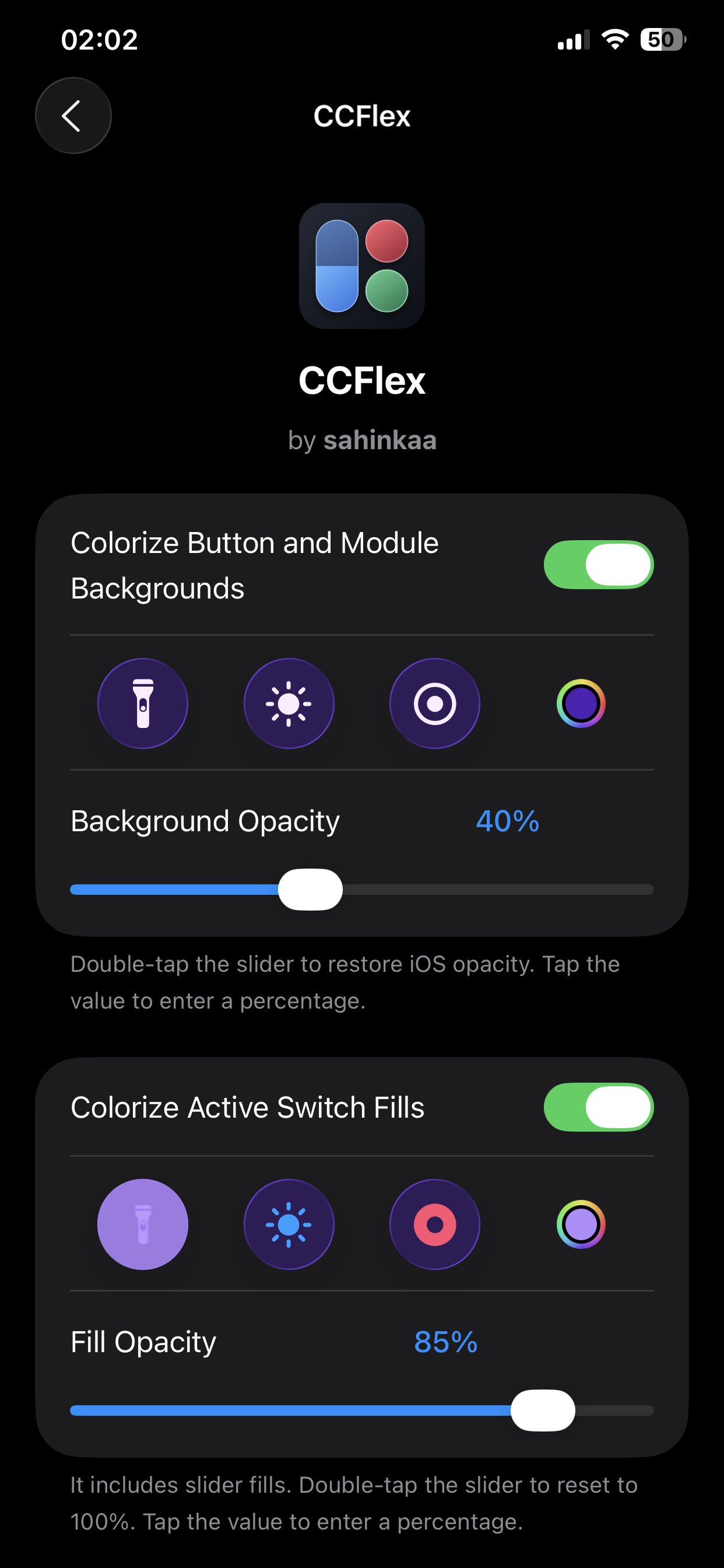
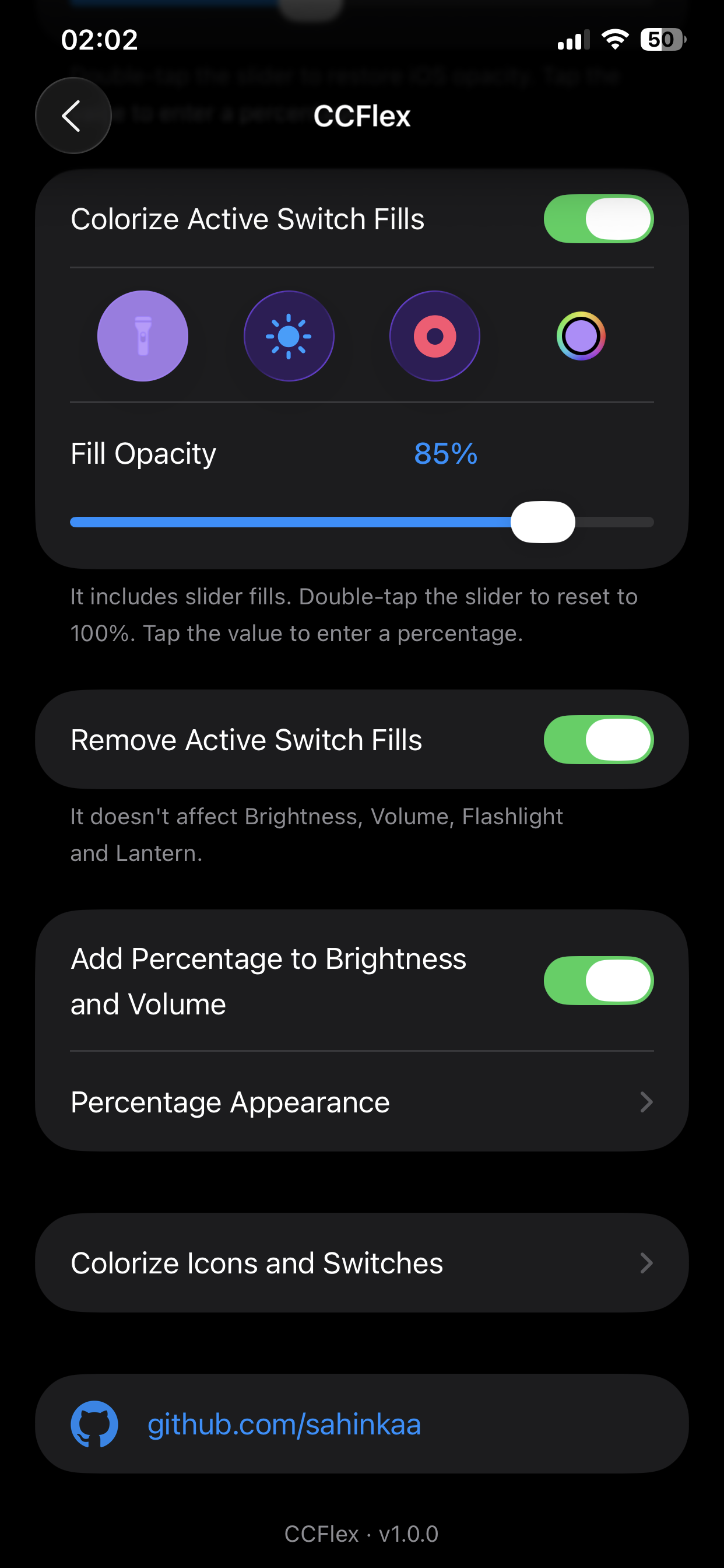
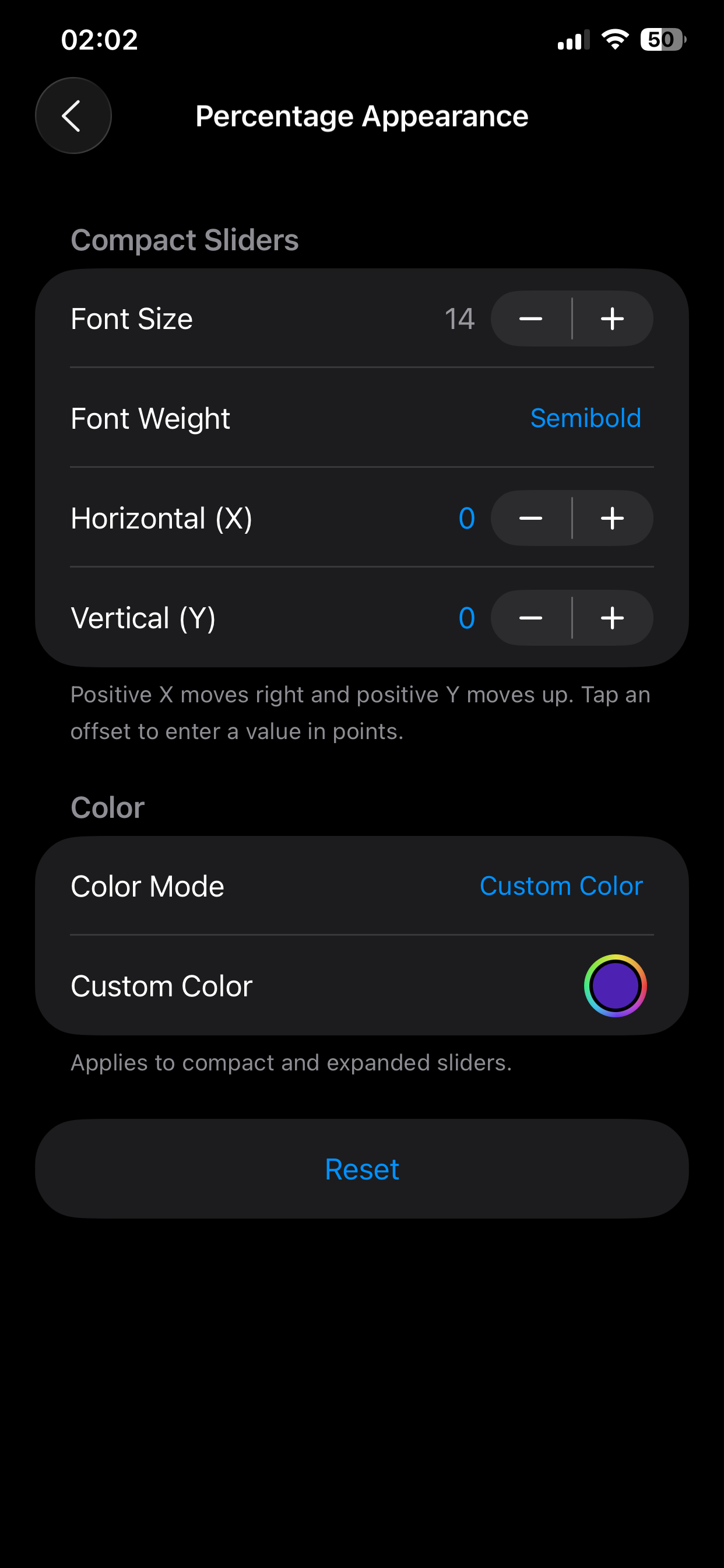
Screenshots