Repository navigation

Tinge 26 customizes Home Screen notification badges on iOS 26. Match badge colors to each app icon or choose your own, then fine-tune the text contrast and border with a live preview.
What’s new
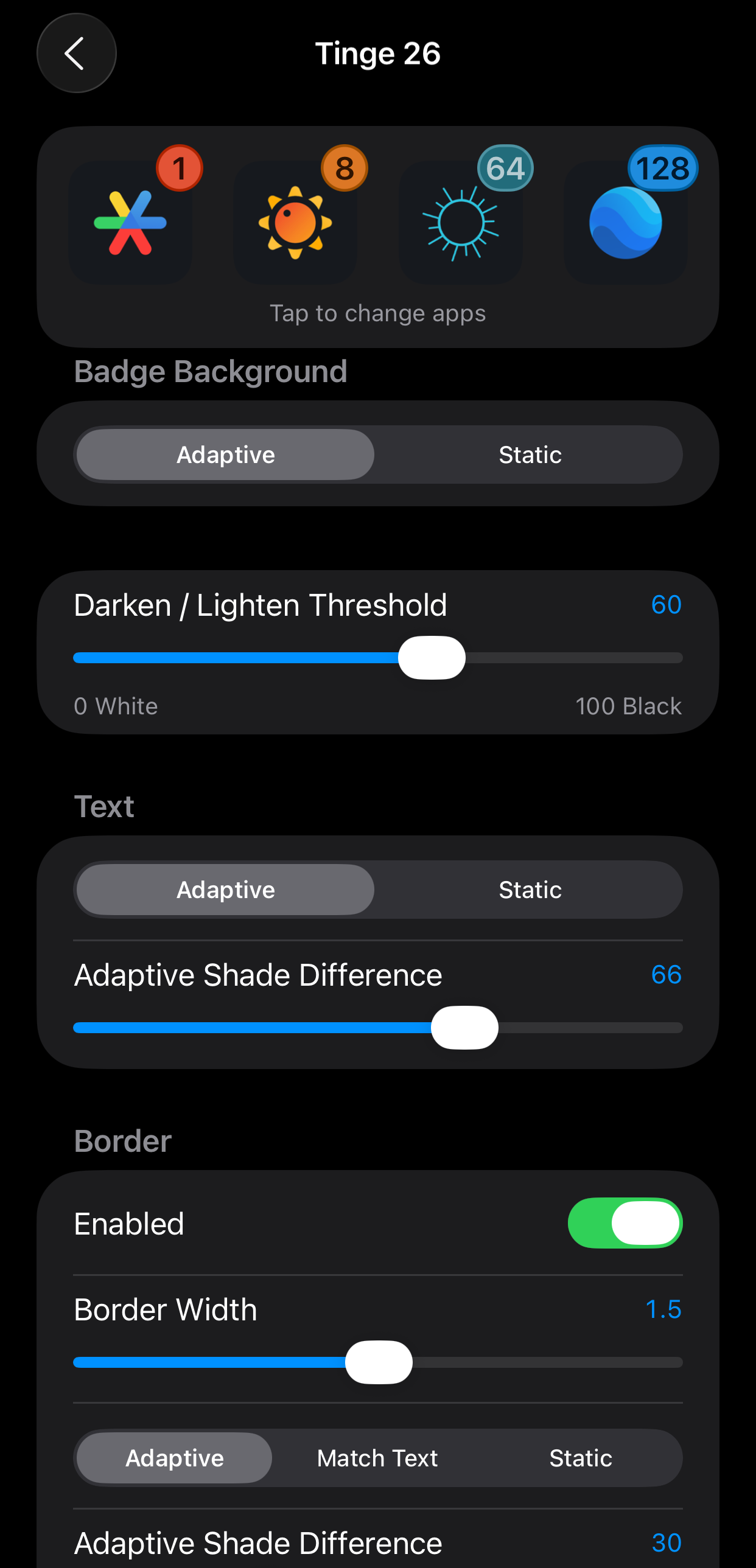
- Added Darken / Lighten Threshold for adaptive text and borders. It defaults to 60 on a scale from 0 White to 100 Black. Backgrounds at or above the threshold get lighter shades. Backgrounds below it get darker shades. The preview updates as you drag.
- Set the first-launch defaults to 60 for the threshold, 66 for text shade difference, 1.5 pt for border width and 30 for border shade difference. Double-tap any slider to reset it to its default.
- Renamed Text Color to Text. Static color pickers now appear only when Static is selected.
Install
- RootHide: Install the
iphoneos-arm64epackage directly, without Patcher. - Standard rootless: Install the
iphoneos-arm64package.
Respring and open Settings → Tinge 26. Changing the main Enabled switch requires a respring.
Original Tinge by P2KDev (@p2kdev). Tinge 26 by sahinkaa.
Contributors

p2kdev