Repository navigation
LoadLab v0.2.0

Highlights
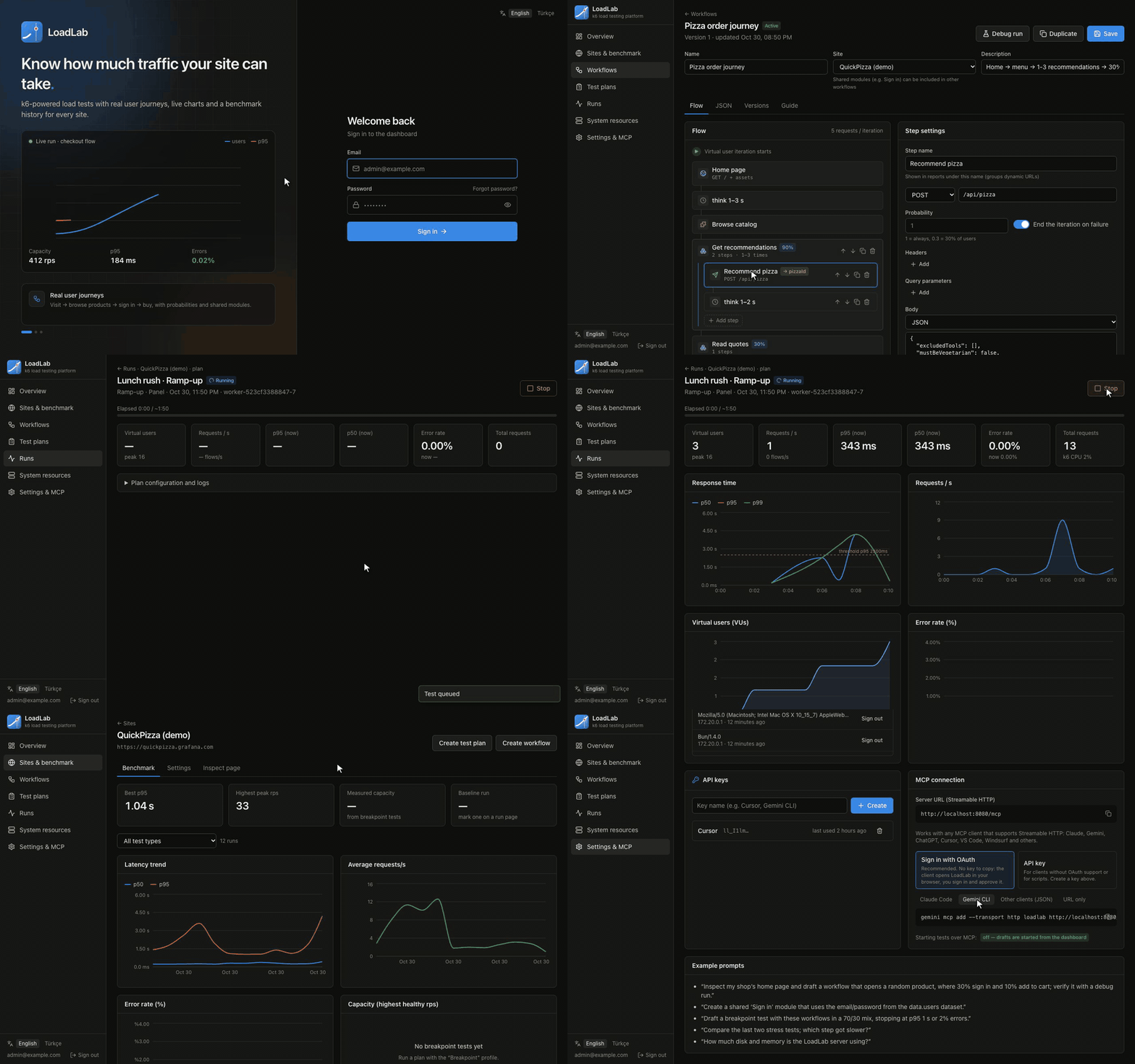
- 🔐 OAuth 2.1 sign-in for MCP clients. AI agents like Claude, ChatGPT, Gemini CLI, Cursor and VS Code can connect with just the server URL. They discover LoadLab's authorization server, open the sign-in page in your browser, and you approve them on a new consent screen. Under the hood: dynamic client registration, PKCE, tokens bound to your
/mcpresource, and refresh tokens. API keys still work as an alternative, and Settings → MCP lets you pick either method, with copy-ready setup for each client. - 🤖 Open to any AI agent. The docs and UI now describe MCP as client-agnostic instead of Claude-only.
- ✅ Environment validated at startup with t3-env and zod. A missing or invalid variable stops the container and lists every problem.
- 🎬 Demo GIF at the top of the README (English and Turkish).
Changes
- The compose service
apiis nowloadlab, so Coolify's domain variable is nowSERVICE_URL_LOADLAB_8080. The compose file is simpler: fewer comments, and no:?interpolation messages. - New
MCP_OAUTHsetting (defaulttrue). OAuth needs an HTTPSPUBLIC_URLorlocalhost; otherwise it turns itself off and API keys keep working. - The sidebar stays fixed while the page scrolls. Password fields have a placeholder, and the session list scrolls instead of growing the page.
- Server messages such as "Stopped by user" are now translated in the Turkish UI.
- CI also runs a full MCP OAuth flow end to end.
Upgrading from v0.1.0
- Coolify: reassign the domain to the
loadlabservice (previouslyapi). On Docker Compose, usedocker compose exec loadlab …instead ofexec api. - A database migration (
0001_mcp_oauth) runs automatically on startup. - Startup now validates the environment. For example,
BETTER_AUTH_SECRET(SERVICE_HEX_64_AUTH) must be at least 32 characters.
Docker image: ghcr.io/sharkpaw/loadlab:0.2.0 (linux/amd64, linux/arm64)
🇹🇷 Türkçe
- MCP için OAuth 2.1 girişi: Claude, ChatGPT, Gemini CLI, Cursor gibi yapay zekâ ajanları yalnızca sunucu adresiyle bağlanır. Giriş tarayıcıda yapılır ve yeni onay ekranında izin verilir. API anahtarı alternatif olarak çalışmaya devam eder; Ayarlar → MCP'den yöntem seçilir.
- Ortam değişkenleri açılışta doğrulanır (t3-env + zod). Eksik ya da hatalı değişkenler listelenir ve konteyner açılmaz.
- Compose servisinin adı
apiyerineloadlaboldu. Coolify'da alan adınıloadlabservisine yeniden atayın. - Sol menü sabit, şifre alanlarında yer tutucu var ve sunucu mesajları Türkçeleştirildi.
- README'nin başında tanıtım GIF'i var.