


⚠️ Disclaimer: This is a community-driven Bongo Cat desktop pet and streaming overlay. Not officially affiliated with any specific Bongo Cat project. Use at your own risk.
Bongo Cat Desktop is a cute, interactive desktop companion and streaming overlay featuring the legendary Bongo Cat. Perfect for streamers, osu! players, and anyone who wants an adorable animated cat reacting to keyboard and mouse input in real-time.

| macOS | Windows | Linux(x11) |
|---|---|---|
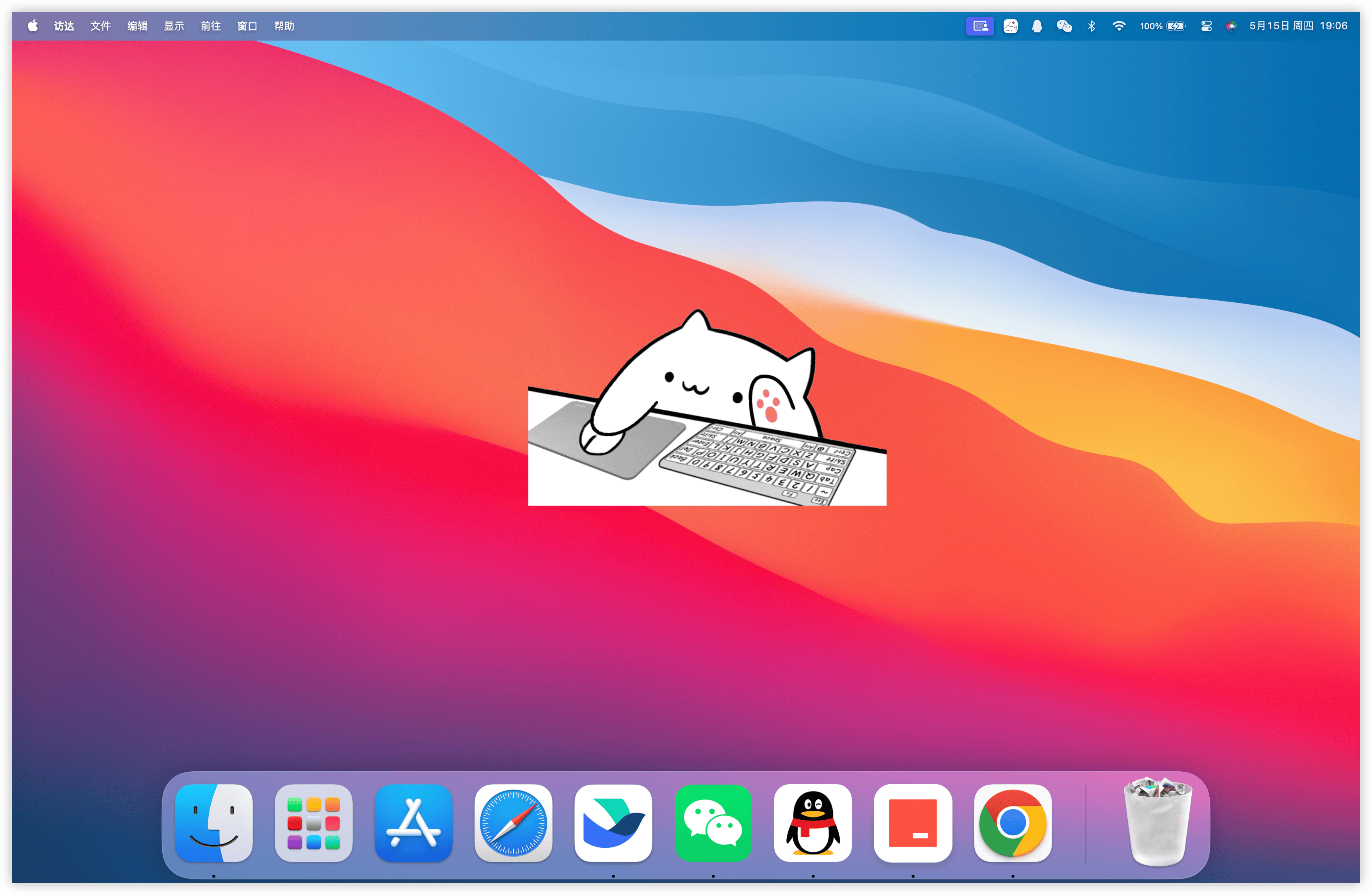 |
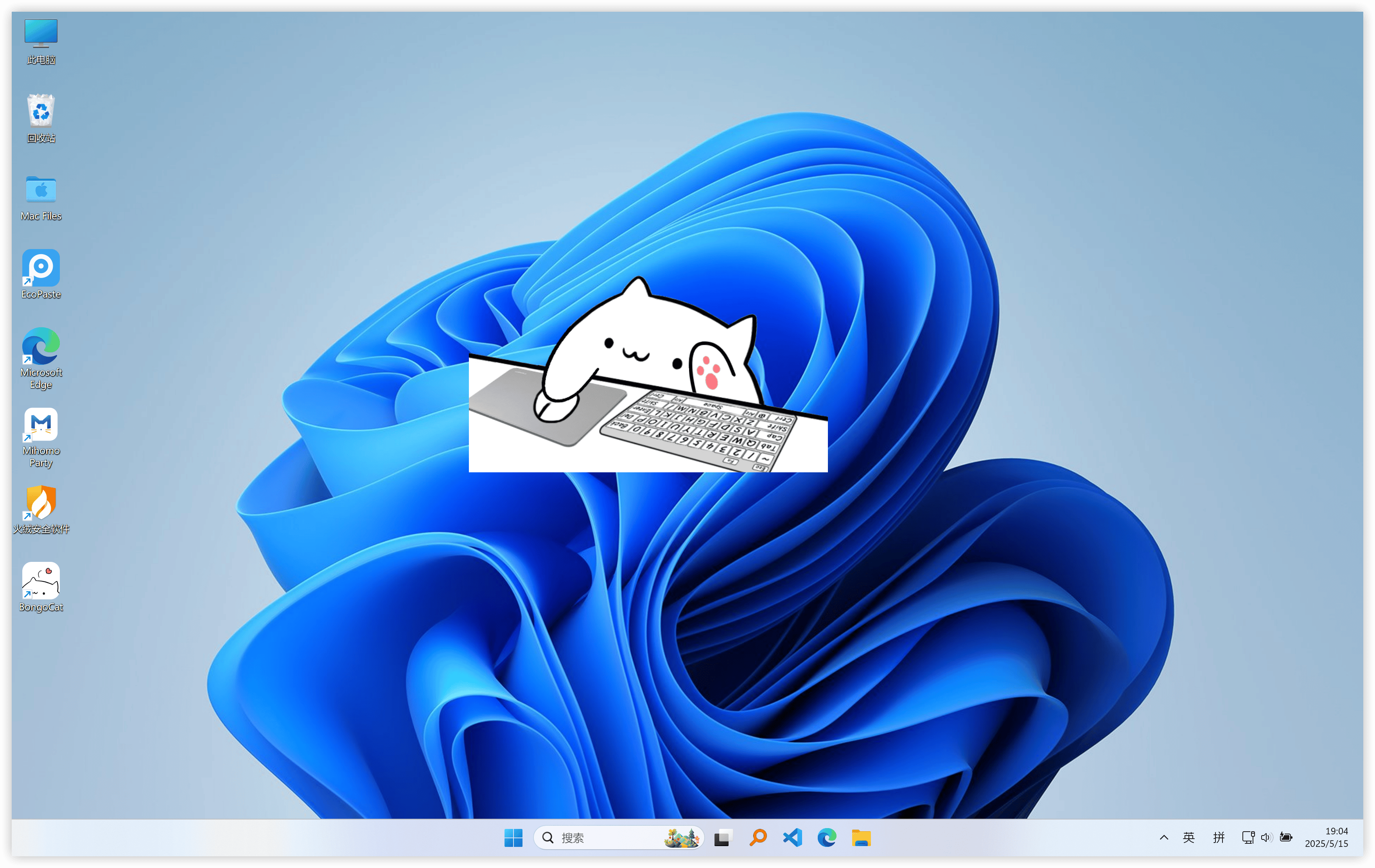 |
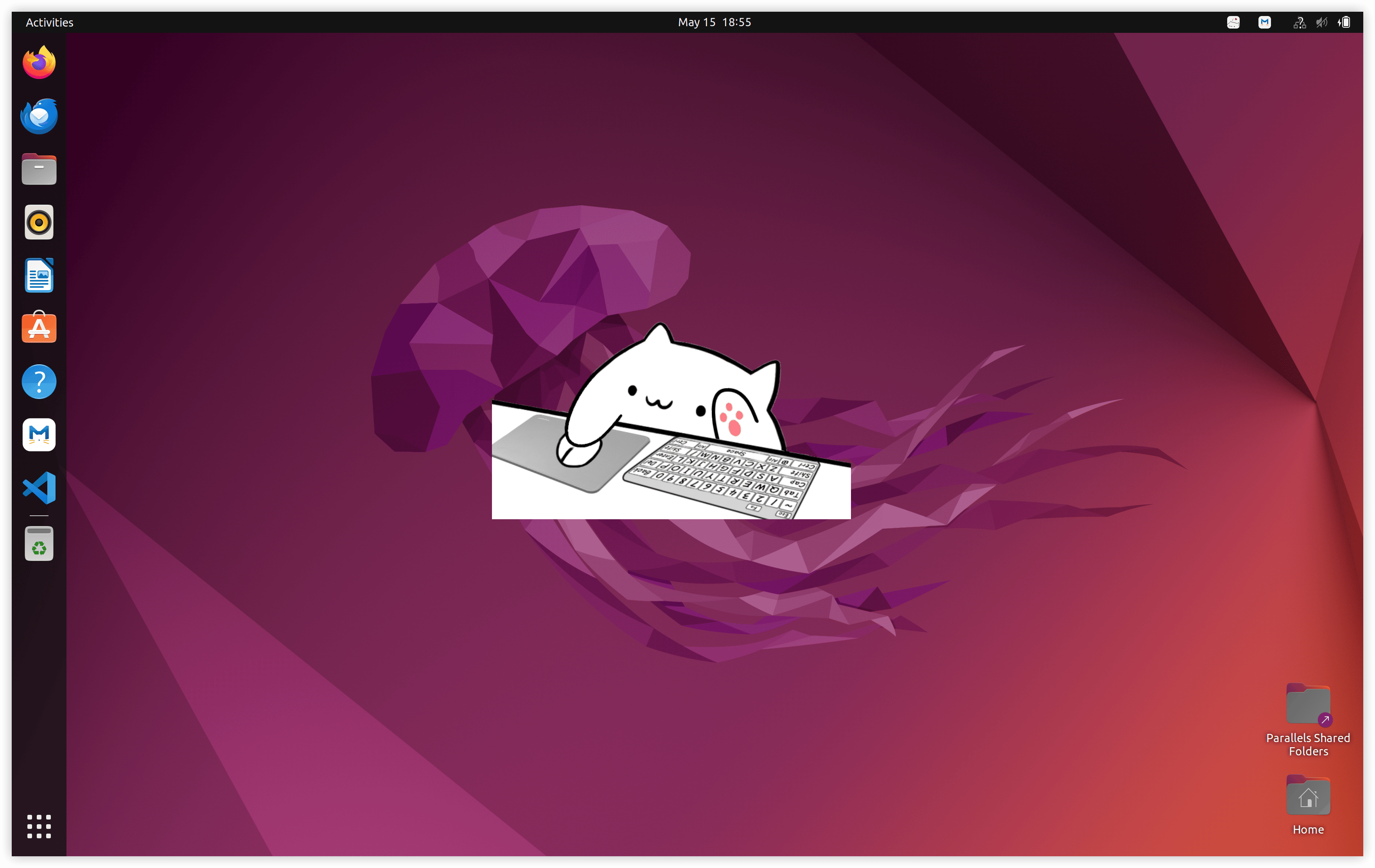 |
- Real-time Keyboard & Mouse Tracking — Bongo Cat reacts to your inputs
- Streaming Overlay Ready — Perfect for OBS Studio, Streamlabs, Twitch, and YouTube
- Custom Skins Support — Load your favorite Bongo Cat variations
- Chroma & Transparent Background — Easy integration with game capture
- osu! Players — Classic Bongo Cat key tracker
- Streamers — Live keyboard visualization overlay
- Desktop Pet Lovers — Cute always-on companion
- Content Creators — Fun reactive animations
- Customizable Skins — Support for community-made Bongo Cat themes
- Low Resource Usage — Runs smoothly in the background
- Windowed & Overlay Mode — Use as desktop pet or streaming widget
- Configurable Settings — Adjust sensitivity, animations, and position
- Game Capture Friendly — Works great with chroma key and transparent backgrounds
- Download the latest version using the button above.
- Extract the archive and run the application.
- Choose your skin — Load default or custom Bongo Cat assets.
- Position & Configure — Adjust size, transparency, and tracking options.
- Add to OBS — Use Window Capture or Game Capture for streaming.
- Windows 10 / 11 (Recommended)
- Best used in borderless windowed games for osu! and other rhythm games
- Lightweight and runs efficiently alongside streaming software
Recommendations:
- Download only from this official GitHub repository.
- Scan files on VirusTotal if needed.
Contributions are welcome!
- New custom skins
- Feature improvements
- Bug fixes
Bongo Cat Desktop is shared under the MIT License.
See LICENSE for details.
Copyright © 2026 shouwangzhe134
- Thanks to the original Bongo Cat meme creators.
- The osu! and streaming communities for inspiration.
- All contributors who keep Bongo Cat alive.
Developed with ❤️ for the Bongo Cat community