Raspberry Pi Car with Pi Camera, Ultrasonic Sensor
object : Make RC car using raspberry pi
function : manual mode - Driving the RC car through the website
automatic mode - basically go forward, Stop if there is an obstacle within 15cm (Ultrasonic Sensor HC-SR04)
If you press the capture button, a picture is taken, and the text in the picture is recognized and moved according to the text. (openCV, tesseract)
problem : Unable to return to manual mode from automatic mode. It is presumed that it is probably not possible to exit the while statement.
[미완성]
목표 : 라즈베리파이를 이용한 RC카 구동
기능 : 수동모드와 자동모드를 두어 버튼을 통해 모드 전환
수동모드 - 웹사이트에 방향키를 두어 조작
자동모드 - 전진을 기본으로 하여 15cm 이내에 장애물이 감지되는 경우 멈춤 (초음파거리측정센서 이용)
캡처버튼을 누르면 사진이 찍히고 사진의 문자를 추출하여 방향을 전환하도록 함 (파이카메라와 openCV, tesseract 이용)
문제점 : 자동모드에서 수동모드로 전환시에 모터가 멈추지않음. 자동모드의 무한 반복문을 빠져나오는 것으로 추정
여러방법을 시도해봤으나 해결방법을 찾지못함 이 과정에서 index파일과 코드파일이 늘어남..
참고한 사이트 목록
라즈베리파이(RaspberryPi) 기본 API로 L298n(모터 드라이버) 제어하기 (파이썬)
라즈베리파이(RaspberryPi) - HC-SR04 초음파 거리 센서(Ultrasonic Sensor) 사용하기(파이썬)
[아두이노 강좌]아두이노 모터 드라이버 2AL298N을 이용해서 RC카 DC모터 제어하기
PWM not working
모터에 충분한 전압이 걸리지 않으면 PWM을 사용할 수 없으므로 라즈베리파이의 전원외에 별도의 전원을 이용한다.
참고한 사이트 목록
Install openCV Raspberry Pi 4에 Extra Module(contrib) 포함하여 OpenCV 4.5.1 설치하는 방법
tesseract 파이썬에서 pytesseract를 사용하여 문자 인식 ( OCR ) 하기
Reference code Optical Character Recognition Using Raspberry Pi With OpenCV and Tesseract
OCR With OpenCV and Tesseract on Raspberry Pi
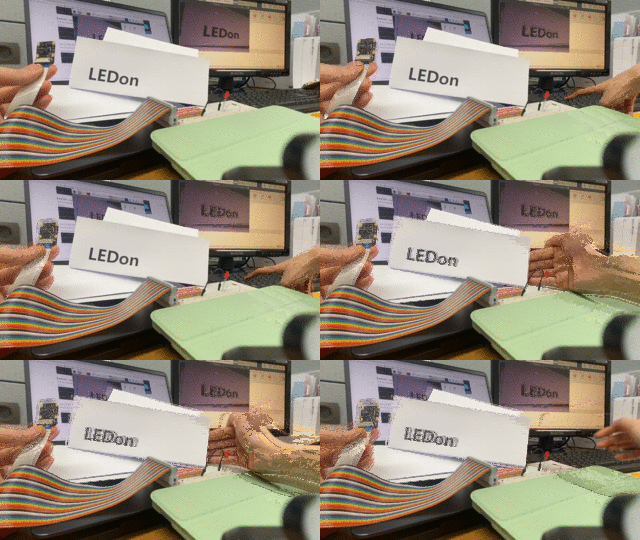
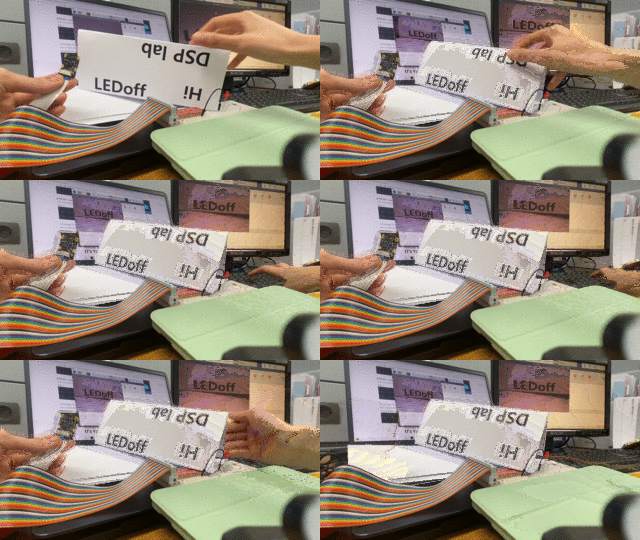
LED on/off 가 잘 안보이네요..ㅠㅠ
| index | preview |
|---|---|
| index1 | 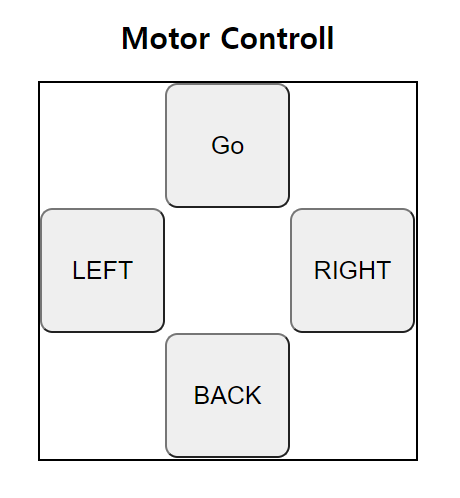 |
| index2 |  |
| index3 | 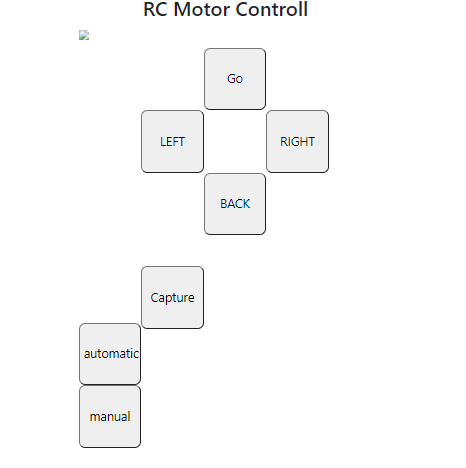 |
| index4 | 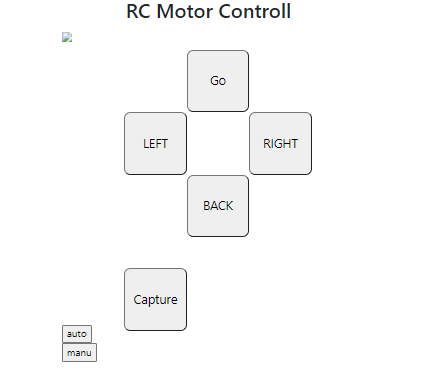 |
| index5 | 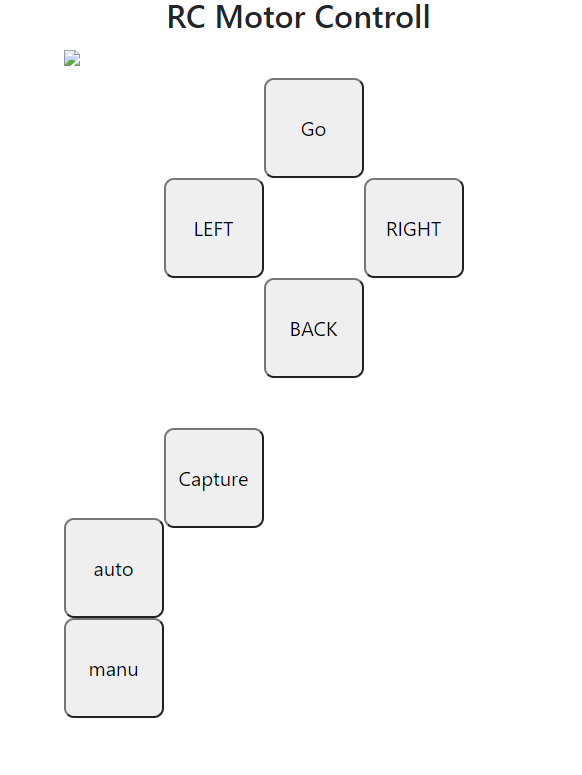 |