Repository navigation
MR Studio v0.51.0

New
Big tables stay fast: the analysis grid follows the ground (#513)
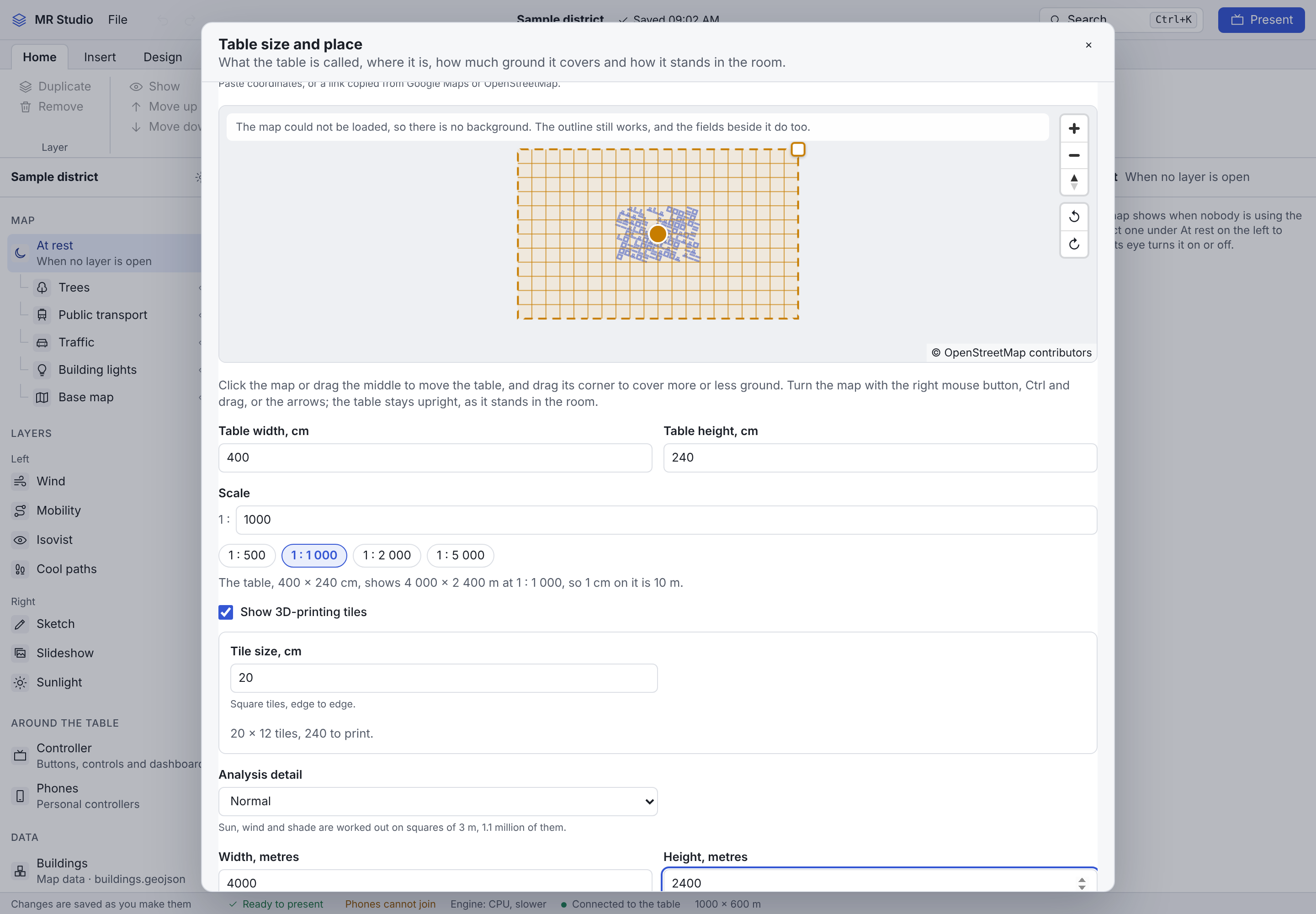
A table made in the app always worked out sun, wind and shade on 1 m squares. A 4 km table had almost ten million of them and crawled, and a 10 km table was refused with a message about a file setting (#513).
Now the squares follow the ground: 1 m for a neighbourhood, 3 m for a 4 km district, 6 m for a 10 km city, about two million squares in every case. Analysis detail in Table size and place says what the table uses and lets you choose Fine, Normal or Coarse; the choice is kept when the table is resized. Tables you already have keep their squares until you resize them or choose a detail.
A table asks before it runs its own programs (#506)
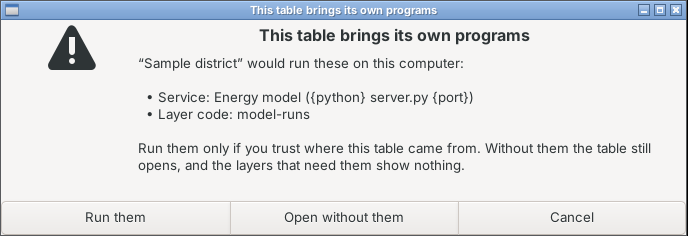
A table can bring programs with it: services the app starts, and the code of its own layers. Opening a table file from an email used to run them without a word (#506). Now MR Studio names them and asks first: Run them, Open without them or Cancel.
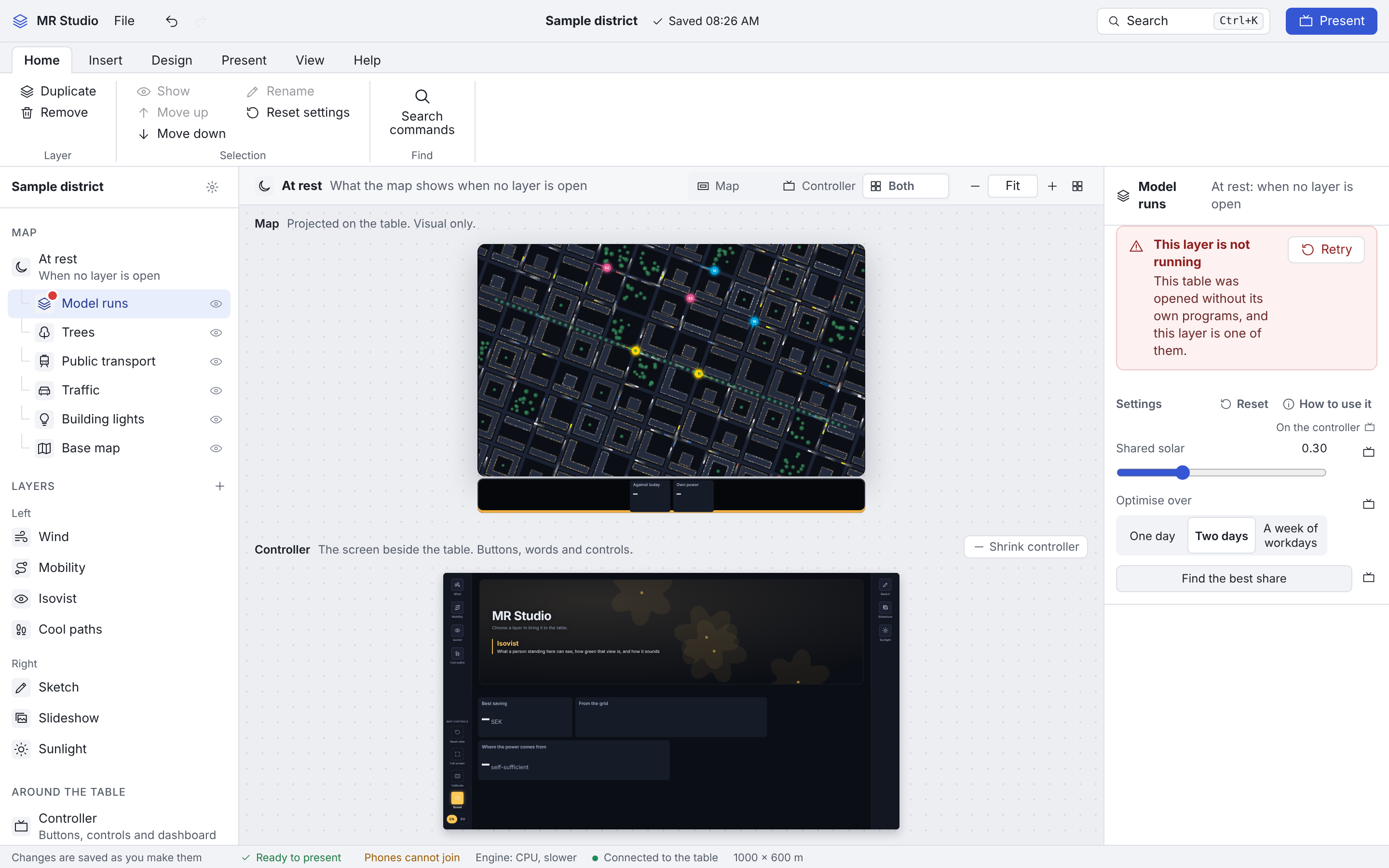
Tables made on this computer are never asked about. A folder you open is asked about once. A table that arrived as a .mrstable file is asked about once, and again if an update brings other programs. Opened without them the table still shows: its services are held, and its own layers say they are not running.
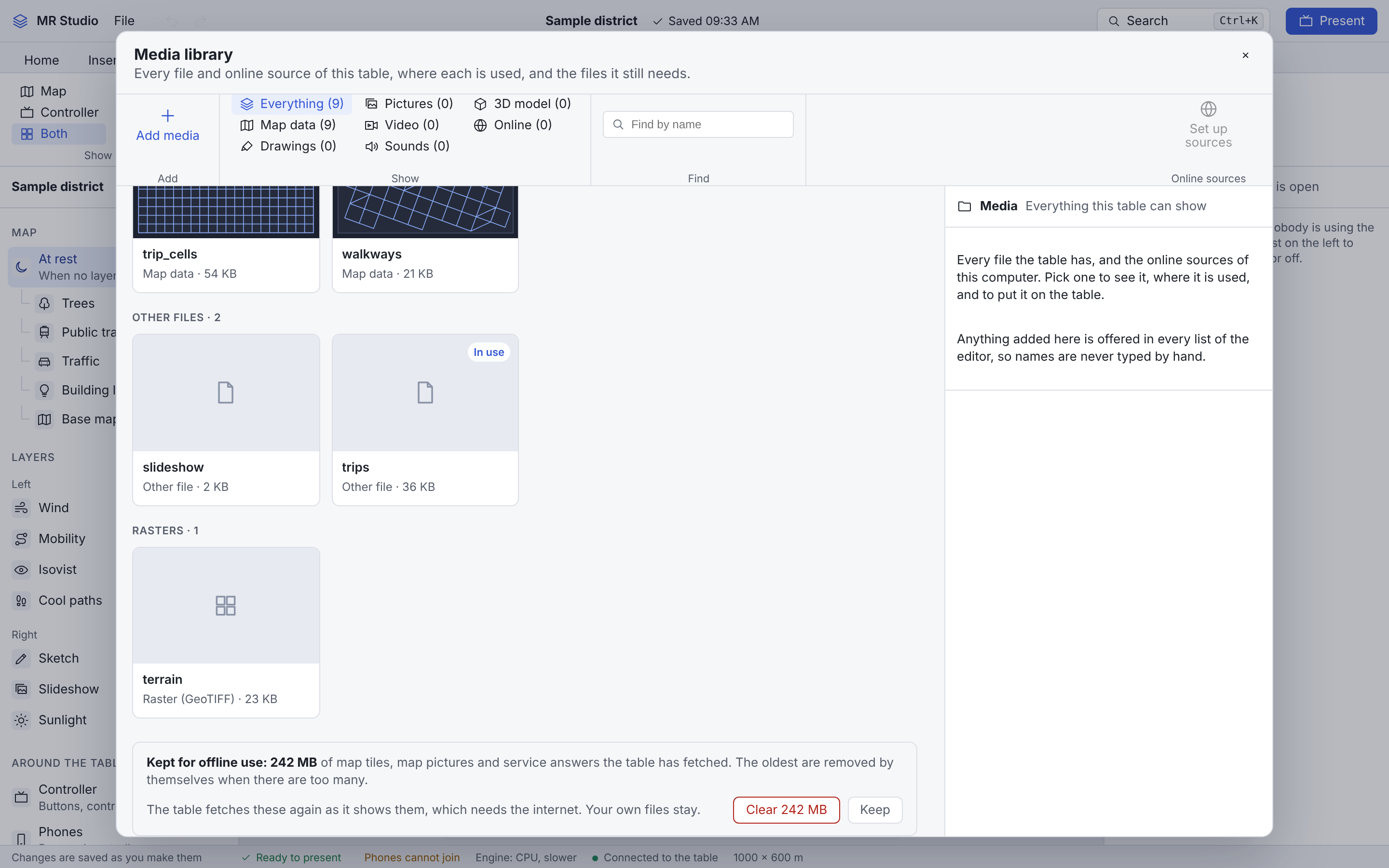
What a table keeps for offline use has a limit, and you can see it (#516)
A table keeps every map tile, map picture and service answer it fetches, so it works without the internet. Nothing ever removed any of it, so a table that ran for months, or was moved around a city, only grew (#516).
Now the kept files stay within a limit (500 MB of maps, 200 MB and 2000 answers per service). When a table starts, and once a day, the files fetched longest ago are removed. The media library says how much is kept and has a Clear button; your own files are never touched.
Open a table read-only (#565)
Each table on Home has Open read-only. MR Studio opens a copy of the table, with its calibration, so a demo, a test or a busy open day can change layers, settings and sketches without anything reaching the table itself. The title bar says Read-only; File › Save As… keeps the changes as a new table if they turn out worth keeping.

A team's own layer gets the SDK's types (#508)
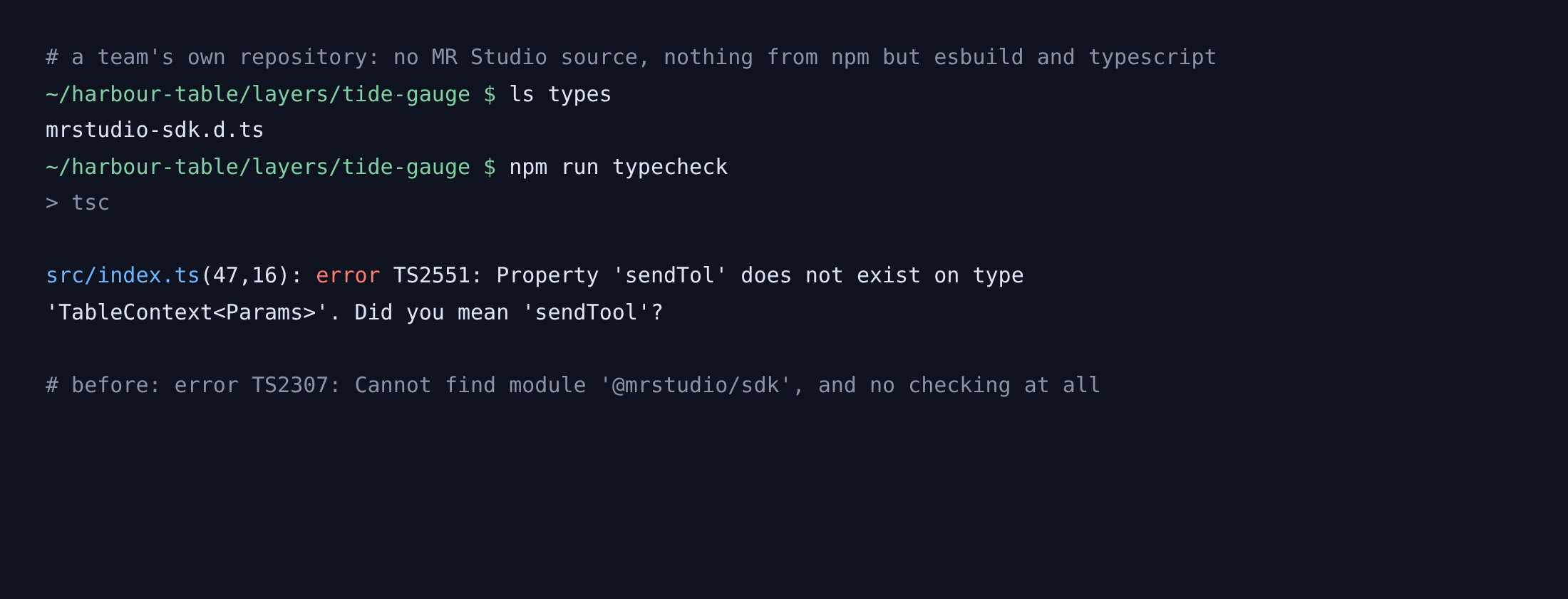
A layer written in a team's own repository had nothing to check it against: the editor said "Cannot find module '@mrstudio/sdk'", there was no completion, and a mistyped ctx call showed up only on the table (#508).
mrstudio layer new and mrstudio layer build now write the SDK's types into the package (types/mrstudio-sdk.d.ts), brought up to the installed app on every build. The editor completes and checks what you write, and npm run typecheck checks a layer without building it. Nothing is installed from npm for it.
An older MR Studio says which version a table needs (#509)
A table made on a newer MR Studio used to fail on an older studio computer with whatever it tripped over first: an unknown setting, a missing layer, an error inside a layer's code (#509).
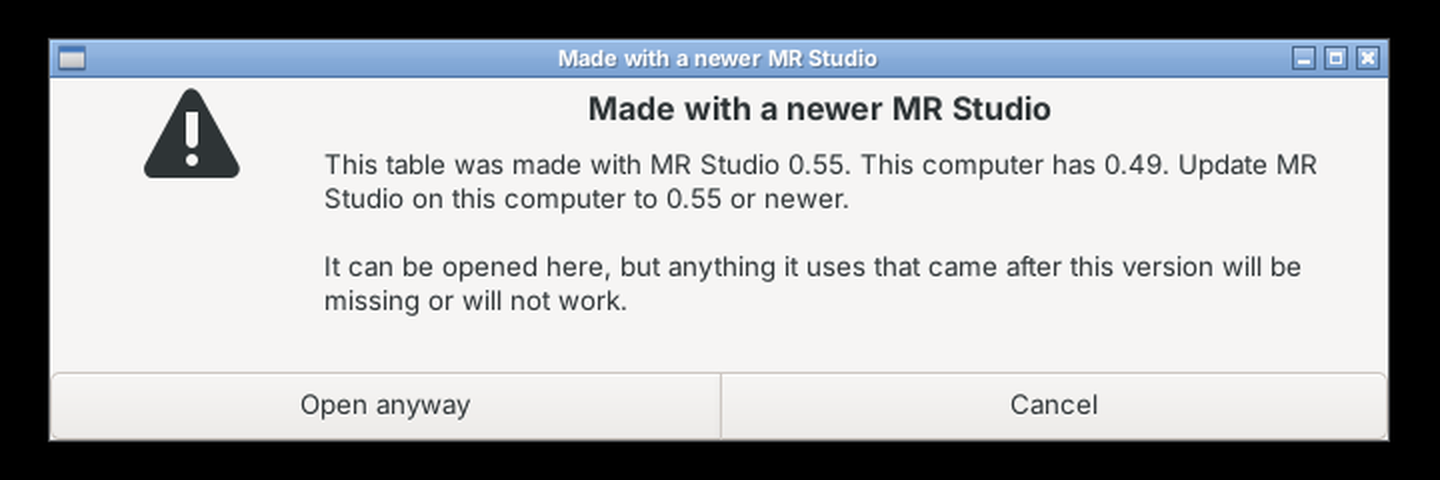
Now a table carries the version of the newest MR Studio that changed it (a one-line mrstudio.version file beside site.json, written by the app). An older app that cannot read the table says "This table was made with MR Studio 0.55. This computer has 0.49. Update MR Studio on this computer to 0.55 or newer." One that can read it says the same once and offers Open anyway.
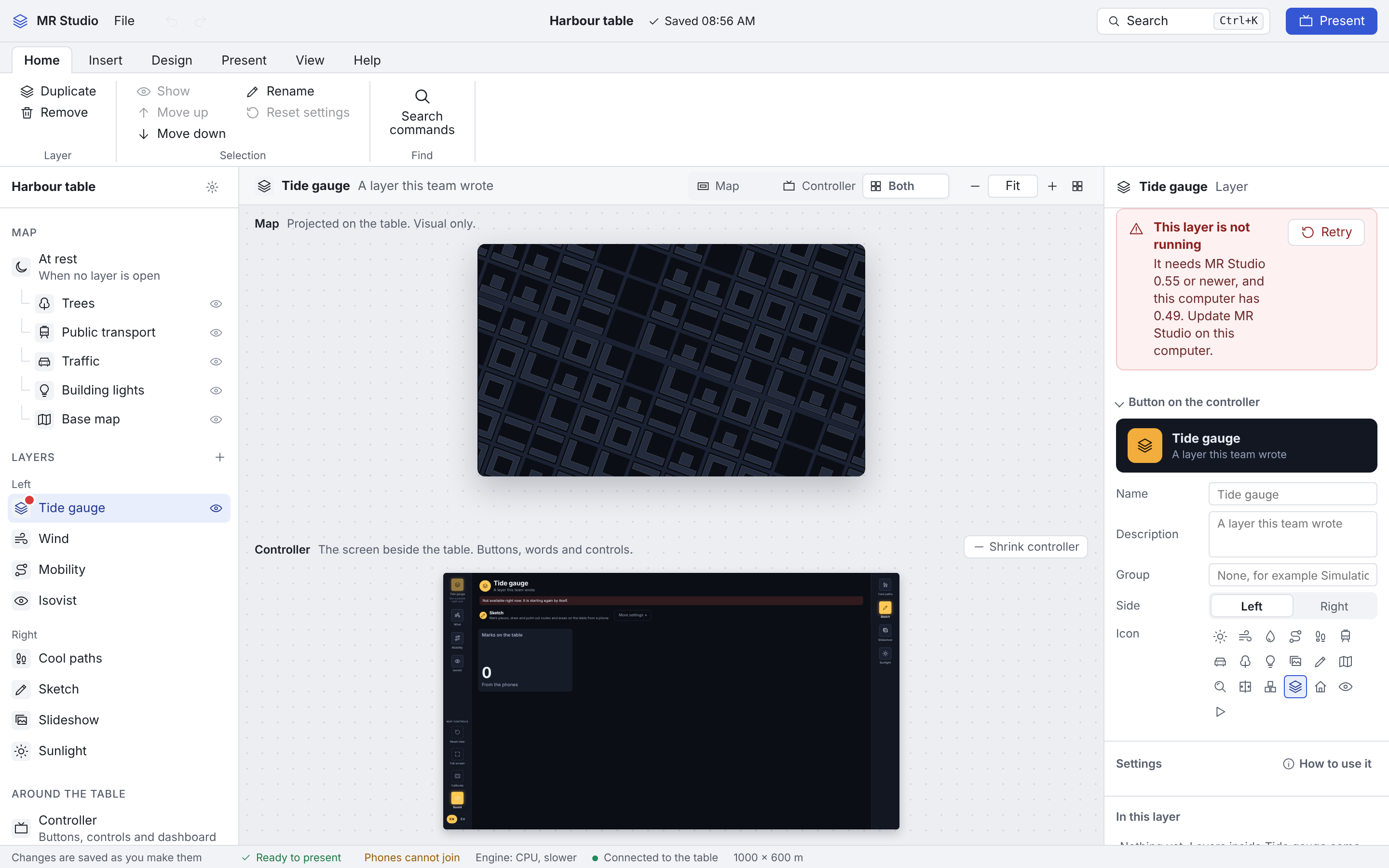
A team's own code layer says which MR Studio it needs (requires.app in layer.json, written by mrstudio layer build). On an older app the rest of the table shows and that layer says what to install.
The site template's check installs the version the table names.
Fixes
A drawing is never stretched to the table (#559)
A Masterplan drawing with no corners is now fitted inside the table at its own proportions, centred, turned as set, instead of being stretched to the table's shape. Placing it by hand in the editor starts from that shape too, so the preview while dragging is no longer distorted. Fit to the table again (was Fill the table again) goes back to it. A drawing of the table's own shape fills the table as before.
Undo after an import brings your data back (#512)
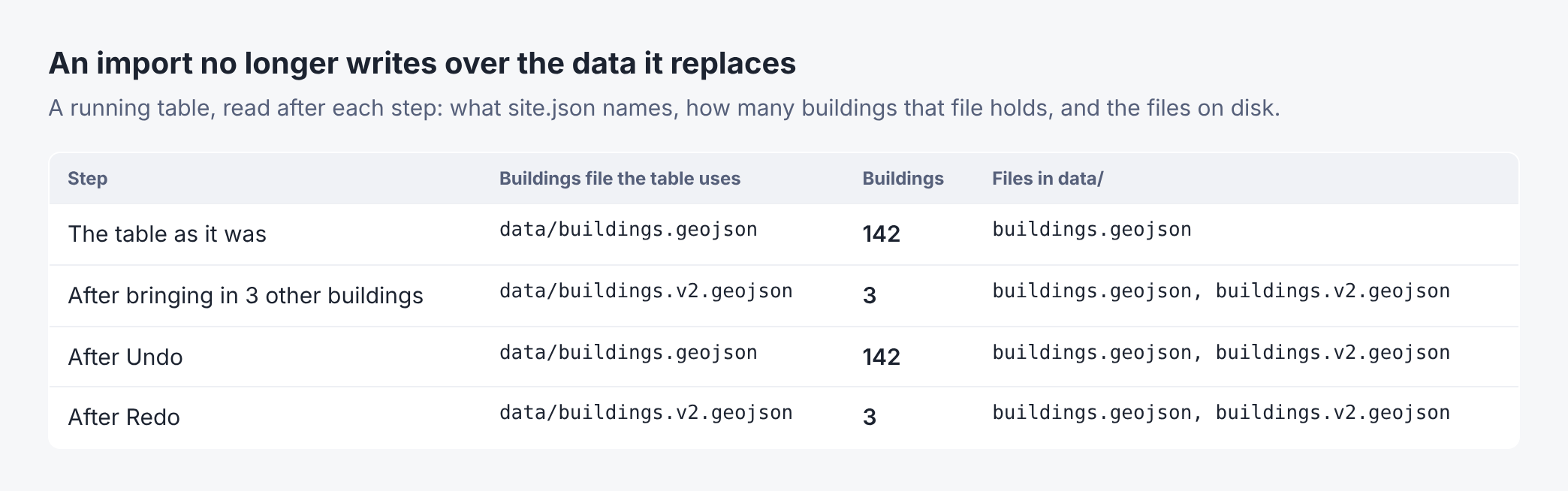
Bringing in new buildings, terrain or any other data used to write over the file that was there, so Undo put the settings back but not the data (#512). One click on "Fetch from OpenStreetMap" could cost hand-cleaned buildings for good.
Now new data is saved beside the earlier file (buildings.v2.geojson), and Undo, Redo and the version history show the data of that moment. The last three earlier versions of each file are kept, and table files you share carry only the one in use. A picture or sound added under a name that is taken no longer replaces the one a slide shows.
A broken layer says why, every time (#510)
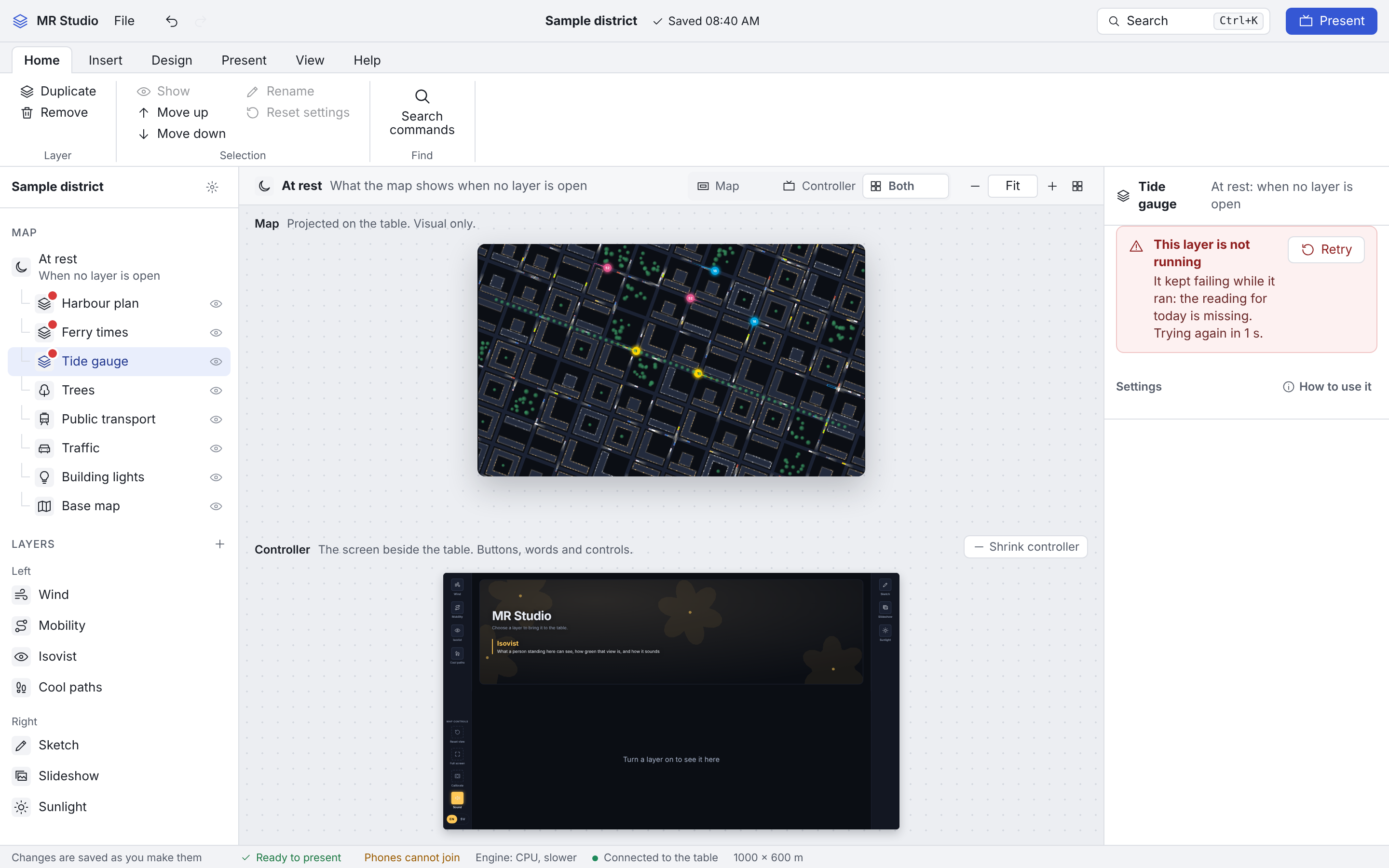
Some ways a team's own layer can fail left no trace: the table just showed nothing (#510). Now each of them shows as trouble in the editor, on the controller and in Copy diagnostics, with the reason:
- its code does not load ("its code could not be loaded: SyntaxError …"),
- it throws on every frame (it is stopped and tried again, instead of half-drawing sixty times a second),
- it never finishes starting ("it has not finished starting after 20 s").
Two fixes underneath: one layer's mistake in handling an update no longer keeps that update from the other layers, and a request the table never answers now fails after 30 seconds instead of waiting for ever.
One failed request no longer stops the table (#507)
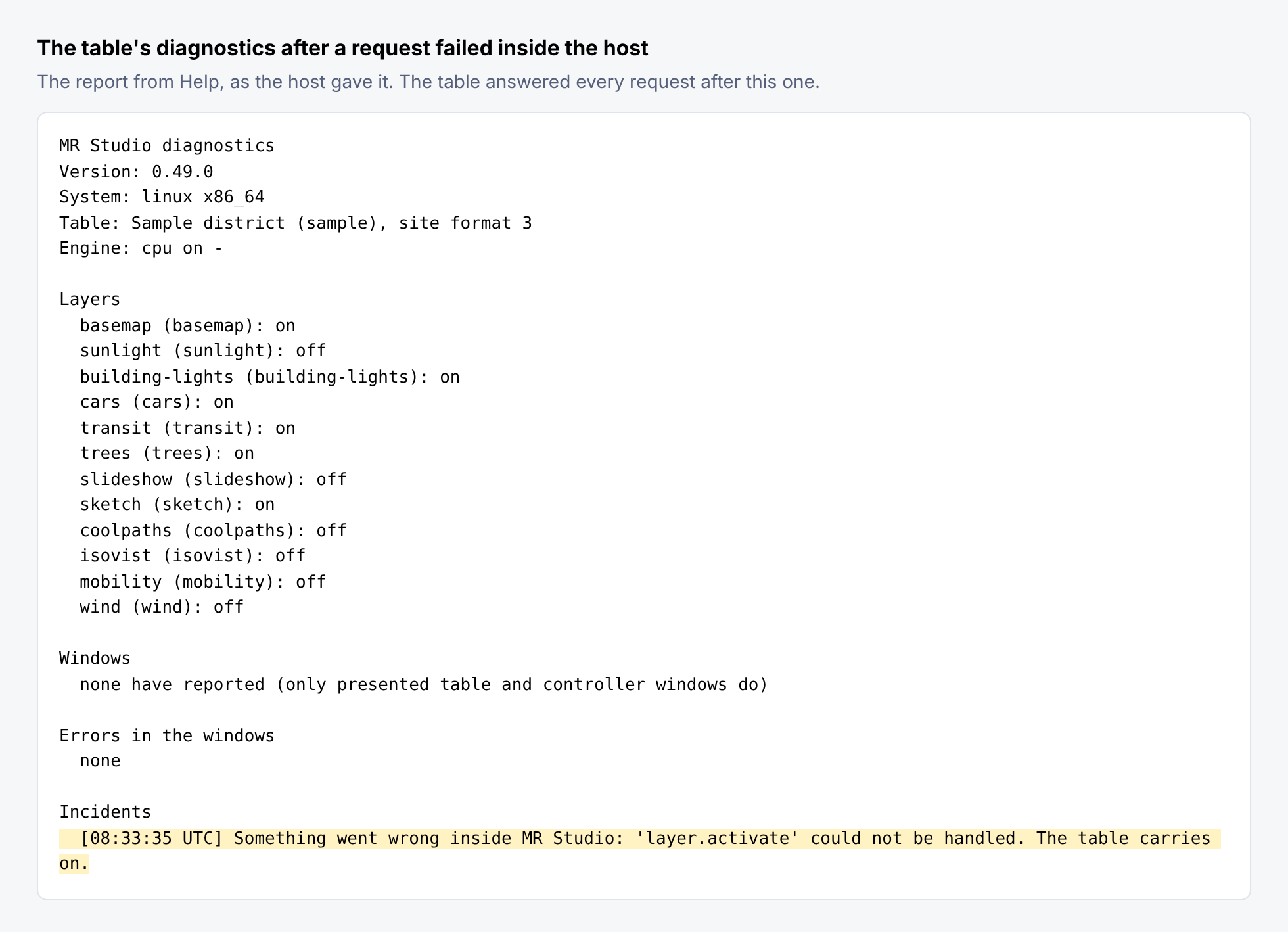
If the host tripped over one request while it held the table's state, every request after it failed too, and the table stayed dead until the nightly restart or a person (#507). Now such a failure costs that request only: the screen that asked is told, the operator log gets a line, and the table answers the next request as before.
The watchdog has one more step for an unattended table. When a window still does not answer after it was reloaded and the windows were opened again, the table itself is started again.
The app and the assistant no longer trip over each other's saves (#515)
The app and the MCP server both save site.json. A save by one could be read half-written by the other, which left a broken entry in the version history and a "site.json does not load" notice, and a change saved in between could be silently undone (#515).
Every save now replaces the file in one step. The app waits a moment before it believes a file that looks cut off, and the MCP server no longer writes over a change the app made since it read the table: it reads again and makes its change again. The calibration is saved the same way, so a power cut cannot leave half a file.
Moving through the hours of a raster no longer reads each file again (#534)
Cool paths asks for one prepared raster per hour. Going back to an hour that had already been shown loaded and checked site.json, opened the GeoTIFF and resampled every cell again (#534).
The host now keeps each resampled raster after the first read, up to 256 MB of them. It reads a raster again only when the file or site.json has changed.
File › Settings opens big enough for the screens and calibration (#558)
The Settings window, where the screens are picked for Present and the projector is calibrated, now opens at most of the display instead of a fixed 1080 × 720, and opens at the size it was last left at. The page grows with it, and the map of the screens gets taller in a taller window.
Clicking a slide keeps the slideshow open (#562)
In the editor's slides, clicking a slide that shows one of the table's layers now shows that slide inside the slideshow, and opens the slideshow first if it is closed. Before, it opened the layer on its own and closed the slideshow. A small settings button on such a slide still goes to the layer's own settings, and says that this closes the slideshow.
Wind shows the trees it slows (#561)
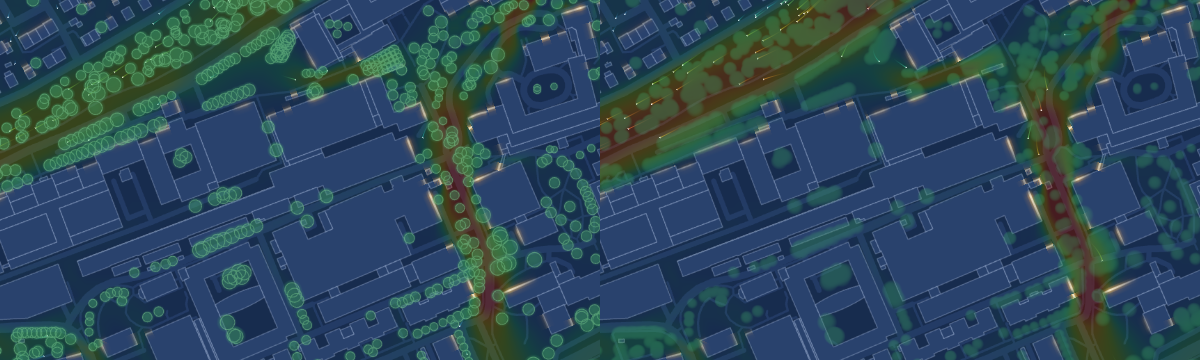
While Trees slow the wind is on, the trees' crowns show faintly over the moving air, so it is clear where the wind slows and why; switching it off takes them away with their drag. On the Chalmers table the trees lower the mean wind at walking height by about a fifth and slow a sixth of the ground by more than 0.5 m/s, on the graphics card and the processor alike; the speed map under the particles shows it best.