Repository navigation

New
Calibration's panel is on the controller, and its corners are real building corners (#594, #595)
While the projector is calibrated, the table now shows only the cross of light and the corners already placed, so nothing covers the map and the model (#594). The corner to find, its plan, Back, Skip, Next, Save and a nudge pad for touch screens are in the controller's centre, and in the editor's calibration guide. With no controller screen, K on the table shows the panel there.
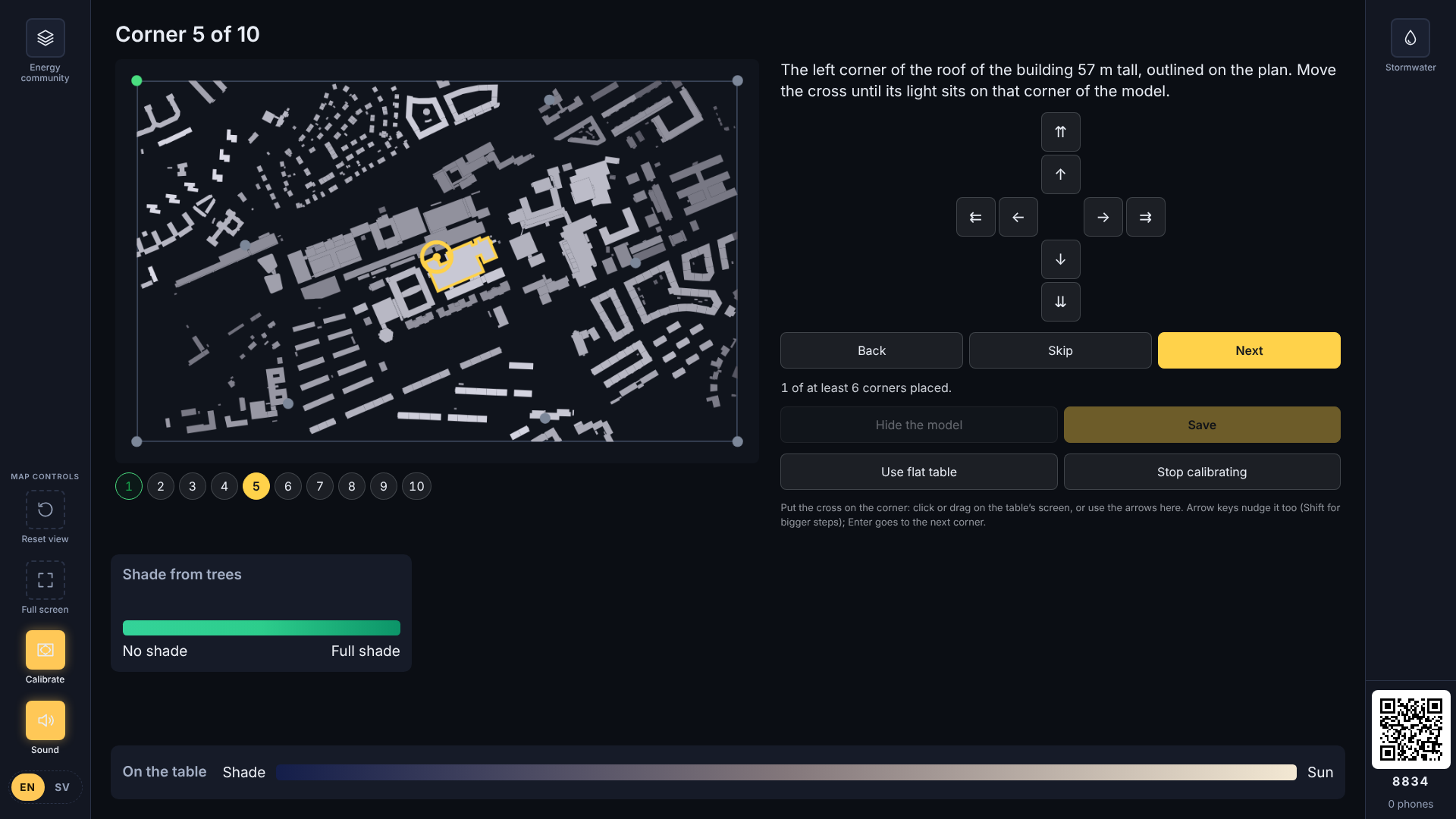
With building footprints, the corners to find are real corners of the buildings, at their roof height, with the building outlined on the plan (#595). They used to be steps of the height raster, which often matched no corner of the physical model. Without footprints the tool picks corners as before.
Geology on the table: GIS files, Dig, well logs and two-stack X-rays (#600, #601, #602, #606)
Building blocks for an underground layer, made in the editor without code (#599). All pictures here use made-up sample data.
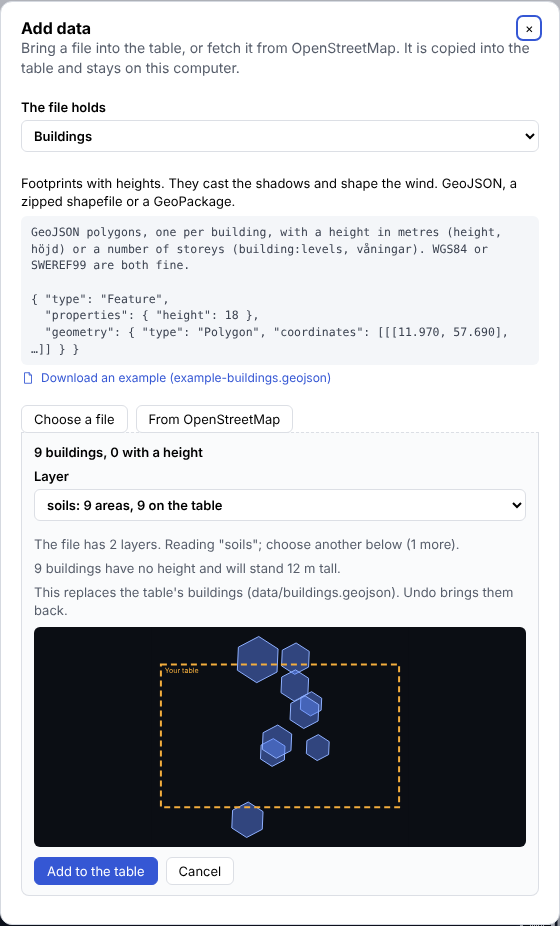
Zipped shapefiles and GeoPackages (#600). Add data reads a zip of shapefiles (with their .prj, .dbf and .cpg) or a GeoPackage, lists its layers with how many shapes of each lie on the table, and takes the one you choose. Files in SWEREF99 TM, its local zones, UTM or WGS84 are placed on their own.
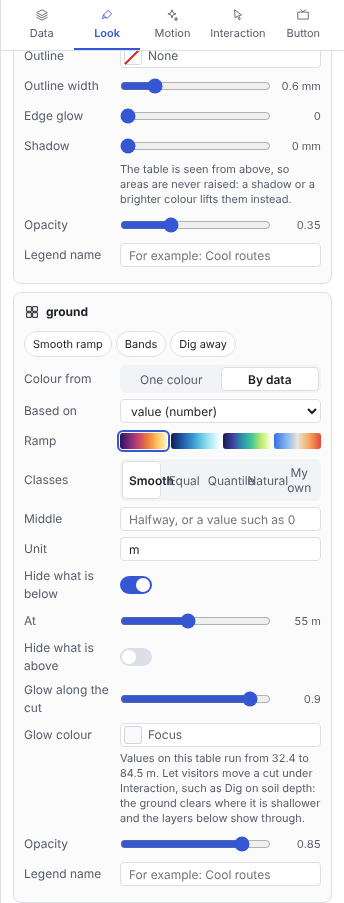
Rasters of values, with Dig (#601). A GeoTIFF such as soil depth or rock surface height comes in as data, and a custom layer colours it by value with the palette's ramps. Hide what is below a value, give the cut a glow, and let visitors move it: the Dig slider peels the ground away and the layers under it show through. A GeoTIFF that does not name its coordinate system is placed the way terrain already was.
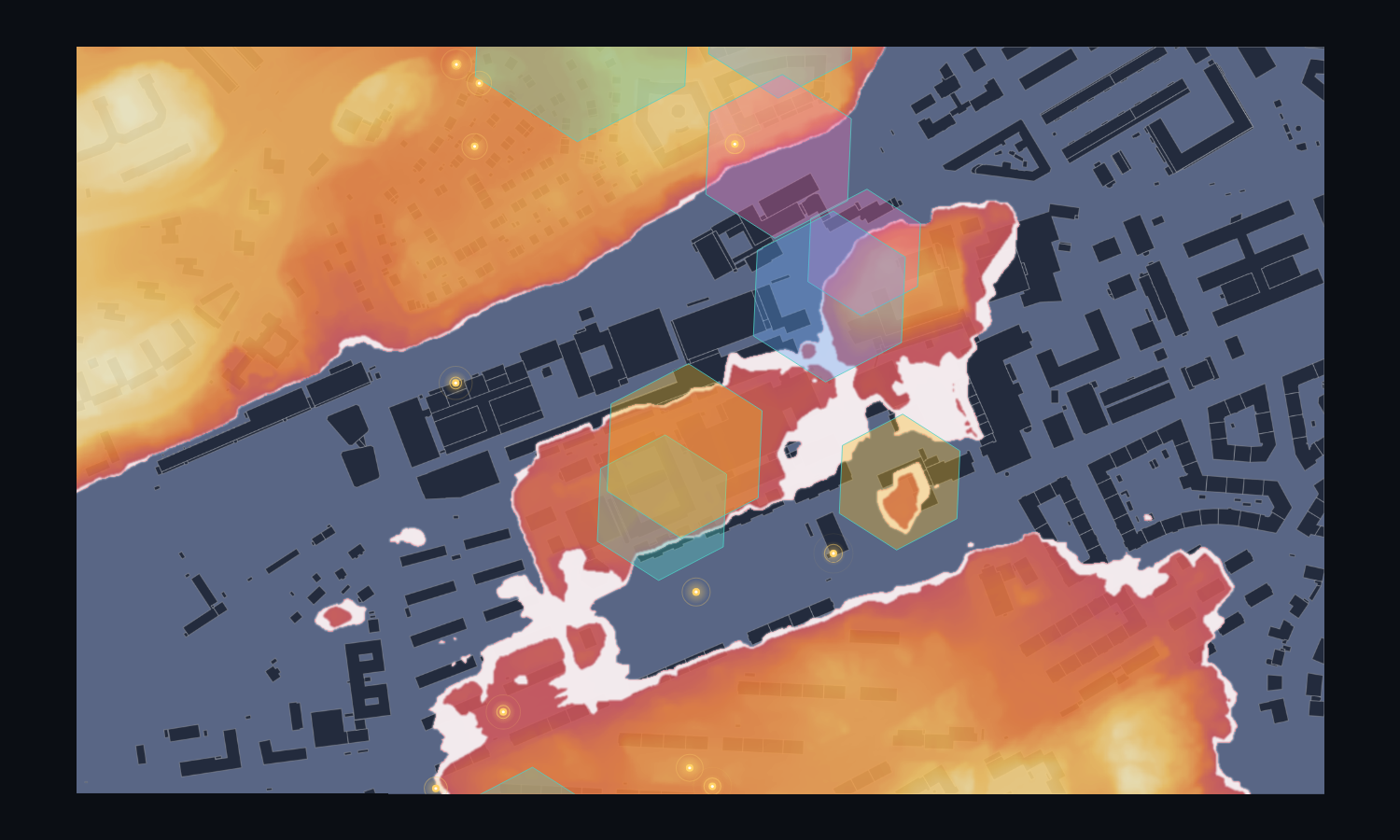
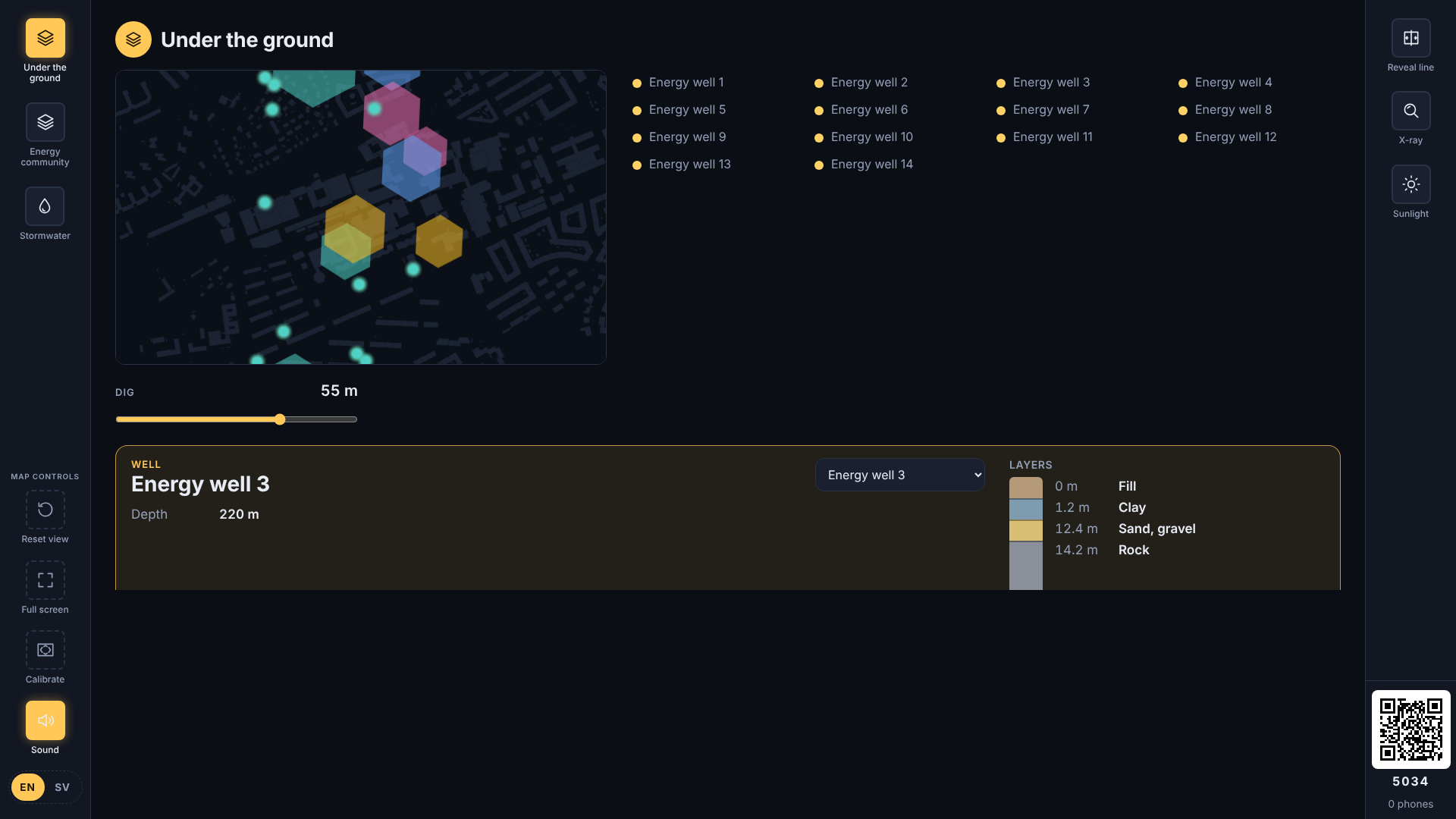
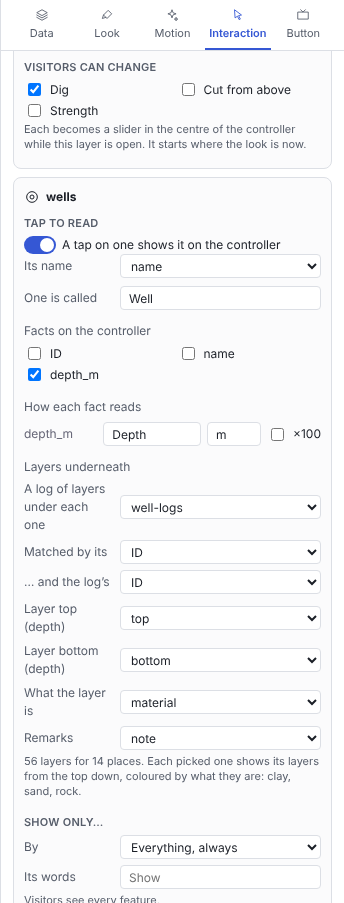
A well's log on the controller (#602). Tap a well or a borehole and the controller draws its layers from the top down, coloured by material (fill, clay, sand, rock…, Swedish or English), with depths and remarks. The log comes from another dataset, matched by a shared column, chosen under Interaction. A layer's own sliders now come before a tap-to-read card, so Dig stays in view.
Two stacks in an X-ray glass and a Reveal line (#606). Layers inside a glass or a reveal line go in Stack 1, the surface, shown around the glass or on the far side of the line, or Stack 2, underneath, shown through it. Each stack holds any number of styled layers.
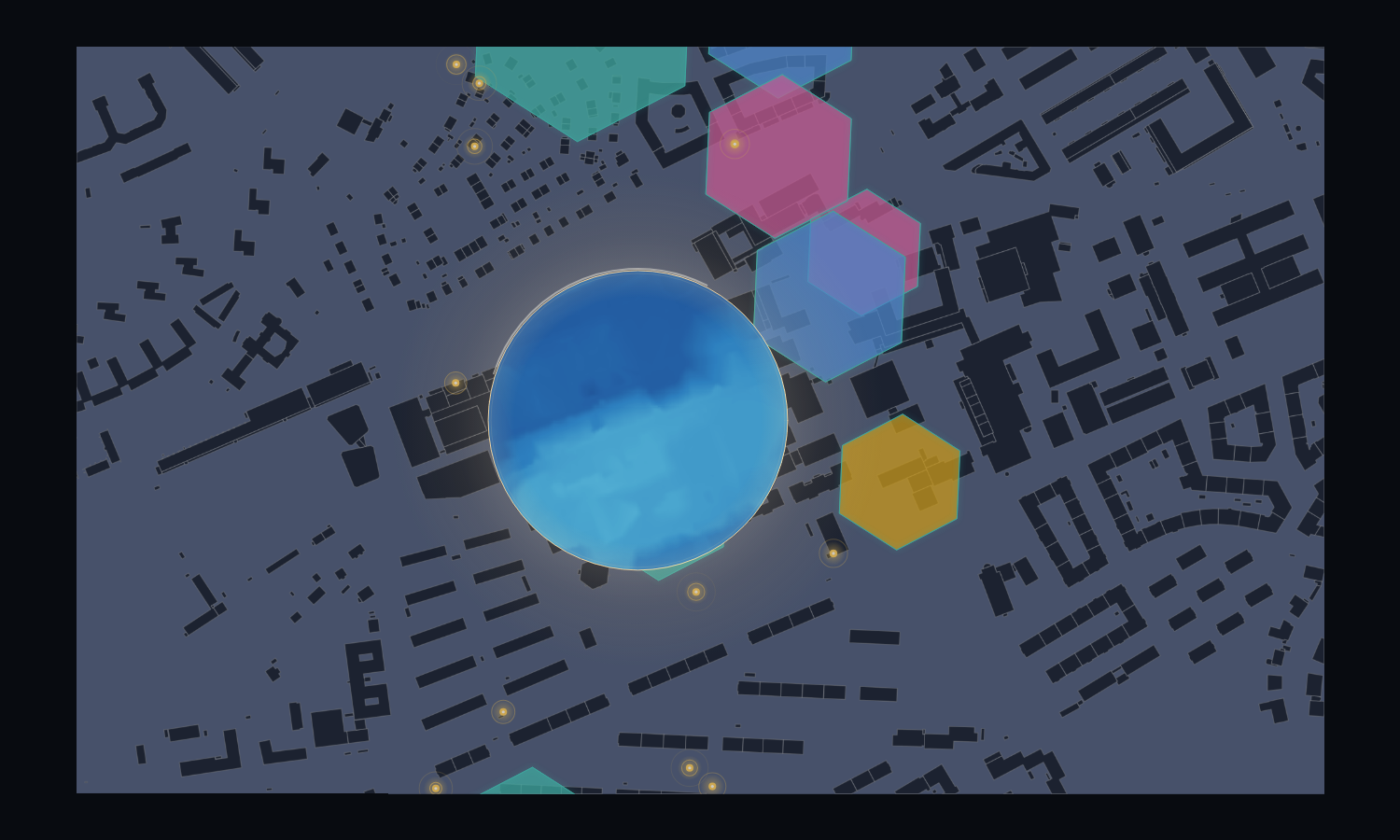
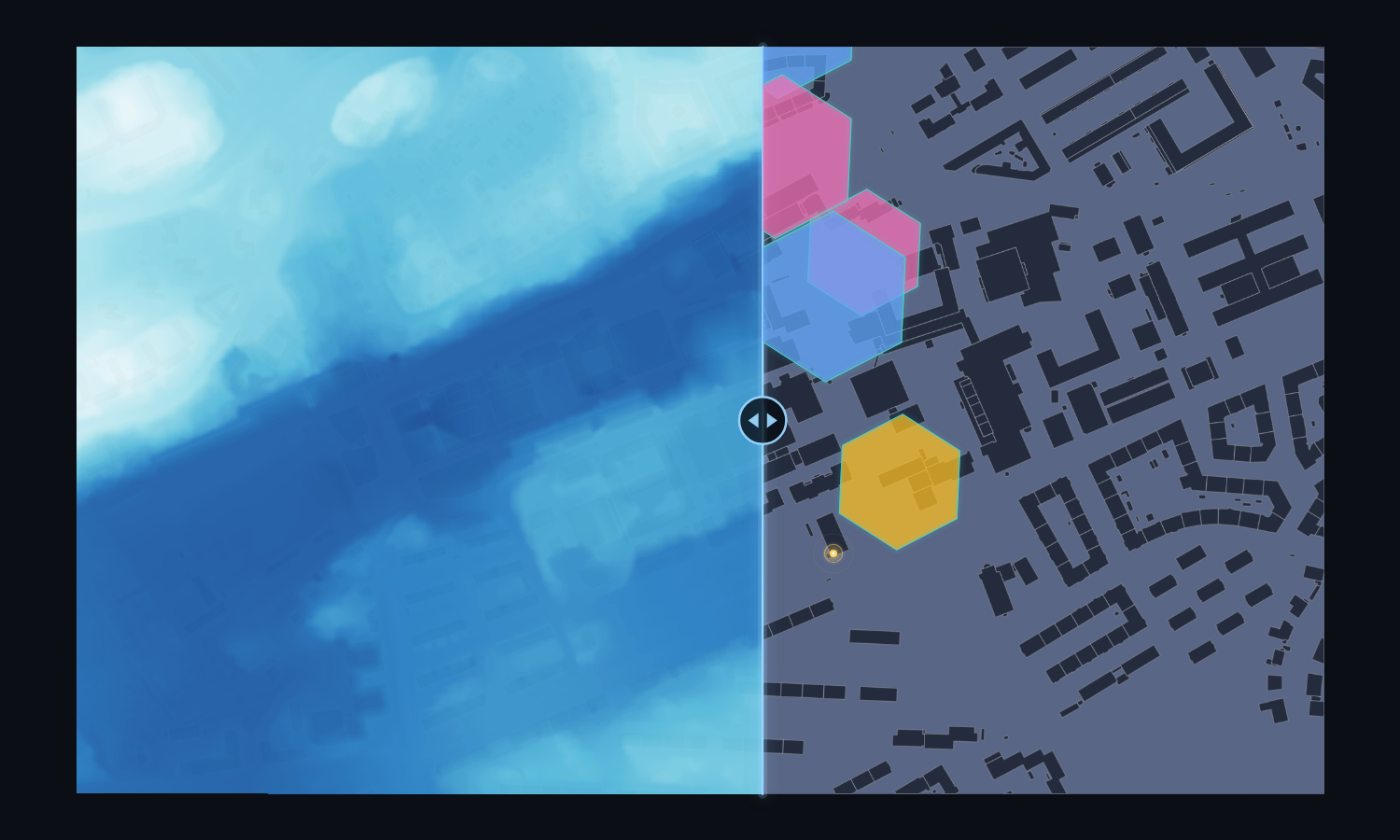
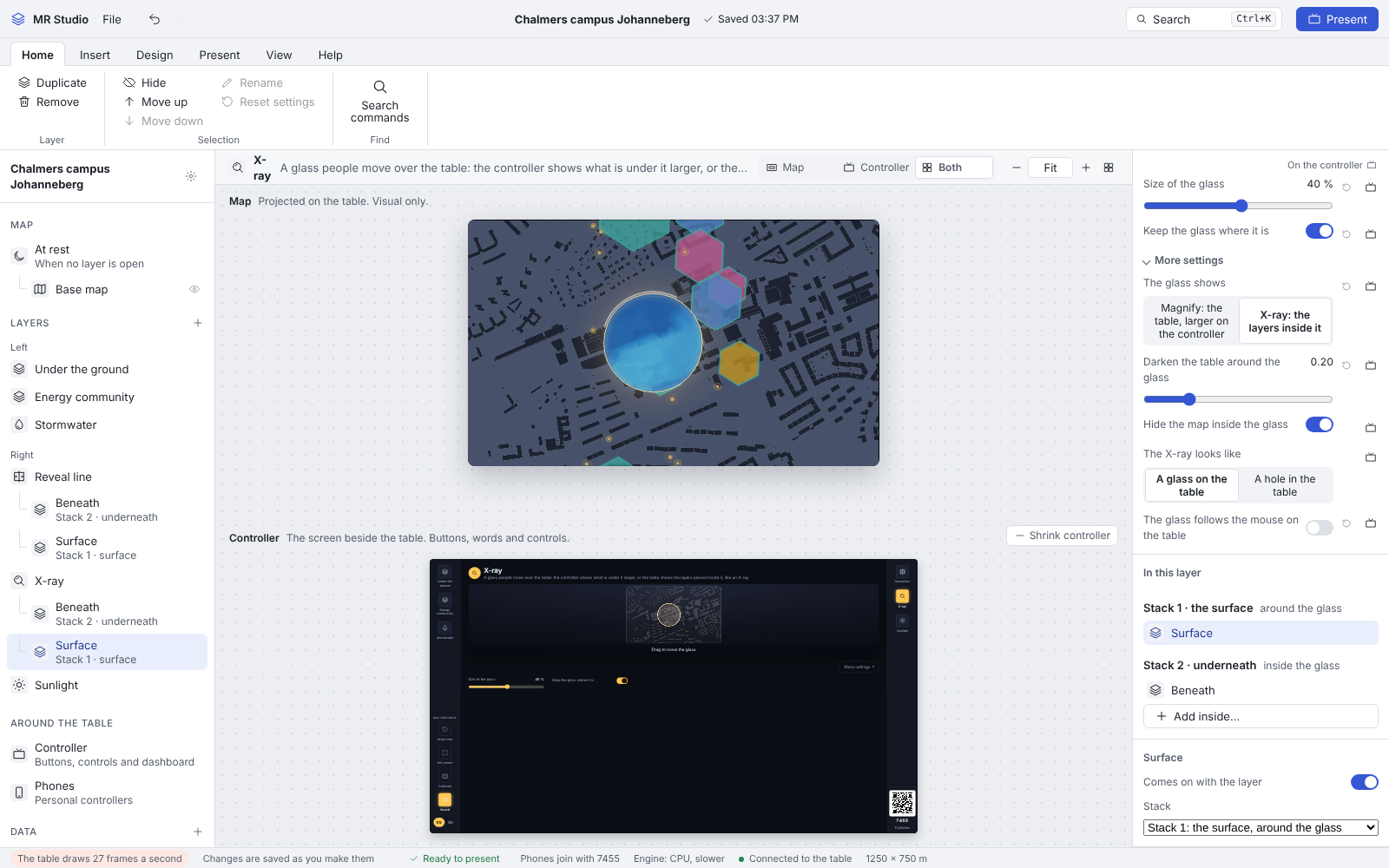
Fixes from the Mac user test: Share, the new-table wizard, operator mode, showcase and words for visitors (#577, #578, #579, #580, #581, #582, #583, #584, #585, #586, #587)
- Share packs the table, then says how big it is before any mail window opens. Over 20 MB it warns that email will likely refuse it and offers Show in Finder first.
- New table: the physical table holds still. More ground changes the scale, and the other side follows so the ground keeps the table's shape. Create the table says beside the button what is missing and marks the field, and the window no longer goes black while the editor starts.
- Data is ticked only when more than the ground came in, and Start from… lists the layers it could not add and what they need.
- Operator mode names the Mac's own screen "Built-in display" and says what each screen shows when presenting. With no PIN set, leaving asks for none.
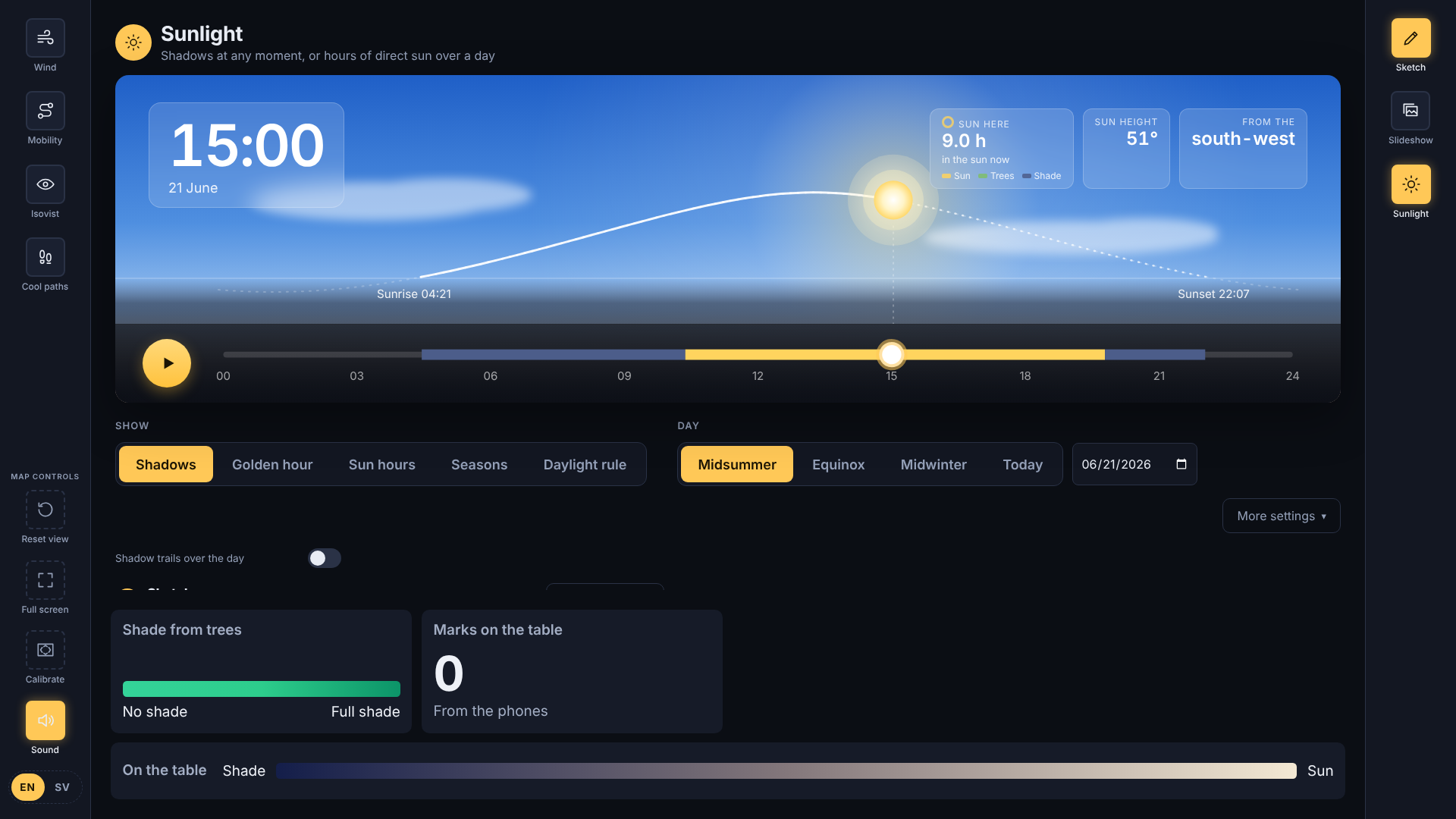
- Slideshows draw a step's sun, wind or other hero a little smaller, so its option rows stay whole. The table's ribbon clock follows the play head like the controller's.
- The tour stays away once you have clicked, counts as seen after it shows once, and says Move up and Move down.
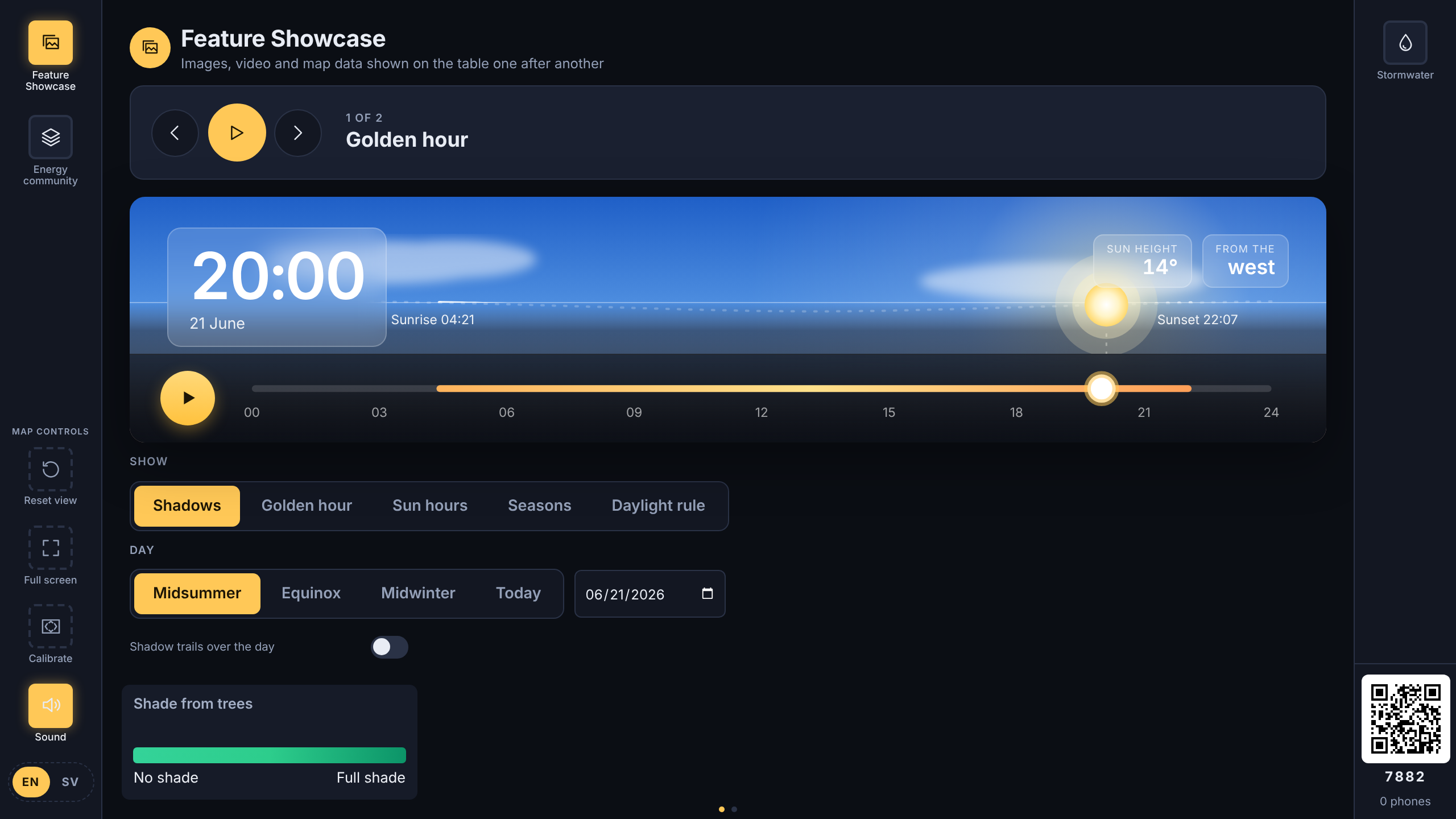
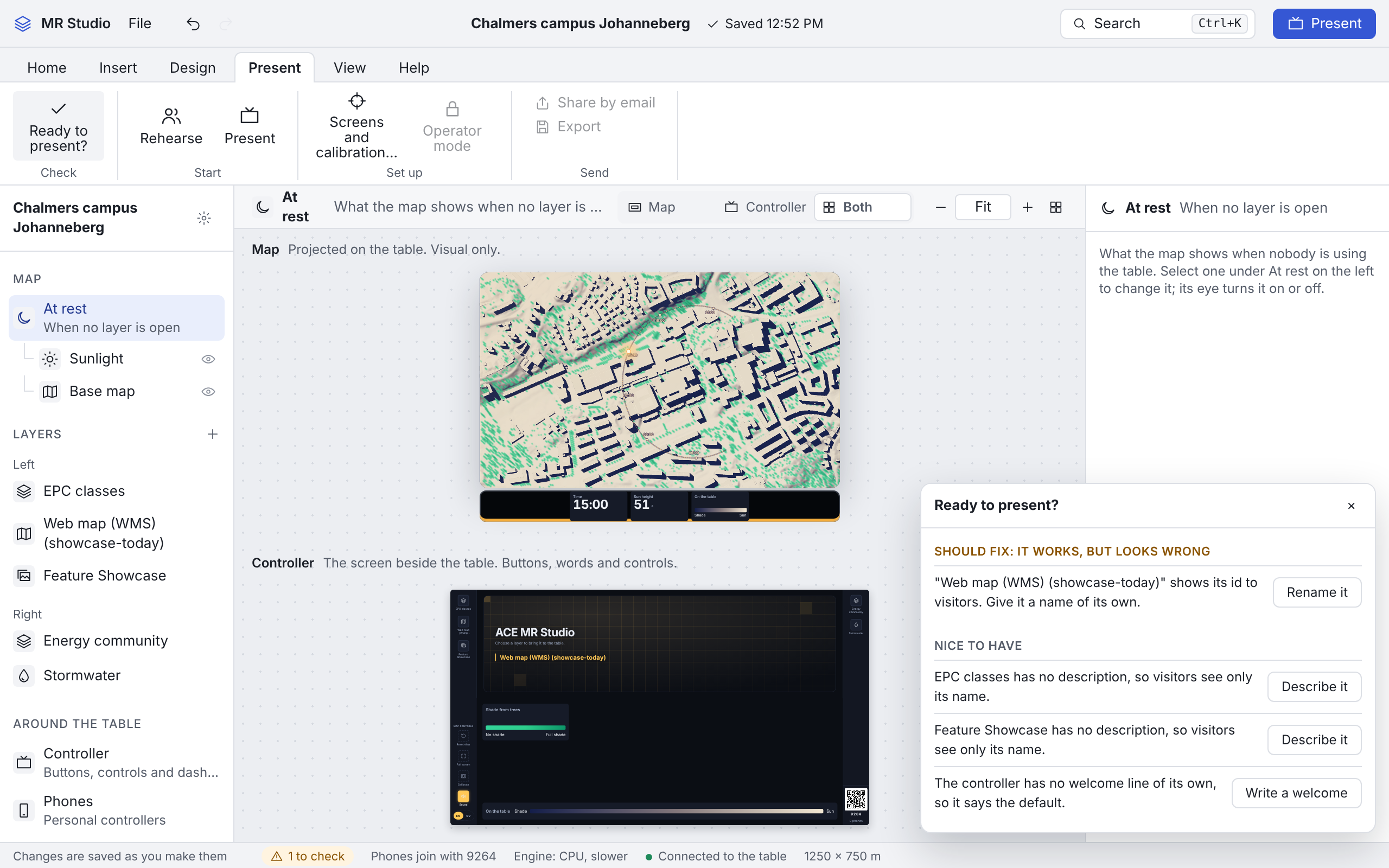
- Visitors never see a layer's id. Data layers (GeoJSON, pictures, web maps, plans, slideshows) show no gallery text until you write a description. Ready to present? points out both.
- Home shows Your tables before What's new, with Duplicate, Open read-only and Delete always visible and Delete set apart.
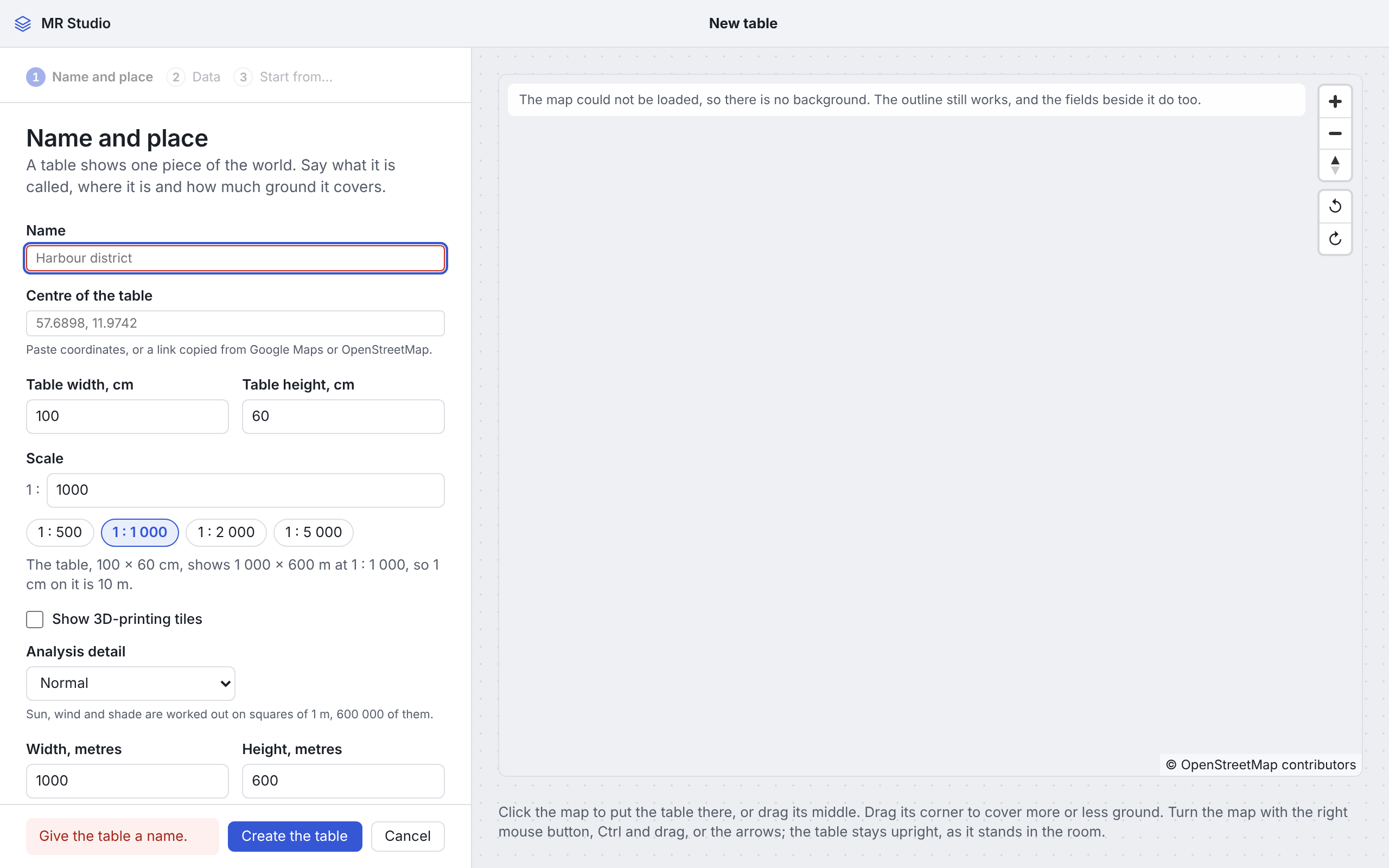
Fixes
The table no longer resets while people are using it (#604)
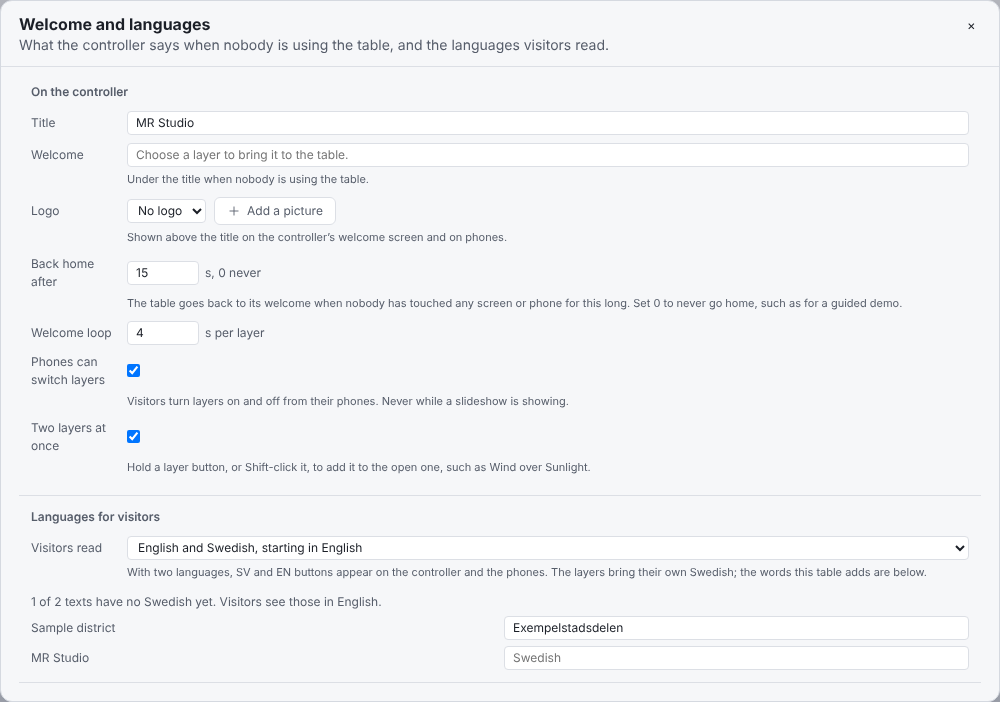
The table goes back to its welcome after 3 minutes only when nobody has done anything on any screen (#604). Before, each controller page counted only its own touches, so a demo driven from the editor, a phone, the guide's phone or the table reset itself every few minutes, and a second controller screen that nobody touched reset it even while the main one was in use. The host now keeps one timer for the whole table, and every screen tells it when someone touches it. "Back home after" in Welcome and languages still sets the time, and 0 still means never.
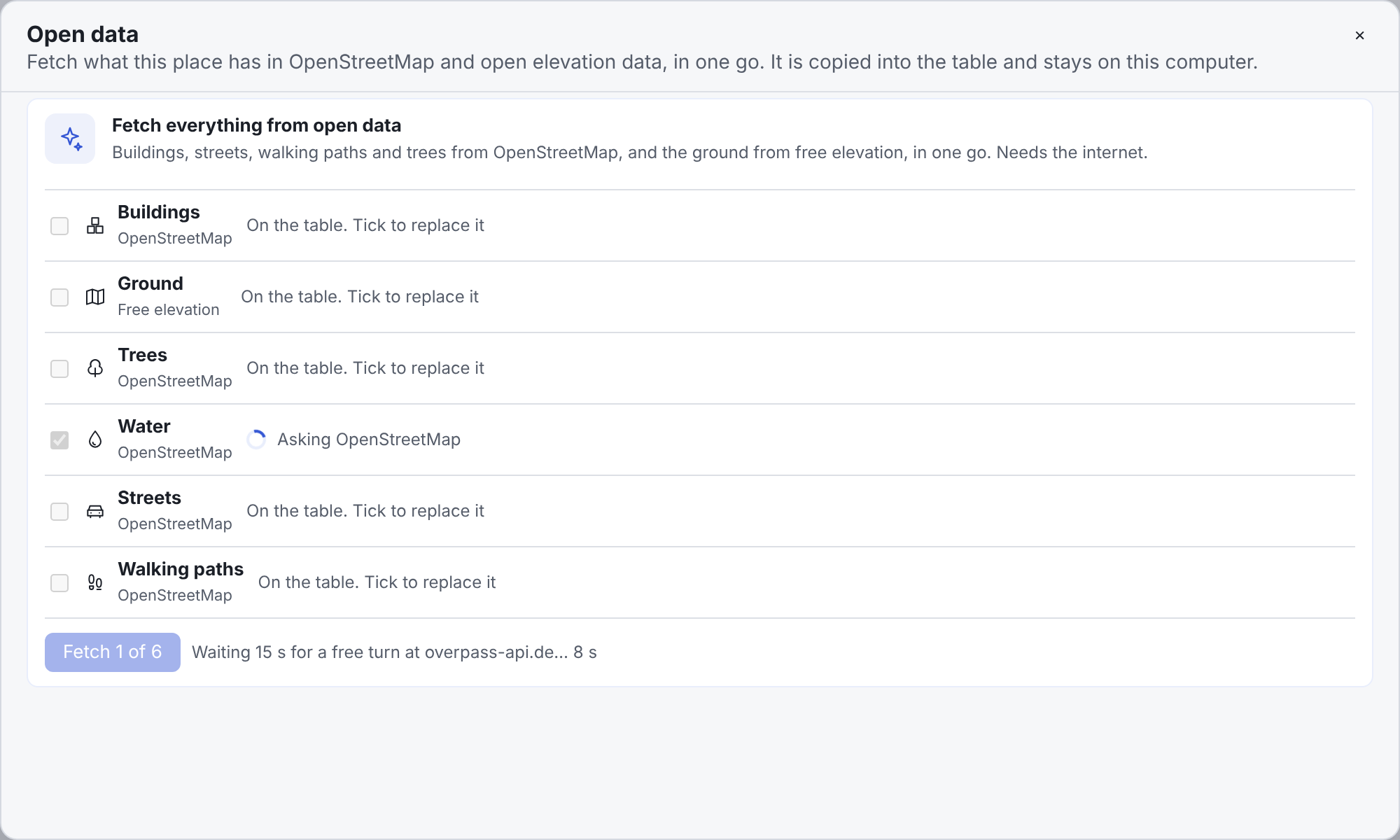
OpenStreetMap fetches get through when the servers are busy (#603)
Fetching buildings, trees, streets or water from OpenStreetMap now gets through far more often (#603). Each request asks for a small share of the server, which a busy server still accepts. MR Studio waits for its turn when the server says when one frees, and leaves a server alone for 30 s after it says "too many requests", as the server's operators ask. Parts that already came back are kept, so trying again only asks for what is missing. A third public server (VK Maps) is asked when the other two are busy.
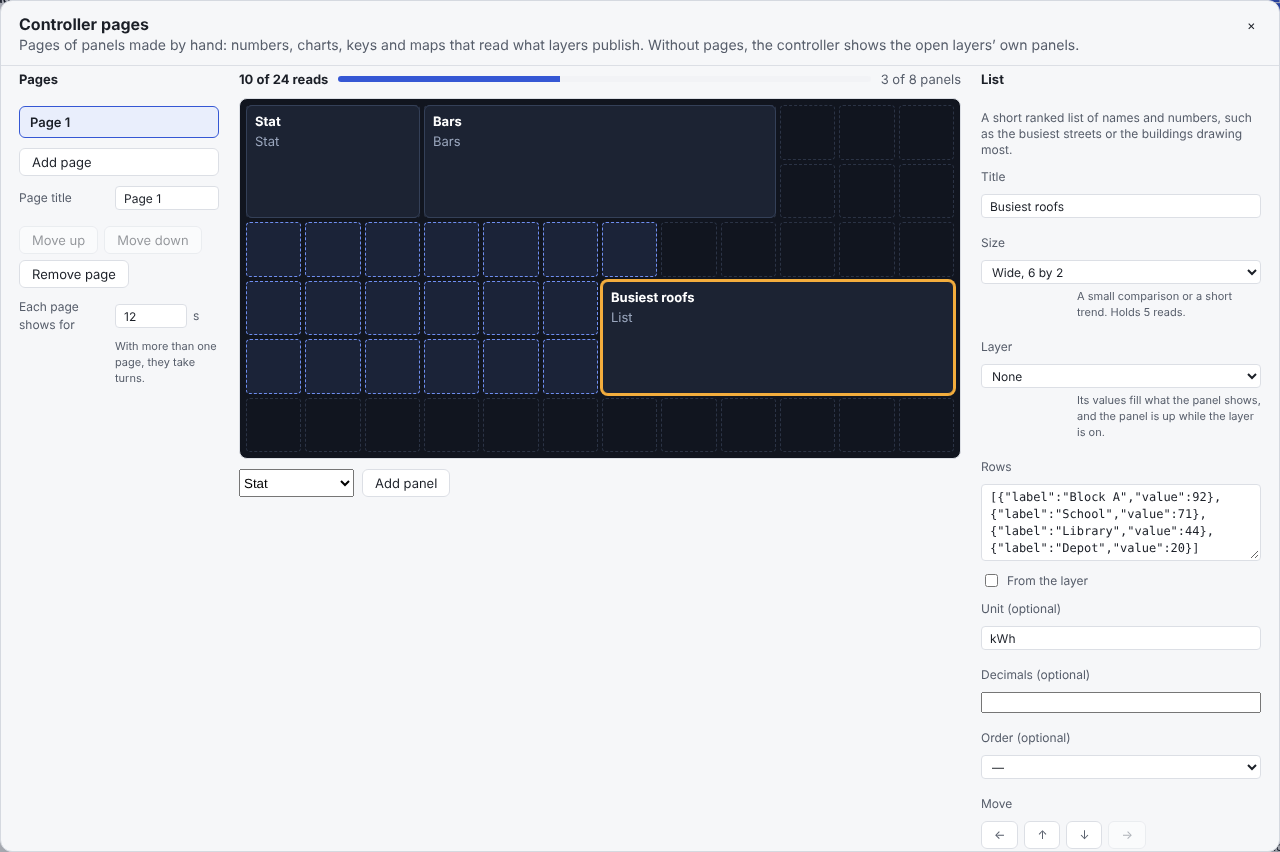
Controller pages keep a title while it is typed (#572, #590)
Quick changes in the Controller pages dialog, such as moving a panel and then typing its title, no longer lose the title (#572). A late reply to one of the dialog's own saves used to take it back a step and redraw it under the typing.
The end-to-end test's tap on the wind dial now always lands on the dial's top (#590).
The presented table draws far less each frame (#596)
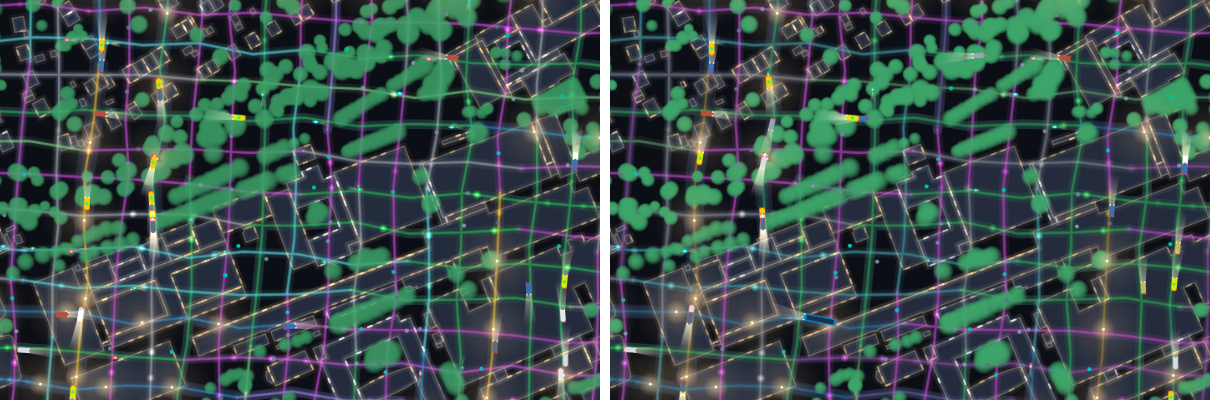
On a Mac, the presented Chalmers table ran at about 4–5 frames a second (#596). Its ambient layers redrew whole pictures of the site many times a second, and WebKit draws those on the processor. Now each layer draws only what moves:
- Street glow draws its streets once and pulses them by fading.
- Trees redraw a third of their crowns at a time.
- Building lights draw their soft glow once.
- Cars, people and transit redraw up to 30 times a second.
The table looks the same. In a test on the same site, the layers' own drawing time per frame fell from about 245 ms to about 100 ms, and street glow fell from about 60 ms to about 12 ms.
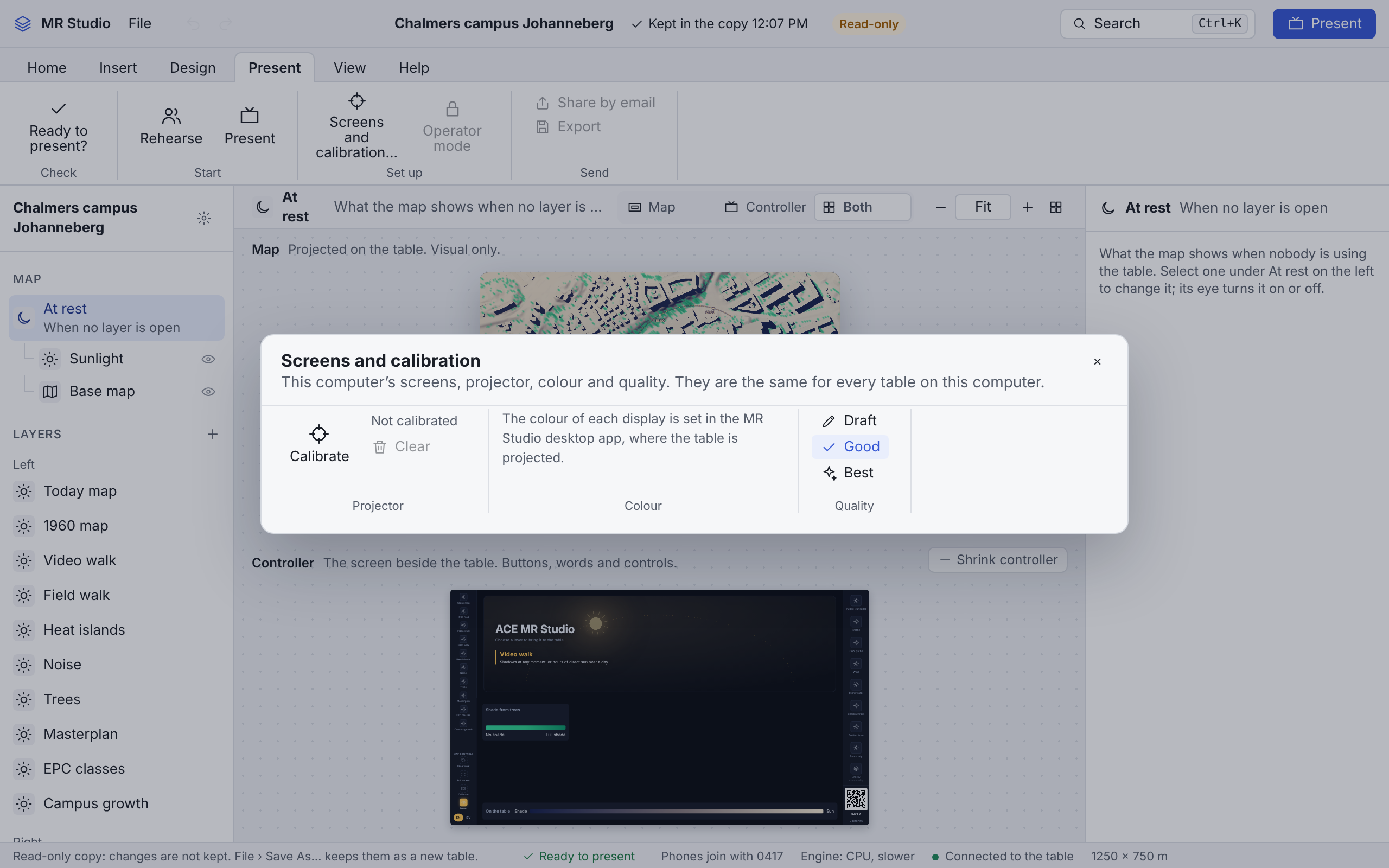
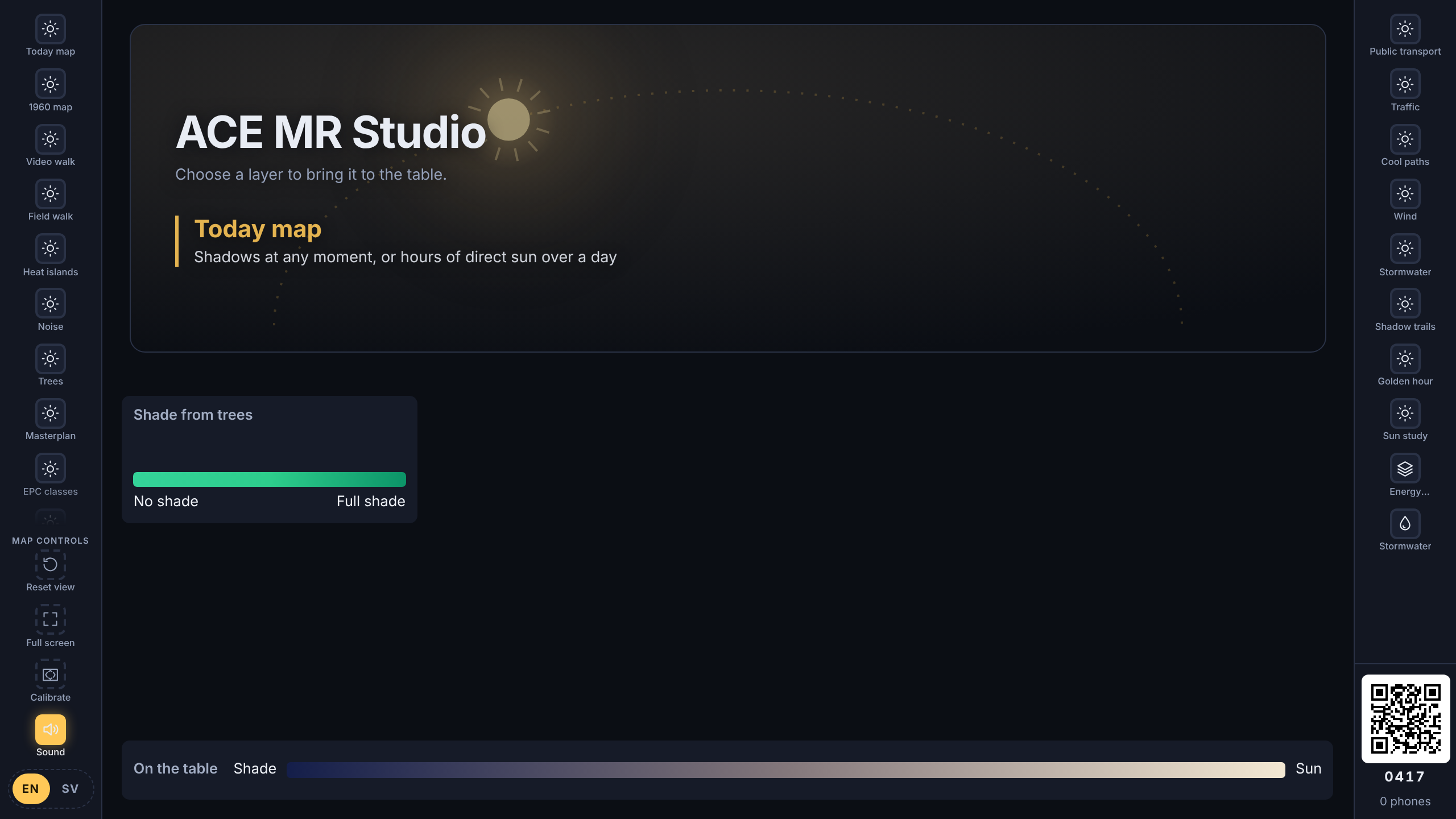
Fixes from the Mac user test: screens dialog, phones status, read-only copy, controller buttons (#573, #574, #575, #576)
Screens and calibration opens at its full height on a Mac again, instead of a thin strip. Settings and the operator window now agree with the editor on whether phones can join, including through the phone relay. A table opened read-only keeps its Read-only badge after operator mode or any other reopen, and the status bar says how to keep changes. A controller with many buttons fits them: the rails tighten when they are full and fade where there are more to scroll to.