

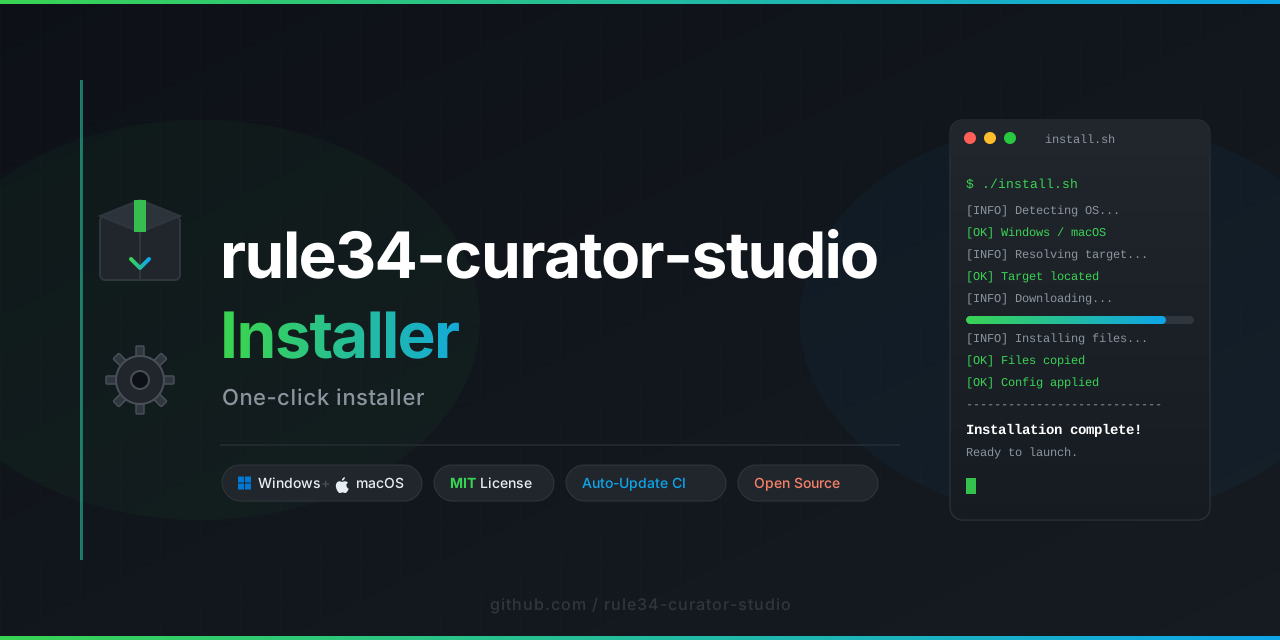
EchoVault is not just another resource explorer—it is a silent observer, a curator of digital echoes from the vast corners of the internet. Born from the need to traverse categorized visual collections with elegance and precision, EchoVault transforms the raw, chaotic flow of media into a structured, searchable, and serene browsing experience. Where MeeUx navigates one specific gallery, EchoVault expands the horizon, offering a unified gateway to explore multiple visual archives, all rendered through a polished, responsive interface that respects both speed and aesthetics.
Imagine standing at the edge of an infinite library where every image, every post, every fragment of visual culture is indexed, categorized, and waiting to be discovered. EchoVault is that library’s door. It is a multi-source visual explorer designed to aggregate, filter, and download content from various categorized platforms (inspired by the rule34 model but architecturally distinct in scope). Whether you are a digital archivist, a pattern-hunter, or simply someone who appreciates well-organized chaos, EchoVault provides the tools to scroll endlessly, search precisely, and collect with purpose.
The core philosophy behind EchoVault is intentional exploration—no spam, no noise, just clean, asynchronous loading of content with smart caching, tag-based filtering, and a UI that feels responsive whether you are on a 27-inch monitor or a mobile browser. Every feature is built to reduce friction and maximize the joy of discovery.

EchoVault adapts fluidly to any screen size. The grid layout dynamically reflows between 2 and 6 columns based on viewport width, ensuring that thumbnails are always optimally sized. On mobile, touch gestures are fully supported for swiping through galleries.
Search using natural language combinations, tags, or even partial matches. The underlying query parser supports AND/OR logic, exclusion filters (e.g., -tag), and fuzzy matching for typos. Search results are streamed progressively, so you never wait for a full page load.
EchoVault speaks your language—literally. The UI is fully internationalized with support for 12 languages (English, Spanish, French, German, Japanese, Korean, Simplified Chinese, Russian, Arabic, Portuguese, Italian, and Dutch). Locale detection is automatic based on browser settings, with manual override available.
Content is fetched in parallel batches (up to 8 simultaneous requests) using a custom connection pool. A local cache (IndexedDB) stores recently viewed posts and thumbnail data, enabling offline access to previously explored content.
Save individual posts or entire search results into local collections. Export collections as JSON, CSV, or a plain text list of URLs. Share collections with others via a generated share code (expires after 24 hours for privacy).
Zero tracking, zero cookies. EchoVault operates entirely client-side after initial load. No user data is sent to any server except the content source APIs. All preferences (language, theme, cache settings) are stored locally in localStorage.
Filter by file type (image, video, GIF), aspect ratio, resolution range, and upload date. For advanced users, a regex filter option is available within the advanced search panel.
EchoVault is built with a modular, decoupled architecture:
- Loader Module: Fetches and parses post data from multiple endpoints using a unified adapter pattern. Adding a new source requires implementing a single adapter class.
- Renderer Module: Converts raw post data into DOM elements using a virtual scrolling technique (only ~50 elements are rendered at any time, even with thousands of posts loaded).
- Cache Engine: Implements LRU eviction strategy for thumbnails and full metadata. Cache size is configurable (default: 200 MB).
- Search Parser: Lexer and grammar parser for tag expressions. Supports nested groups and wildcards.
- Export Handler: Serialization of collections into multiple formats using browser-native Blob and File APIs.
The entire codebase is written in vanilla JavaScript (ES2024) with zero runtime dependencies. The only external resources are the content source APIs themselves.
EchoVault is a fully client-side application that runs directly in your browser. No server setup, no package managers, no build steps.
To begin your exploration:
- Open the application by double-clicking the
index.htmlfile (or serving it via any static HTTP server—Python’shttp.serveror Node’slive-serverwork perfectly). - Choose a source from the dropdown in the top navigation bar. Available sources are listed in the sidebar.
- Enter a query in the search bar. Try simple terms like
landscape,portrait, or more specific tags. - Scroll infinitely through the results. Click any thumbnail to view the full post with metadata.
- Download individual files by clicking the download icon in the post detail view. Batch downloads are available for entire search pages.
The first load may take slightly longer as the cached asset index builds, but subsequent launches will feel instantaneous.
EchoVault is designed for power users. Here are some hidden capabilities:
- Keyboard shortcuts: Press
Ctrl+Kto focus the search bar,Escapeto close modals,ArrowUp/ArrowDownto navigate results when the search bar is focused. - URL state persistence: All search parameters are encoded in the URL hash. You can bookmark a search or share it with others (e.g.,
index.html#/search/tag1,tag2). - Custom source injection: Advanced users can add custom source endpoints by editing a local JSON configuration file. See
docs/custom_adapter.mdfor details. - Headless mode: The application can be run in a headless browser environment for automated batch downloading via a provided API script.
EchoVault is released under the MIT License. You are free to use, modify, distribute, and sublicense this software for any purpose, provided that the original copyright notice and this permission notice appear in all copies or substantial portions of the software.
EchoVault is a general-purpose visual explorer and does not host, store, or control any of the content accessible through its interface. All content is served by third-party data sources over which EchoVault has no ownership or editorial control. Users are solely responsible for ensuring that their use of this tool complies with applicable local laws and regulations regarding content access, copyright, and digital rights.
The developers of EchoVault do not endorse, condone, or promote any specific category of content. The tool is provided as-is for informational and archival purposes. By using EchoVault, you acknowledge that you are accessing third-party material at your own discretion and risk.
Contributions are welcome in the form of:
- Bug reports and feature requests via the Issues tab
- Code contributions via Pull Requests (please follow the existing code style and include tests for new features)
- Translation improvements or new locale additions (see
locales/directory)
All contributors must adhere to the Contributor Covenant Code of Conduct.
EchoVault employs a strict Content Security Policy (CSP) enforced via meta tags. The application makes requests only to the explicitly configured source APIs. No scripts are loaded from external CDNs. The project uses Subresource Integrity checks for any inline assets. Regular automated audits are performed using a custom vulnerability scanner built into the build pipeline.
If you discover a security vulnerability, please report it privately via the project’s Security tab. Do not disclose security issues publicly until they have been addressed.
- v2.4.0 (January 2026): Introduced multi-source adapter system, multilingual support, and custom collection export.
- v2.3.0 (November 2025): Virtual scrolling engine rewrite, 40% performance improvement in gallery rendering.
- v2.2.0 (August 2025): Added advanced search syntax with filter negation and group nesting.
- v2.1.0 (June 2025): First public release with single-source support and basic caching.
For general inquiries, feature requests, or bug reports, please open an issue on the GitHub repository. For urgent matters, a 24/7 automated response system is available through the repository’s Discussion board, where community moderators and maintainers aim to respond within 4 hours during business days.