Repository navigation
v0.8.8 · Dark mode for READMEs and code

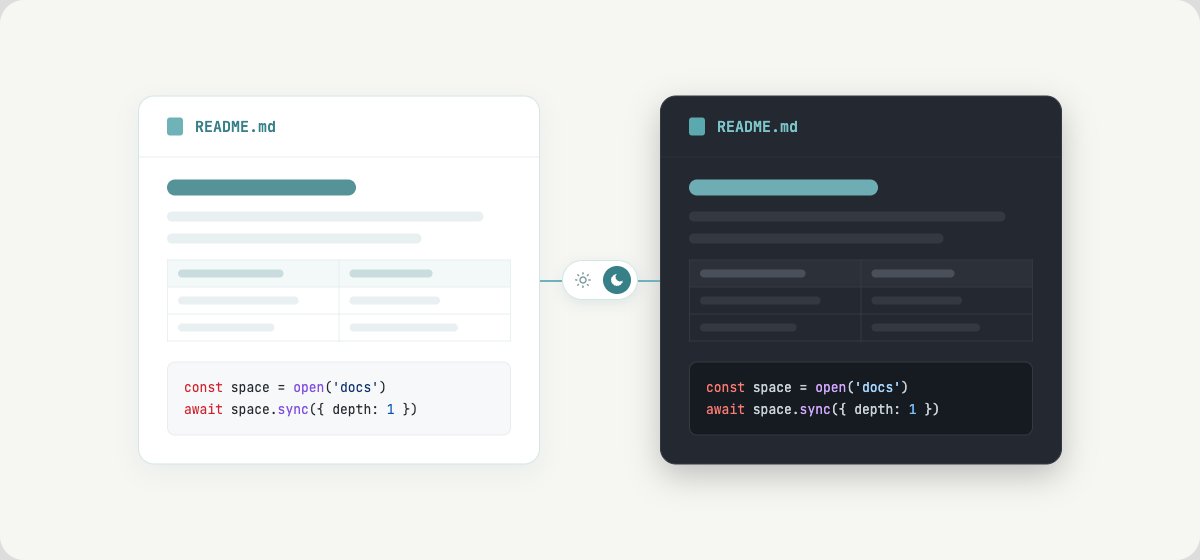
In dark mode, the README on a space's overview page now follows the theme. It
used to be drawn as a white page with light text on it, so tables, lists and
quotes were hard to read. It now looks the same as the document itself when you
open it, in light mode too.
Code blocks and inline code are dark in dark mode as well, with syntax colours
made for a dark background: in the viewer, in the editor and when you open a
JSON or SQL file. Light mode looks as before, and share links stay on white
paper.
Also
- In dark mode, the page background no longer shows light below short pages.