Releases: Systaro/DocuVault
Release list
v0.8.2

v0.8.1 · Answers you can check
Answers you can check
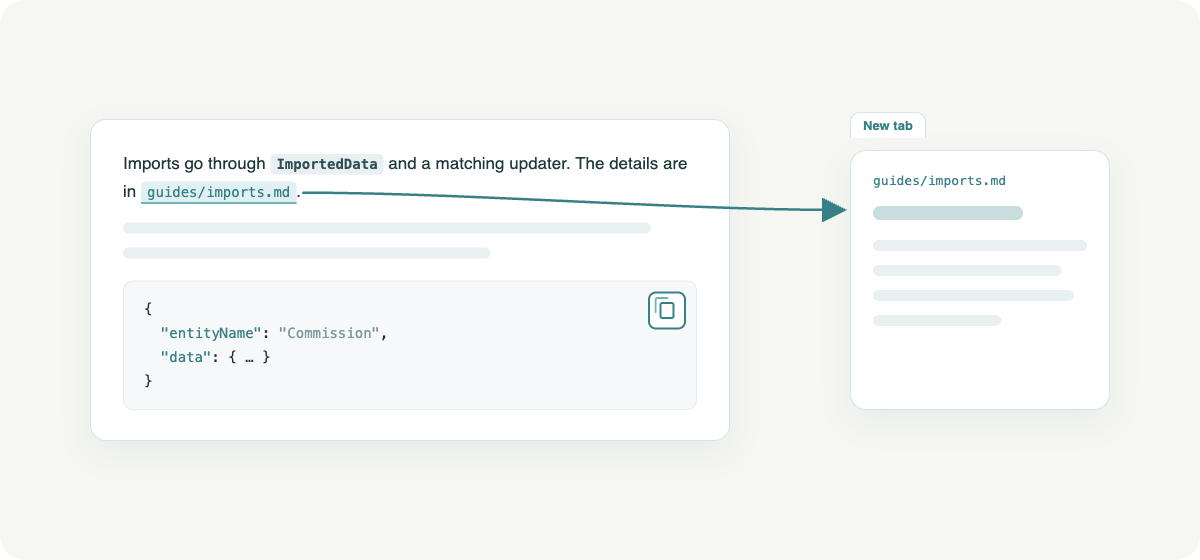
The assistant is now told how to format its answers: key points in bold,
endpoints, paths and names as code, payloads and config in code blocks. Every
code block has a copy button.
When an answer names a document it used, the name is a link that opens the
document in a new tab. The sources under the answer are now the documents the
answer actually drew on, including the ones the assistant found with its own
searches, listed in the order the answer mentions them.
v0.8.0 · Public on GitHub, and yours to brand
DocuVault is now public on GitHub, and this is its first public release.
Make it yours
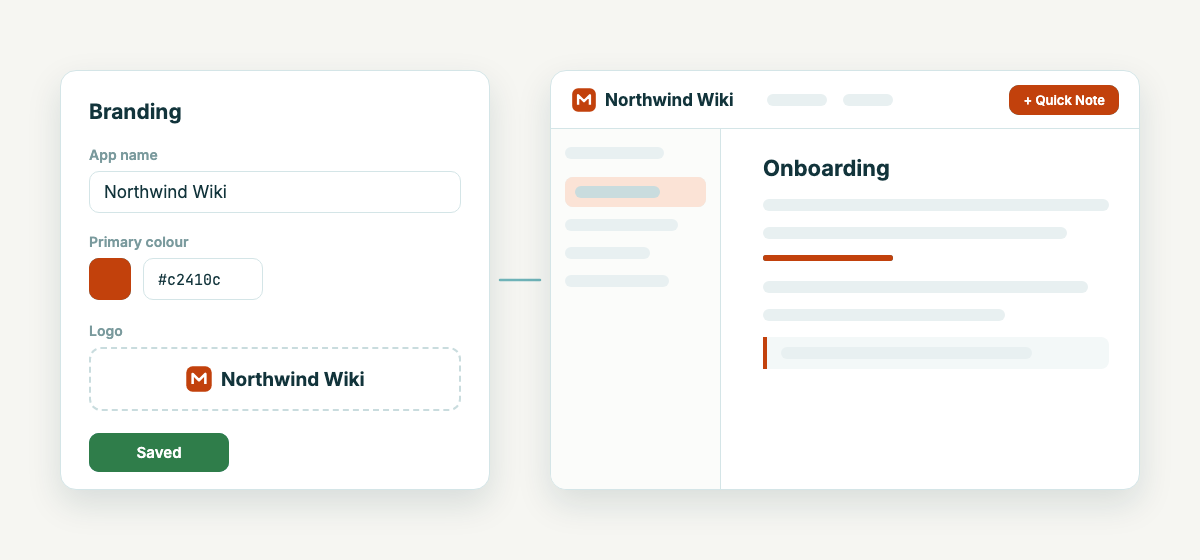
Super admins can give the instance its own name, a primary colour, a logo for
light and one for dark backgrounds, and a favicon, under Admin → Branding. It
applies right away for everyone: the sign-in page, the app, shared pages, tab
titles and every email. Both themes derive their shades from the one colour,
and a very light colour is darkened on buttons so their labels stay readable.
Ask your documentation
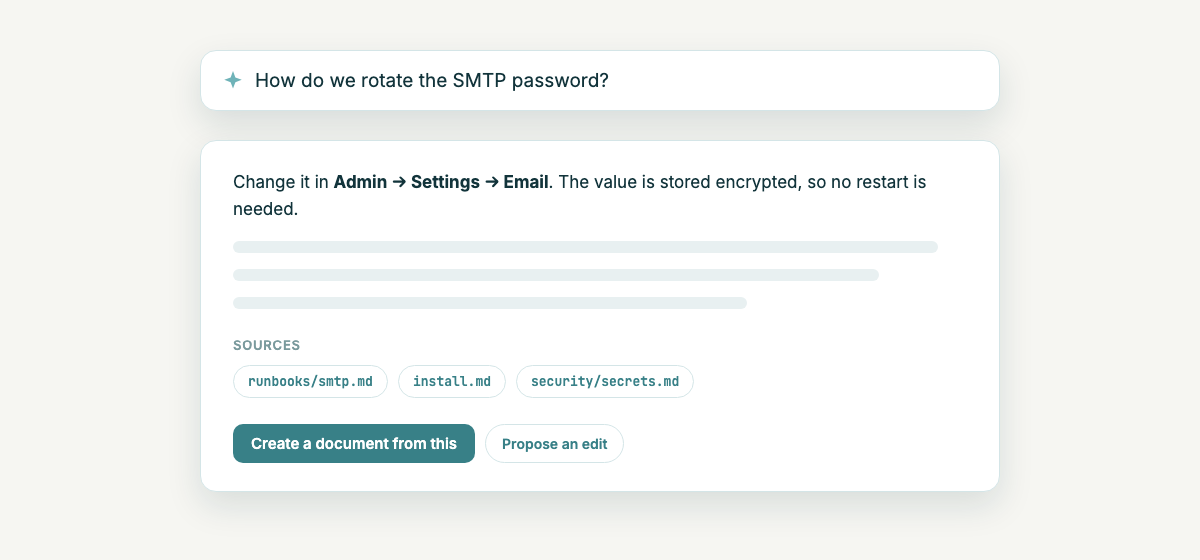
Ask replaces the per-space chat. Conversations work across spaces, answers
stream in and name their sources, and the assistant can create a document or
propose an edit that you apply. The ask box takes photos, scans and PDFs, and
your conversations are listed in one place. Ask only uses the spaces you can
read, and a conversation stays with the person who started it.
Write it down first
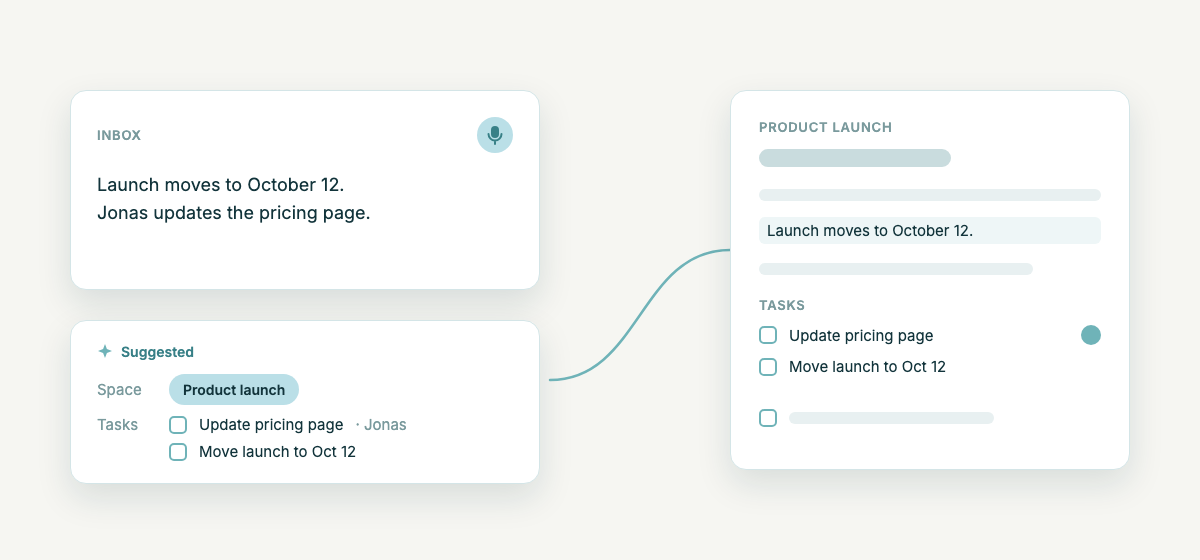
Quick Note now starts with the note instead of a space picker. Write or speak
it, and the assistant suggests the space it belongs to and the tasks it
mentions, with dates and people filled in. You confirm, nothing is saved
before that. From the same material the assistant drafts status reports and
meeting protocols for the last 7, 14 or 30 days.
Tasks are new and still in alpha: a title, status, assignee, due date and
priority, created by hand, from inbox notes, by the assistant, over MCP or from
meeting action items.
Connect an AI agent with one URL
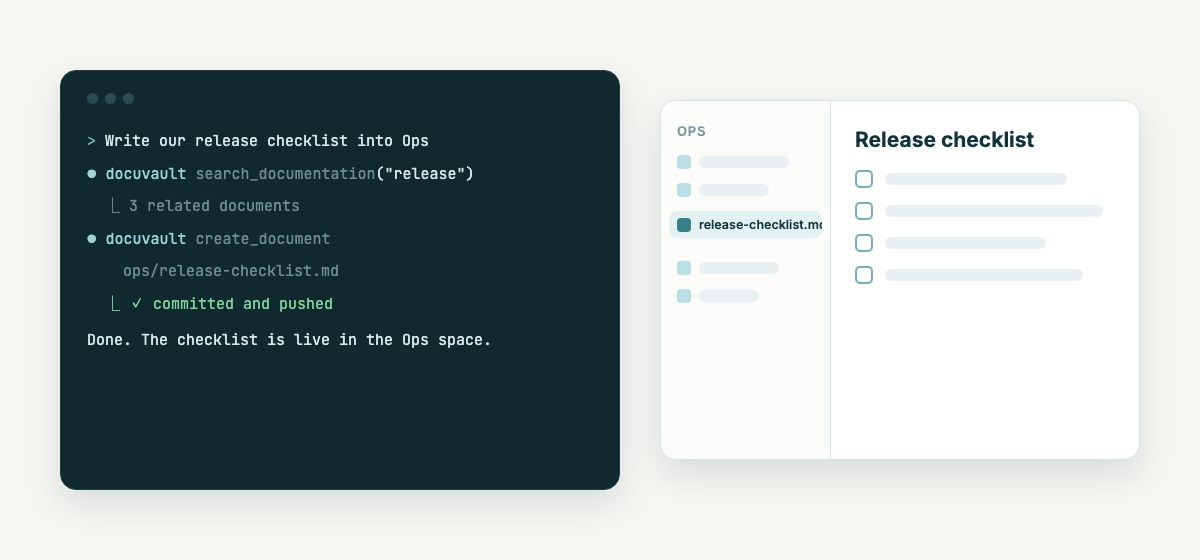
The MCP server now runs inside DocuVault. Add https://<your-host>/api/mcp to
Claude Code, Claude Desktop or Cursor, sign in once in the browser, and the
login stays valid for 30 days. Images, PDFs and large files move through a
one-time link instead of through the model.
Install from public images
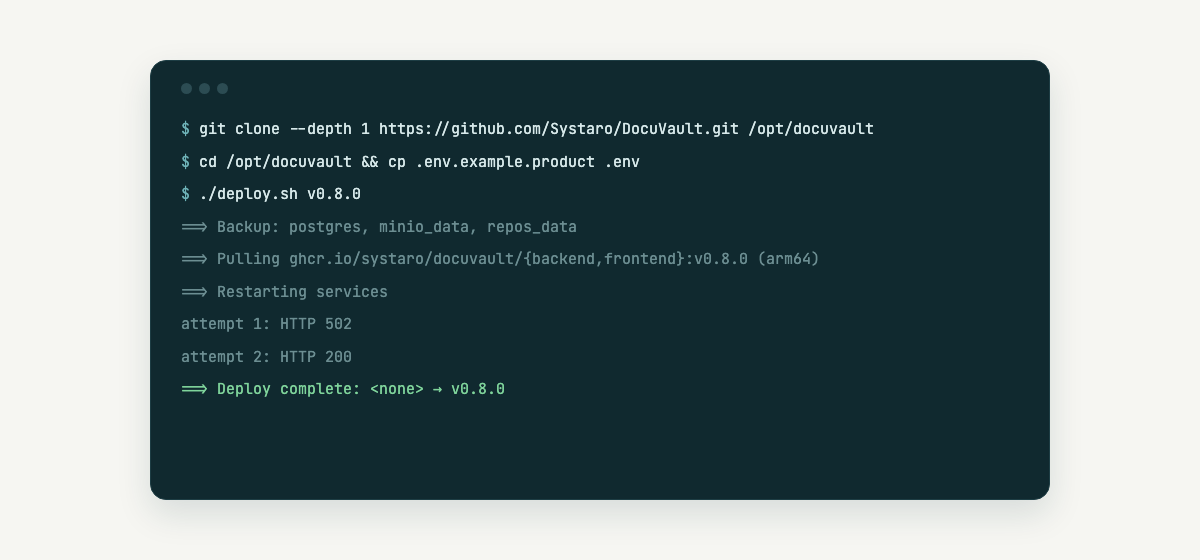
The images for backend, frontend and meeting bot are public on
ghcr.io/systaro/docuvault, for amd64 and arm64, signed and with an SBOM. An
install is a git clone and ./deploy.sh v0.8.0, without a registry login.
Fresh installs start again: the schema they began with was missing a table,
so a new instance stopped on its first boot. If an update fails its health
check, deploy.sh now restarts exactly the images that ran before, even when
both carry the tag latest. The server no longer falls back to any of our own
hostnames or mail servers when a setting is missing.
Smaller changes
- Saving, renaming and moving are much faster in large spaces, and moving
files and folders shows its progress. - A drag-and-drop move asks before it happens.
- Export as PDF can use a server-side renderer (Admin → PDF export) and no
longer produces a blank page in the read view. - A link to a document that no longer exists shows a not-found page, and a
failed save says why. - The header of a shared page slides away while you scroll.
- On a phone the header no longer pushes the page sideways, and wide tables
scroll on their own. - Non-admins calling an admin action get "no permission" instead of a server
error.
Install
git clone --depth 1 https://github.com/Systaro/DocuVault.git /opt/docuvault
cd /opt/docuvault && cp .env.example.product .env && $EDITOR .env
./deploy.sh v0.8.0
Images: ghcr.io/systaro/docuvault/{backend,frontend,meeting-bot}:v0.8.0 (linux/amd64, linux/arm64, signed with cosign). Full guide: docs/install.md.