Repository navigation

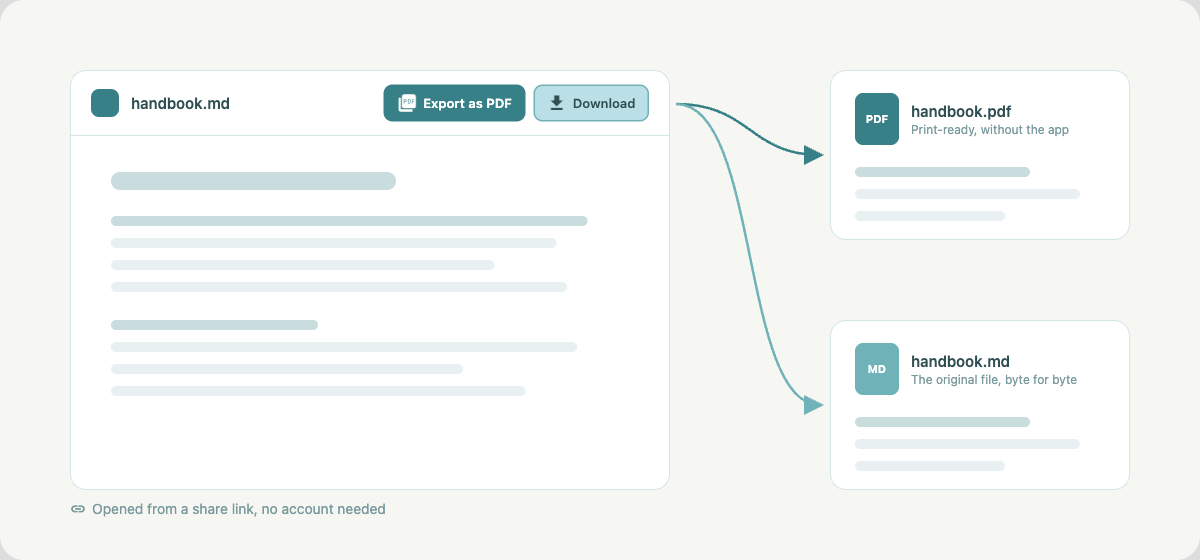
Share links now have two buttons in the header: Download and Export as PDF.
Whoever opens the link can take the file with them without an account.
Download hands over the original file as it is stored in the space. Export as
PDF opens the browser's print dialog with just the document, so "Save as PDF"
gives a clean page without the app around it. For an HTML file the page prints
with its own styles. In a shared folder the buttons appear once a file is open,
and on a password-protected link only after the password is entered.
Also
- PDF exports from the editor no longer print the expand button of a diagram as
the text "open_in_full".