Repository navigation
TMOP v0.5.0

TMOP 0.5.0 is a complete redesign: a new look for every page, a Summary that tells you at a glance whether your PC is healthy, and an app-first process list.
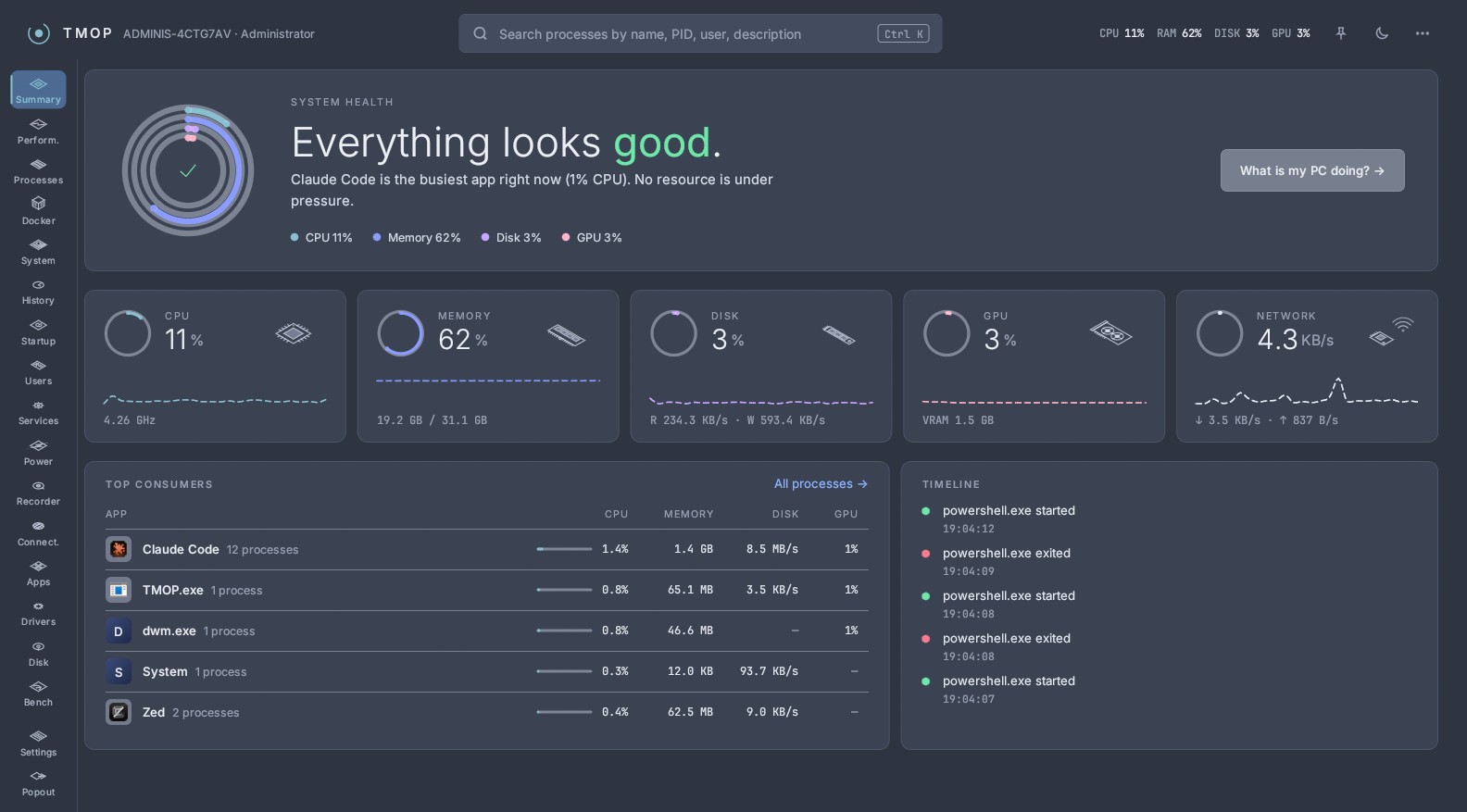
✨ New look
- Navigation rail on the left with an icon for every page, and a header bar with live CPU, RAM, disk and GPU readouts.
- Global search: press Ctrl+K anywhere to search processes by name, PID, user or description.
- Theme toggle and always on top right in the header.
- New Dark and Light palettes with a deep blue backdrop, the Inter and JetBrains Mono fonts, and line-drawn hardware illustrations (CPU, memory, disk, GPU, network, battery, mainboard).
- Accent colour: pick your own in Settings → Appearance.
- Prefer the old look? It's still there as Classic Dark and Classic Light in Settings → Appearance.
🩺 Summary: is my PC healthy?
- Health at a glance: rings for CPU, memory, disk and GPU, and a plain-language verdict ("Everything looks good.", "Memory is almost full.") naming the busiest app.
- What is my PC doing? explains what's using the bottleneck resource, with buttons to see or end that app's processes. Short spikes don't raise an alarm; CPU and disk have to stay high for 30 seconds. If the load is expected, This is expected calms the page for 30 minutes.
- Top consumers grouped by app, resource cards that open Performance, and a timeline of recent process starts and exits.
📋 Processes
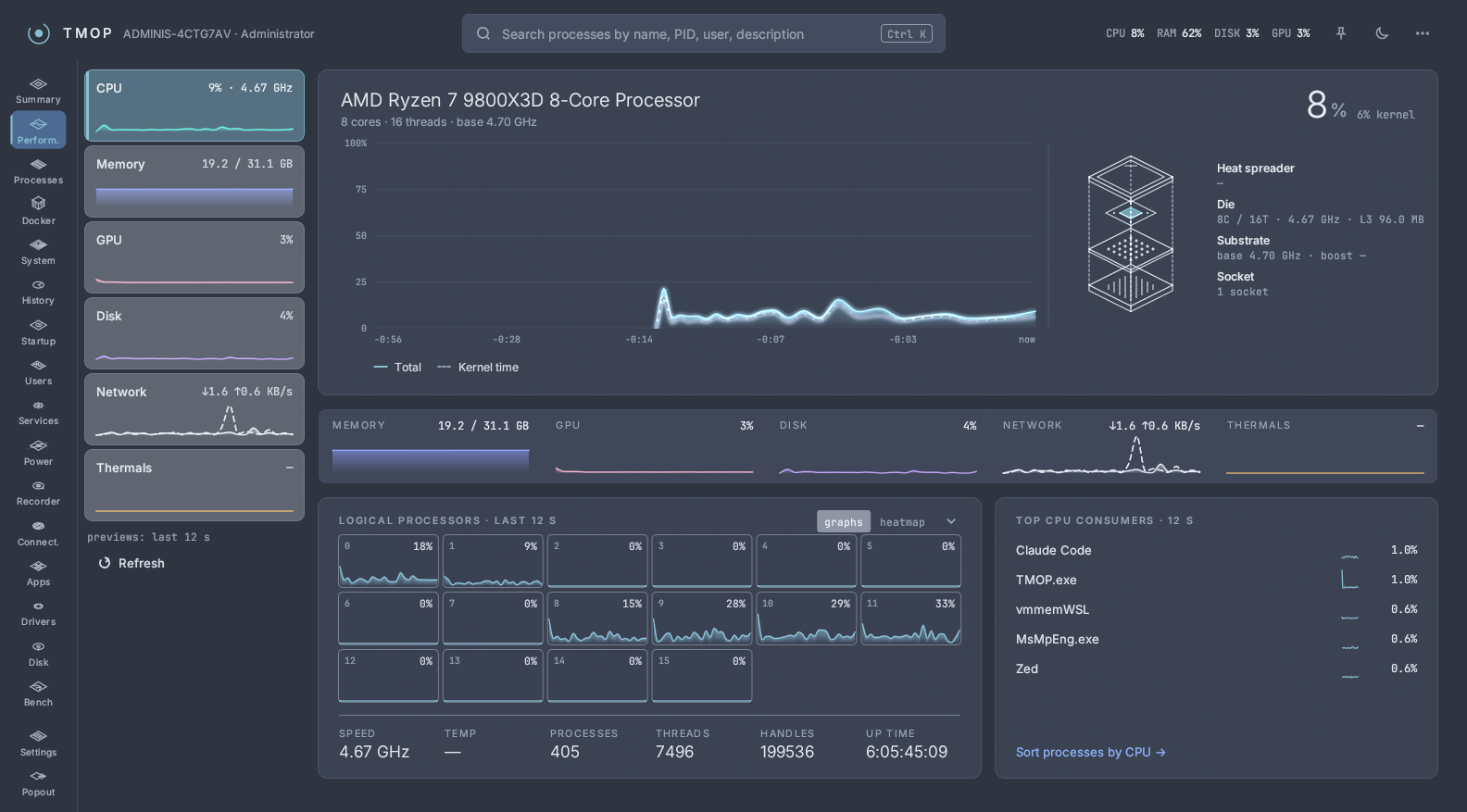
- Group by app with expandable child processes, and filter tabs: All, Apps, Background, Windows, Services, Suspended.
- 60-second CPU and memory trends right in the table, plus a history strip for CPU, memory, disk and network.
- Columns menu to show or hide columns.
- Ending an app asks once for the whole process tree and shows what it frees, how many windows are open and whether system processes are affected; you can also end just the one process.
🧭 Every other page
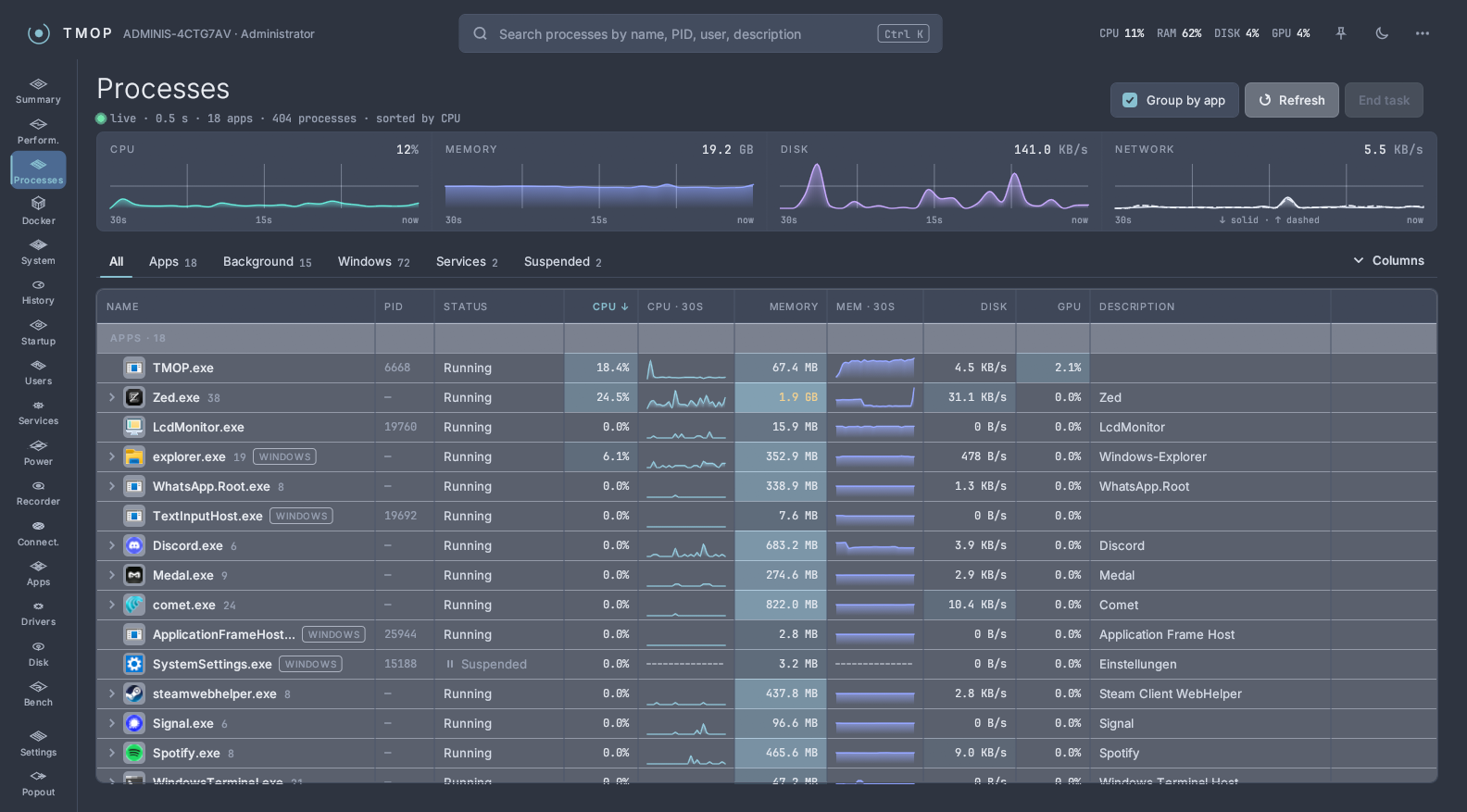
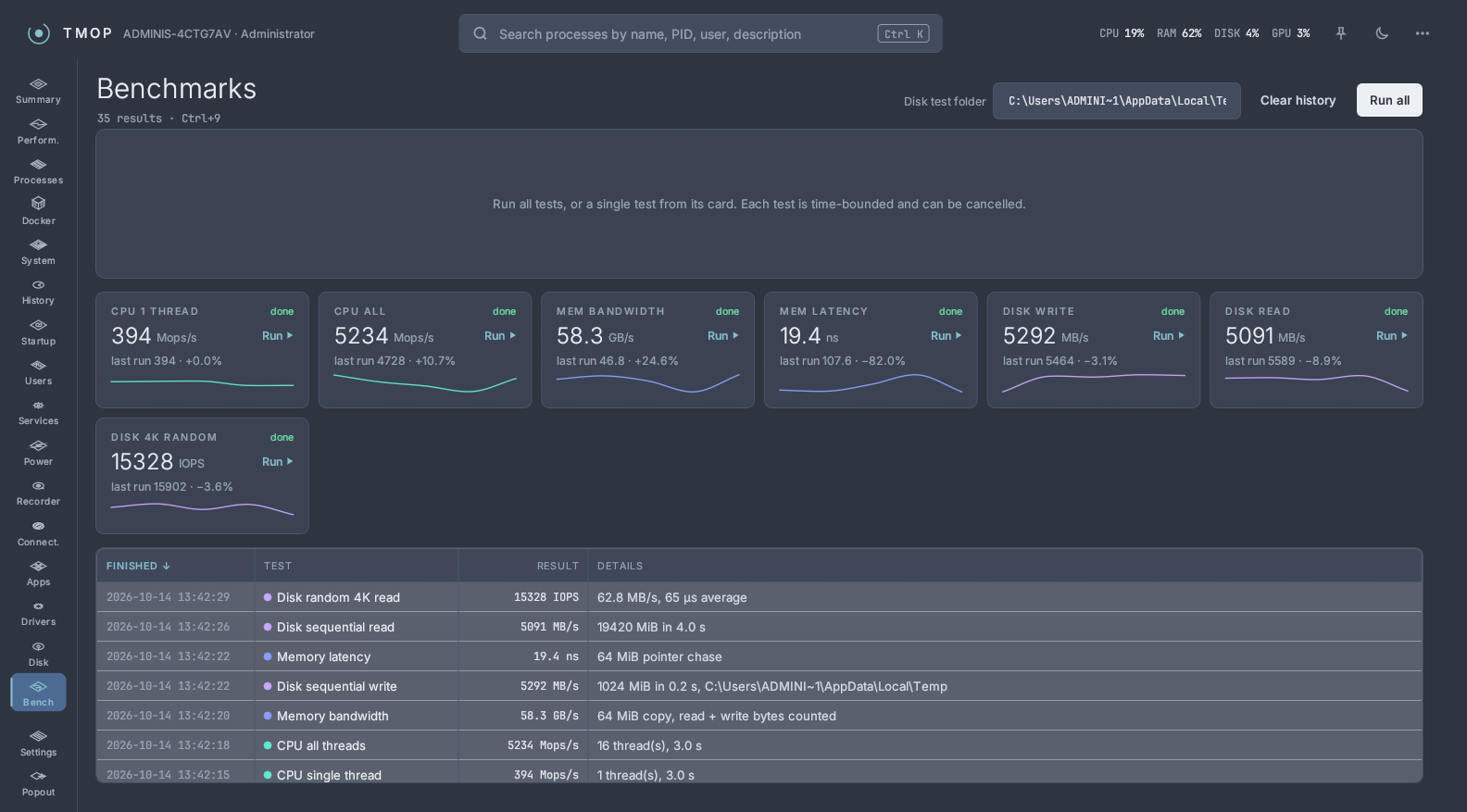
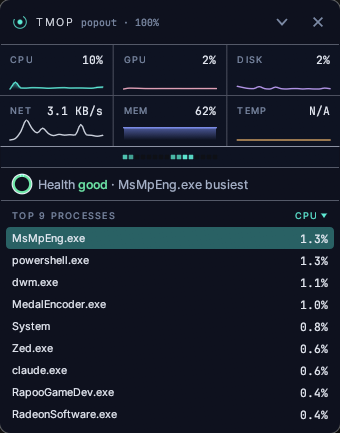
Performance, Docker, System Info, App history, Startup apps, Users, Services, Power & Freq, Flight Recorder, Connections, Installed Apps, Drivers, Disk Space, Benchmarks, Settings and the Classic popout all follow the new design, with summary tiles at the top and calmer tables. Everything that worked before still works.
| Benchmarks | Classic popout |
|---|---|
 |
 |
⚠️ Upgrading
Your settings are kept. The built-in Dark and Light palettes now have the new look; switch to Classic Dark or Classic Light to get the old one. Your own palette and skin files keep their look.
If you go back to 0.4.x while Classic Dark, Classic Light or a custom accent colour is selected, the older version doesn't know them and uses its default colours. Pick Dark or Light first if you plan to go back.
Downloads
| File | For |
|---|---|
TMOP-windows-x64.exe |
Most Windows PCs, ready to run |
TMOP-windows-arm64.exe |
Windows on ARM, ready to run |
TMOP-v0.5.0-windows-x64.zip |
Most Windows PCs, with README and licence |
TMOP-v0.5.0-windows-arm64.zip |
Windows on ARM, with README and licence |
tmop-engine-v0.5.0-*.tar.gz |
TMOP's Docker engine; downloaded by the app when you set it up, no need to fetch it yourself |
Each file has a .sha256 checksum next to it.
Full changelog: v0.4.0...v0.5.0, PR #17