

rustup toolchain install 1.83.0
rustup default 1.83.0
rustup component add rust-src --toolchain 1.83.0
rustup target add wasm32-unknown-unknown --toolchain 1.83.0
rustup toolchain install nightly
rustup override set nightly
rustup component add rust-src --toolchain nightly
rustup target add wasm32-unknown-unknown --toolchain nightly
rustup target add wasm32v1-nonecargo build --releaseOnce the compilation is complete, locate the *.opt.wasm file in the target/wasm32-unknown-unknown/release directory.
- To interact with the Gear IDEA and deploy your contract, you will need to download a wallet extension such as Polkadot-JS, Talisman, or Subwallet to interact with Substrate-based chains.
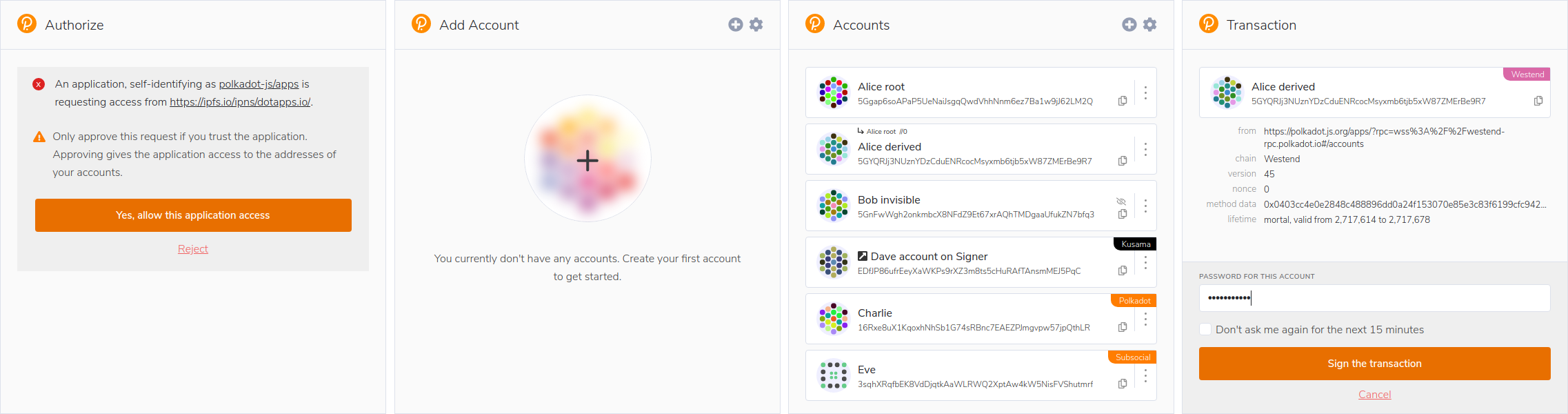
- Access Gear IDE using your web browser.
- Connect your Substrate wallet to Gear IDEA.
- Upload the
*.opt.wasmand*.Idlfiles by clicking the "Upload Program" button.