You signed in with another tab or window. Reload to refresh your session.You signed out in another tab or window. Reload to refresh your session.You switched accounts on another tab or window. Reload to refresh your session.Dismiss alert
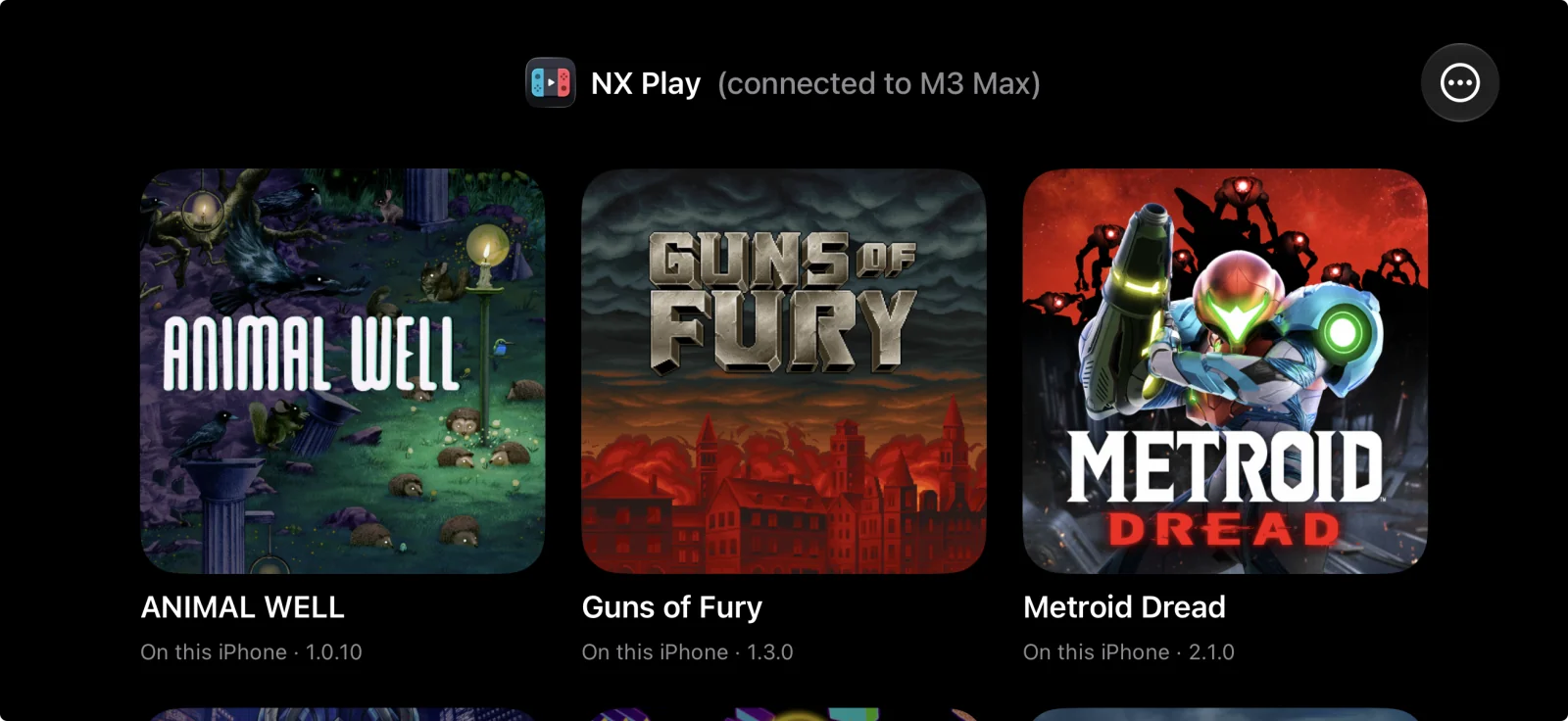
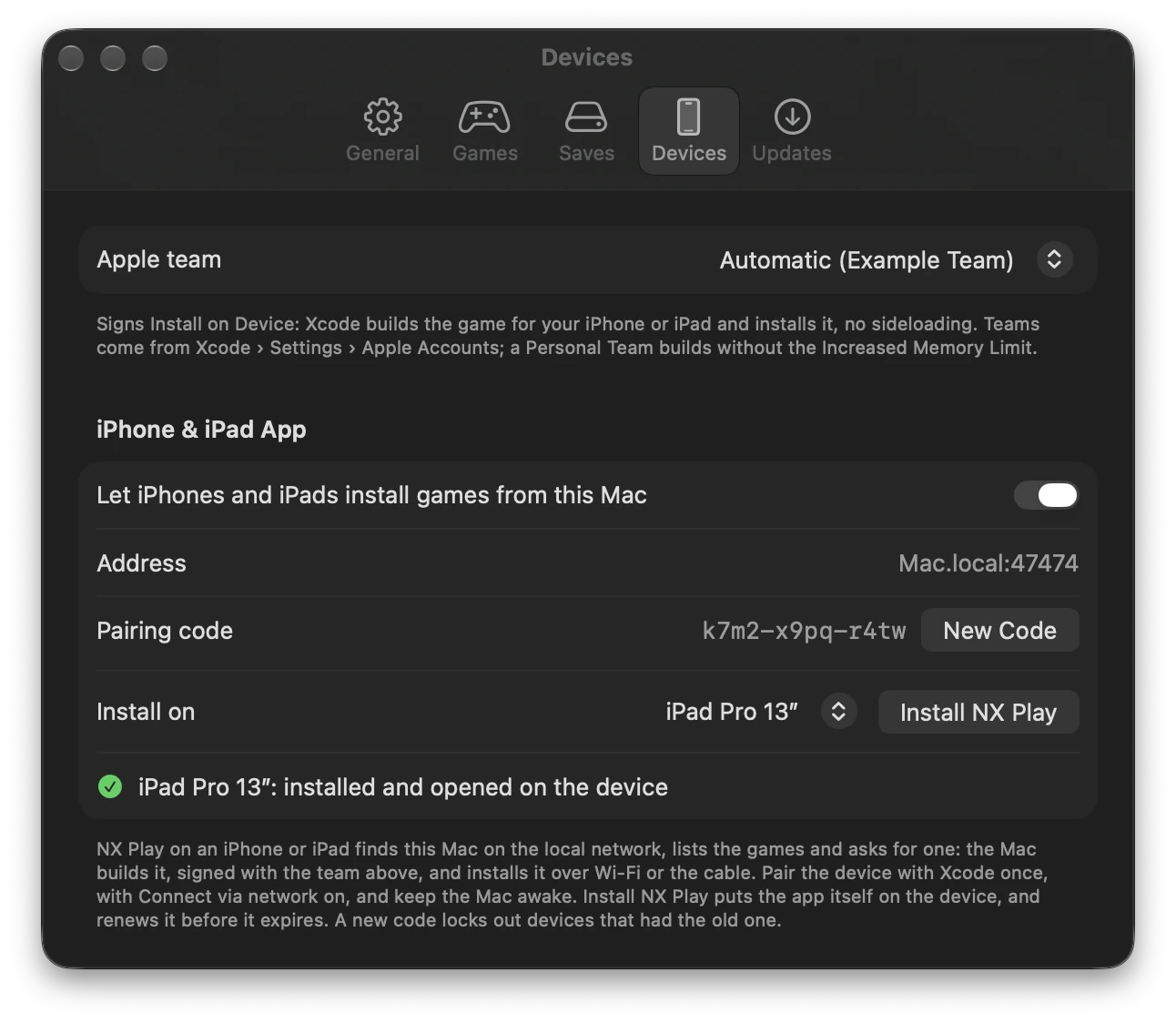
NX Play for iPhone and iPad: a launcher that lists the Mac's games, asks the Mac to install one, and plays the installed ones. The Mac builds the game and installs it on the device over Wi-Fi, or over the cable when the device is plugged in. On the Mac, turn on Settings › Devices › iPhone & iPad App and click Install NX Play. Then pair the device with the code Settings shows; New Code replaces the code. On the device:
The header shows NX Play's icon and which Mac it's connected to.
A controller can drive it.
It says when a game's signature runs out (7 days with a Personal Team). Renew installs the expiring games again.
It notices a game you deleted from the home screen when you come back to it, or when you pull down to refresh, and marks it Removed from this iPhone (or iPad). One tap reinstalls it.
Games installed on a device open from NX Play for iPhone and iPad: nxplay gives each one a URL scheme, nxplay-<title ID>. Reinstall a game installed before this once.
Changed
NX Play's own log lines are blue too, like nxplay's since 1.7.16: the save backup's commits and pushes, the command each run starts with, and how it ended (done, failed, cancelled).