Repository navigation
Releases
Releases · wisc-launcher/wisc
Gr8 Launcher 2.4.1

What's new
Added
- Manage launcher updates from a dedicated Settings > Updates sub-tab with persistent indicator dots on the sidebar when releases are ready.
- Open What's New and release logs at any time from Settings > Updates or the About version badge, even when up to date.
- Check for newer launcher releases and receive update notifications.
- Download verified updates in the background, with an optional automatic-download setting, and choose when to restart.
- Follow update progress in a window matching the launcher's navy-and-gold style.
- Restore the previous portable launcher if an update fails to start, while preserving profiles, accounts, and Minecraft files.
Changed
- Align updater and release card buttons with the launcher's 5px frosted acrylic design language.
- Remove the extra "What's new" heading above the release notes in the launcher update dialog.
Fixed
- Read formatted release notes with full markdown styling and codeblock containers inside the launcher, with the option to reopen notes while downloads are in progress.
- Prevent updates from timing out after the launcher closes because the updater was waiting for itself to exit.
- Open the repository releases archive and release note links reliably in the default browser.
- Close release notes with a click outside the dialog or Escape without triggering an error.
- Bring the final item further into view in profile, mod, modpack, and version lists, including detail and gallery panels, with moderate bottom spacing and the original fade.
- Apply the same bottom fade and moderate spacing across every Settings sub-tab.
- Add compact bottom spacing to scrolling accounts, logs, and dialog content so their last item is easier to read and use.
Security
- Validate update redirects against GitHub download hosts and the known GitHub release bucket, including regional endpoints.
Full Changelog: v2.4.0...v2.4.1
Launcher preview
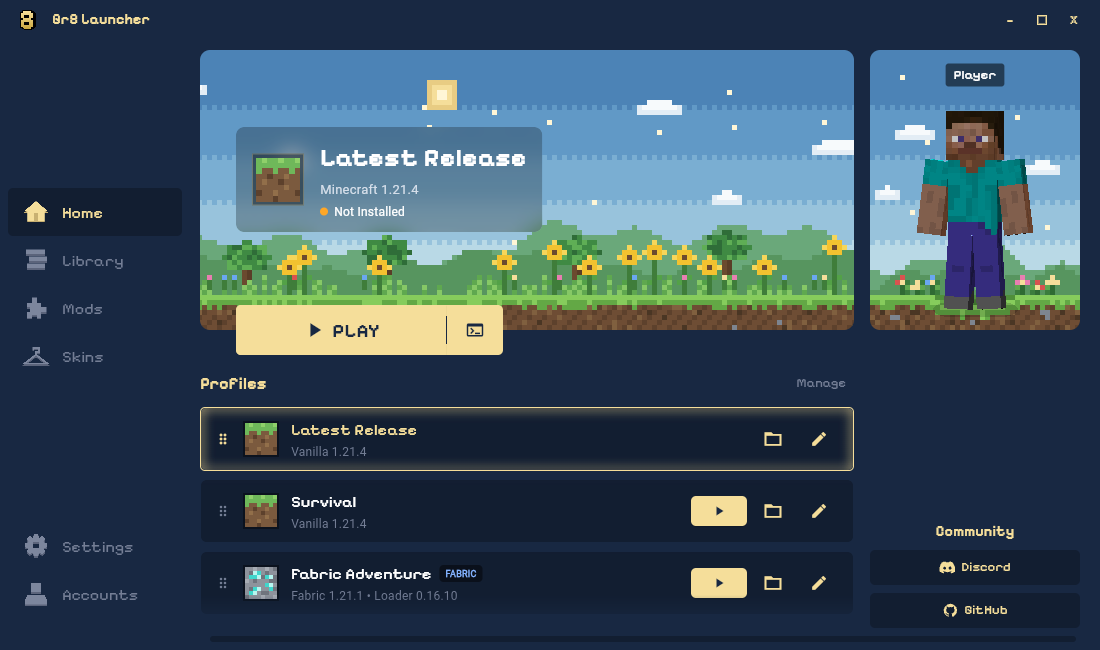
Captured from this release's source with example profiles.
Gr8 Launcher 2.4.0
What's new
Added
- Read agent-authored feature and fix summaries in each release's What's new notes.
- Check for newer launcher releases from Settings > About and receive update notifications.
- Download verified updates in the background, with an optional automatic-download setting, and choose when to restart.
- Follow update progress in a window matching the launcher's navy-and-gold style.
- Restore the previous portable launcher if an update fails to start, while preserving profiles, accounts, and Minecraft files.
Fixed
- Read formatted release notes with headings, lists, and links inside the launcher.
- Prevent updates from timing out after the launcher closes because the updater was waiting for itself to exit.
Security
- Validate update redirects against GitHub download hosts and the known GitHub release bucket, including regional endpoints.
Full Changelog: v2.3.0...v2.4.0
Launcher preview
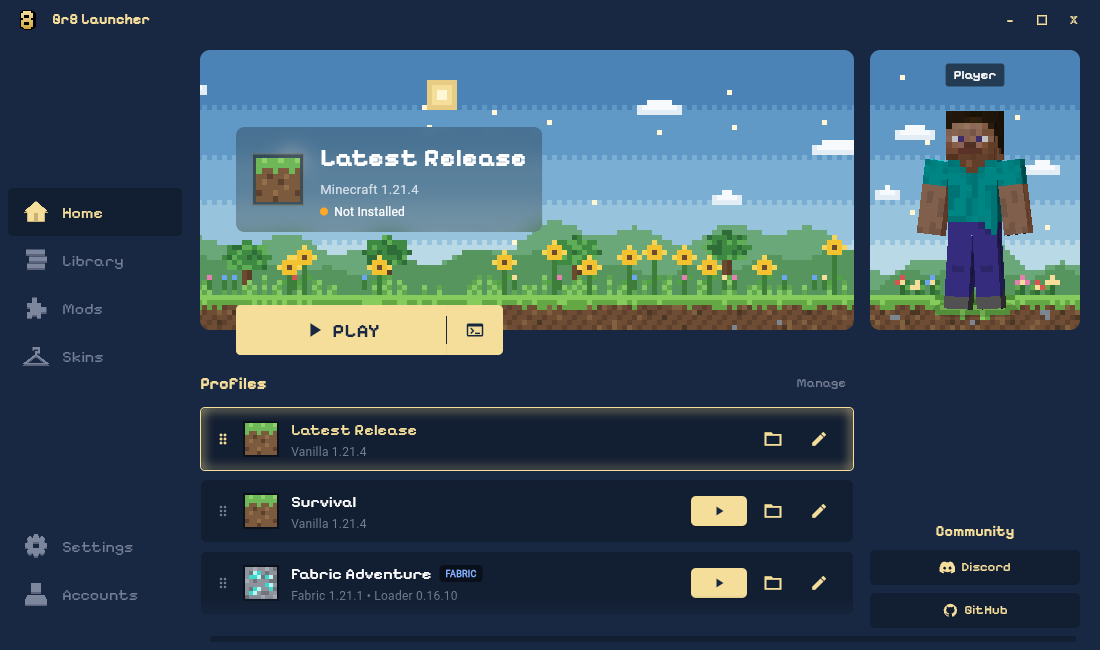
Captured from this release's source with example profiles.
Gr8 Launcher 2.3.0
Full Changelog: v2.2.2...v2.3.0
Launcher preview
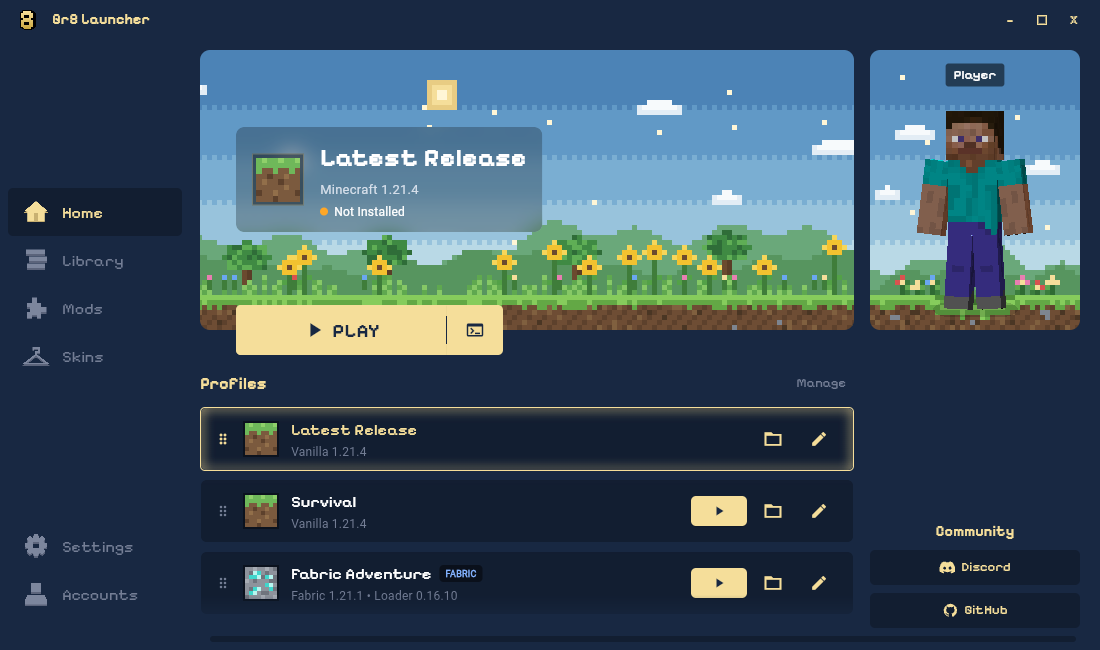
Captured from this release's source with example profiles.
Gr8 Launcher 2.2.2
Full Changelog: v2.2.1...v2.2.2
Launcher preview
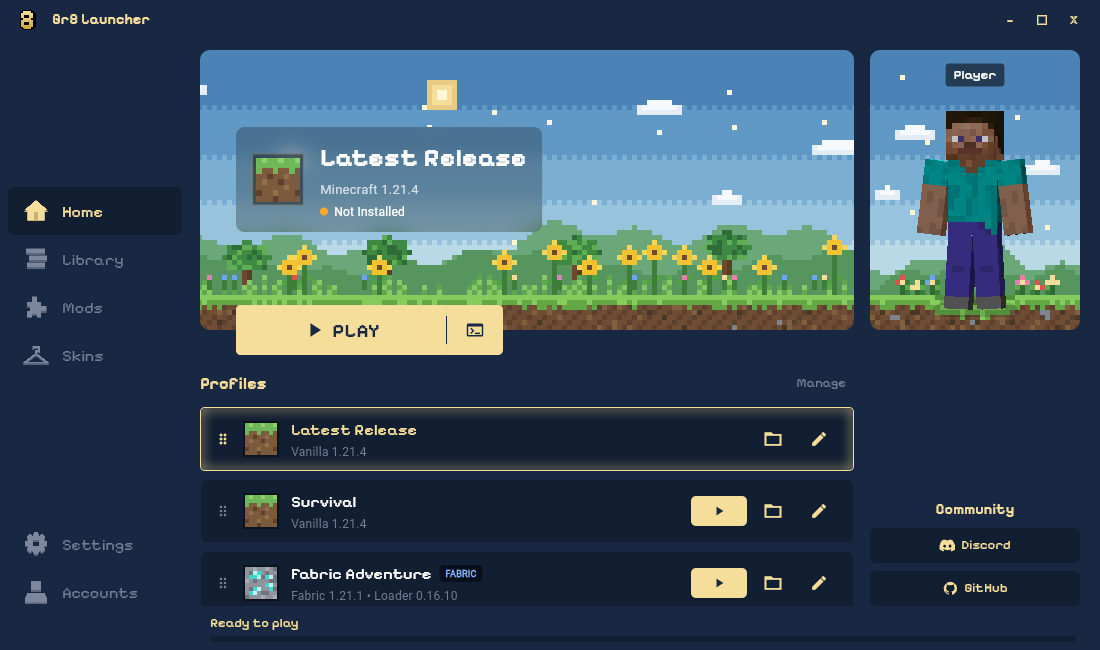
Captured from this release's source with example profiles.
Gr8 Launcher 2.2.1
Full Changelog: v2.2.0...v2.2.1
Launcher preview
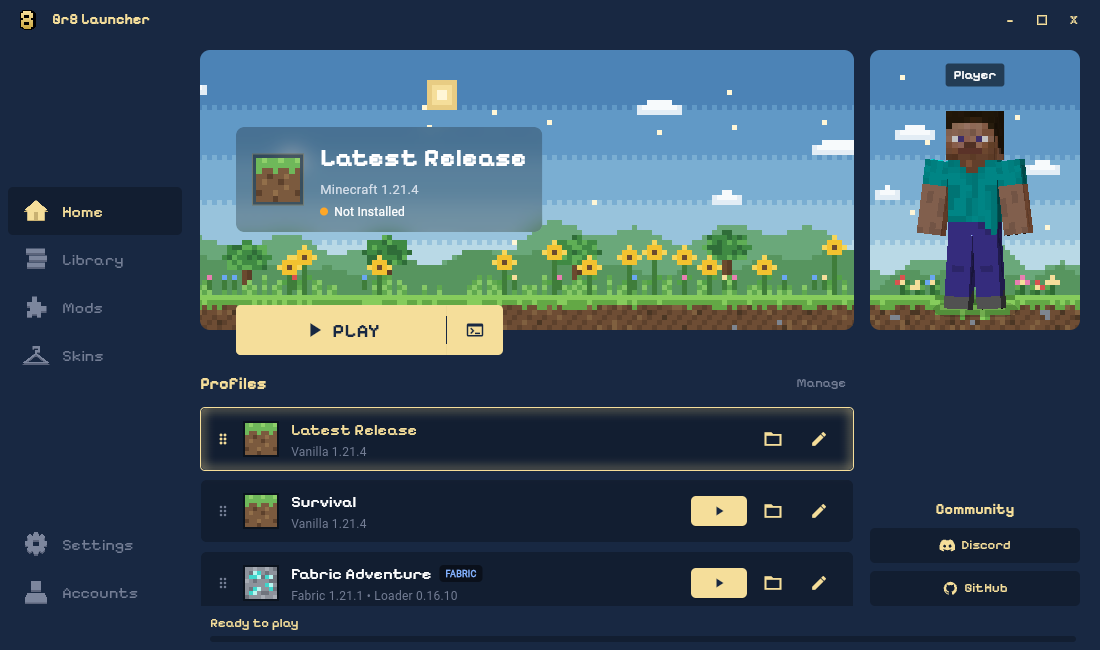
Captured from this release's source with example profiles.
Gr8 Launcher 2.2.0
Full Changelog: v2.1.2...v2.2.0
Launcher preview
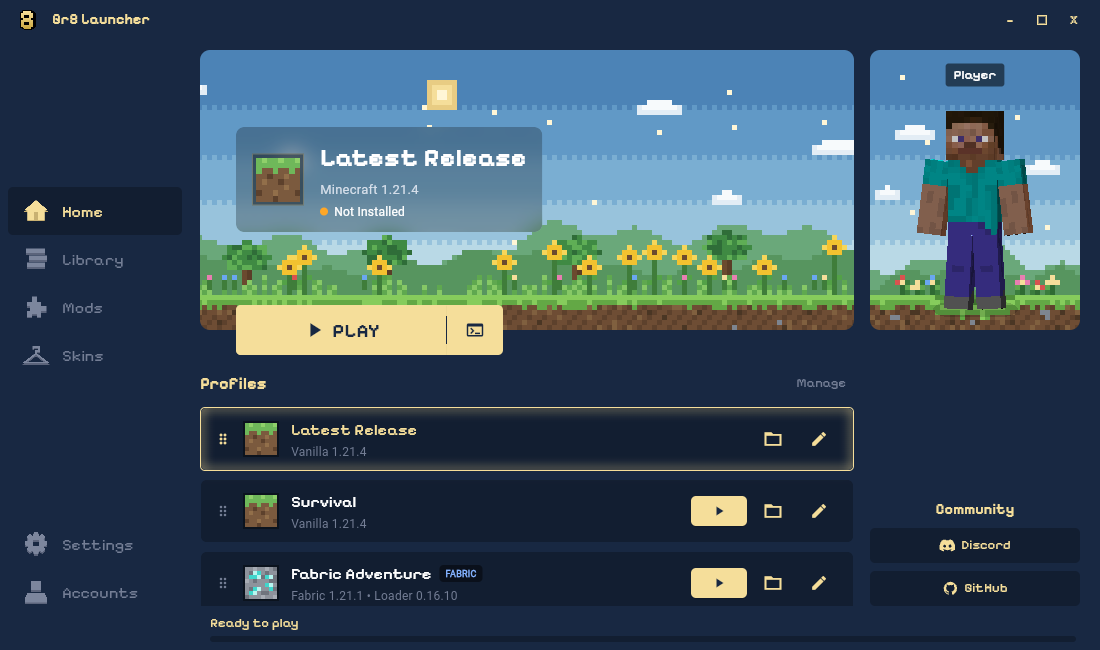
Captured from this release's source with example profiles.
Gr8 Launcher 2.1.2
Full Changelog: v2.1.1...v2.1.2
Launcher preview
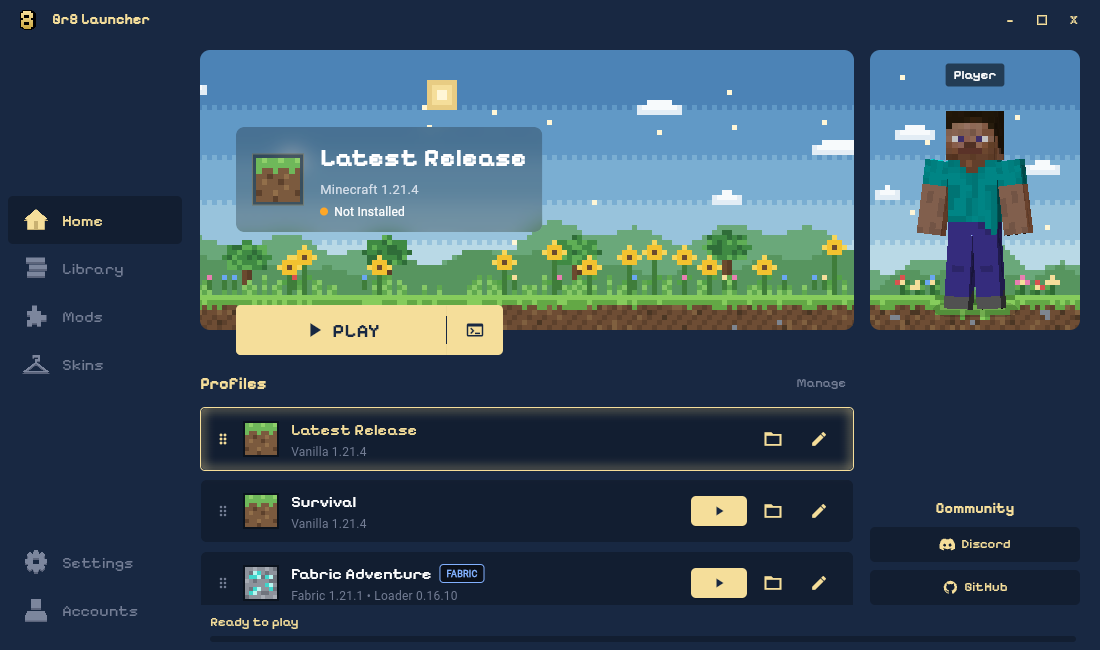
Captured from this release's source with example profiles.
Gr8 Launcher 2.0.0

Full Changelog: v1.2.0...v2.0.0
v1.2.0 - Skins and Enhancements


What's Changed in v1.2.0
- Ely.by account & auth integration: Added support for logging into Ely.by accounts with full session management and verification.
- Full skin system & multiplayer visibility: Introduced a custom skin engine and SkinBridge, allowing Ely.by skins and capes to be visible in multiplayer and singleplayer worlds.
- Dedicated skins tab: Added an interactive 3D skin viewer with quick-switch presets, local skin caching, and direct Ely.by wardrobe synchronization.
- Custom profile banners: Added the ability to choose, preview, and set custom banner artwork when creating or editing profiles.
- Auto-import external profiles & banners: Automatically imports installations and existing artwork from modded launchers (like OptiFine).
- Smart instance defaults: Choosing mod loaders (Fabric, Forge, Quilt, NeoForge) now enables isolated instances by default to keep worlds and mods organized.
- Profile management fixes: Fixed external profiles resurrecting after deletion, moving them cleanly to Unconfigured Versions, and corrected instance launch readiness status.
- UI improvements: Cleaned up borders and badges across the library and profiles tabs, added click-outside-to-close on dialogs, and unified tooltips.
Requirements:
- Make sure you have Java installed (Java 21 for 1.20.5+, Java 17 for 1.17–1.20.4, or Java 8 for older versions). You can also set a custom Java path under Options -> Settings.
Full Changelog: v1.1.0...v1.2.0
v1.1.0 - UI & Animation Refresh

What's Changed in v1.1.0
- New navbar: Centered top navigation with a smooth sliding indicator between Home, Profiles, and Options.
- Download stats: Added live download speed (
files/s) and ETA calculation to the progress bar. - Cleaner launch on Windows: Switched game launch to
javawso a random CMD window no longer stays open in the background. - First-run fix: Fixed a bug where "Latest Release" wouldn't show up on a fresh install until you switched tabs.
- UI improvements: Smoother profile selection highlights, better page transitions, and renamed "Installations" to "Profiles" across the app.
- Better offline support: Cleaner detection and reconnection handling when playing without internet.
- Splash quotes: Added new Minecraft-themed thoughts/quotes to the options page.
- License: Added GNU GPL v3 license.
Requirements:
- Make sure you have Java installed (Java 21 for 1.20.5+, Java 17 for 1.17–1.20.4, or Java 8 for older versions). You can also set a custom Java path under Options -> Settings.
Full Changelog: v1.0.0...v1.1.0