This repository was archived by the owner on Feb 5, 2025. It is now read-only.
Image and color updates: site address helper alert, site address header, and magic link UI #173
Conversation
This file contains hidden or bidirectional Unicode text that may be interpreted or compiled differently than what appears below. To review, open the file in an editor that reveals hidden Unicode characters.
Learn more about bidirectional Unicode characters


…. Set its `UIImageView`'s tintColor to the placeholder color in `SiteInfoHeaderView` where the image is used.
… set the image based on the `WordPressAuthenticatorDisplayImages`.
…sAuthenticatorDisplayImages`.

2 tasks

mindgraffiti
approved these changes
Jan 2, 2020
Contributor
 mindgraffiti
left a comment
mindgraffiti
left a comment
mindgraffiti
left a comment
There was a problem hiding this comment.
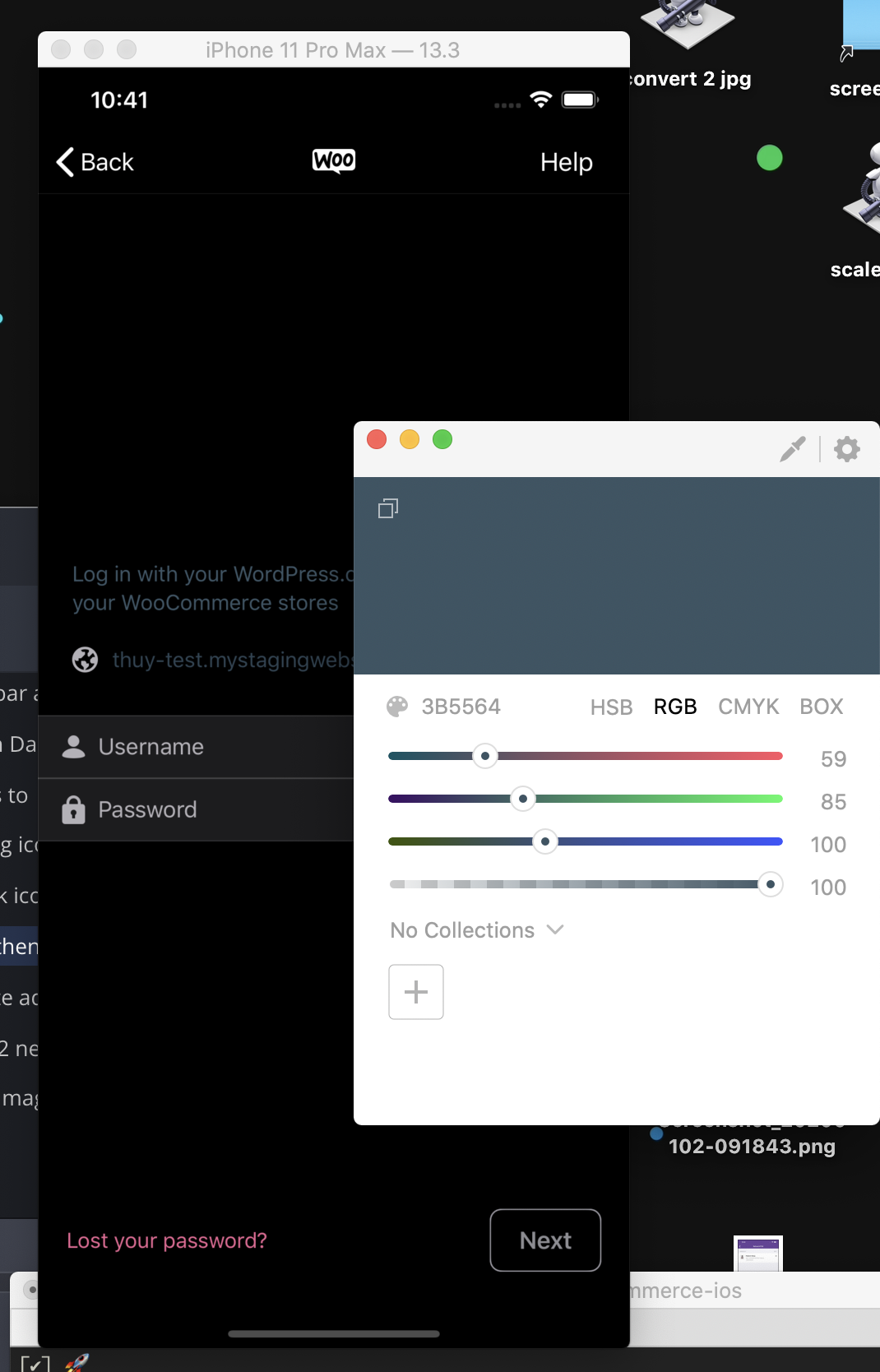
✅Tested on WCiOS and I noticed one thing-- is the site info on dark mode blue on purpose?
✅ Tested on WPiOS. The site info is almost too dark to read:
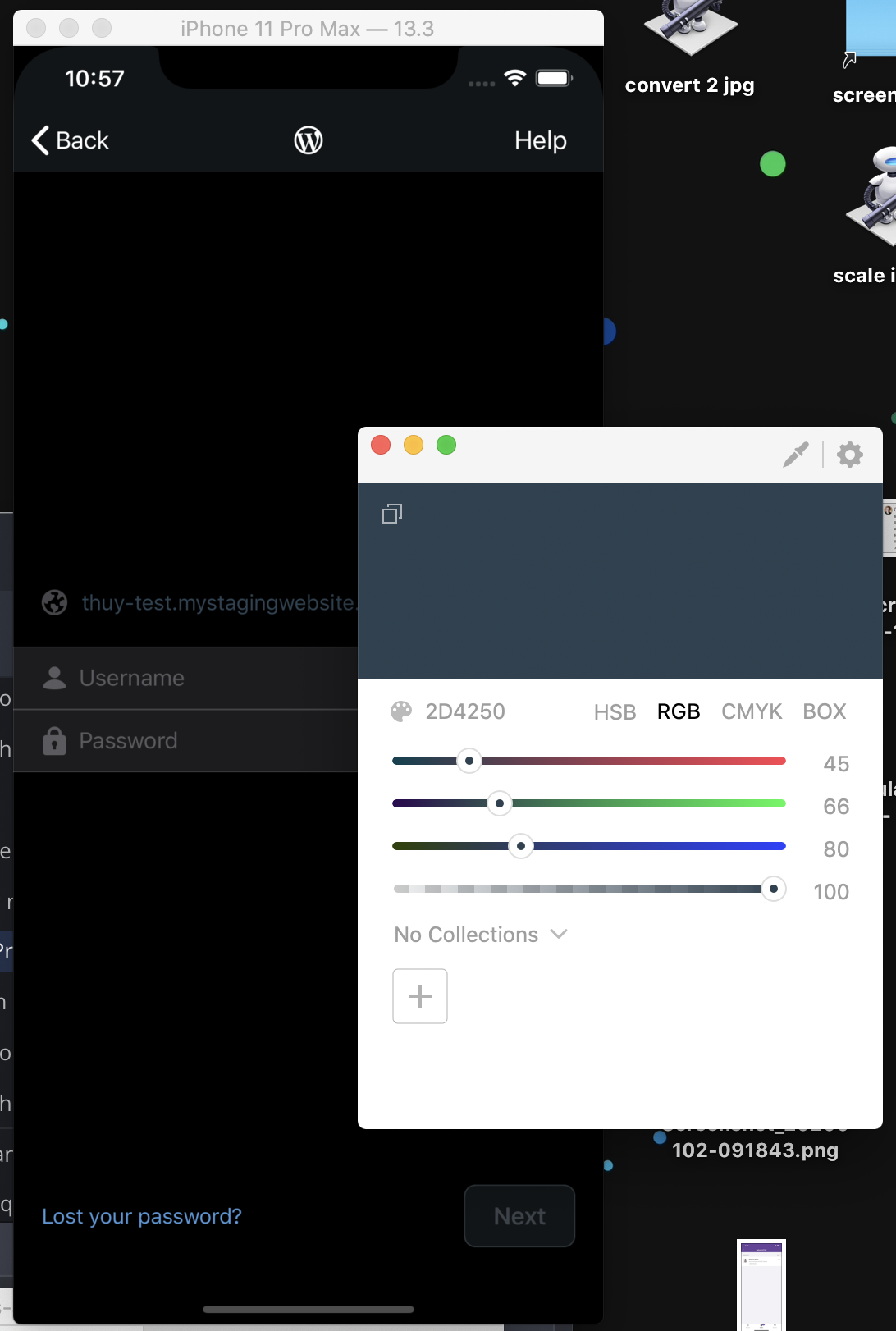
(Feel free to ignore if those are expected colors.)
…thenticator.shared.style.subheadlineColor`.

Contributor
Author
|
@mindgraffiti thanks for raising the color contrast issue above, the colors you pointed out pre-exist. I made 2 commits that change the colors on WPiOS but I haven't gathered design review input. It'd be great to still get design input on the color changes, but I just reverted the 2 commits for WCiOS release today |
Sign up for free
to subscribe to this conversation on GitHub.
Already have an account?
Sign in.


Add this suggestion to a batch that can be applied as a single commit.
This suggestion is invalid because no changes were made to the code.
Suggestions cannot be applied while the pull request is closed.
Suggestions cannot be applied while viewing a subset of changes.
Only one suggestion per line can be applied in a batch.
Add this suggestion to a batch that can be applied as a single commit.
Applying suggestions on deleted lines is not supported.
You must change the existing code in this line in order to create a valid suggestion.
Outdated suggestions cannot be applied.
This suggestion has been applied or marked resolved.
Suggestions cannot be applied from pending reviews.
Suggestions cannot be applied on multi-line comments.
Suggestions cannot be applied while the pull request is queued to merge.
Suggestion cannot be applied right now. Please check back later.
This is a dependency for WCiOS color changes woocommerce/woocommerce-ios#1638
Summary
The diffs might look scattered, but the main goals of this PR are to make 2 images configurable and style some colors in these 3 screens:
Changes
WordPressAuthenticatorDisplayImagesstruct with configurable images in the authentication UI with default images, and passed it to initializeWordPressAuthenticator. These are the configurable images:magicLinksiteAddressModalPlaceholdermagicLinkImagetoUIImageextensionsiteAddressModalPlaceholderfrom the configurable imagedisplayImages.siteAddressModalPlaceholderin site address modal alertEmailMagicLink.storyboardtoNUXLinkMailViewControllerand set the image withdisplayImages.magicLinkNUXLinkMailViewController, configured the "Enter your passwword instead." button with text button stylesSiteInfoHeaderView, added support for Light/Dark mode switches by setting its image's rendering mode toalwaysTemplateinicon-url-field.imageset/Contents.jsonand its containing image view'stintColortoWordPressAuthenticator.shared.style.placeholderColorwhen the border is hiddenlinkFieldImagefromWordPressUIpod to its own image assetTesting
WCiOS
PR with example screenshots: woocommerce/woocommerce-ios#1655
WPiOS
you can check out this branch
issue/wcios-1638-authenticator-testingand test the following flow in Dark and Light mode:Screenshots in WPiOS
Most UI should remain unchanged (you can see the changes in WCiOS PR screenshots woocommerce/woocommerce-ios#1655), the most noticeable change is the "Enter your password instead." button color on the Magic Link screen