Uses VB6 to open - read one sheet to an array - switch to another sheet and write that data with some processing - save and close
You need MS Excel installed and referenced in your project. In VB6 with you project open, click Project in the menu then References (it is near the bottom) scroll until you find Microsoft Excel (your version) Object Libray and check the box to the left. Click OK.
This is NOT meant as a best practice or anything like that, it is meant as a super simple way of doing a few things with an Excel file, I decied to created it for a question on Reddit, being that I used VB6 for a long while (but obviously not for a while) I thought I'd give it a whirl again.
This project uses the Common Dialog Box to select the excel file via the Select button, once selected use the process button to well process the file.
My dev environment is XP SP3 Pro - 32bit in a VirtualBox (6.1.34), MS Office 2007 Pro and VB 6 version 8176
Screenshots When you start the app
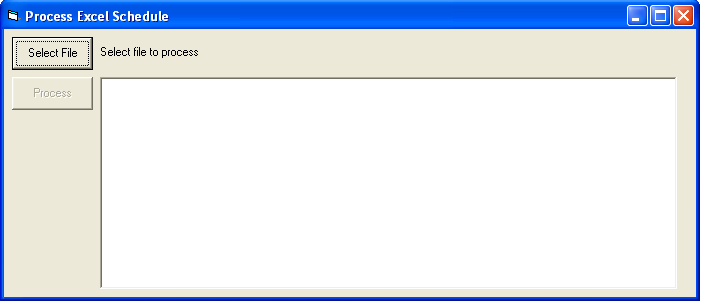
Selecting an Excel file using the common dialog box

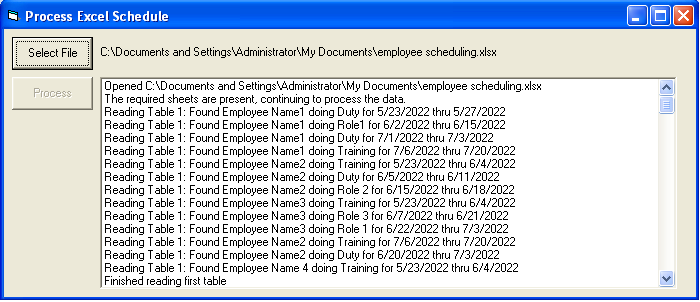
After the file has been selected

After clicking the Process button the log is filled
Note: the Excel file can not be open in Excel for it to be used.